
1. Kupu Whakataki
Thank you for choosing the LEKATO GA-02 5W Rechargeable Guitar Amplifier. This compact and portable amplifier is designed for electric guitar and bass practice, offering both clean and overdrive effects, Bluetooth connectivity, and multiple input/output options. Please read this manual carefully to ensure proper operation and to maximize your experience with the product.
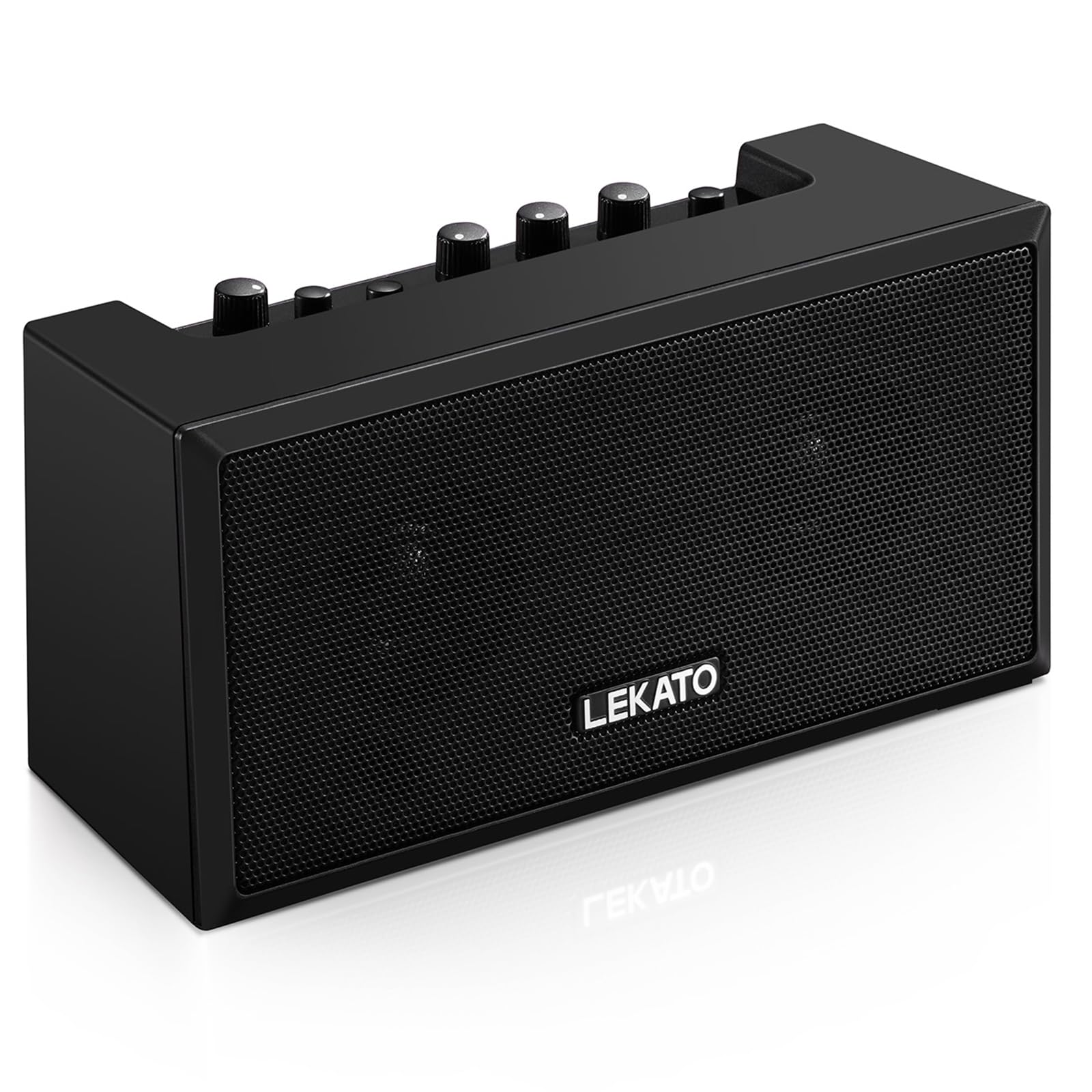
Whakaahua 1: Mua view of the LEKATO GA-02 Guitar Ampkaikawe
2. Nga waahanga matua
- Dual Tone Channels: Easily switch between Clean and Overdrive effects with a single button.
- Kiato me te Kawe: 5W dual speakers in a mini size, ideal for practice anywhere.
- Nihokikorangi 5.0 Hononga: Connect wirelessly to your smartphone or other devices for accompaniment.
- Atanga Taonga: Includes 1/8" Aux input, 1/8" stereo headphone output, and 6.35mm instrument input.
- Pūhiko Rechargeable: Built-in 3.7V/2000mA battery provides up to 6 hours of playtime on a single charge, rechargeable via Type-C USB.
3. Tatūnga me nga Hononga
3.1 Te utu i te Ampkaikawe
I mua i te whakamahi tuatahi, utu katoa te amplifier. Connect the included Type-C USB cable to the DC 5V charging port on the rear panel of the amplifier and to a standard USB power source (e.g., wall adapter, computer USB port).

Figure 2: Type-C USB charging port on the rear panel.
Mā te utunga katoa ka roa te purei mō te 6 hāora pea.
3.2 Controls and Interfaces Overview

Figure 3: Front panel controls (top) and rear panel interfaces (bottom) of the ampkaikawe
Mana Paewhiri Mua:
- B.T./AUX VOL: Adjusts the volume for Bluetooth and Aux input.
- B.T. Button: Activates/deactivates Bluetooth pairing mode.
- OVERDRIVE Button: Toggles between Clean and Overdrive channels.
- Knob GAIN: Adjusts the input sensitivity and distortion level (primarily for Overdrive channel).
- KUPU TONE: Adjusts the tonal characteristics (treble/bass balance).
- PUKA PUKA: Adjusts the overall output volume of the guitar signal.
- Pihi POWER: Ka huri te amplifier runga ranei atu.
Rear Panel Interfaces:
- INPUT (6.35mm Jack): Connect your electric guitar or bass.
- AUX (1/8" Jack): Connect external audio sources like smartphones or CD players.
- Headphone Output (1/8" Stereo Jack): Honoa ngā pane whakarongo mō te whakaharatau puku.
- DC 5V (Type-C Port): Tāuru mana mō te utu.
3.3 Connecting Your Instrument
Insert your instrument cable (6.35mm jack) into the WHAKATOHU port on the rear of the ampkaikawe
3.4 Hononga Nihokikorangi
- Whakakāhia te ampkaiwhakarewa ma te whakamahi i te MANA pātene.
- Pehia te B.T. button on the front panel. The Bluetooth indicator light will flash, indicating pairing mode.
- On your smartphone or Bluetooth-enabled device, search for "TOP-GT" in the Bluetooth settings.
- Select "TOP-GT" to pair. Once connected, the Bluetooth indicator light will remain solid.
- Adjust the Bluetooth/Aux volume using the B.T./AUX VOL puku.

Pikitia 4: Te tukanga honohono Nihokikorangi me tētahi pūrere pūkoro.
3.5 Aux Input Connection
Connect an external audio source (e.g., MP3 player, computer) to the AUX input jack on the rear panel using a 1/8" (3.5mm) stereo audio cable. Adjust the volume using the B.T./AUX VOL puku.
3.6 Hononga Puoro
Mō te mahi puku, honoa ō paneoro ki te Putanga Puoro jack on the rear panel. This will mute the amplifier's internal speakers.
4. Nga Tohutohu Whakahaere
4.1 Hiko / Whakaweto
Pehia te MANA pātene hei huri i te amplifier runga ranei atu.
4.2 Selecting Tone Channels
Ko te amplifier features two tone channels: Clean and Overdrive.
- Pehia te HE TANGATA button to switch between the Clean and Overdrive channels.
- When the Overdrive channel is active, the corresponding indicator light will illuminate.
- Ma: Provides a pure instrument tone.
- Puku nui: Produces a distorted rock sound.

Figure 5: Pressing the OVERDRIVE button to switch channels.
4.3 Te Whakarite oro
- MAU: Rotate the GAIN knob to adjust the input signal level. Higher gain settings will increase distortion, especially in Overdrive mode.
- TONE: Use the TONE knob to shape the amplifier's frequency response, making the sound brighter or warmer.
- PUKA: Adjust the overall output volume of your instrument using the VOLUME knob.
5. Tiaki
- Te horoi: Horoia te ampHoroia ki te kakahu ngohengohe, maroke. Kaua e whakamahi i ngā wai horoi, i ngā rauemi whakakoi rānei.
- Rokiroki: Rokiroki te ampHe whakamatao ki tetahi waahi maroke, matara atu i te ra tika me te wera nui.
- Tiaki Pūhiko: For optimal battery life, avoid fully discharging the battery frequently. Charge the amplifier regularly, even if not in use for extended periods.
- Te whakahaere: A ape i te tuku, te tuku ranei i te ampwhakakaha ki nga paanga kaha.
6. Te Raru
| Raruraru | Take pea | Rongoā |
|---|---|---|
| Karekau he tangi mai ampkaikawe |
|
|
| Nihokikorangi kaore i te hono. |
|
|
| Sound is distorted (not desired). |
|
|
| He poto te ora o te pākahiko. |
|
|
7. Whakatakotoranga
| Āhuahira | Taipitopito |
|---|---|
| Tauira | GA-02 |
| Wat Putangatage | 5 Watts |
| Nga hongere | Horoi, Puku Nui |
| Hononga | Nihokikorangi 5.0 |
| Nga whakaurunga | 6.35mm Instrument Jack, 3.5mm Aux Input |
| Nga Putanga | 3.5mm Putanga Pouaka Hiko Hiko |
| Puna Mana | Whakahikohia te Pūhiko (Ka taea te utu) |
| Momo Pūhiko | 3.7V/2000mA Lithium Polymer (included) |
| Tauranga Whakatau | Type-C USB (DC 5V) |
| Approx. Playtime | 6 haora |
| Hunga Hua | 2.76" D x 4.53" W x 3.23" H (7 x 11.5 x 8.2 cm) |
| Taumaha Tūemi | 1.23 pauna (0.56 kg) |

Figure 6: Dimensions of the LEKATO GA-02 Ampkaikawe
8. Pūtāhui me te Tautoko
LEKATO products are designed for reliability and performance. For warranty information or technical support, please refer to the warranty card included with your product or visit the official LEKATO webpae. Ka taea hoki e koe te whakapā atu ki tō kaihokohoko mō te āwhina.
For more information about LEKATO products, visit the LEKATO Brand Store.
9. Whakaaturanga Ataata Hua
Video 1: Official product demonstration of the LEKATO GA-02 Guitar Ampwhakarara, whakaatucasinōna āhuatanga me ōna āheinga oro.