
1. Kupu Whakataki
Thank you for choosing the Globo Lighting BOSTON Outdoor Pedestal Light. This manual provides essential information for the safe installation, operation, and maintenance of your new lighting fixture. Please read these instructions carefully before installation and retain them for future reference.

Image 1.1: The BOSTON outdoor pedestal light providing illumination along a pathway.
2. Nga Tohutohu Haumaru
- Haumaru Hiko: Installation must be performed by a qualified electrician in accordance with all local and national electrical codes. Always disconnect power at the main circuit breaker before installation, maintenance, or bulb replacement.
- Whakamahi o waho: This fixture is designed for outdoor use. Ensure all connections are waterproof and sealed appropriately to prevent water ingress.
- Momo Puma: Use only E27 bulbs with the specified wattage. Kaua e nui ake te wat teiteitage tohuhia ana i runga i te taputapu.
- Te whakahaere: Kia tūpato te pupuri i te taputapu. Kaua e taka, e tukua rānei kia pāngia e te kaha.
- Te horoi: Kaua e whakamahia he horoi whakakoi, he whakarewa rānei. Horoia ki te wai ngohengohe, ki te waiamp kakahu.
- wera: Tukua kia whakamatao rawa te pūangi i mua i te ngana ki te whakakapi.
3. Ihirangi mokete
Me tirotiro mēnā kei te wātea ngā wāhanga katoa, ā, kāore he pakaru i mua i te tīmatanga o te tāutanga:
- 1x BOSTON Outdoor Pedestal Light Fixture (Model 105701)
- 1x Turanga Whakapuru
- 1x Set of Mounting Hardware (screws, anchors)
- 1x Manual Kaiwhakamahi
Note: E27 bulb is not typically included and must be purchased separately.
4. Whakatakotoranga
| Āhuahira | Whakatakotoranga |
|---|---|
| Tau tauira | 105701 |
| Ahu (L x W x H) | 12.7 x 12.7 x 80 cm |
| Taumaha | 1.03 Kirokaramu |
| Rauemi | Kowiri tira, Kirihou |
| Te maha o nga Topuku | 1 |
| Voltage | 230 Volts |
| Momo Taarua | E27 |
| Mana | 1 Watt (Max. for integrated components; refer to fixture for bulb max wattage) |
| Puna Mana | Tauera Hiko |
| Nga Pikohiko e hiahiatia ana | Kao |
5. Tatūnga me te Tāuta
Hiranga: Ensure the main power supply is switched off at the circuit breaker before commencing installation.
- Kōwhiri Tauwāhi: Select a suitable outdoor location for the pedestal light, ensuring it is on a stable, level surface and has access to the necessary electrical wiring.
- Whakaritea Waea: If not already present, run appropriate outdoor-rated electrical cable to the installation point. Consult a qualified electrician for this step.
- Maunga te turanga: Position the mounting base on the desired surface. Mark the drilling points through the holes in the base. Drill pilot holes and secure the base using the provided mounting hardware (screws and anchors). Ensure the base is firmly attached.
- Tūhono Waea Hiko: Carefully connect the electrical wires from your power supply to the terminals inside the fixture. Follow the standard wiring color codes (e.g., Live, Neutral, Earth). Ensure all connections are secure and properly insulated.
- Tāuta Pūrama: Insert a suitable E27 bulb (not included) into the lamp kaipupuri. Kaua e whakakaha rawa.
- Whakaritenga Haumaru: Attach the main body of the pedestal light to the mounted base, ensuring it is securely fastened and sealed against moisture.
- Whakaora i te Mana: Kia oti te whakaurunga me te haumaru katoa o nga hononga, whakahokia te hiko ki te waahi ara iahiko matua.
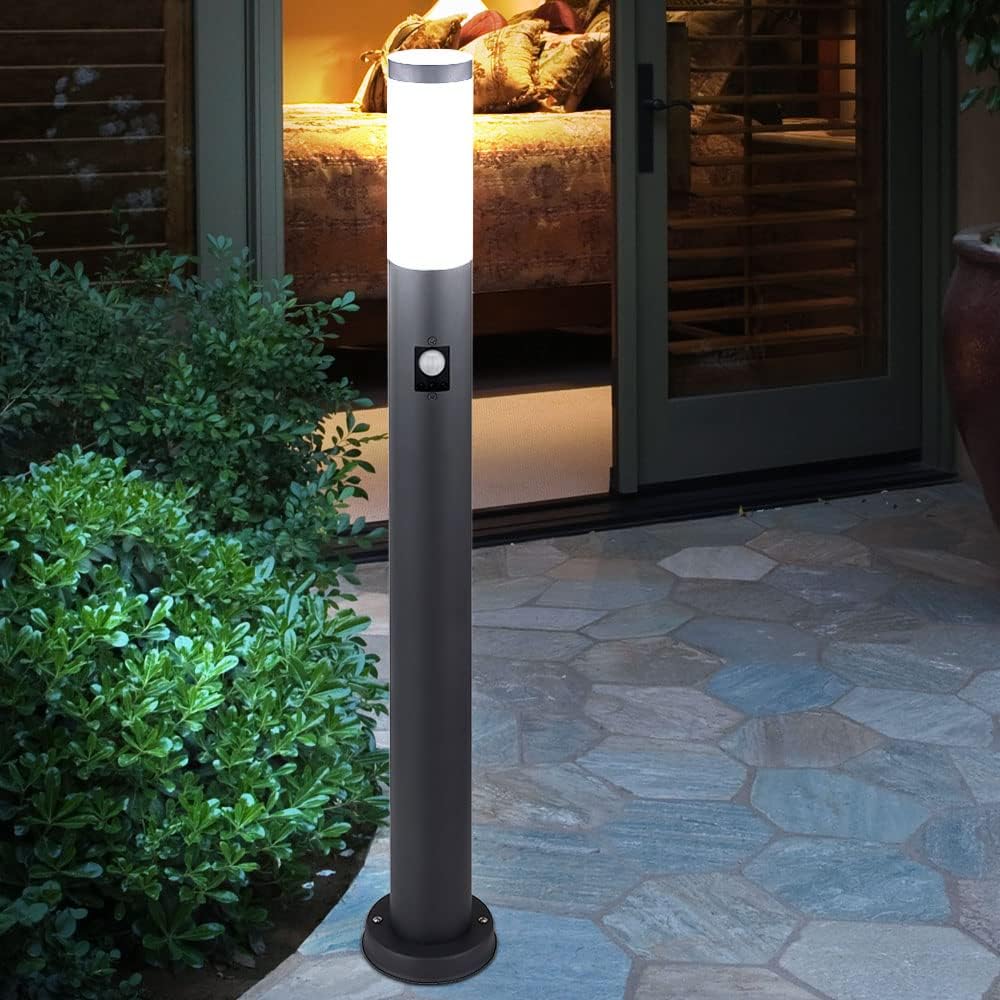
Image 5.1: The pedestal light installed on a patio, demonstrating a typical mounting scenario.
6. Nga Tohutohu Whakahaere
The BOSTON Pedestal Light features an integrated motion sensor for automatic operation.
- Whakahiko: Once installed and power is restored, the light will enter a warm-up period (typically a few seconds) before the motion sensor becomes active.
- Pūoko Nekehanga: The integrated motion sensor detects movement within its detection range. When motion is detected, the light will illuminate.
- Katia Aunoa: After a period of no detected motion, the light will automatically turn off. The duration of illumination is typically pre-set or adjustable via controls on the sensor (if available). Refer to the sensor's specific markings for adjustment options.
- Pūoko Awatea/Pō: The motion sensor also includes a photocell that prevents the light from activating during daylight hours, conserving energy. The light will only activate due to motion when ambient light levels are low enough.
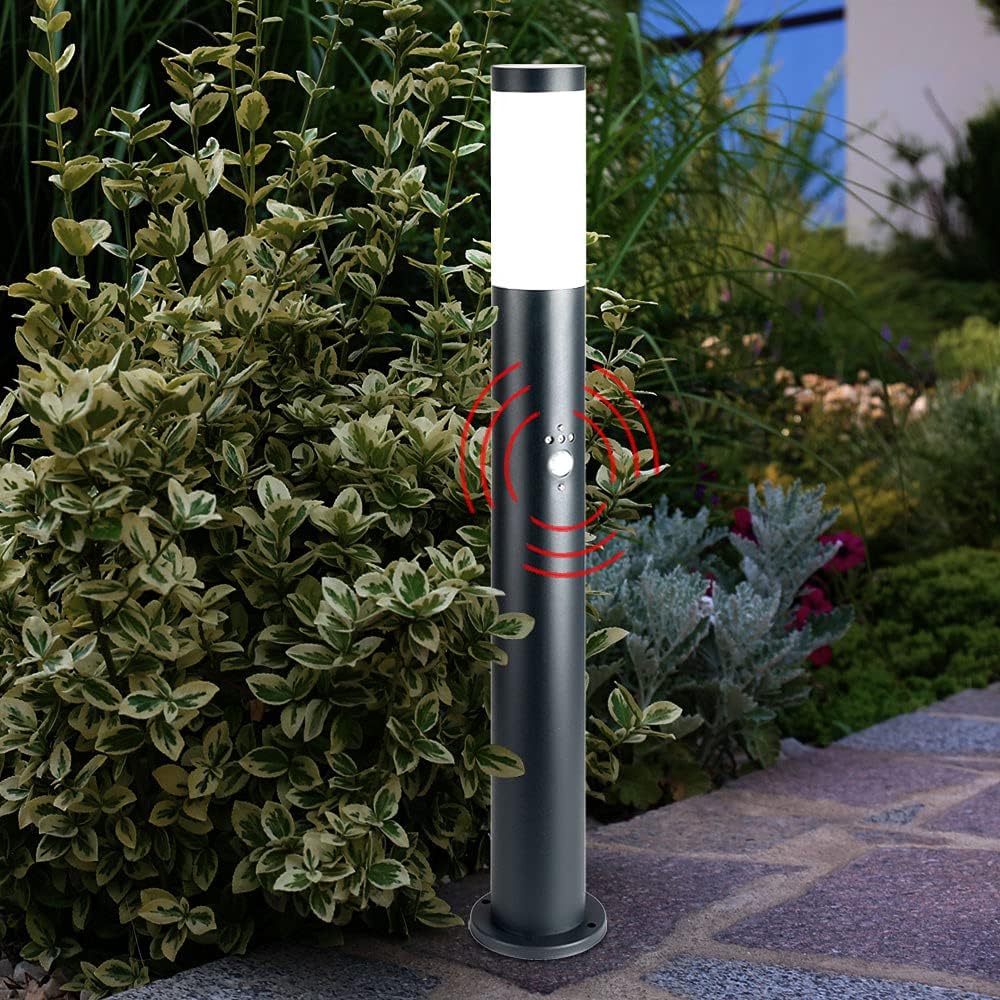
Image 6.1: Detail of the motion sensor on the pedestal light, highlighting its detection area.

Image 6.2: The pedestal light operating at night, with the motion sensor detecting movement.
7. Tiaki
- Te horoi: Me horoi i nga wa katoa te taputapu ki te ngohengohe, damp cloth to remove dirt and debris. Do not use harsh chemicals or abrasive materials, as these can damage the finish or plastic components.
- Whakakapi Purama:
- Ensure the power supply to the fixture is turned off at the circuit breaker.
- Tukua kia whakamatao te umanga tawhito i mua i te pa atu.
- Carefully unscrew the top cover or access panel to reach the E27 bulb.
- Unscrew the old bulb and replace it with a new E27 bulb of the correct wattage.
- Securely reattach the cover or access panel, ensuring a watertight seal.
- Whakahokia te mana.
- Tirotiro: Periodically inspect the fixture for any signs of wear, damage, or loose connections. Address any issues promptly to ensure continued safe operation.
8. Te Raru
| Raruraru | Take pea | Rongoā |
|---|---|---|
| Kaore e marama te rama. | Karekau he hiko. Pupura hapa. Hononga waea matara. |
Tirohia te wehenga iahiko. Whakakapihia te peera. Inspect and secure wiring (with power off). |
| Ka mau tonu te rama. | Motion sensor faulty or obstructed. Te neke haere tonu i te rohe rapu. Kāore i te tika ngā tautuhinga pūoko. |
Check for obstructions. Ensure no constant movement. Consult sensor manual for settings. |
| Kaore te marama e kite i te nekehanga. | Kua āraia, kua paru rānei te pūoko. Sensor range too low. Ambient light too high (daylight sensor). |
Clean sensor lens. Adjust sensor range (if adjustable). Test at night or in darker conditions. |
| Ka whiti marama. | Pupuku wetekina. Pupura hotokore. Koreke te tuku hiko. |
Tighten bulb. Ensure bulb is compatible. Consult electrician for power issues. |
If you experience persistent issues not covered here, please contact a qualified electrician or the product supplier.
9. Pūtāhui me te Tautoko
This product is covered by the standard warranty provided by the manufacturer. Please retain your proof of purchase for any warranty claims. For technical support or further assistance, please contact your retailer or the Globo Lighting customer service department.
Ko ngā mōhiohio whakapā kei runga i te takai o te hua, i te pukapuka whaimana rānei a te kaihanga. webpae.