
Kupu Whakataki
This manual provides detailed instructions for the installation, operation, and maintenance of your AXAGON ADSA-ST USB 3.0 Docking Station. This device is designed to connect 2.5" and 3.5" SATA SSDs and HDDs to your computer via a USB 3.0 interface, offering fast data transfer speeds.
Pānuihia tēnei pukapuka ā-ringa i mua i te whakamahinga o te hua hei whakarite kia tika te mahi, kia kore ai hoki e pakaru.
Ihirangi mokete
Manatokohia kei te noho nga waahanga katoa i roto i te kete:
- AXAGON ADSA-ST Docking Station
- USB 3.0 Type-A to Micro-B cable
- Pūurutau Hiko
- Pukapuka Kaiwhakamahi (tenei tuhinga)

Image: The AXAGON ADSA-ST Docking Station shown alongside its retail packaging, illustrating the product and its box.
Nga waahanga matua
- Supports 2.5" and 3.5" SATA I/II/III SSDs and HDDs.
- USB 3.0 (USB 3.2 Gen 1) interface with up to 5 Gbps transfer speed.
- SATA 6G (SATA III) support.
- UASP (USB Attached SCSI Protocol) support for enhanced performance.
- TRIM support for SSDs.
- HDD Auto Spindown function.
- LED indication for power and activity.
- Compact design with aluminum body.

Whakaahua: A view of the AXAGON ADSA-ST Docking Station highlighting its 5 Gbps USB 3.2 Gen 1 speed and compact size.
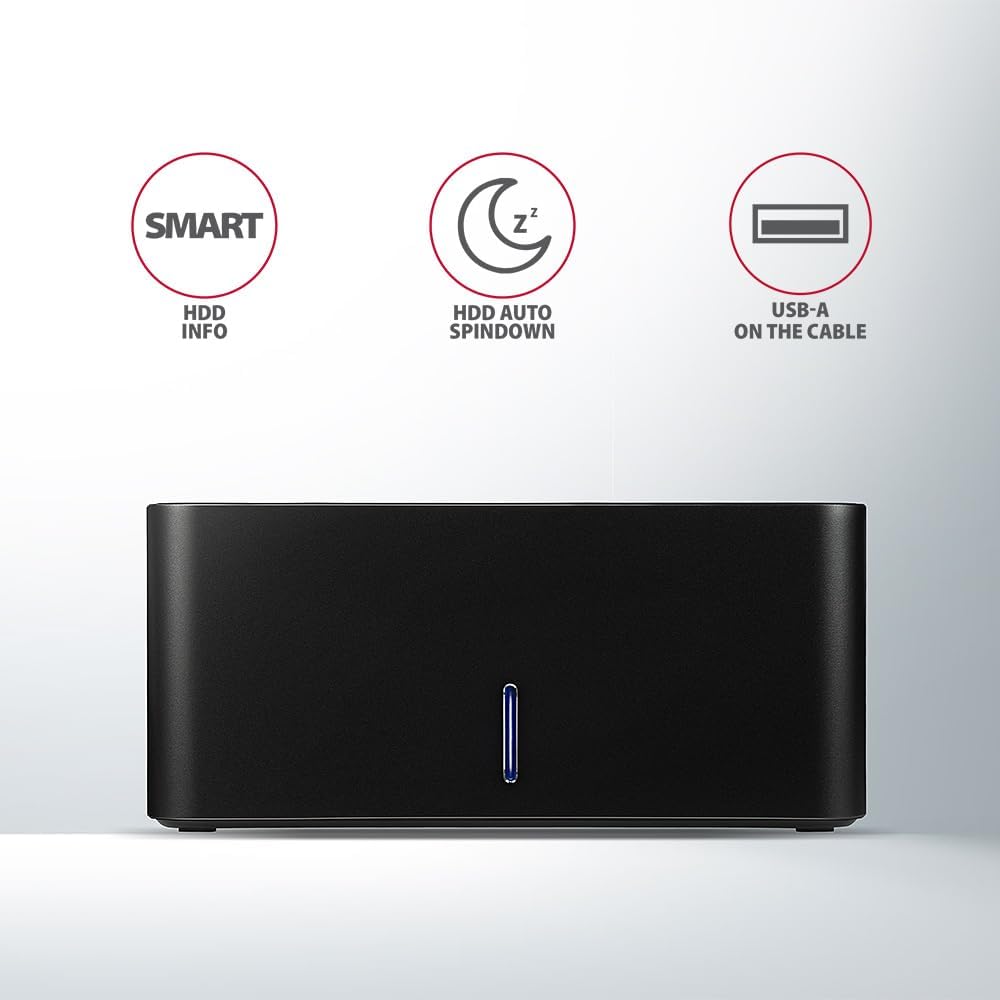
Image: The docking station from the front, indicating features like SMART HDD info, automatic HDD spindown, and USB-A connectivity.
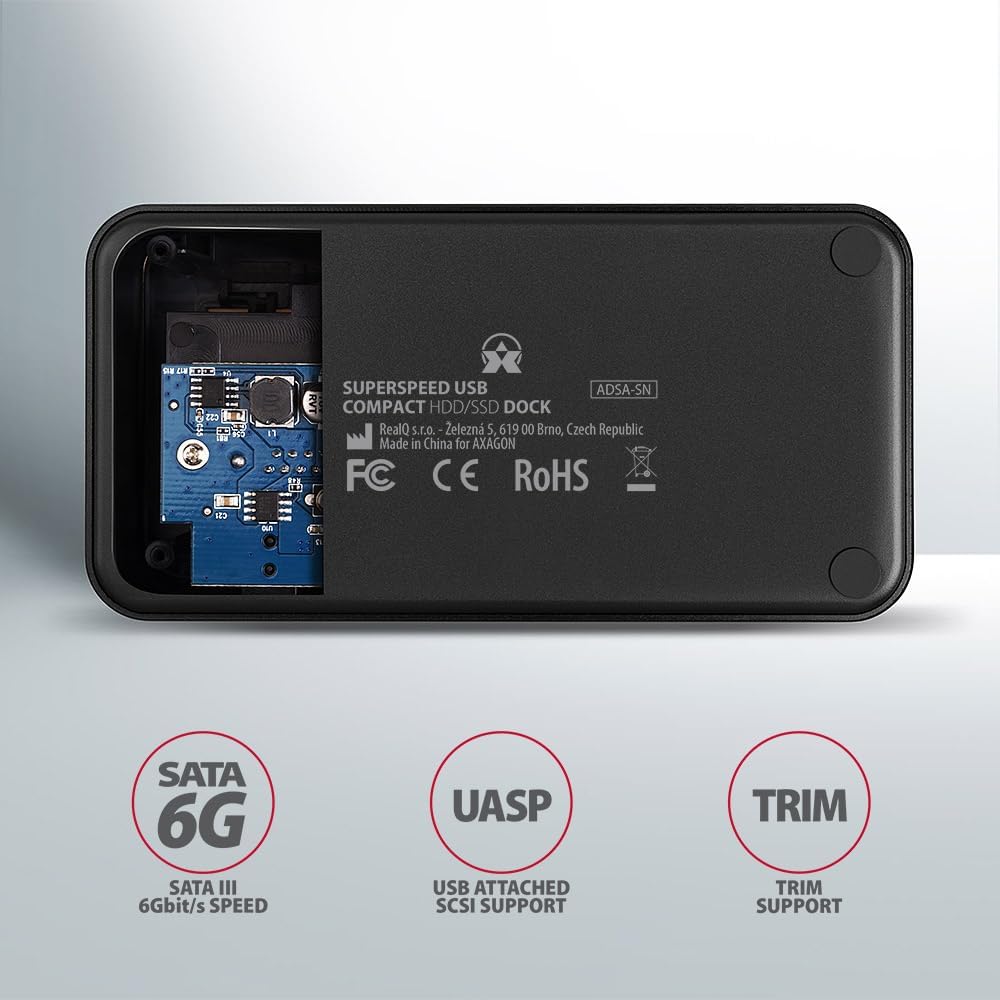
Image: The underside of the docking station, showing internal components and highlighting SATA 6G, UASP, and TRIM support.
Tohutohu Tatūnga
- Tūhono Pūurutau Hiko: Plug the included power adapter into the DC IN port on the back of the docking station and then into a power outlet.
- Hono ki Rorohiko: Connect the USB 3.0 cable from the docking station's Micro-B port to an available USB 3.0 (or higher) port on your computer.
- Whakauruhia te HDD/SSD:
- For 2.5" SSD/HDD: Gently slide the 2.5" drive into the slot until it connects firmly with the SATA connector.
- For 3.5" HDD: Gently slide the 3.5" drive into the slot until it connects firmly with the SATA connector.
Ensure the drive is inserted correctly with the SATA connector facing the correct direction. Do not force the drive.

Image: A 2.5-inch SSD being inserted into the docking station, demonstrating compatibility with smaller drives.
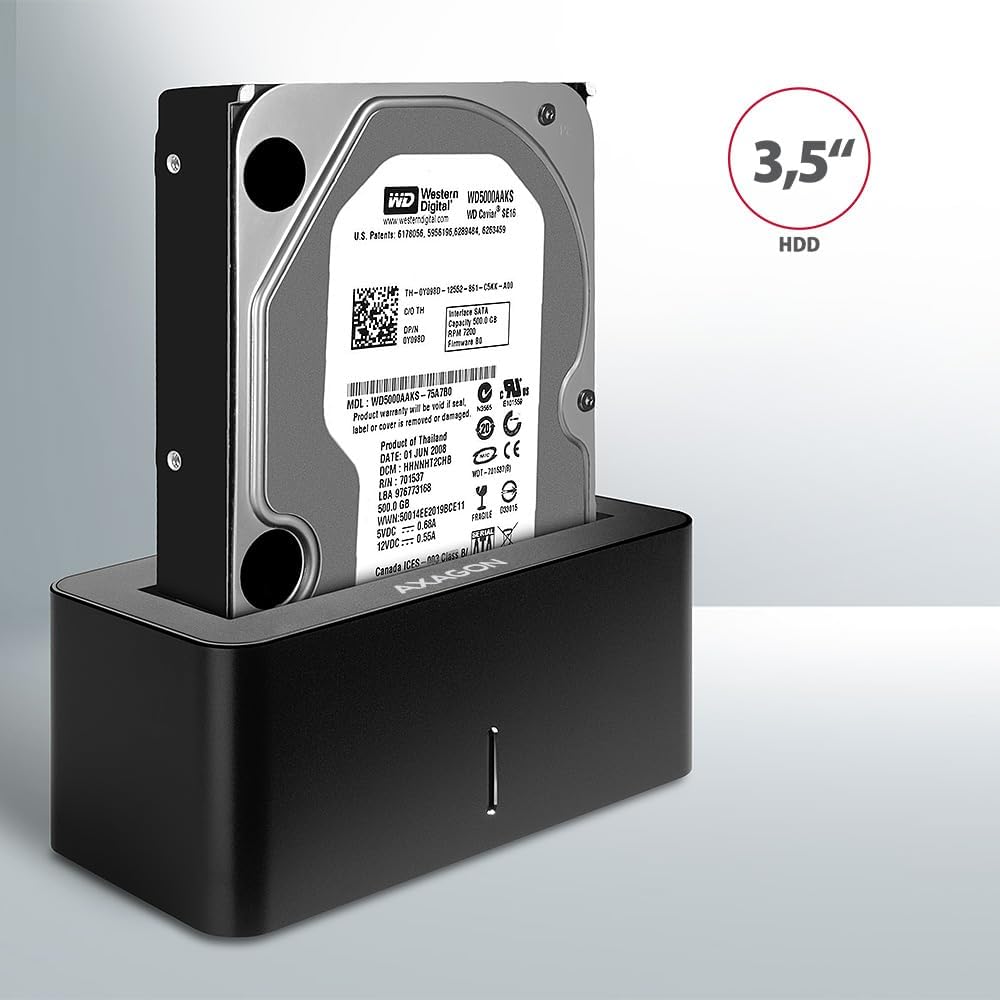
Image: A 3.5-inch HDD being inserted into the docking station, demonstrating compatibility with larger drives.
- Whakahiko: Press the power button located on the back of the docking station. The LED indicator on the front will illuminate.
Image: The rear panel of the docking station, showing the power button, USB Micro-B port, and power input for connection.
Nga Tohutohu Whakahaere
Whakaaetanga Puku
Once powered on and connected, your operating system should automatically detect the inserted drive. If it's a new drive, you may need to initialize and format it through Disk Management (Windows) or Disk Utility (macOS) before it appears in File Kaitirotiro/Kaihura.
Tohu LED
The LED indicator on the front of the docking station provides status information:
- Kikorangi mārō: Power on, drive idle.
- Kōhinare Kahurangi: Drive activity (reading or writing data).
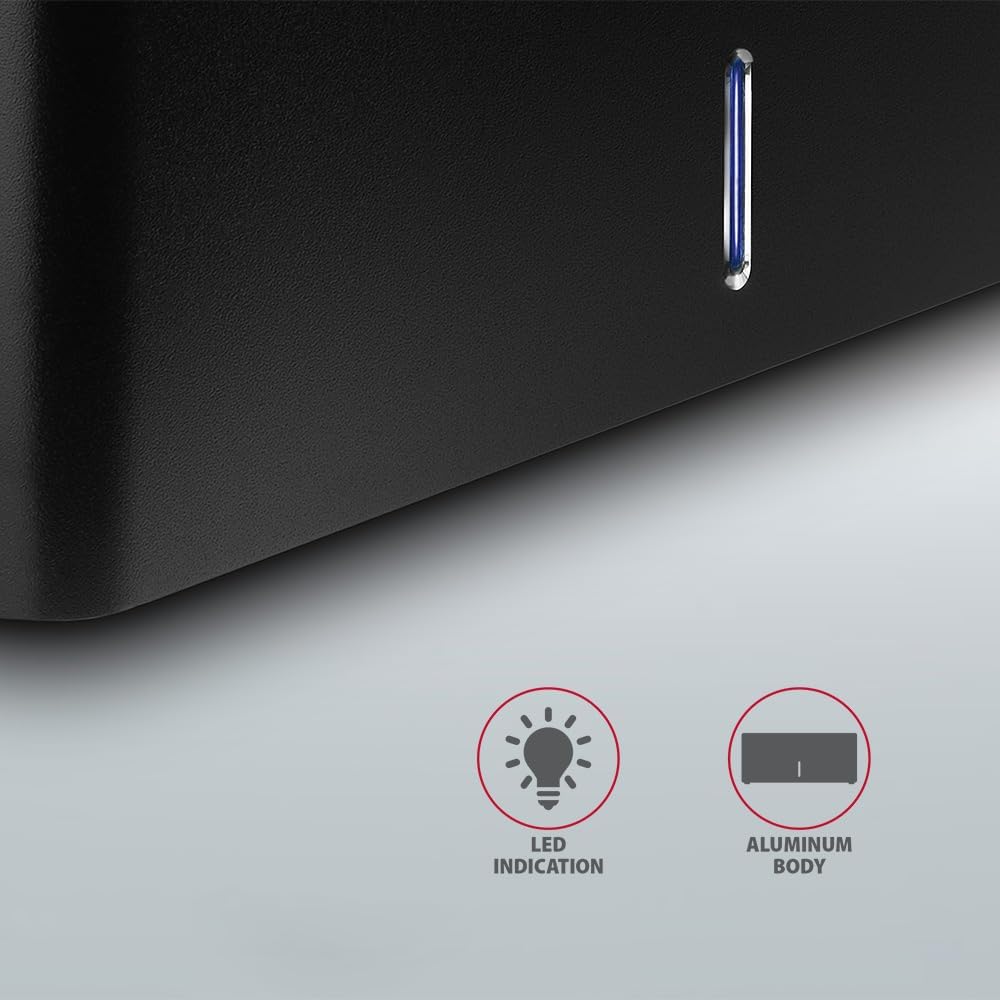
Whakaahua: He tata view of the docking station's front panel, highlighting the LED indicator light.
Removing a Drive
Before removing a drive, always safely eject it from your operating system to prevent data corruption. After ejection, gently pull the drive straight out of the docking station slot.
HDD Hurihuri Aunoa
The docking station supports automatic spindown of the HDD when it is idle for a certain period, conserving power and extending drive lifespan. This feature is managed by the operating system or the drive itself.
Te tiaki
- Keep the docking station clean and free from dust. Use a soft, dry cloth for cleaning.
- A ape i te tuku i te taputapu ki te wera nui, te makuku, te ra tika ranei.
- Kaua e ngana ki te wetewete, ki te whakatika ranei i te taputapu. Tirohia nga kaimahi ratonga whai tohu.
- Ensure proper ventilation around the docking station during operation.
Raparongoā
- Kāore i kitea te puku:
- Me mohio kei te hono pai te urutau hiko me te teihana tauranga kua mau.
- Verify the USB cable is properly connected to both the docking station and the computer.
- Whakamātauria tētahi tauranga USB rerekē i tō rorohiko.
- Ensure the HDD/SSD is fully seated in the docking station's slot.
- Check Disk Management (Windows) or Disk Utility (macOS) to see if the drive is recognized but uninitialized/unformatted.
- Test with a different HDD/SSD to rule out a drive issue.
- Nga tere whakawhiti puhoi:
- Ensure the docking station is connected to a USB 3.0 (or higher) port on your computer. USB 2.0 ports will limit speeds.
- Verify your operating system and drivers are up to date.
- The actual speed depends on the drive's performance and your computer's USB controller.
- Drive disconnects randomly:
- Tirohia nga hononga taura katoa.
- Me whakarite kei te pumau te hiko e tukuna ana e te urutau hiko.
- Disable USB power saving features in your computer's operating system settings.
Whakatakotoranga Hangarau
| Āhuahira | Taipitopito |
|---|---|
| Waitohu | AXAGON |
| Tau tauira | ADSA-SN |
| Pūmārō Pūmārō | PC |
| Pūrere Hototahi | Pona, PC Papamahi |
| Puku Hototahi | 2.5" / 3.5" SATA I/II/III SSD/HDD |
| Atanga | USB 3.0 (USB 3.2 Gen 1) |
| Rere Whakawhiti Raraunga | Up to 5 Gbps (USB 3.0), 6 Gbps (SATA III) |
| Tauranga USB katoa | 1 (Micro-B) |
| Te maha o nga waahi taraiwa | 1 |
| Tae | Pango |
| Taumaha Tūemi | 2.2 pauna (tata ki te 1 kg) |
| Ahu mōkihi | 3.94 x 0.79 x 0.39 inihi (tata ki te 10 x 2 x 1 cm) |
| Te Ra Tuatahi Wātea | Maehe 30, 2021 |
Pūtāhui me te Tautoko
Mō ngā mōhiohio pūtāhui me te tautoko hangarau, tirohia te paetukutuku mana o AXAGON webte waahi, whakapā atu ranei ki to kaitoha o to rohe. Puritia to tohu hoko mo nga kereme whakamana.