
1. Kupu Whakataki
Thank you for choosing AMAFACE Wireless Earbuds. This manual provides essential information for setting up, operating, and maintaining your new earbuds. Please read it carefully to ensure optimal performance and longevity of your device.
2. Hua Neke Atuview
The AMAFACE Wireless Earbuds are designed for comfort and high-quality audio, featuring Bluetooth 5.0 connectivity, noise cancellation, and 3D surround stereo sound. They are lightweight and come with a portable mini charging case.

Image: AMAFACE Wireless Earbuds and their unique Dairy Cow themed charging case.
Āhuatanga matua:
- Gift Design Cute Dairy Cow Earphones: Unique appearance suitable for both kids and adults.
- Kounga Oro HIFI: Equipped with Bluetooth 5.0 noise reduction technology for stable pairing and crystal-clear sound. Features built-in high-quality mic and lossless Hifi rendering for deep bass and clear highs.
- Ultra-Lightweight & Outstanding Comfort: Ergonomic, painless design weighing only 3.8g per earbud, ensuring comfortable and secure fit for extended use. Includes three sizes (L, M, S) of soft, comfy ear tips.
- Music and Game Modes: Easily switch between modes with a triple press on the right earbud. Game mode offers 48ms ultra-low latency and 3D stereo game sound.
- USB-C Fast Charging & All-Day Lasting: Provides approximately 6 hours of playtime per charge, with the charging case offering an additional 30 hours, totaling 36 hours of use. The charging case fully charges in 2 hours via USB-C.
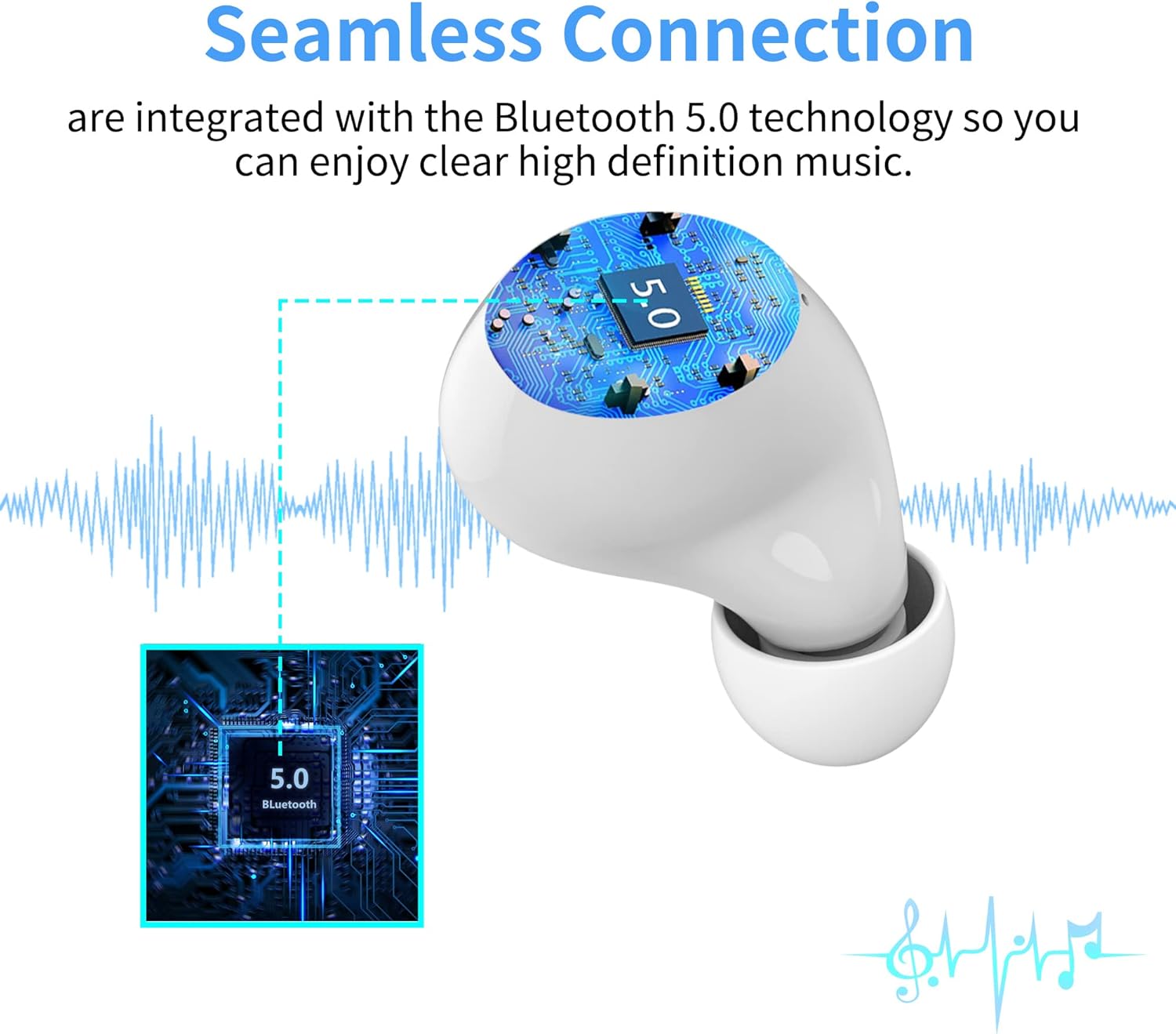
Image: Illustration of the seamless Bluetooth 5.0 connection technology integrated into the earbuds.

Image: Visual representation of the HIFI stereo sound quality, showing sound waves and earbud components.

Image: Earbuds shown with water splashes, indicating their sweat and water-resistant capabilities.
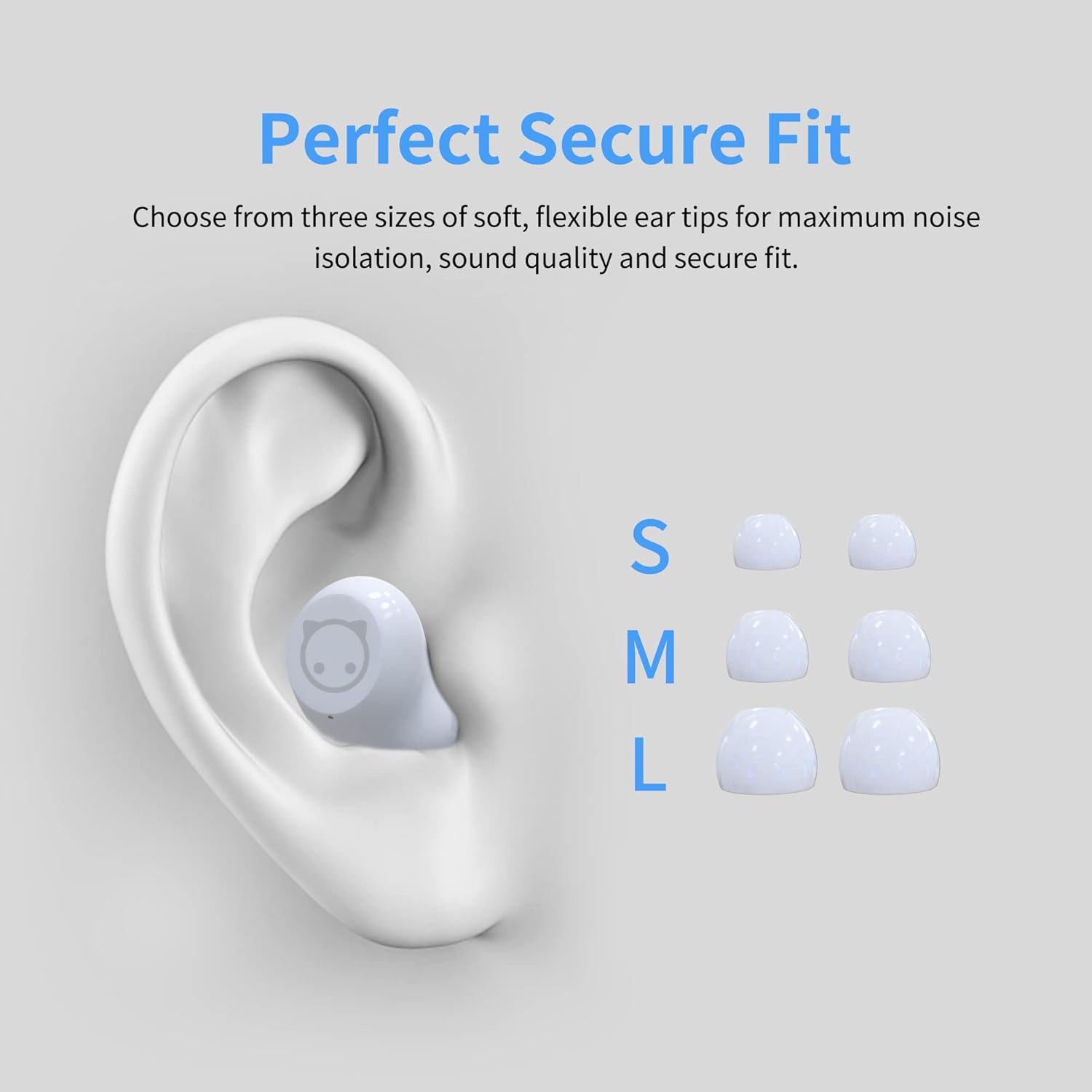
Image: Diagram showing an ear with an earbud inserted and different sizes (S, M, L) of ear tips for a perfect secure fit.

Image: A woman wearing the earbuds, demonstrating their comfortable fit in the ear.
3. He aha kei roto i te Pouaka
- AMAFACE Wireless Earbuds (Left and Right)
- Dairy Cow Charging Case
- USB-C Uira Whakatau
- Nga Tohu Taringa (S, M, L rahi)
- Pukapuka Kaiwhakamahi
4. Tatūnga
4.1 Whakataki Tuatahi
Before first use, fully charge the earbuds and the charging case. Connect the provided USB-C cable to the charging port on the case and a power source. The LED indicators on the case will show charging status.

Image: The charging case with four LED lights indicating battery charge levels (25%, 50%, 75%, 100%).
4.2 Tauhoa ki to Pūrere
The earbuds feature simple one-touch pairing. Follow these steps:
- Whakatuwherahia te putea utu. Ka uru aunoa nga taringa ki te aratau takirua.
- On your smartphone, tablet, or computer, enable Bluetooth.
- Rapua available Bluetooth devices and select "AMAFACE-K72" (or similar name) from the list.
- Ina hono ana, ka tohu nga purongo i te pai o te takirua.

Image: Visual guide for simple one-touch pairing, showing the earbuds in the case and a smartphone's Bluetooth settings screen.
4.3 Te Whakamaunga i nga Paoro
For optimal sound and comfort, choose the ear tips that best fit your ears. Insert the earbuds into your ears and gently twist to secure them.

Image: Two-step diagram illustrating how to insert earbuds into the ear and then adjust them for a secure fit.
5. Nga Tohutohu Whakahaere
5.1 Mana Pa
The earbuds feature intelligent touch controls for various functions:
- Purei/Tatari: Pao kotahi ki runga i tetahi purongo.
- Riu o mua/panuku: Double tap on the left/right earbud respectively.
- Whakautu/Pehia Waea: Pao kotahi ki runga i tetahi purongo i te wa o te waea taumai.
- Whakahohehia te Kaiāwhina Reo (Siri/Kaiāwhina Google): Pēhi roa i runga i tetahi purongo.
- Whakawhiti Aratau Puoro/Kēmu: Triple press on the right earbud.

Image: Diagram illustrating the various touch control functions of the earbuds, including play/pause, track skipping, call management, voice assistant, and mode switching.
5.2 Music and Game Modes
Your earbuds support two distinct modes:
- Aratau Waiata: Optimized for rich audio experience with deep bass and clear highs.
- Aratau Kēmu: Provides ultra-low latency (48ms) and 3D stereo game sound for an immersive gaming experience.
To switch between modes, triple press the right earbud.
5.3 Te Ora o te Pūhiko me te Whakatau
The earbuds offer approximately 6 hours of playtime on a single charge. The portable charging case provides an additional 30 hours of playtime, for a total of 36 hours. The charging case takes about 2 hours to fully charge using the provided USB-C cable.
Video: A short demonstration of the AMAFACE Dairy Cow Wireless Earbuds, showcasintō rātou hoahoa me ā rātou mahi.
6. Tiaki
To ensure the longevity and performance of your earbuds, follow these maintenance guidelines:
- Te horoi: Me horoi i nga wa katoa nga pukoro me te putea utu ki te kakahu ngohengohe, maroke. Kaua e whakamahi i nga matū kino, i nga mea awhiowhio ranei.
- Ātete wai: The earbuds are IPX5 water-resistant, meaning they are protected from rainstorms and water splashes. However, they are not designed for submersion in water. Avoid exposing them to excessive moisture.
- Rokiroki: Mena karekau e whakamahia, penapenahia nga purongo ki roto i to pukoro hei tiaki kia mau tonu te utu.
- Hauora Taringa: For your ear health, it is recommended to take off the earbuds every 2 hours to allow your ears to relax.

Image: An earbud being gently wiped with a soft cloth, demonstrating proper cleaning.
7. Te Raru
If you encounter any issues with your AMAFACE Wireless Earbuds, please refer to the following common solutions:
| Raruraru | Rongoa pea |
|---|---|
| Karekau nga taringa e hono ana | Ensure earbuds are charged. Place them back in the case, close, then open again. Turn off and on Bluetooth on your device. Forget the device in your Bluetooth settings and re-pair. |
| Karekau he oro mai i tetahi pukoro | Check battery level of both earbuds. Place both earbuds back in the case, close, and reopen. Ensure both earbuds are properly connected to your device. |
| Karekau e utuhia ana | Me whakarite kia mau te hononga o te taura USB-C ki te pouaka me te pūtake hiko. Whakamātauria tētahi atu taura USB-C, urutau hiko rānei. |
| He kino te kounga oro | Ensure earbuds are clean and free of debris. Try different sized ear tips for a better seal. Move closer to your connected device to avoid interference. |
8. Whakatakotoranga
| Āhuahira | Taipitopito |
|---|---|
| Waitohu | AMAFACE |
| Ingoa Tauira | AMAFACE-K72-US-FBA |
| Hangarau Hononga | Nihokikorangi 5.0, Ahokore |
| Te Whakanoho Taringa | I te Taringa |
| Tauwehe Puka | I te Taringa |
| Mana Haruru | Wehenga oro |
| Taumaha Tūemi | 45 Karamu (1.59 hekere) |
| Hunga Hua | 3.1 x 3.1 x 2.2 inihi |
| Ora Pūhiko | 6 Hāora (taringa), 36 Hāora (me te pouaka utu) |
| Waa Whakatau | 2 Hours (charging case) |
| Taumata Atete Wai | Ātete Wai (IPX5) |
| Rauemi | Kirihou |
| Awhe Auautanga | 20Hz - 20kHz |
| Latency Ororongo | 48 Milihekona (Aratau Keemu) |
| UPC | 755334177835 |
9. Pūtāhui me te Tautoko
AMAFACE is committed to providing high-quality products. For any warranty claims, technical support, or inquiries, please contact our customer service team. Details on warranty coverage and how to reach us can be found on the official AMAFACE webpae, na roto ranei i to turanga hoko.
We value your satisfaction and are here to assist you with any questions or concerns regarding your Wireless Earbuds.