
Kupu Whakataki
The INSTAX SQUARE SQ1 camera offers a minimalist, clean, and versatile design. It is available in three trendy colors: Glacier Blue, Terracotta Orange, and Chalk White. The simple design enhances its square format appeal and broadens its user base. Improved ergonomics are provided by the grip, ensuring comfortable use. The large 86 x 72 mm square format allows for unlimited creative expression. Brighter photos are achieved through automatic exposure control, ensuring perfect pictures in various conditions. A precise selfie mode helps capture self-portraits successfully and is also recommended for close-up shots (30 to 50 cm distance).
This manual provides essential information for the safe and effective use of your INSTAX Square SQ1 camera. Please read it thoroughly before use and keep it in a safe place for future reference.
He aha kei roto i te Pouaka
Upon opening your INSTAX Square SQ1 package, you should find the following items:
- INSTAX Square SQ1 Camera (Glacier Blue)
- 2 x CR2 Lithium Batteries
- Te here a ringa
- Pukapuka Kaiwhakamahi

Image: Contents of the INSTAX Square SQ1 package, including the camera, batteries, and strap.
Video: Unboxing and initial setup of the INSTAX Square SQ1 camera, showing all included items.
Tatūnga
1. Whakauruhia nga Patahiko
The INSTAX Square SQ1 requires two CR2 Lithium batteries. Ensure correct polarity when inserting them.
- Whakatuwherahia te uhi o te wahanga pākahiko kei te taha o te kamera.
- Insert the two CR2 Lithium batteries, matching the positive (+) and negative (-) terminals as indicated inside the compartment.
- Katia kia mau te uhi o te wahanga pākahiko.
Video: Demonstrates how to open the battery compartment and correctly insert the CR2 Lithium batteries.
2. Load Film Pack
Use only INSTAX SQUARE instant film. Do not open the film pack until you are ready to load it into the camera.
- Whakatuwheratia te tatau o te wāhanga kiriata kei muri o te kāmera.
- Whakahāngaihia te tohu kōwhai i runga i te putea kiriata ki te tohu kōwhai i runga i te kāmera.
- Whakauruhia te kete kiriata ki roto i te wāhanga. Kaua e pēhi ki raro i te kete kiriata.
- Close the film compartment door. The film counter will display "S" (Start) and then "10" after the dark slide is ejected.

Whakaahua: Rear view of the INSTAX Square SQ1 camera with the film compartment open, ready for film loading.
3. Attach Wrist Strap
For secure handling, attach the included wrist strap to your camera.
- Thread the thin loop of the wrist strap through the strap eyelet on the side of the camera.
- Pass the main strap through the loop and pull it tight to secure.
Video: Instructions on how to attach the wrist strap to the INSTAX Square SQ1 camera.
Te whakahaere i te kamera
Whakakahuria/Weto
- To turn on the camera, rotate the lens ring from "OFF" to "ON". The lens will extend.
- To turn off the camera, rotate the lens ring back to "OFF". The lens will retract.
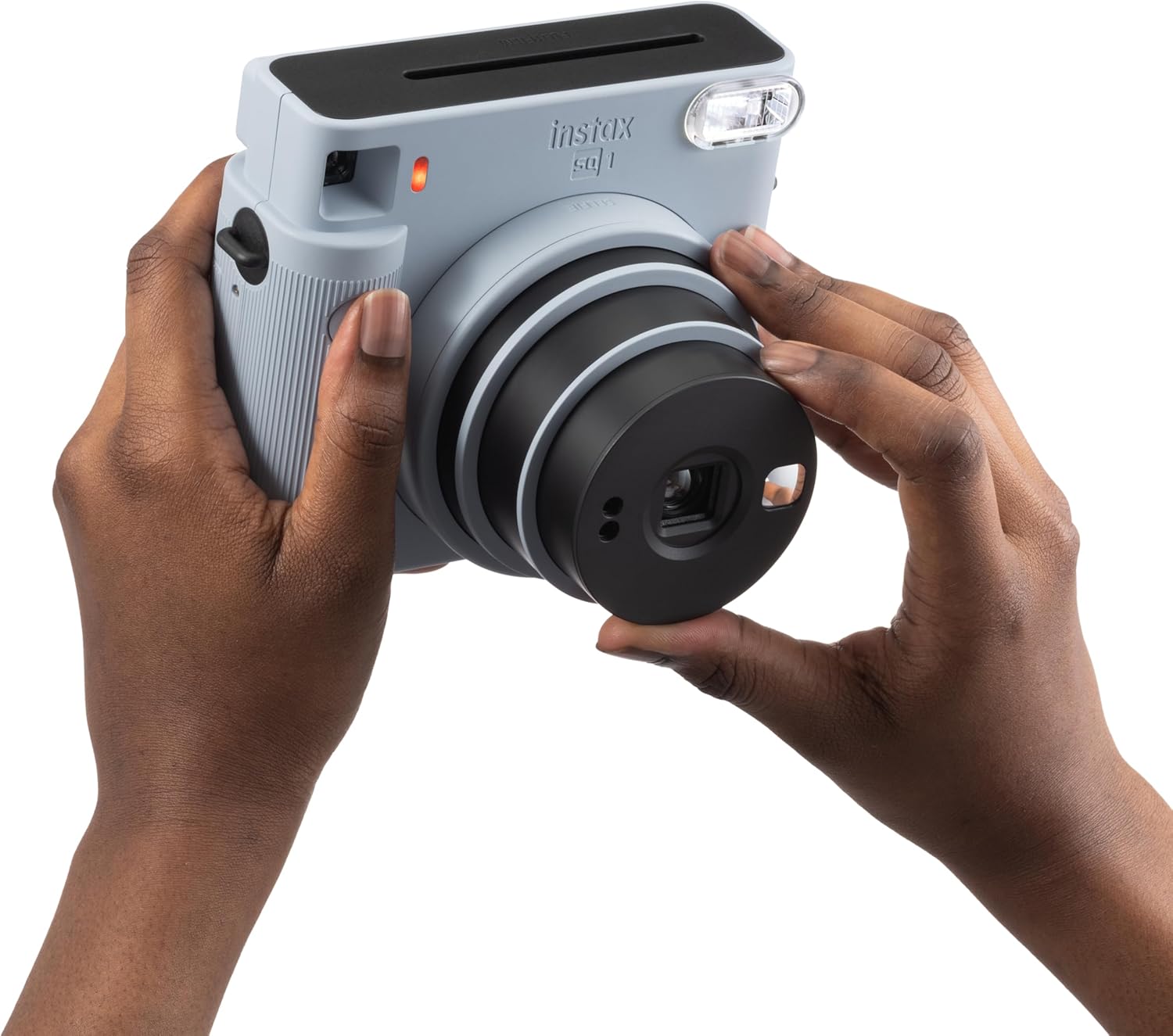
Image: A user's hands demonstrating how to rotate the lens to turn on the INSTAX Square SQ1 camera.
Video: Shows the process of turning the camera on by rotating the lens.
Tango Whakaahua
The INSTAX Square SQ1 features automatic exposure control for optimal brightness.
- Turn the camera on by rotating the lens ring to "ON".
- Hangaia to kopere ma te whakamahi i te viewKaituku.
- Press the shutter button to take a picture. The photo will automatically eject from the top slot.
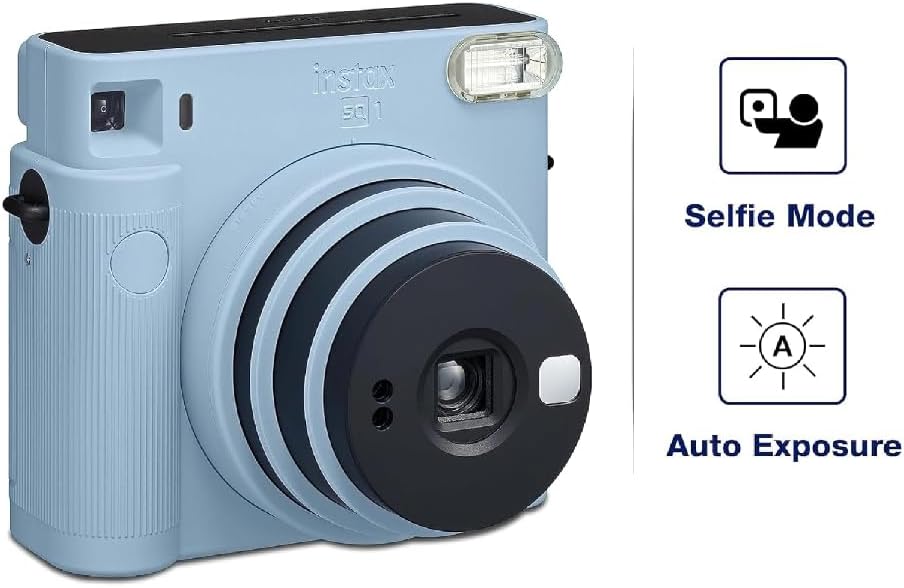
Image: The INSTAX Square SQ1 camera highlighting its Selfie Mode and Auto Exposure features.
Selfie Mode / Close-up Shooting
For selfies or close-up shots (30-50 cm), activate Selfie Mode.
- With the camera on, rotate the lens ring further from "ON" to "SELFIE".
- A small mirror next to the lens helps with framing selfies.
- For close-ups, ensure your subject is within 30-50 cm for best results.
Te tiaki
- Te horoi: Use a soft, dry cloth to clean the camera body. For the lens, use a lens cleaning cloth. Avoid abrasive cleaners or solvents.
- Rokiroki: Whakaorangia te kaamera ki te waahi makariri, maroke atu i te ra tika me te wera nui. Tangohia nga pākahiko ki te kore te kamera e whakamahia mo te wa roa.
- Whakahaere Kiriata: Keep film packs in their original packaging until ready to use. Store film in a cool, dry place.
Raparongoā
| Raruraru | Rongoā |
|---|---|
| Karekau te kamera e ka ana. | Check if batteries are correctly inserted and have sufficient charge. Replace if necessary. Ensure the lens ring is rotated to "ON". |
| No photo ejects after pressing shutter. | Check if a film pack is loaded. If so, check the film counter; it might be empty. Ensure the dark slide was ejected upon loading a new pack. |
| Photos are too dark or too bright. | The camera has automatic exposure. Ensure the flash is not covered and that you are shooting within appropriate lighting conditions. Avoid shooting directly into very bright light sources or in extremely dark environments without adequate flash range. |
| He pōuriuri ngā whakaahua. | Hold the camera steady when shooting. For close-ups, ensure Selfie Mode is activated and the subject is within 30-50 cm. |
Whakatakotoranga
- Waitohu: INSTAX
- Tauira: SQ1
- Tae: Kōpaka Blue
- Hōputu Kiriata: INSTAX SQUARE Film (86 x 72 mm)
- Arotahi: 2 wae, 2 huānga, f = 65.75 mm, 1:12.6
- Viewkaihanga: Inverted Galilean finder, 0.4x, with target spot
- Awhe Whakatupu: 0.3 m and beyond (0.3 m to 0.5 m in Selfie Mode)
- Rurumaru: Programmed electronic shutter, 1/2 to 1/400 sec.
- Mana Whakakitenga: Aunoa, Lv 5.0 ki te 15.5 (ISO 800)
- Te Whakaputa Kiriata: Aunoa
- Kohiko: Constant firing flash (automatic light adjustment), effective range: 0.3 to 2.2 m
- Tuku Hiko: E rua nga papahiko lithium CR2
- Ahu: 130.7 mm × 118.6 mm × 57.5 mm
- Taumaha: 390 g (kare he pākahiko, here me te kiriata)
Pūtāhui me te Tautoko
Your INSTAX Square SQ1 camera comes with a 2 tau te whakamana a te kaiwhakanao. Tena koa pupurihia to tohu mo te hoko mo nga kereme whakamana.
For technical support, service, or further inquiries, please refer to the official INSTAX website or contact their customer service department. Contact information can typically be found in the included user manual or on the manufacturer's webpae.
Mo etahi atu korero, haere ki te rangatira INSTAX Store on Amazon.