
Kupu Whakataki
This manual provides essential information for the installation, operation, and maintenance of your Planet Audio AC5000.1D Anarchy Series Class D Monoblock Car Amplifier. The AC5000.1D is designed to deliver high-output audio performance with features such as 1-ohm stability, a MOSFET power supply, and various sound customization options. Please read this manual thoroughly before installation and use to ensure proper functionality and safety.
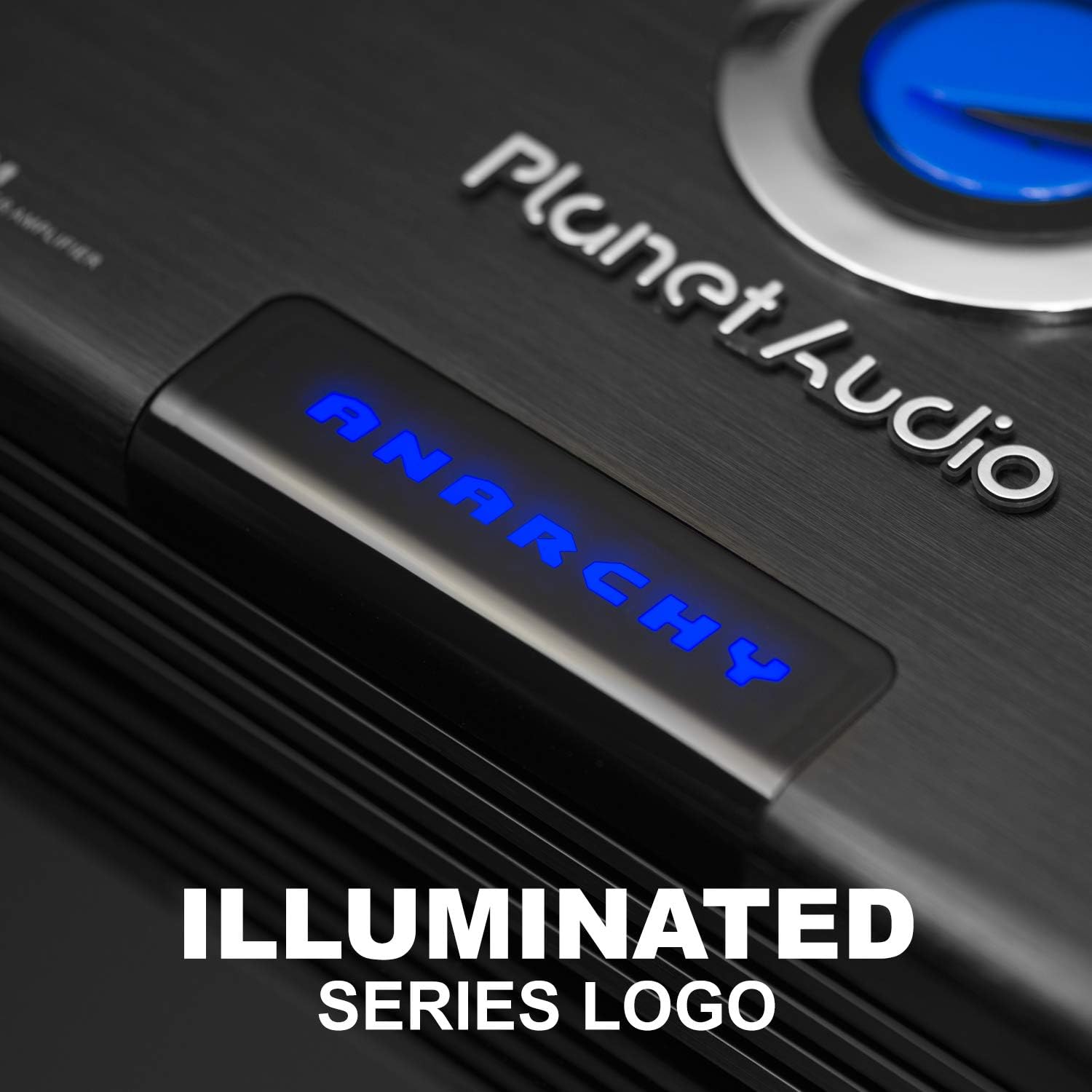
Whakaahua: Mua view of the Planet Audio AC5000.1D Anarchy Series Car Ampwhakarara, whakaatucasing its sleek black design and illuminated "Anarchy" logo.
Tatūnga me te Tāuta
He mea nui te tāutanga tika mō te mahi tino pai me te haumaru. He mea tino taunaki kia tāutahia tēnei hua e te tohunga.
He aha kei roto i te Pouaka:
- AC5000.1D Ampkaikawe
- Remote Subwoofer Control & Cable
- Datalink Cable
- Whakaeke taputapu

Image: The Planet Audio AC5000.1D amplifier, its packaging, remote subwoofer control, cables, and mounting hardware.
Ahu-tinana:
Whakaarohia te amplifier's dimensions for proper placement and ventilation. The unit measures approximately 17.95 inches (456 mm) in length, 10 inches (254 mm) in width, and 2.55 inches (65 mm) in height. It features deep heat sink ribs for enhanced cooling.

Whakaahua: Runga me te taha views of the Planet Audio AC5000.1D amplifier with measurements indicating its length, width, and height, along with a close-up of the deep heat sink ribs.
Hononga:
Ko te amplifier features clearly labeled connection terminals for power, ground, remote turn-on, RCA inputs/outputs, and speaker outputs. A dedicated port is available for the wired remote subwoofer control.

Whakaahua: Taipitopito view o nga amplifier's rear panel, showing the power input terminals (+12V, Remote, Ground), RCA inputs and outputs, speaker output terminals, and the remote subwoofer control port. Also shown are the filter and input controls.

Image: An installed Planet Audio AC5000.1D amplifier in a car trunk, highlighting the power connections, speaker terminals, and the remote subwoofer control for easy setup.
Nga Tohutohu Whakahaere
The AC5000.1D amplifier offers several controls to fine-tune your audio experience.
- Whakawhitinga Pā-Iti Taurangi: Adjusts the frequency range for subwoofer reproduction, allowing you to set precise bass frequency specifications.
- Whakanui Paoro Taurangi: Allows adjustment of low bass frequencies within the boost range to suit your preference.
- Variable Subsonic Filter: Filters out frequencies below the subwoofer's specified low-frequency limits, preventing bottoming out and ensuring safe driver excursion.
- Input Level (Gain) Control: Ka rite ki te amplifier's input sensitivity to the output of your head unit.
- Mana Wāhanga: A switchable phase control (0°/180°) helps optimize bass response by aligning the subwoofer's output with other speakers.
- Mana Wūruiti Mamao: Use the included wired remote to conveniently adjust the subwoofer level from your listening position.
Āhuatanga matua:
- Te Āhuatanga o te Akomanga D: Reduces power loss, making the amplifier highly efficient. Excess energy is stored rather than converted to heat, leading to a smaller size, reduced power waste, and a compact design.
- 1 Ohm Stable: Capable of continuously powering loads of 1 Ohm without overheating, ideal for subwoofers requiring heavy power loads.
- Pūnaha Hiko MOSFET: Provides efficient and stable power delivery.
- Strapping Capable: Allows two AC5000.1D amplifiers to be linked together, doubling the power output to your subwoofer(s) for increased performance.
Te tiaki
Hei whakarite i te roa me te tino pai o to mahi amplifier, whai i enei aratohu tiaki:
- Te horoi: Ia wā horoia te amphe kakahu ngohengohe, maroke te taha o waho. A ape i te whakamahi i nga matū kino, i nga horoi horoi ranei.
- Whakahau: Me whakarite ko te amplifier's heat sink ribs are free from obstructions to allow for proper airflow and cooling.
- Hononga: Regularly check all power, ground, and speaker connections to ensure they are secure and free from corrosion. Loose connections can lead to performance issues or damage.
- Taiao: A ape i te whakaatu i te ampte ātete ki ngā pāmahana tino kino, te rā tika, te makuku nui rānei.
Raparongoā
Mena ka pa ki a koe nga raru o to amplifier, tirohia nga mahi rapurongoā noa e whai ake nei:
- Kore Mana:
- Check the main power fuse and the in-line fuse near the battery.
- Verify that the ground connection is secure and making good contact with a clean metal surface.
- Ensure the remote turn-on wire is connected and receiving +12V when the head unit is on.
- Kore Oro:
- Check all RCA input and output cables for secure connections.
- Manatokohia nga hononga waea orooro i te rua amplifier and the subwoofer(s).
- Ensure the head unit is powered on and sending an audio signal.
- Adjust the input level (gain) control.
- Oro korikori:
- Reduce the input level (gain) control.
- Check for proper impedance matching between the ampngā pūorooro me ngā pūorooro iti.
- Ensure speaker wires are not shorted or touching each other or the vehicle chassis.
- Adjust crossover and bass boost settings.
- Ampte whakawera whakawera:
- Me whakarite kia pai te hau huri noa i te ampkaikawe
- Check for proper impedance of connected subwoofers; operating below the recommended impedance can cause overheating.
- Whakaitihia ngā tautuhinga oro, whakanui rānei.
If problems persist after attempting these steps, contact customer support or a qualified professional.
Whakatakotoranga
| Āhuahira | Whakatakotoranga |
|---|---|
| Tau tauira | AC5000.1D |
| Waitohu | Papaoro Ororongo |
| Ampakomanga lifier | Te akomanga D |
| Nga hongere | 1 (Poraka Kotahi) |
| Max Power Output (1 Ohm) | 5000 Wati x 1 |
| Putanga Mana Mōrahi (2 Ōhms) | 2500 Wati x 1 |
| Putanga Mana Mōrahi (4 Ōhms) | 1250 Wati x 1 |
| Max Bridged Power (2 Ohms) | 10,000 Watts x 1 (when strapping two units) |
| Te Pūmautanga o te Āraitanga | 1 Ohm Stable |
| Tuku Hiko | MOSFET |
| Whakawhiti-Pass Crossover | Taurangi |
| Parepare Pai | Taurangi |
| Tātari Subsonic | Taurangi |
| Mana Wāhanga | Switchable (0°/180°) |
| Mana Subwoofer Mamao | Yes (Wired) |
| Ahu (L x W x H) | 17.95" x 10" x 2.55" (456 x 254 x 65 mm) |
| Taumaha | 12.5 pauna (5.67 kg) |
| Voltage | 8 Volts |
| Tiwhikete | FCC |
Pūtāhui me te Tautoko
Planet Audio provides a 6-year Platinum Online Dealer Warranty for this product when purchased through Amazon.com. This warranty covers defects in materials and workmanship under normal use.
For warranty claims, technical assistance, or further support, please refer to the official Planet Audio website or contact their customer service department. Professional installation is strongly encouraged to ensure proper and safe functionality, and may be required for warranty validation.
Whakatupato Kaupapa 65: Kei roto i tenei hua nga matū e mohiotia ana e te Kawanatanga o California kia pa mai ai te mate pukupuku me nga mate whanau, etahi atu mea kino ranei ka whanau.