Ievads
This manual provides essential instructions for setting up, operating, and maintaining your Samsung Galaxy Watch 8 (2025) 44mm Bluetooth Smartwatch. Please read this guide thoroughly to ensure proper use and to maximize the features of your device.
Kas atrodas kastē
Pārliecinieties, vai produkta iepakojumā ir visi nepieciešamie priekšmeti:
- Skatīties ķermeni
- Skatīties joslā
- Uzlādes kabelis
- Lietotāja rokasgrāmata (šis dokuments)
Iestatīšana
1. Sākotnējā uzlāde
Before first use, fully charge your Galaxy Watch 8. Connect the provided charging cable to the watch and a power source. The watch display will indicate charging status.
2. Ieslēgšana un savienošana pārī
Press and hold the Power key to turn on the watch. Follow the on-screen instructions to pair your watch with a compatible smartphone via Bluetooth. You will need to download the Samsung Wearable app on your smartphone to complete the setup process.

Image: The Samsung Galaxy Watch 8, 44mm Bluetooth model, in Silver with a white band. The watch face shows the time and date, illustrating the device's sleek design.
3. Sākotnējā konfigurācija
Within the Samsung Wearable app, you can customize watch settings, install apps, and configure health tracking features. Ensure your watch is connected to Wi-Fi or LTE (if applicable) for software updates and full functionality.
Ierīces darbība
Navigācija
The Galaxy Watch 8 features a responsive touchscreen for navigation. Swipe left, right, up, or down to access different screens and widgets. Use the physical buttons on the side for power, back, and home functions.
Veselības un fitnesa izsekošana
The watch offers advanced features to monitor your health and fitness.
- Padziļināta miega koučinga programma: Track your sleep patterns and receive personalized guidance to improve sleep quality. The watch analyzes sleep stages and provides insights for optimal rest.

Image: The Galaxy Watch 8 screen showing 'Bedtime guidance' with a suggested sleep time between 11:00 PM and 11:30 PM, indicating its sleep coaching feature.
- Skriešanas treneris: Receive real-time feedback and analysis during your runs. The Running Coach helps you optimize your performance and offers programs for various distances, such as 5Ks and marathons.
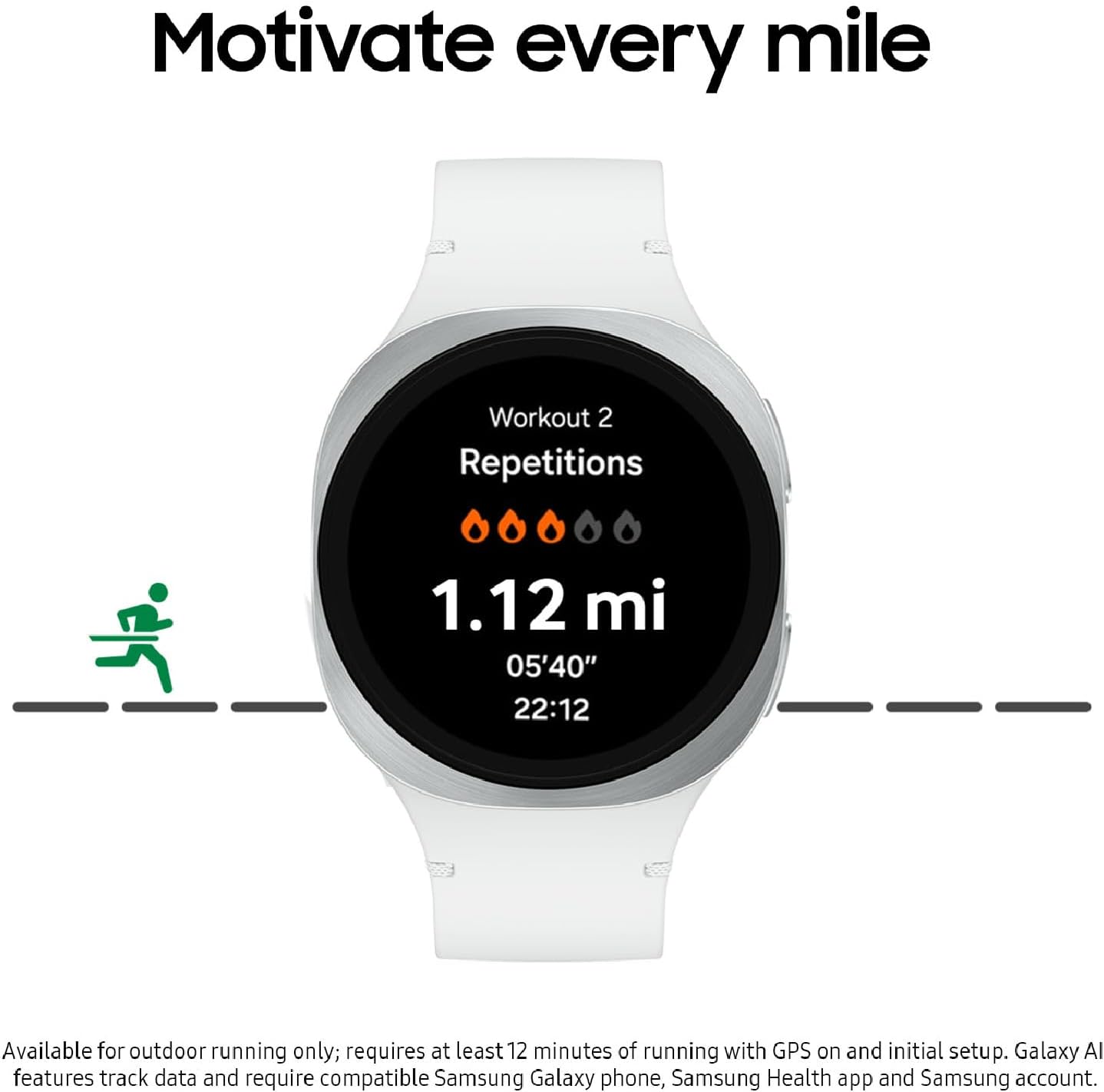
Image: The Galaxy Watch 8 screen displaying 'Workout 2' with metrics like repetitions, distance (1.12 mi), and pace (05'40"), demonstrating its running coach functionality.
- Sirdsdarbības ātruma izsekošana: Continuously monitor your heart rate throughout the day and during workouts.
- Asinsvadu slodzes monitorings: Gain insights into your stress levels and the factors influencing them, such as diet and sleep.
- Enerģijas rādītājs ar Galaxy AI: Start your day informed with a summary of your overall health, based on yesterday's sleep, activity, and heart rate data.
Viedās funkcijas
- Personīgais mākslīgā intelekta asistents: Utilize the integrated AI assistant for hands-free help with tasks, reminders, and information retrieval.

Image: The Galaxy Watch 8 screen showing 'Ask Google Gemini', indicating the availability of a personal AI assistant for voice commands and queries.
- Improved Interface: The updated interface provides clear and concise updates at a glance, including sports scores, news, and weather.
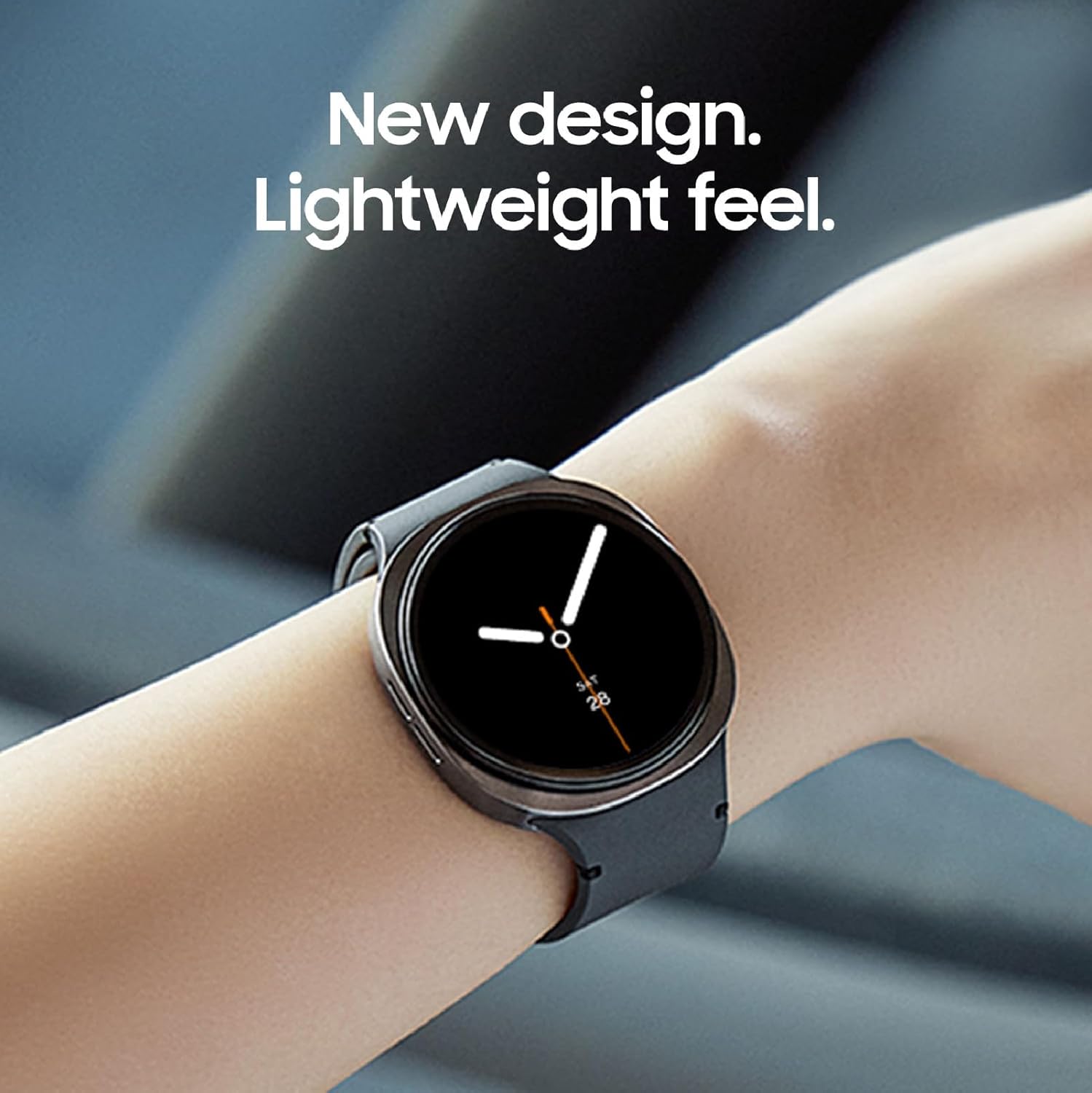
Image: Three Galaxy Watch 8 units showcasing different health and wellness screens, such as 'Health' with an energy score and 'Wellness' with mindfulness data, highlighting the improved interface for quick information access.
Akumulatora darbības laiks
The Galaxy Watch 8 features an improved battery designed to last through your day, supporting continuous tracking of steps, heart rate, and notifications.

Image: The Galaxy Watch 8 positioned over a collage of images representing daily activities such as running, urban exploration, and sleeping, illustrating its capability to power through various routines.
Apkope
Pulksteņa tīrīšana
Regulāri tīriet pulksteni un siksniņu, lai novērstu ādas kairinājumu un saglabātu veiktspēju. Izmantojiet mīkstu, nepūkošu drānu. Noturīgu netīrumu gadījumā nedaudz nosusiniet.ampNoslaukiet drānu ar ūdeni. Izvairieties no spēcīgām ķīmiskām vielām vai abrazīviem materiāliem.
Uzlādes paraugprakse
Use only the charging cable provided by Samsung. Avoid exposing the watch or charger to extreme temperatures. Do not charge the watch if it is wet.
Programmatūras atjauninājumi
Keep your watch's software updated to ensure optimal performance, security, and access to new features. Updates can be managed through the Samsung Wearable app on your smartphone.
Problēmu novēršana
If you encounter issues with your Galaxy Watch 8, try the following steps:
- Pulkstenis neieslēdzas: Pārliecinieties, vai pulkstenis ir pilnībā uzlādēts.
- Savienojamības problēmas: Check Bluetooth on your smartphone and ensure the watch is within range. Restart both devices.
- Lietotņu sinhronizācijas problēmas: Verify that the Samsung Wearable app is up to date and running in the background on your smartphone.
- Neprecīzi veselības dati: Pārliecinieties, ka pulkstenis ir cieši pieguļošs plaukstas locītavai. Notīriet sensorus pulksteņa aizmugurē.
For more detailed troubleshooting or persistent issues, refer to the Samsung support webvietni vai sazinieties ar klientu apkalpošanas dienestu.
Specifikācijas
| Modeļa numurs | SM-L330NZSAXAA |
| Produkta izmēri | 7.4 x 2.72 x 1.73 collas |
| Preces svars | 1.19 unces (33.8 grami) |
| Ekrāna izmērs | 1.47 collas |
| Atmiņas krātuves ietilpība | 32 GB |
| Operētājsistēma | Samsung nodrošinātā Wear OS |
| Akumulatora ietilpība | 435 miljoniamp Stundas |
| Savienojamības tehnoloģija | Bluetooth |
| Bezvadu sakaru standarts | 802.11a/b/g/n/ac |
| GPS | Iebūvēts GPS |
| Forma | Apaļš |
| Īpaša iezīme | Aktivitāšu izsekotājs, viegls |
Garantija un atbalsts
Your Samsung Galaxy Watch 8 comes with a 2-Year Warranty, covering manufacturing defects. For warranty claims or technical support, please visit the official Samsung support webvietni vai sazinieties ar klientu apkalpošanas dienestu. Saglabājiet pirkuma apliecinājumu garantijas apstiprināšanai.
For additional resources and frequently asked questions, visit Samsung atbalsts.