
1. Įvadas
Thank you for choosing the ZAQE M4 MP3 Player. This manual provides essential information for setting up, operating, and maintaining your device. Please read it thoroughly to ensure proper use and to fully enjoy its features, including HiFi lossless audio, Bluetooth 5.3 connectivity, FM radio, e-book reader, and video playback.
2. Pakuotės turinys
Pažymėkite langelį prie šių elementų:
- 1 x ZAQE M4 MP3 Player
- 1 x C tipo USB laidas
- 1x laidinės ausinės
- 1 x Vartotojo vadovas
- 1 x apsauginis dangtelis

Image: Package contents of the ZAQE M4 MP3 Player.
3. Produktas baigtasview
The ZAQE M4 MP3 Player features a 2.4-inch full touchscreen for intuitive navigation. It is designed to be compact and lightweight for portability.
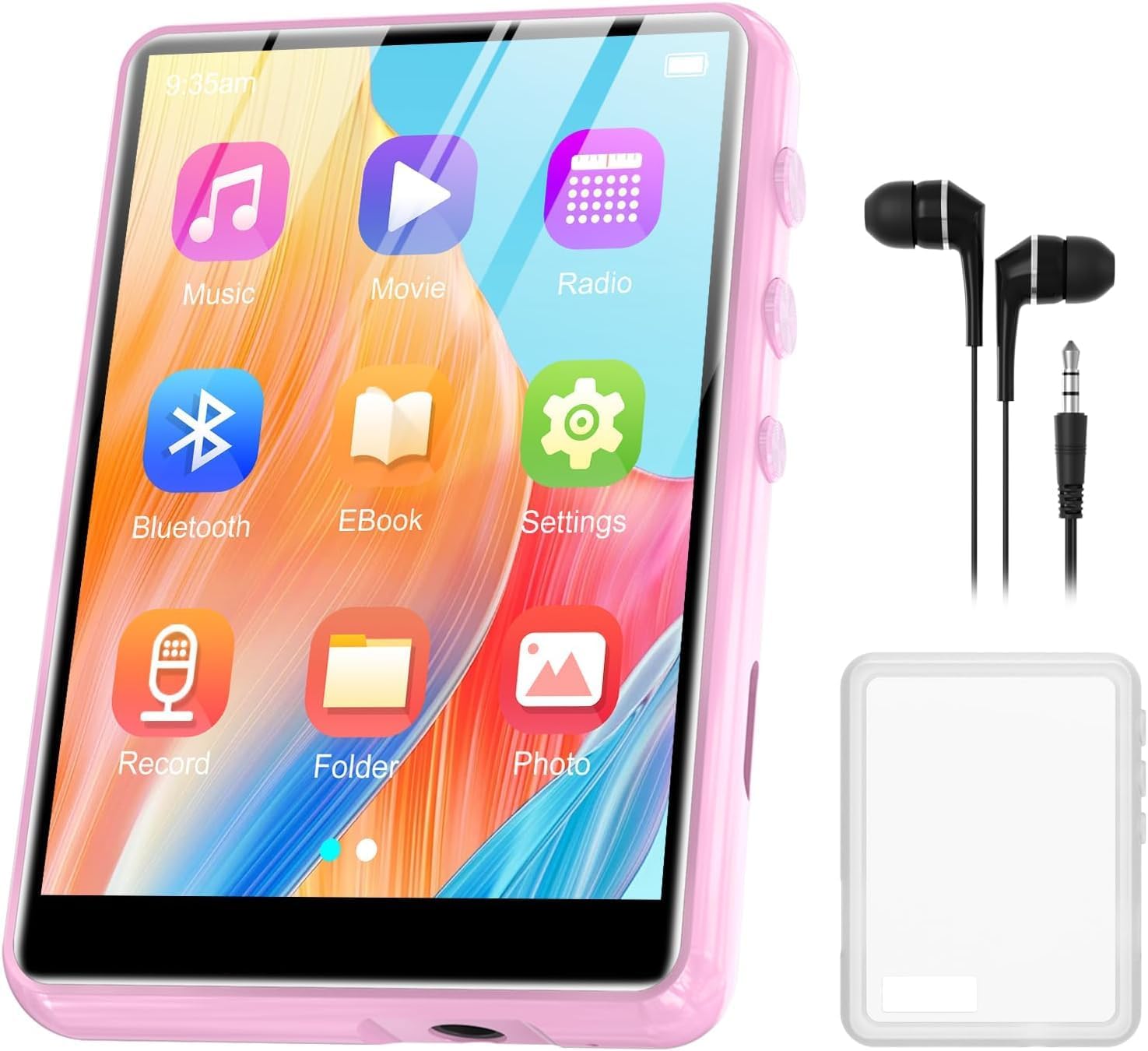
Image: ZAQE M4 MP3 Player with its 2.4-inch full touchscreen.
3.1. Jutiklinio ekrano sąsaja
The device is equipped with a highly sensitive 2.4-inch full touchscreen, allowing for easy selection of functions and navigation through menus.
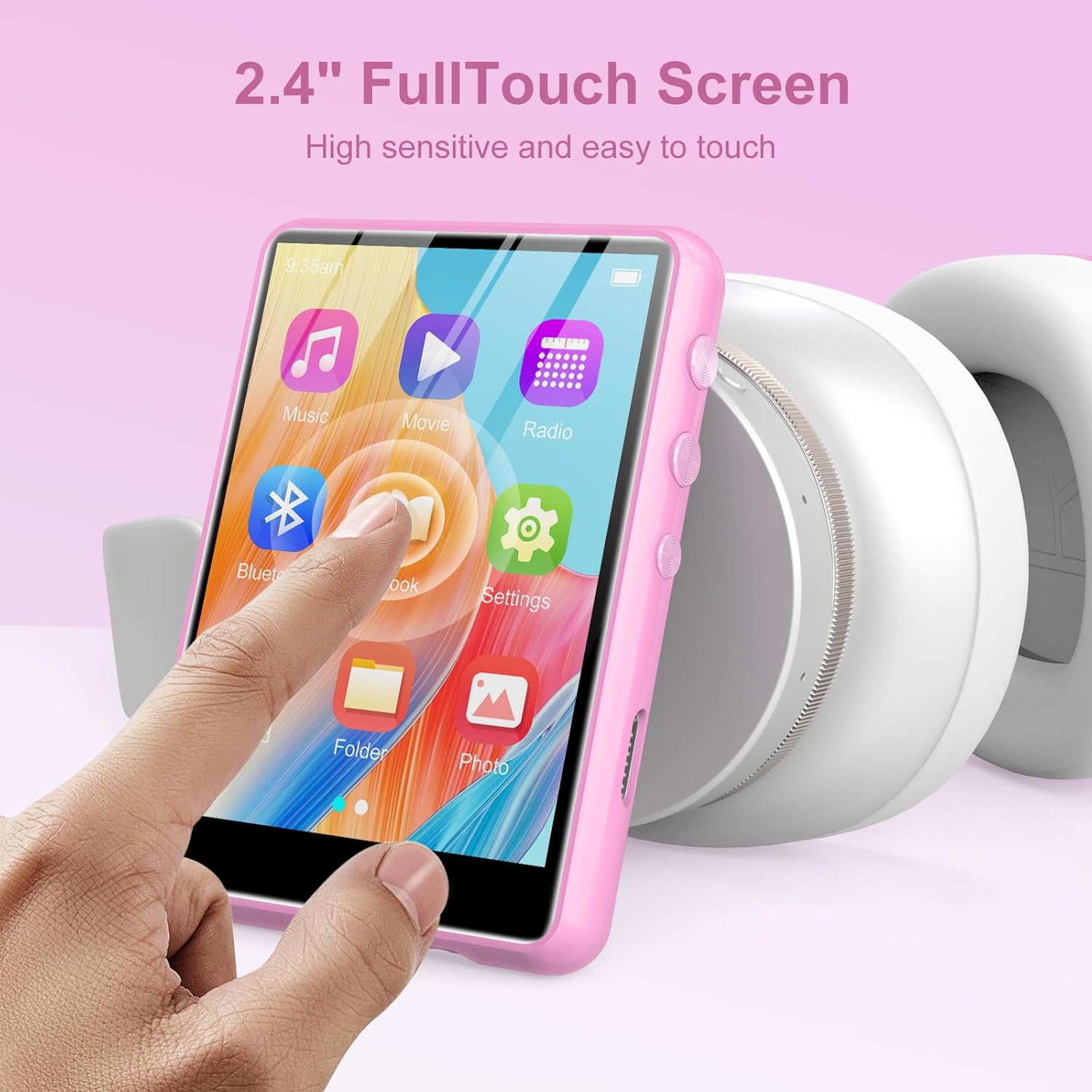
Image: User interacting with the 2.4-inch full touchscreen.
4. Sąranka
4.1. Įrenginio įkrovimas
Before first use, fully charge the MP3 player. Connect the provided Type-C USB cable to the player's charging port and the other end to a USB power adapter (not included) or a computer's USB port. The device has a built-in 300mAh rechargeable battery.

Image: The 300mAh battery capacity of the MP3 player.
4.2. Maitinimo įjungimas/išjungimas
- Norėdami įjungti: Paspauskite ir palaikykite maitinimo mygtuką, kol ekranas užsidegs.
- Norėdami išjungti: Press and hold the power button, then follow the on-screen prompts to shut down.
4.3. Pradinė konfigūracija
Upon first power-on, you may be prompted to select a language and set the date/time. Follow the on-screen instructions to complete these initial settings.
5. Naudojimo instrukcijos
5.1. Muzikos atkūrimas
The ZAQE M4 supports various audio formats including MP3, WAV, APE, WMA, FLAC, and AAC-LC, offering HiFi lossless sound quality. Navigate to the 'Music' icon on the touchscreen to access your audio library.
- Selecting Music: Tap the 'Music' icon, then browse by artist, album, genre, or folder.
- Atkūrimo valdikliai: Use the on-screen controls for play, pause, skip tracks, and volume adjustment.
- Atkūrimo režimai: The player supports AB repeat, 8-speed playback, and various playback modes (e.g., shuffle, repeat all, repeat one). An equalizer is also available for sound customization.

Image: HiFi Sound Quality and supported audio formats.

Image: Music playback modes and equalizer settings.
5.2. „Bluetooth“ poravimas
The player features Bluetooth 5.3 for stable and fast wireless connections to headphones or speakers.
- Įjungti Bluetooth: Go to 'Settings' and turn on Bluetooth.
- Poravimas: Pasirinkite „Ieškokite devices' and choose your Bluetooth headphones or speaker from the list.
- Bi-directional Bluetooth: The device supports bi-directional Bluetooth, allowing it to connect to other Bluetooth devices or act as a Bluetooth source.

Image: Bluetooth 5.3 connectivity options.

Image: Bi-directional Bluetooth 5.3 functionality.
5.3. FM radijas
Access the 'FM Radio' application to listen to local radio stations. The player also supports recording FM broadcasts.
- Kanalų skenavimas: Use the auto-scan feature to find available stations.
- Įrašas: Select the record option within the FM Radio interface to capture audio.

Image: Recordable FM Radio feature.
5.4. El. knygų skaitytuvas
The built-in e-book reader supports TXT format. Transfer your TXT files to the player and open them via the 'E-Book' application.

Image: E-book reader functionality supporting TXT files.
5.5. Vaizdo įrašų atkūrimas
The player supports AMV and AVI video formats. Transfer compatible video files to the device and access them through the 'Video' application for an excellent viewing experience on the 2.4-inch screen.

Image: Video playback feature with supported formats.
5.6. Diktofonas
Use the built-in voice recorder to capture audio. The device also supports line-in recording, allowing you to record audio from external sources.

Image: Line-in recording feature using a cable connected to an external device.
5.7. Vidinis garsiakalbis
The MP3 player includes a built-in speaker, allowing you to enjoy music without headphones. This feature is convenient for sharing audio or for personal listening in quiet environments.

Image: The MP3 player's built-in speaker functionality.
6. Atminties išplėtimas
The ZAQE M4 MP3 Player comes with 64GB of internal memory, capable of storing thousands of songs. For additional storage, the device supports a TF (microSD) card up to 128GB (not included).
- TF kortelės įdėjimas: Locate the TF card slot on the side of the player. Gently insert the card until it clicks into place.
- Removing a TF Card: Gently push the card inward until it springs out, then pull it out.

Image: Internal 64GB memory and microSD card expansion slot.

Image: Built-in 64GB memory.
7. Priežiūra
- Valymas: Įrenginį valykite minkšta, sausa šluoste. Venkite skystų valiklių ar abrazyvinių medžiagų.
- Saugykla: Grotuvą laikykite vėsioje, sausoje vietoje, toliau nuo tiesioginių saulės spindulių ir ekstremalių temperatūrų.
- Akumuliatoriaus priežiūra: Norėdami pailginti akumuliatoriaus veikimo laiką, venkite dažnai visiškai jį iškrauti. Reguliariai įkraukite įrenginį, net jei jis ilgą laiką nenaudojamas.
- Apsauginis dangtelis: Use the provided protective cover to guard against scratches and minor impacts.
8. Problemų sprendimas
- Įrenginys neįsijungs: Ensure the battery is charged. Connect the player to a power source using the Type-C cable. If the issue persists, try a soft reset by holding the power button for 10-15 seconds.
- Cannot connect to Bluetooth device: Ensure Bluetooth is enabled on both the MP3 player and the target device. Make sure both devices are within range and in pairing mode. Try restarting both devices.
- Nėra garso: Check the volume level. Ensure headphones are properly connected or Bluetooth is paired correctly. Test with different headphones or speakers.
- Filenežaidžia: Verify that the audio/video files are in a supported format (MP3, WAV, APE, WMA, FLAC, AAC-LC for audio; AMV, AVI for video; TXT for e-books). Ensure files nėra sugadinti.
- Ekranas nereaguoja: Try restarting the device. If the issue continues, ensure the screen is clean and dry.
9. Specifikacijos
| Funkcija | Specifikacija |
|---|---|
| Modelis | M4 |
| Ekrano dydis | 2.4 colio (visas jutiklinis ekranas) |
| Vidinė atmintis | 64 GB |
| Išplečiama atmintis | Up to 128GB (TF/MicroSD card) |
| Bluetooth versija | 5.3 (Bi-directional) |
| Palaikomi garso formatai | MP3, WAV, APE, WMA, FLAC, AAC-LC |
| Palaikomi vaizdo formatai | AMV, AVI |
| Supported E-Book Format | TXT |
| Baterijos talpa | 300 mAh (įkraunamas) |
| Prekės svoris | 198.62 gramų (apie 7 uncijos) |
| Papildomos funkcijos | Built-in Speaker, FM Radio (Recordable), Voice Recorder (Line-in support), Alarm Clock |
10. Garantija ir palaikymas
The ZAQE M4 MP3 Player comes with a standard manufacturer's warranty. For detailed warranty information, please refer to the warranty card included in your package or contact ZAQE customer support.
If you encounter any issues or have questions not covered in this manual, please contact our customer support team for assistance. Contact details can typically be found on the product packaging or the official ZAQE websvetainę.