
Įvadas
This manual provides essential information for the safe and efficient use of your Samsung 32-inch 4K M8 Vision AI Smart Monitor (Model: LS32FM801UWXXL). Please read these instructions thoroughly before operating the device and retain them for future reference.
Kas yra dėžutėje
Patikrinkite, ar pakuotėje yra visi komponentai:
- 1 Unit Monitor
- 1 vieneto maitinimo kabelis
- 1 vnt. HDMI kabelis
- 1 vnt. USB C tipo laido
- 1 Nuotolinis valdiklis
- 1 Unit Camera (SlimFit Camera)
- 1 Unit Pogo Gender
- Vartotojo vadovas (šis dokumentas)
Sąranka
1. Physical Assembly and Placement
Carefully unpack all components. Attach the stand to the monitor following the instructions provided in the quick setup guide. Place the monitor on a stable, flat surface or mount it using a compatible VESA mount (sold separately).
The monitor features an ergonomic stand allowing for pivot, tilt, and height adjustments (HAS) for optimal viewkomfortas.
2. Jungiamieji kabeliai
Connect the power cable to the monitor and a power outlet. Use the provided HDMI or USB Type-C cable to connect your computer or other devices to the monitor. The monitor also features USB-A downstream ports for peripherals.
Galinis view of the monitor displaying available ports: USB Type-C Upstream, HDMI In, USB Type-A Downstream, and Power input.
3. SlimFit Camera Installation
Attach the SlimFit Camera to the designated magnetic port at the top center of the monitor. Ensure it is securely connected.
The SlimFit Camera securely attaches to the top of the monitor for video calls.
4. Pradinis įjungimas
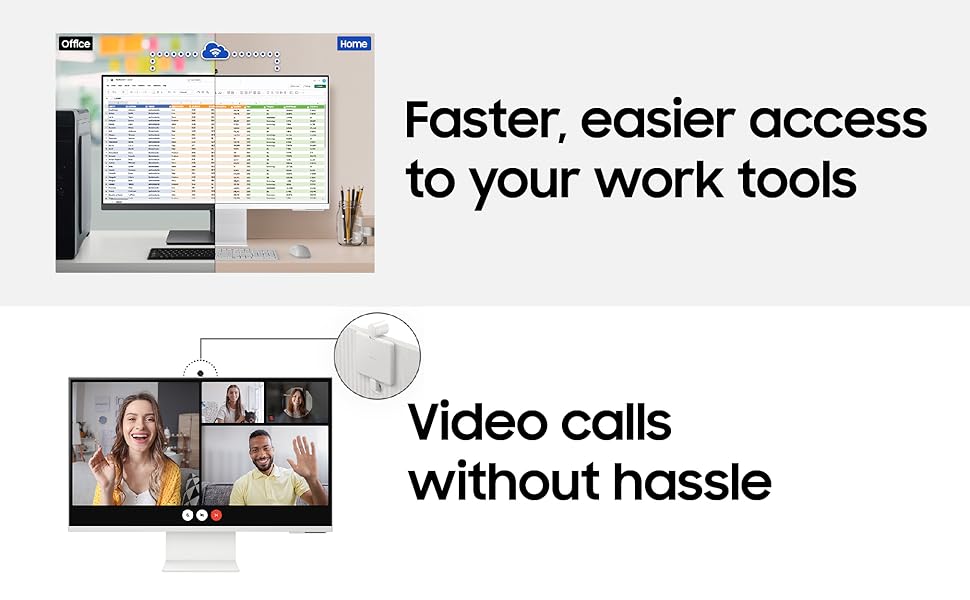
Press the power button on the monitor or use the remote control to turn on the device. Follow the on-screen prompts for initial setup, including network connection and account login for Smart TV features.
Naudojimo instrukcijos
1. Smart TV Experience with AI
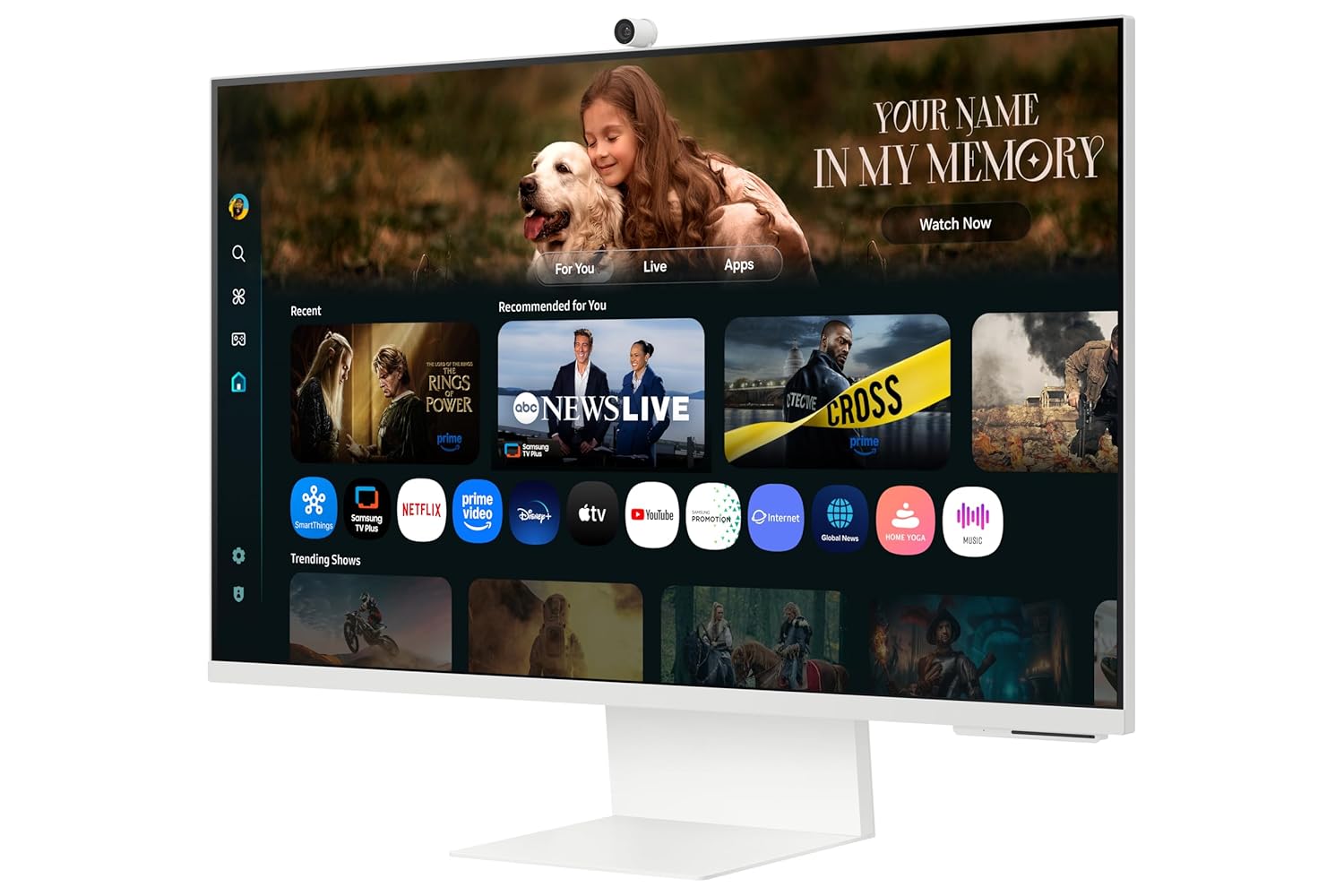
Your monitor integrates a full Smart TV experience, allowing direct access to streaming apps and services without needing a separate PC. The AI features enhance content viewing.
Access Smart TV apps directly and use AirPlay for seamless content sharing from Apple devices.
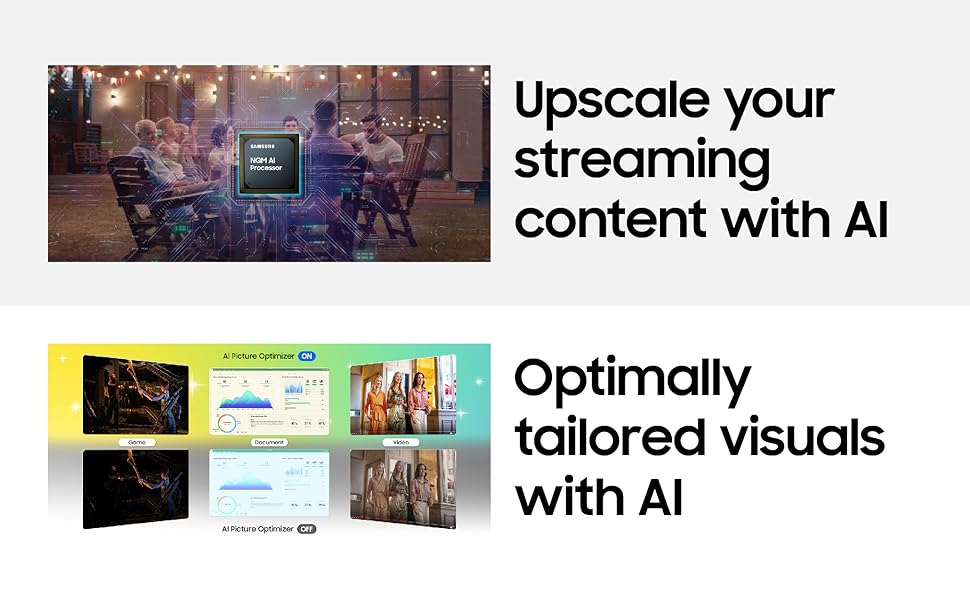
- 4K raiškos didinimas dirbtiniu intelektu: Content is enhanced to near 4K resolution using the NQM AI Processor.
- DI vaizdo optimizavimo priemonė: Optimizes picture settings based on content type and ambient lighting.
- Aktyvus balsas Amp„Lifier Pro“: Enhances dialogue clarity by analyzing ambient noise.
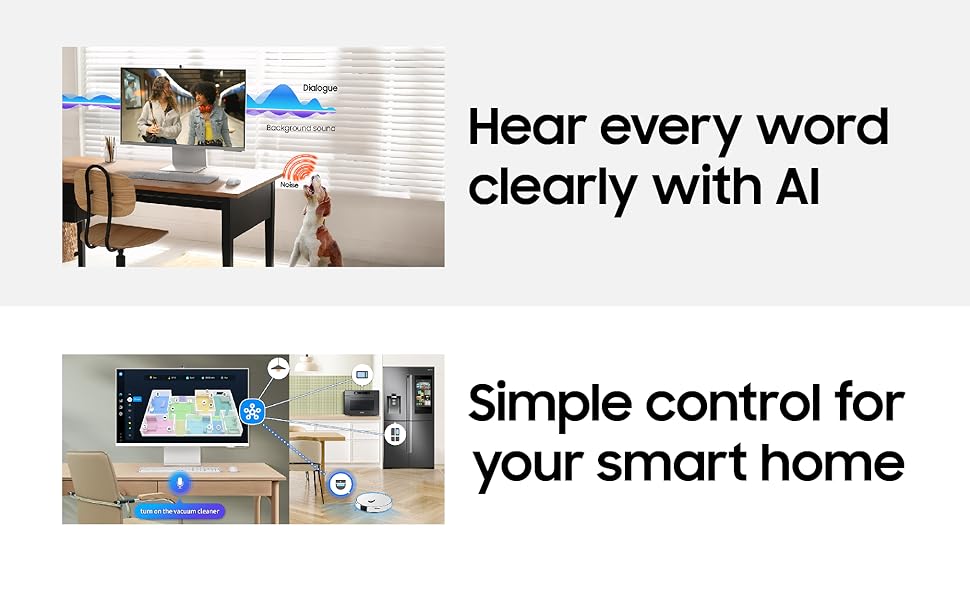
- SmartThings: Control compatible smart home devices directly from your monitor.
- AirPlay: Wirelessly stream content from Apple devices.
- Integruota Alexa: Įvairioms funkcijoms atlikti naudokite balso komandas.
2. Ryšys
Monitorius siūlo įvairias prijungimo galimybes:
- Belaidis ekranas: Belaidžiu būdu prisijunkite prie suderinamų įrenginių.
- „Wi-Fi 5“ ir „Bluetooth 5.2“: For network access and connecting wireless peripherals.
- Prievadai: 1 HDMI 2.1, 1 USB-C (90W charging), 2 USB-A 2.0.
3. SlimFit Camera Usage
The included 12MP SlimFit Camera with microphone is ideal for video conferencing. It can be easily attached or detached as needed.
4. Gaming Bar
Access the Gaming Bar for quick adjustments to game settings, aspect ratio, and other gaming-specific features.
5. Multi Control & Multi View
Utilize Multi Control to seamlessly switch between devices and Multi View to display content from multiple sources simultaneously on the screen.
Priežiūra
1. Monitoriaus valymas
Norėdami išvalyti ekraną, švelniai nuvalykite jį minkštu, nepūkuotu skudurėliu. Jei dėmės sunkiai pašalinamos, šiek tiek nuvalykiteampen the cloth with water or a screen-safe cleaning solution. Avoid harsh chemicals or abrasive materials. For the monitor body, use a dry, soft cloth.
2. Programinės įrangos atnaujinimai
Ensure your monitor's software is kept up-to-date to benefit from the latest features, performance improvements, and security enhancements. The monitor supports OS upgrades for an extended period.
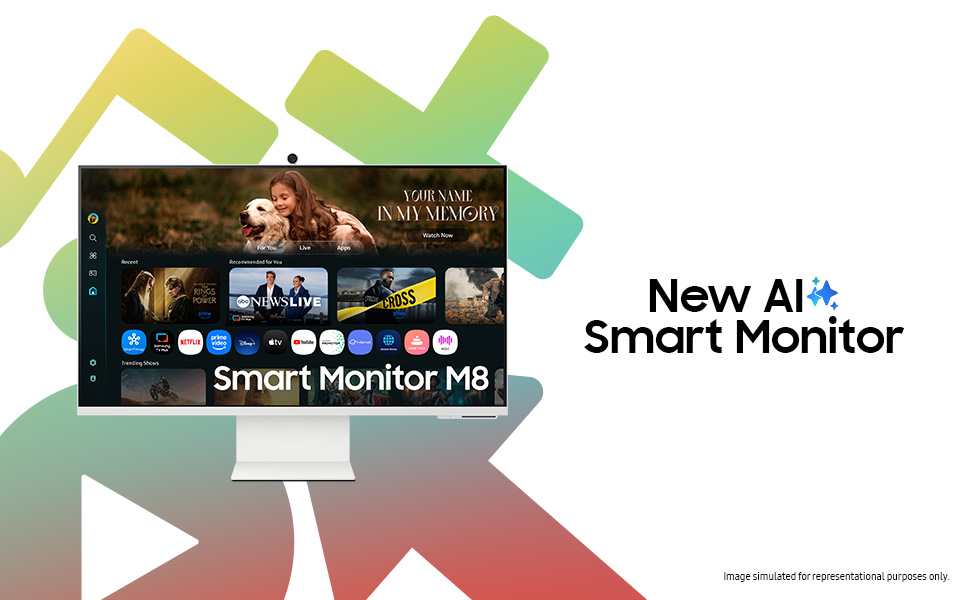
The monitor is designed to receive OS upgrades for up to 7 years, ensuring long-term functionality and access to new features.
Trikčių šalinimas
Jei kyla problemų dėl monitoriaus, žr. šiuos dažniausiai pasitaikančius sprendimus:
- Nėra galios: Patikrinkite, ar maitinimo laidas tvirtai prijungtas prie monitoriaus ir maitinimo lizdo. Įsitikinkite, kad maitinimo lizdas veikia.
- Nėra signalo: Verify that the HDMI or USB Type-C cable is correctly connected to both the monitor and the source device. Ensure the correct input source is selected on the monitor.
- Picture Issues (Flickering, Distorted): Check cable connections. Try a different cable or input port. Adjust display settings on your source device.
- Garso problemos: Ensure monitor volume is not muted or too low. Check audio output settings on your source device.
- Neveikia išmaniojo televizoriaus programėlės: Check your internet connection. Try restarting the monitor. Ensure apps are updated.
- Kamera neaptikta: Ensure the SlimFit Camera is properly attached. Restart the monitor.
For more complex issues, consult the online support resources or contact Samsung customer service.
Specifikacijos
| Funkcija | Detalė |
|---|---|
| Prekės ženklas | Samsung |
| Modelio numeris | LS32FM801UWXXL |
| Ekrano dydis | 32 colių (80 cm) |
| Rezoliucija | 4K UHD (3840 2160 x XNUMX XNUMX) |
| Krašto santykis | 16:9 |
| Atnaujinimo dažnis | 60 Hz |
| Reagavimo laikas | 4 milisekundės |
| Kontrasto santykis | 3000:1 |
| Ryškumas | 400 Candela (Peak) |
| Viewing kampas | 178° (H) / 178° (V) |
| Ryšys | 1 HDMI 2.1, 1 USB-C (90W PD), 2 USB-A 2.0, Wi-Fi 5, Bluetooth 5.2 |
| Integruota kamera | 12MP with Mic (SlimFit Camera) |
| Garsiakalbiai | 10 W built-in speaker |
| Energijos suvartojimas | 140 vatų |
| Matmenys (G x P x A) | 20 gylio x 71.3 pločio x 61.6 aukščio centimetrų |
| Svoris | 4 kilogramo |
| Ypatingos savybės | Smart TV Experience with AI, 4K AI Upscaling, AI Picture Optimizer, Knox Security, SmartThings, AirPlay, Gaming Bar, Adaptive Picture, Eye Saver Mode, Flicker Free |
Informacija apie garantiją
This Samsung Smart Monitor (Model: LS32FM801UWXXL) comes with a 3 metų gamintojo garantija from the date of purchase. This warranty covers manufacturing defects and ensures repair or replacement as per Samsung's warranty terms and conditions. Please retain your purchase receipt as proof of purchase.
For detailed warranty terms, please refer to the official Samsung websvetainėje arba susisiekite su klientų aptarnavimo tarnyba.
Palaikymas
For technical assistance, service requests, or product inquiries, please contact Samsung customer support:
- Samsung India Electronics Pvt. Ltd.
- Registruota buveinė: 6th Floor, DLF Centre, Sansad Marg, New Delhi-110001, India
- Kontaktiniai numeriai: 180040 7267864, 1800 5 7267864
- Palaikymas internetu: Apsilankykite oficialioje „Samsung“ palaikymo svetainėje webDUK, atsisiuntimų ir techninės priežiūros centrų adresų svetainė.
When contacting support, please have your monitor's model number (LS32FM801UWXXL) and serial number ready.


