
Įvadas
The CIAO TECH WiFi Extender is designed to enhance your wireless network coverage, eliminating dead zones and providing a strong, consistent signal throughout your home or office. With speeds up to 300Mbps and robust security features, it ensures a seamless online experience for multiple devices.

Priekyje view of the CIAO TECH WiFi Extender, showing the WPS button and indicator lights.
Pakuotės turinys
- 1 x CIAO TECH WiFi Extender
- 1 x Ethernet kabelis
- 1 x Naudotojo vadovas (šis dokumentas)
Sąrankos vadovas
1 būdas: greita sąranka naudojant WPS mygtuką
- Prijunkite: Plug the WiFi Extender into an electrical outlet near your main router. Wait for the Power indicator light to turn solid.
- Įjunkite WPS maršrutizatoriuje: Press the WPS button on your main wireless router. Refer to your router's manual for the exact location and procedure.
- Įjunkite WPS plėtiklį: Within 2 minutes of pressing WPS on your router, press the WPS button on the front of the CIAO TECH WiFi Extender.
- Palaukite ryšio: The Extender's signal indicator lights will flash and then turn solid when a connection is established. This may take a few moments.
- Persikėlimas (nebūtina): Once connected, you can unplug the extender and move it to a location halfway between your router and the Wi-Fi dead zone. Ensure the signal indicator lights remain solid, indicating a good connection.
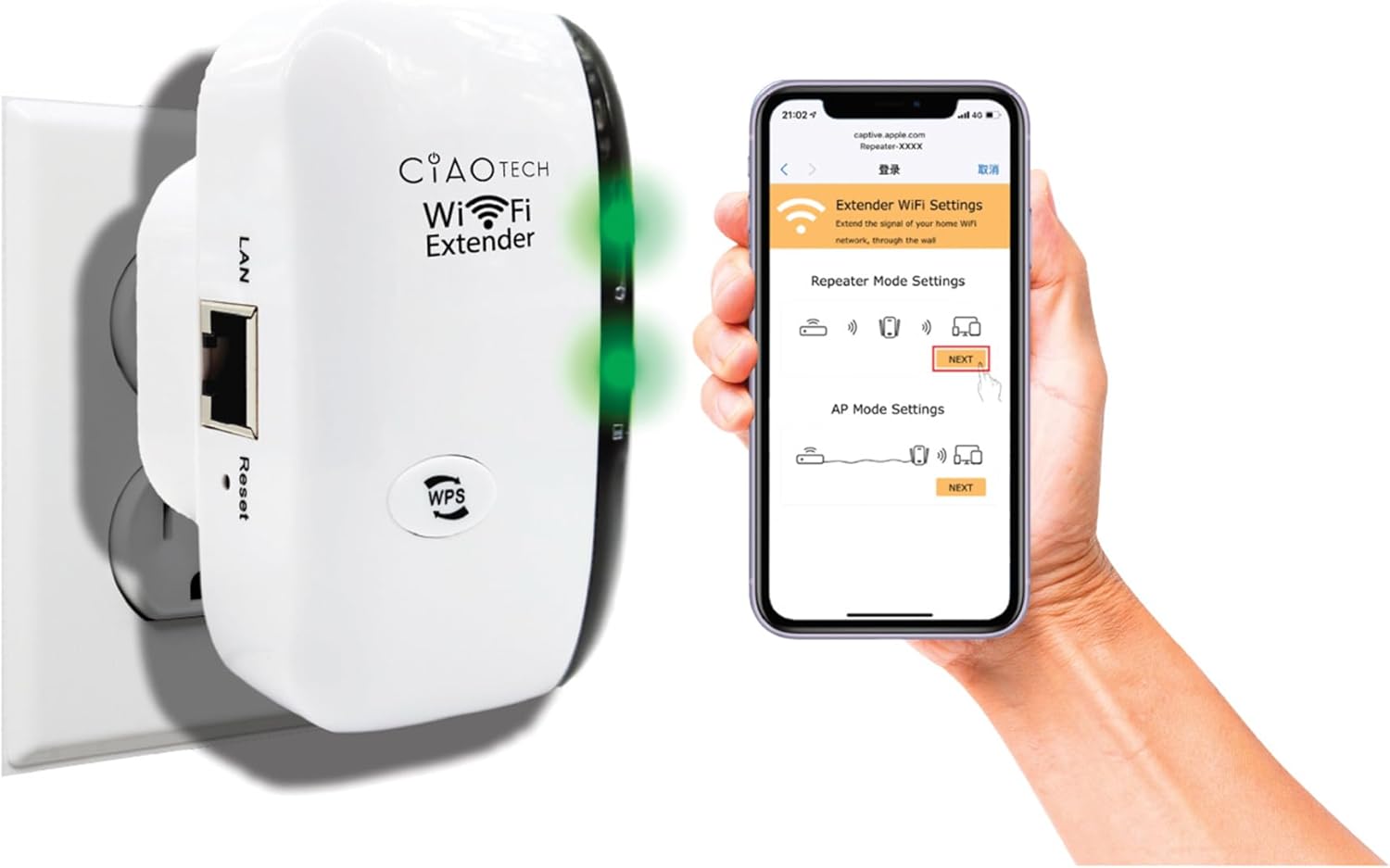
The WiFi Extender plugged into a wall outlet, with a smartphone displaying the extender's setup interface.
Method 2: Setup via Web Naršyklė
- Prijunkite: Plug the WiFi Extender into an electrical outlet near your main router. Wait for the Power indicator light to turn solid.
- Prisijunkite prie plėtinio „Wi-Fi“: On your computer or mobile device, connect to the Wi-Fi network named "WiFi Repeater-XXXXXX" (where XXXXXX are the last 6 digits of the extender's MAC address, found on the label). There is no password initially.
- Prieigos sąrankos puslapis: Atidarykite a web browser (e.g., Chrome, Firefox, Safari) and enter 192.168.11.1 adreso juostoje.
- Prisijungti: If prompted, the default username and password are "admin" (or refer to the label on the device).
- Pasirinkite režimą: Choose your desired operating mode (Repeater Mode or AP Mode).
- Konfigūruoti nustatymus:
- Kartotuvo režimas: Select your existing Wi-Fi network from the list, enter its password, and optionally change the extender's SSID.
- AP režimas: Connect an Ethernet cable from your router to the extender's LAN port. The extender will create a new Wi-Fi network. Configure the new SSID and password.
- Taikyti nustatymus: Išsaugokite nustatymus ir palaukite, kol plėtiklis bus paleistas iš naujo.
- Connect to Extended Network: On your devices, connect to the newly configured extended Wi-Fi network.

Galinis view of the WiFi Extender, displaying the LAN port and the label with default settings and IP address.
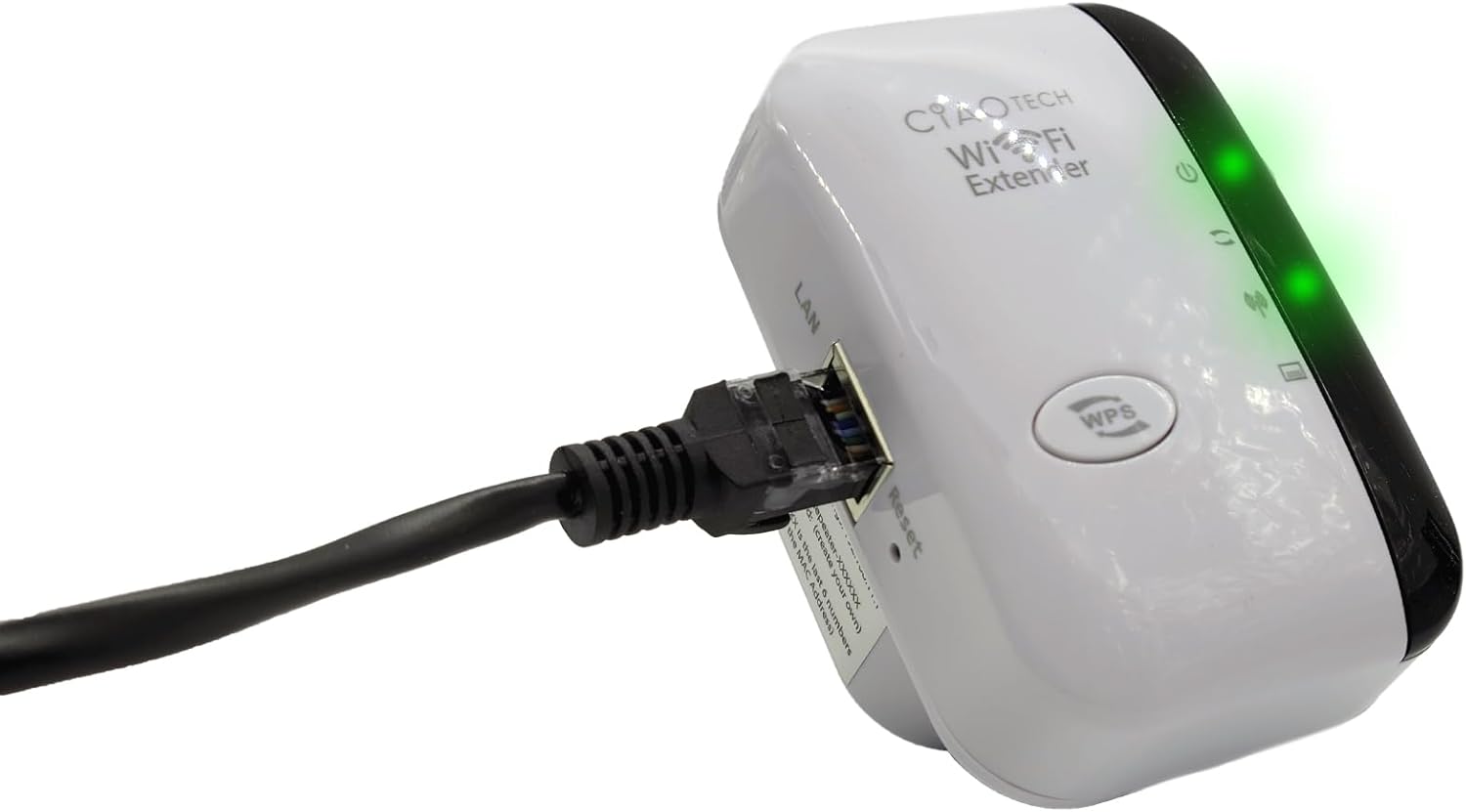
The WiFi Extender with an Ethernet cable connected to its LAN port, indicating a wired connection option.
Veikimo režimai
Kartotuvo režimas
In Repeater Mode, the extender wirelessly connects to your existing Wi-Fi network and re-broadcasts it, extending the coverage area. This mode is ideal for eliminating Wi-Fi dead zones and improving signal strength in areas with weak coverage.
AP (prieigos taško) režimas
In AP Mode, the extender connects to your router via an Ethernet cable and creates a new wireless network. This mode is suitable for converting a wired network connection into a wireless one, or for creating a separate Wi-Fi network.
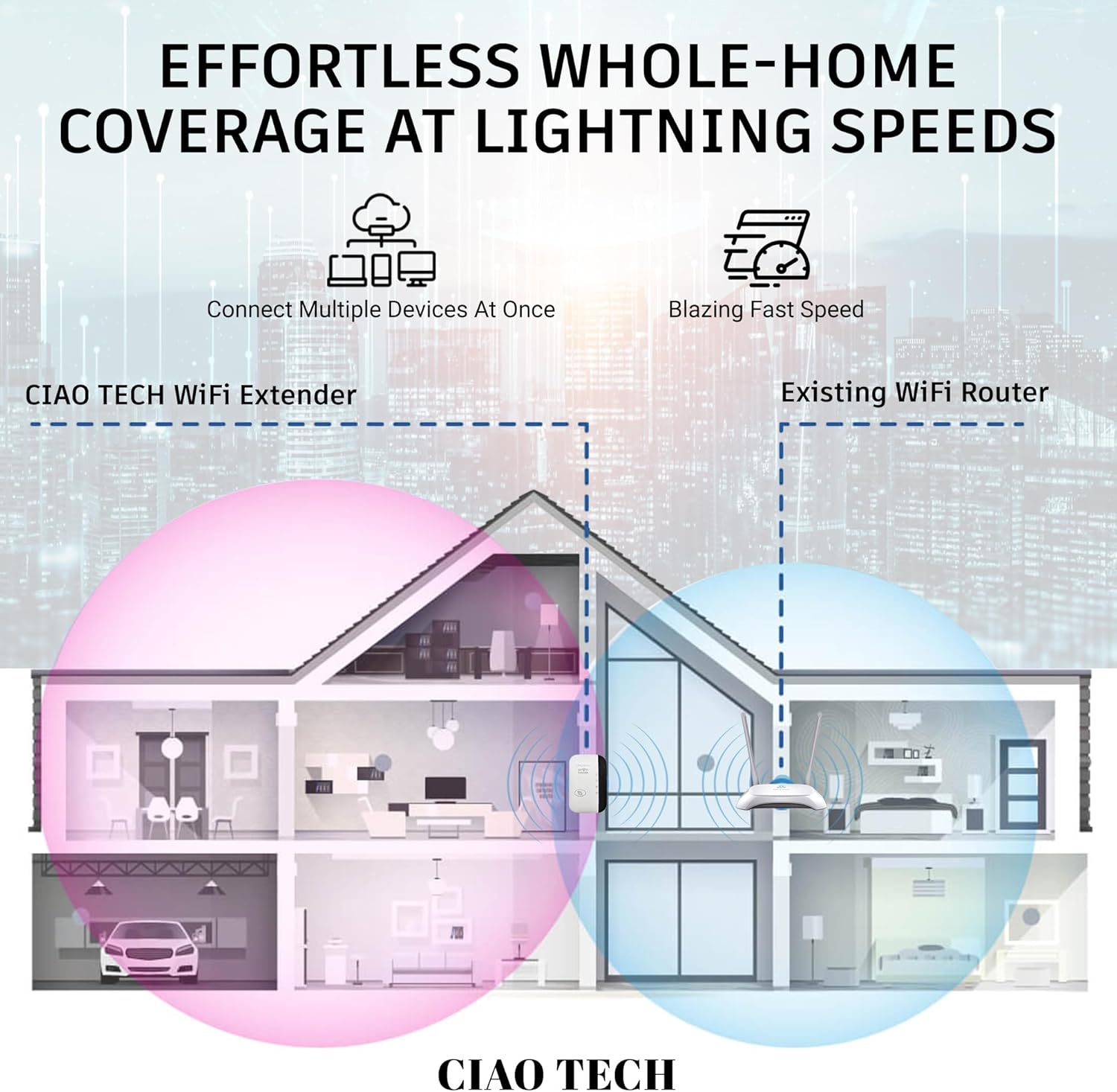
A diagram illustrating how the WiFi Extender provides expanded coverage throughout a home, connecting multiple devices.
Priežiūra
- Optimali vieta: Place the extender in a location that is roughly halfway between your main router and the area where you need improved Wi-Fi. Avoid placing it near large metal objects, concrete walls, or other electronic devices that may cause interference.
- Laikyti švarų: Reguliariai valykite įrenginį minkštu, sausu skudurėliu, kad pašalintumėte dulkes. Nenaudokite skystų valiklių ar aerozolių.
- Firmware atnaujinimai: Patikrinkite gamintojo website periodically for firmware updates. Keeping the firmware updated can improve performance and security.
- Maitinimo ciklas: If you experience persistent issues, try power cycling the extender by unplugging it from the outlet for 10 seconds and then plugging it back in.
Trikčių šalinimas
- Nėra interneto prieigos po sąrankos:
- Įsitikinkite, kad ilgintuvas yra pagrindinio maršrutizatoriaus diapazone.
- Verify that the password entered for your main Wi-Fi network during setup was correct.
- Pabandykite iš naujo paleisti ir pagrindinį maršrutizatorių, ir plėstuvą.
- If using Repeater Mode, ensure your main router has internet access.
- Silpnas signalas iš ilgintuvo:
- Perkelkite ilgintuvą arčiau pagrindinio maršrutizatoriaus.
- Avoid physical obstructions like thick walls or large appliances.
- Patikrinkite, ar nėra trukdžių šaltinių (pvz., mikrobangų krosnelės, belaidžiai telefonai).
- Nepavyksta pasiekti Web Valdymo puslapis (192.168.11.1):
- Ensure your device is connected to the extender's Wi-Fi network (e.g., "WiFi Repeater-XXXXXX").
- Išvalykite naršyklės talpyklą ir slapukus arba išbandykite kitą naršyklę.
- Laikinai išjunkite bet kokią VPN arba užkardos programinę įrangą savo kompiuteryje.
- Reset the extender to factory defaults (use a paperclip to press the reset button for 5-10 seconds) and try setup again.
- Lėtas greitis:
- Ensure the extender is placed in an optimal location, not too far from the router and not too far from the devices.
- Check for network congestion or too many devices connected to the extended network.
- Verify your main internet speed.
Specifikacijos
| Modelio numeris | OWEWM00-001 |
| bevielio ryšio standartas | 802.11ac |
| Duomenų perdavimo sparta | Iki 300 Mbps |
| Apsaugos funkcijos | 64/128/152-bit Encryption |
| Uostai | 1 x RJ45 Ethernet Port |
| Matmenys | 4.61 x 4.45 x 2.72 colio |
| Svoris | 3.84 uncijos |
Garantija ir palaikymas
For warranty information and technical support, please refer to the contact details provided with your purchase or visit the official CIAO TECH websvetainę. Išsaugokite pirkimo čekį garantiniams reikalavimams.