
Ambrane OP-WLGC01
Ambrane Wireless Gaming Controller OP-WLGC01 User Manual
Model: OP-WLGC01
1. Įvadas
Thank you for choosing the Ambrane Wireless Gaming Controller OP-WLGC01. This controller is designed to provide an immersive gaming experience across multiple platforms, including PC (Windows), PS3 Console, and Android TV. Featuring 2.4GHz wireless technology, dual vibration motors, and dynamic RGB lighting, this manual will guide you through its setup, operation, and maintenance.

Image 1.1: The Ambrane Wireless Gaming Controller OP-WLGC01, showcasing its transparent design and illuminated elements.
2. Produktas baigtasview
The Ambrane OP-WLGC01 controller combines advanced features with a unique aesthetic. Key components and features include:
- Skaidrus dizainas: A visually distinct transparent casing.
- 2.4 GHz belaidė technologija: Ensures stable and responsive connectivity.
- Integrated Dual Intensity Motor: Provides haptic feedback for an immersive gaming experience.
- Illuminated Pad (RGB Lighting): Features 16.8 million colors with breathing RGB effects.
- Ergonomiškas dizainas: Easy-to-hold body for comfortable extended gaming sessions.
- Specialių funkcijų mygtukai: Dedicated Turbo and Clear buttons for enhanced gameplay.

Image 2.1: Illustration of the dual vibrating motors providing haptic feedback.

Image 2.2: The controller displaying its dynamic 16.8 million color breathing RGB lighting effect.
3. Sąranka
3.1 Valdiklio įkrovimas
Before initial use, fully charge the controller. The integrated 800mAh battery provides up to 12 hours of gameplay on a full charge.
- Connect the provided Type-C charging cable to the charging port on the controller.
- Kitą laido galą prijunkite prie USB maitinimo šaltinio (pvz., kompiuterio USB prievado, USB sieninio adapterio).
- The indicator lights on the controller will show charging status and turn off or change color when fully charged.

Image 3.1: The controller highlighting its Type-C charging port and other features.
3.2 Prisijungimas prie įrenginių
The controller utilizes 2.4GHz wireless technology for connection. It is compatible with PC (Windows systems, supporting X-Input & D-Input modes), PS3 consoles, and Android TV devices.
- Insert the 2.4GHz USB receiver (dongle) into an available USB port on your PC, PS3 console, or Android TV.
- Turn on the controller by pressing the MODE button.
- The controller will automatically pair with the receiver. The indicator lights will stabilize once connected.
- For PC, ensure the correct input mode (X-Input or D-Input) is selected if prompted by your game or system.

Image 3.2: The controller demonstrating its compatibility with PS3 Console, Windows System, Android TV, and PC.
4. Naudojimo instrukcijos
4.1 Mygtukų išdėstymas ir funkcijos
Optimaliam žaidimui susipažinkite su valdiklio mygtukų išdėstymu.

Image 4.1: Detailed diagram of the controller's buttons, including joysticks, directional pad, action buttons (A, B, X, Y), shoulder buttons (L1, L2, R1, R2), SELECT, START, TURBO, CLEAR, MODE, and RGB Control.
- Kairysis/dešinysis valdymo svirtys: For analog movement and camera control.
- Directional Button (D-Pad): Tiksliam krypties įvedimui.
- Veiksmų mygtukai (A, B, X, Y): Standartiniai žaidimo veiksmai.
- Pečių mygtukai (L1, L2, R1, R2): Įvairioms žaidimo funkcijoms.
- SELECT/START: Menu and pause functions.
- MODE mygtukas: Power on/off and mode switching.
- RGB valdymas: Button or combination for adjusting RGB lighting effects.
4.2 Turbo režimas
The Turbo mode allows for rapid and continuous actions by repeatedly pressing a single button. This can be useful for certain in-game scenarios.
- Paspauskite ir palaikykite norimą veiksmo mygtuką (pvz., A, B, X, Y, L1, R1).
- Laikydami veiksmo mygtuką, paspauskite TURBO mygtuką vieną kartą.
- Release both buttons. The selected action button will now perform rapid presses when held down.
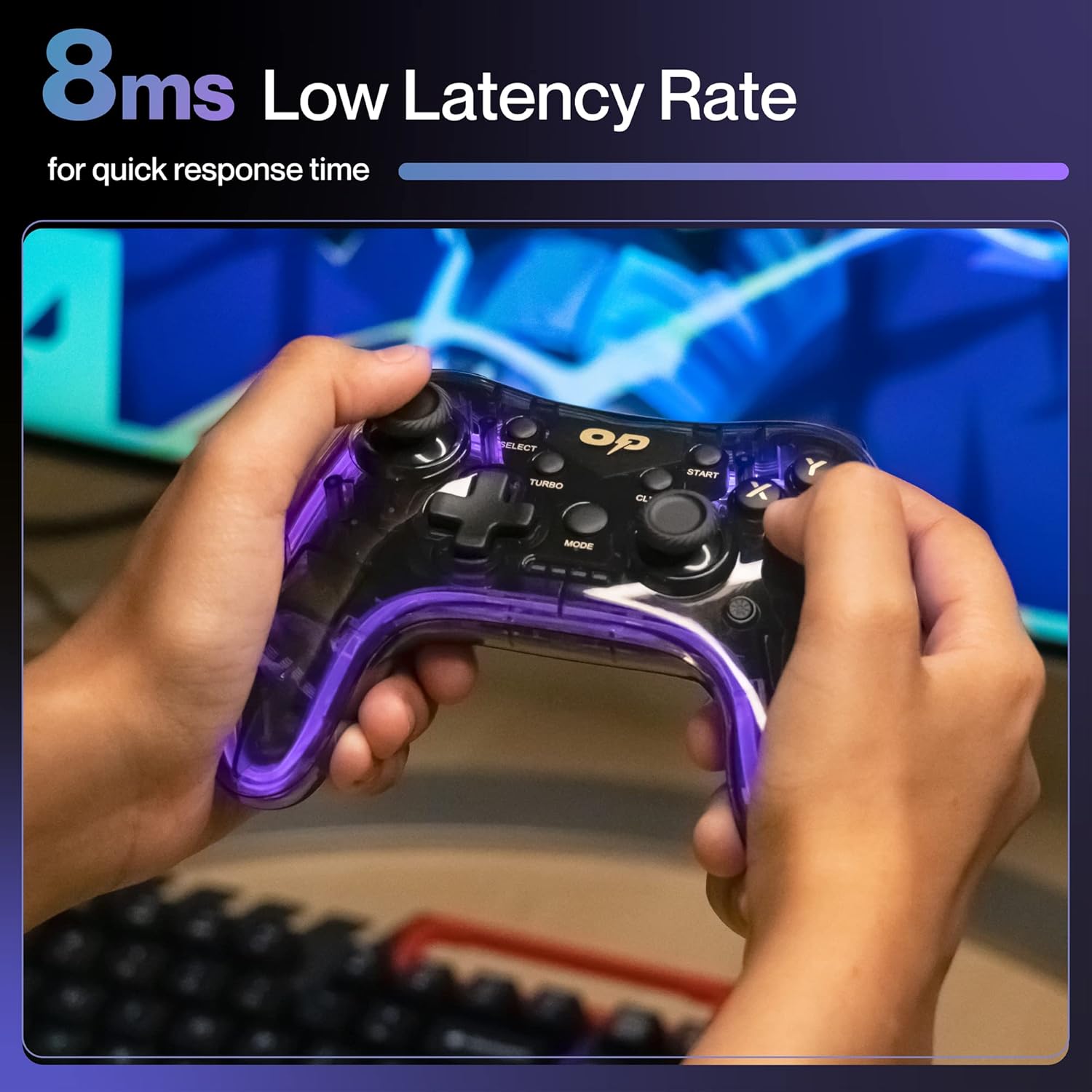
4.2 paveikslėlis: Stambus planas view of the TURBO and CLEAR special function buttons.
4.3 Clearing Turbo Mode
To deactivate Turbo mode for a specific button:
- Press and hold the action button for which Turbo mode is active.
- Laikydami veiksmo mygtuką, paspauskite IŠVALYTI mygtuką vieną kartą.
- Release both buttons. Turbo mode for that button is now deactivated.
To clear all Turbo settings, press and hold the IŠVALYTI mygtuką maždaug 3 sekundes.
5. Priežiūra
Tinkama priežiūra užtikrina jūsų valdiklio ilgaamžiškumą ir optimalų veikimą.
- Valymas: Valdiklį nuvalykite minkšta, sausa šluoste. Jei nešvarumai sunkiai įveikiami, šiek tiek nuvalykite.ampNuvalykite šluostę vandeniu. Venkite stiprių cheminių medžiagų ar abrazyvinių medžiagų.
- Saugykla: Laikykite valdiklį vėsioje, sausoje vietoje, apsaugotoje nuo tiesioginių saulės spindulių ir ekstremalių temperatūrų.
- Akumuliatoriaus priežiūra: Avoid fully discharging the battery frequently. If storing for an extended period, charge the controller to about 50% to prolong battery life.
- Venkite lašų: Saugokite valdiklį nuo fizinio smūgio, kuris gali pažeisti vidinius komponentus.
6. Problemų sprendimas
| Problema | Galima priežastis | Sprendimas |
|---|---|---|
| Valdiklis neįsijungia. | Senka baterija. | Įkraukite valdiklį naudodami pridedamą C tipo laidą. |
| Valdiklis neprisijungia prie įrenginio. | USB receiver not properly inserted or out of range. | Ensure the USB receiver is securely plugged in. Move closer to the receiver (within 10 meters). Re-pair by turning the controller off and on. |
| Mygtukai arba valdymo svirtys nereaguoja. | Software glitch or physical obstruction. | Restart the controller and the connected device. Check for any physical debris around buttons/joysticks. |
| Vibracijos funkcija neveikia. | Game does not support vibration or feature is disabled. | Check in-game settings for vibration options. Ensure the game supports haptic feedback. |
7. Specifikacijos
| Funkcija | Detalė |
|---|---|
| Modelio numeris | OP-WLGC01 |
| Ryšys | 2.4GHz bevielis ryšys |
| Suderinamumas | PC (Windows X-Input/D-Input), PS3 Console, Android TV |
| Baterijos talpa | 800 mAh ličio baterija |
| Baterijos atsarginė kopija | Iki 12 valandų |
| Įkrovimo prievadas | C tipas |
| Vibracija | Dual Intensity Motor |
| Apšvietimas | 16.8M Colours Breathing RGB |
| Veikimo diapazonas | Iki 10 metrų |
| Matmenys (IxPxH) | 16.9 x 15.9 x 9 cm |
| Prekės svoris | 195 g |
8. Garantija ir palaikymas
This Ambrane product comes with a 365-day (1 Year) brand warranty against any manufacturing-related issues.
For warranty claims, technical support, or any inquiries, please contact Ambrane customer service:
- El. paštas: Care@ambraneindia.com
Prašome išsaugoti pirkimo kvitą garantijos galiojimui patvirtinti.
Ask a question about this manual
Ask about setup, troubleshooting, compatibility, parts, safety, or missing instructions. Manuals+ will review the question and use this page’s manual context to help answer it.