
Įvadas
This manual provides detailed instructions for the setup, programming, and operation of the GBS Jolly Open 2 universal fixed-code learning remote control. This device is designed to duplicate existing 433.92 MHz fixed-code gate and garage door remote controls.
The GBS Jolly Open 2 is a compact remote control capable of storing up to two different codes, even from various original remote controls. It features a sliding button cover to prevent accidental activation. Its user-friendly programming and ability to retain stored codes during battery replacement make it a convenient solution for remote control duplication.
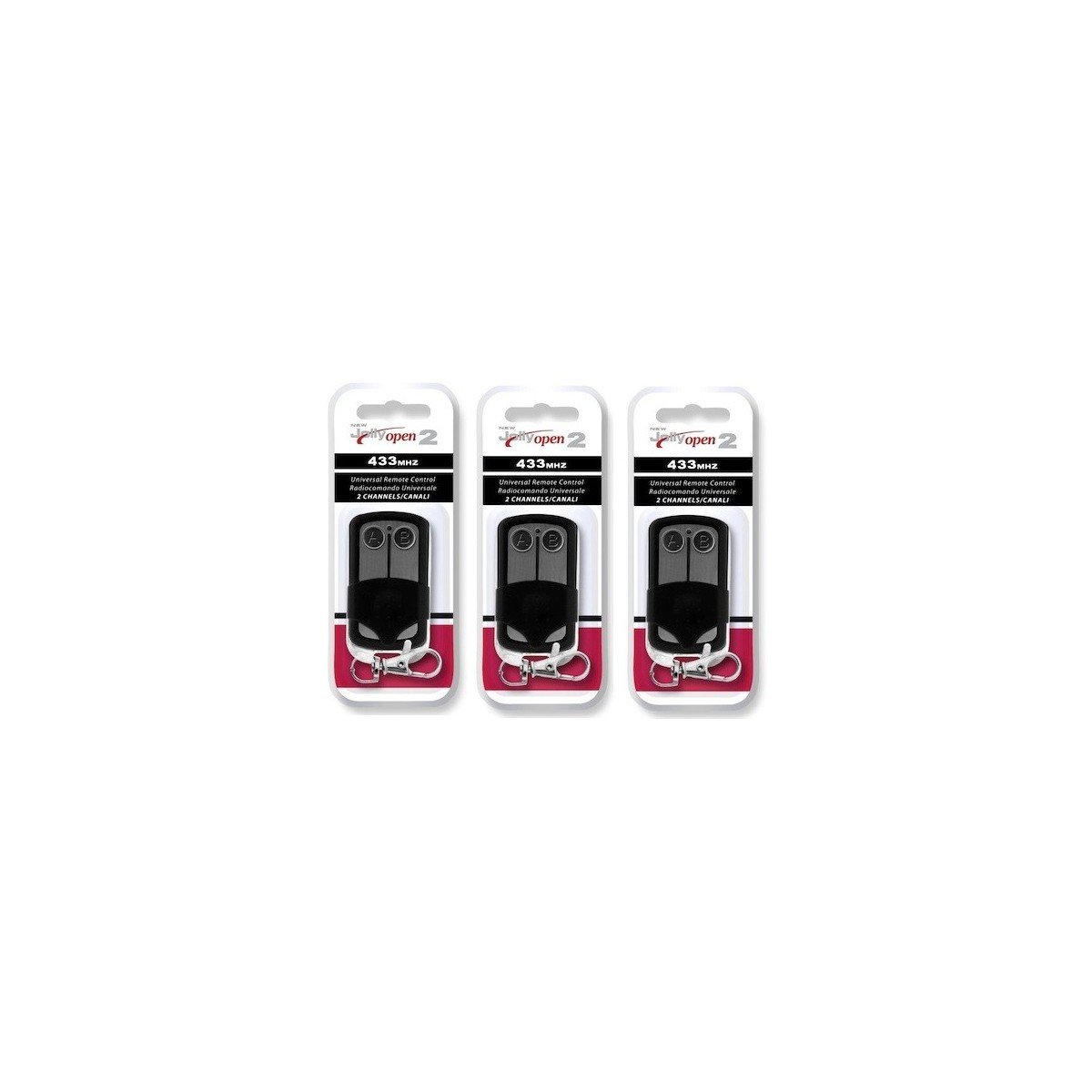
Image: Three GBS Jolly Open 2 universal remote controls. These remotes are designed for duplicating fixed-code signals.
Svarbi saugos informacija
- Dažnių suderinamumas: This remote control is designed to operate only within the 433.92 MHz frequency range. It is nesuderinamas with other frequencies such as 27 MHz, 31 MHz, 33 MHz, 49 MHz, 224 MHz, etc. Attempting to duplicate remotes outside the specified frequency range will not be successful.
- Tik fiksuotas kodas: The GBS Jolly Open 2 is compatible only with fixed-code remote controls. It is nesuderinamas with rolling code (also known as hopping code) systems. Rolling code remotes typically do not feature internal DIP switches (micro-switches). Please verify if your original remote has DIP switches with ON/OFF positions.
- Original Remote Required: An original, working remote control is absolutely necessary for the duplication process. This device cannot replace a lost or non-functional nuotolinio valdymo pultas.
Setup: Programming Instructions
Follow these steps carefully to program your GBS Jolly Open 2 remote control:
1 veiksmas: išvalykite esamus kodus
- Paspauskite ir palaikykite mygtukus A ir B simultaneously on the GBS Jolly Open 2 remote.
- Continue holding until the LED indicator flashes three times rapidly.
- While still holding button A, release button B and then press button B tris kartus.
- The LED will then flash continuously.
- Release both buttons. The remote is now cleared and ready for duplication.
Step 2: Copy the Code from Your Original Remote
- Hold your original remote control in one hand and the GBS Jolly Open 2 remote in the other.
- Bring the two remote controls very close together, ideally touching or within a few millimeters.
- Simultaneously press and hold the desired button on your original remote (e.g., the button that opens your gate) and the corresponding button (e.g., button A) on the GBS Jolly Open 2 remote.
- Continue holding both buttons until the LED on the GBS Jolly Open 2 flashes continuously. This indicates successful code learning.
- Atleiskite abu mygtukus.
- Repeat this process for any other buttons you wish to program (e.g., button B for a second function).
The entire code learning process typically takes only a few seconds per button.
Nuotolinio valdymo pulto valdymas
After successful programming, simply press the corresponding button on your GBS Jolly Open 2 remote control to activate the desired function (e.g., open/close your gate, activate lighting, etc.). The sliding cover helps prevent accidental button presses when the remote is in your pocket or bag.
Priežiūra
Baterijos keitimas
The GBS Jolly Open 2 remote control is designed to retain all programmed codes even when the battery is replaced. To replace the battery:
- Atsargiai atidarykite nuotolinio valdymo pultą casing.
- Išimkite seną bateriją.
- Įdėkite naują to paties tipo bateriją, užtikrindami teisingą poliškumą.
- Uždarykite nuotolinio valdymo pultą casing saugiai.
Priežiūra ir valymas
Wipe the remote with a soft, dry cloth. Avoid using harsh chemicals or abrasive cleaners. Keep the remote away from extreme temperatures and moisture.
Trikčių šalinimas
- Remote not duplicating:
- Ensure your original remote is a fixed-code type and operates at 433.92 MHz. Check for internal DIP switches on your original remote.
- Patikrinkite, ar originalus nuotolinio valdymo pultas veikia tinkamai.
- Ensure the remotes are held very close together during the programming process.
- Repeat the clearing and copying steps carefully, ensuring the LED flashes as described.
- Check the battery level of both the original and the GBS Jolly Open 2 remote.
- LED not flashing during programming:
- Ensure the buttons are pressed firmly and held for the required duration.
- Check the battery level of the GBS Jolly Open 2 remote.
- Programmed remote has short range:
- Įsitikinkite, kad akumuliatorius yra visiškai įkrautas.
- Reprogram the remote, ensuring optimal proximity during the copying step.
- Aplinkos veiksniai arba trukdžiai gali turėti įtakos veikimo atstumui.
Specifikacijos
| Modelio numeris: | X9-I51M-ZUD1 |
| Prekinis ženklas: | GBS |
| Nešiklio dažnis: | 433.92 MHz |
| Suderinamumas: | Fixed-code remotes only (not rolling code). Compatible with approximately 400 models, including:
|
| Matmenys: | 55 x 30 x 13 mm |
| Svoris: | 15 gramų |
Garantija ir palaikymas
Dėl garantijos informacijos ar techninės pagalbos žr. kartu su pirkiniu pateiktus dokumentus arba susisiekite su pardavėju. Išsaugokite pirkimo įrodymą, jei prireiktų pateikti garantijos pretenziją.