
1. ຜະລິດຕະພັນເກີນview
The HP Laptop 15-fd2353la is a versatile and efficient computing device designed for everyday tasks, entertainment, and productivity. It features an Intel Core Ultra 5 processor, a vibrant 15.6-inch Full HD display, ample memory, and fast solid-state storage. This manual will guide you through the setup, operation, and maintenance of your new laptop.

ດ້ານໜ້າ view of the HP Laptop 15-fd2353la, highlighting its Intel Core Ultra 5 processor, 24 GB RAM, 512 GB SSD, and 15.6-inch Full HD display.
2. ຕັ້ງຄ່າ
2.1 ການຫຸ້ມຫໍ່
ເອົາຄອມພິວເຕີໂນດບຸກ ແລະ ອຸປະກອນເສີມທັງໝົດອອກຈາກການຫຸ້ມຫໍ່ຢ່າງລະມັດລະວັງ. ໃຫ້ແນ່ໃຈວ່າມີລາຍການຕໍ່ໄປນີ້:
- HP Laptop 15-fd2353la
- ອະແດບເຕີສາຍໄຟ ແລະສາຍ
- ເອກະສານ (ຄູ່ມືເລີ່ມຕົ້ນດ່ວນ, ຂໍ້ມູນການຮັບປະກັນ)
2.2 ການເຊື່ອມຕໍ່ອະແດບເຕີໄຟຟ້າ
Before first use, connect the power adapter to the laptop's power port and then plug it into a wall outlet. Allow the battery to charge for a few hours, or until fully charged, before initial use.
2.3 ການເປີດເຄື່ອງເບື້ອງຕົ້ນ ແລະການຕິດຕັ້ງ Windows
Press the power button located on the keyboard to turn on the laptop. Follow the on-screen instructions to complete the Windows 11 Home setup process. This includes selecting your language, connecting to a Wi-Fi network, and creating a user account.
3. ຄໍາແນະນໍາການດໍາເນີນງານ
3.1 ເປີດ/ປິດ ແລະ ໂໝດນອນ
- ເປີດ: ກົດປຸ່ມເປີດປິດ.
- ປິດລົງ: ຄລິກທີ່ປຸ່ມເລີ່ມຕົ້ນ, ຈາກນັ້ນເປີດປິດ > ປິດລົງ.
- ຮູບແບບການນອນ: ປິດຝາ ຫຼືຄລິກປຸ່ມເລີ່ມຕົ້ນ, ຈາກນັ້ນເປີດປິດ > ນອນ.
3.2 ການໃຊ້ແປ້ນພິມ ແລະ Touchpad
The laptop features a full-size Spanish QWERTY keyboard and a precision touchpad. Use the touchpad for navigation, clicking, and multi-touch gestures. Refer to Windows settings for touchpad customization.
3.3 ການເຊື່ອມຕໍ່ Wi-Fi
ເພື່ອເຊື່ອມຕໍ່ກັບເຄືອຂ່າຍໄຮ້ສາຍ:
- ຄລິກໄອຄອນ Wi-Fi ໃນແຖບໜ້າວຽກ.
- ເລືອກເຄືອຂ່າຍທີ່ທ່ານຕ້ອງການຈາກບັນຊີລາຍຊື່.
- ໃສ່ລະຫັດຜ່ານເຄືອຂ່າຍຖ້າຖືກຖາມ, ຈາກນັ້ນຄລິກເຊື່ອມຕໍ່.
4. ຄຸນນະສົມບັດທີ່ສໍາຄັນ
The HP Laptop 15-fd2353la offers a range of features designed to enhance your computing experience:
- ໜ່ວຍປະມວນຜົນ: Intel Core Ultra 5 225U (up to 4.8 GHz with Intel Turbo Boost Technology, 12 MB L3 Cache, 12 cores, 14 threads) for efficient multitasking.
- ການເກັບຮັກສາ: 512 GB PCIe NVMe M.2 Solid State Drive for fast boot times and application loading.
- ໜ່ວຍຄວາມຈຳ: 24 GB DDR5-5600 MT/s RAM for smooth performance across demanding applications.
- ຈໍສະແດງຜົນ: 15.6-inch Full HD (1920 x 1080) IPS anti-glare display with 250 nits brightness and 62.5% sRGB for clear visuals.
- ລະບົບປະຕິບັດການ: ຕິດຕັ້ງໄວ້ລ່ວງໜ້າດ້ວຍ Windows 11 Home.
- ຊີວິດຫມໍ້ໄຟ: Up to 9 hours and 45 minutes of AI-optimized battery life, with HP Fast Charge capable of recharging 50% in approximately 30 minutes.
- Webກ້ອງ ແລະ ສຽງ: ປະສົມປະສານ webcam with a privacy shutter and a clear microphone featuring external noise reduction for improved video calls.
- ການອອກແບບແບບຍືນຍົງ: Constructed with ocean-bound and post-consumer recycled plastics in various components.

The laptop features an integrated webcam shutter for privacy and a clear microphone with external noise reduction.

Experience an immersive visual display with an 85% screen-to-body ratio and an anti-glare Full HD screen.

Enjoy extended use with up to 9 hours and 45 minutes of AI-optimized battery life, and quickly recharge 50% in 30 minutes with HP Fast Charge.

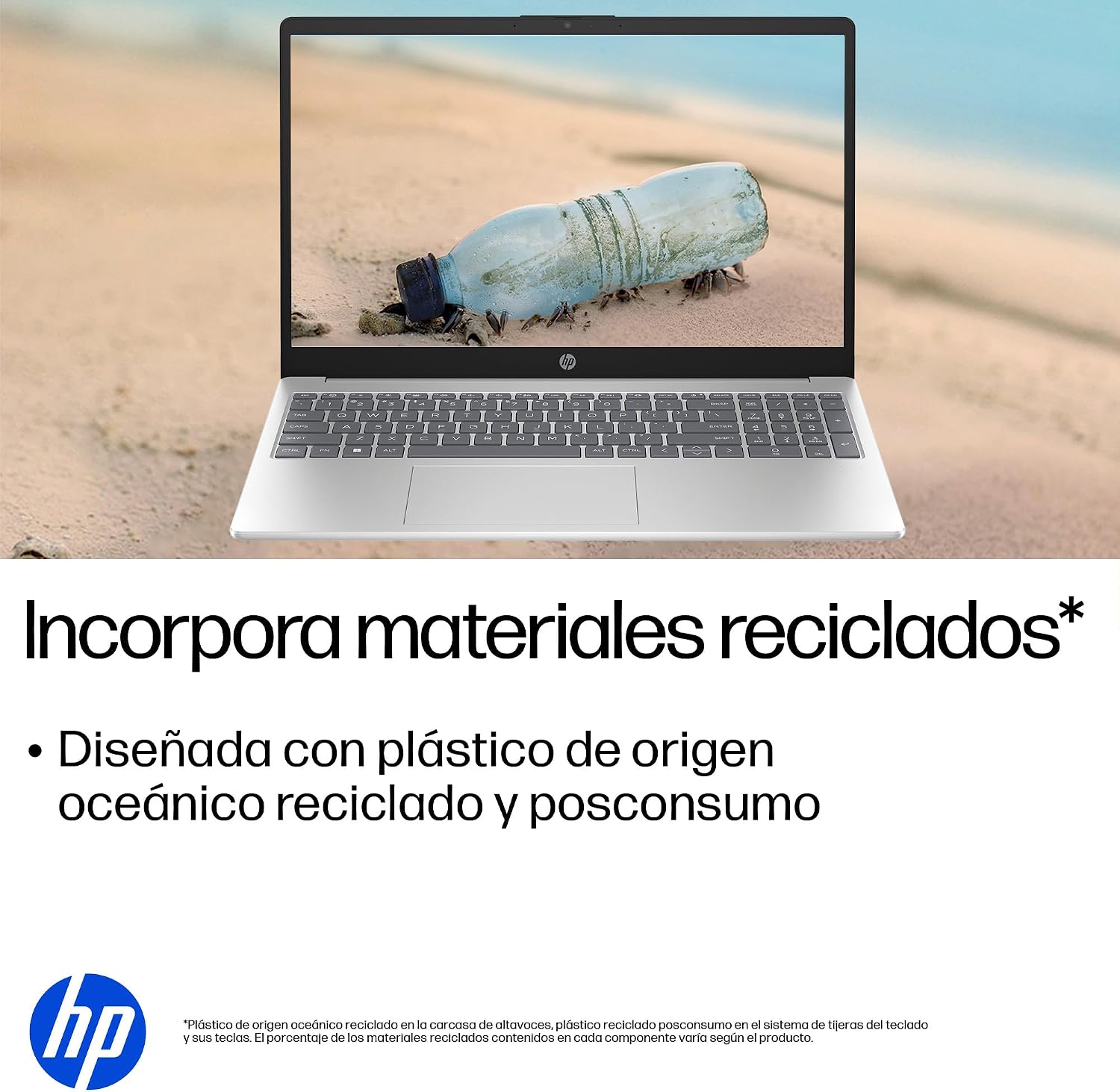
This laptop incorporates recycled materials, including ocean-bound and post-consumer plastics, in its design.
5. ພອດແລະການເຊື່ອມຕໍ່
Your HP Laptop 15-fd2353la is equipped with various ports for connecting peripherals and external devices:

Diagram illustrating the location and type of ports on the HP Laptop 15-fd2353la.
- ຊ້າຍ:
- 1 x USB Type-A 5 Gbps signaling rate port
- 1 x ພອດ HDMI
- 1 x USB Type-C 5 Gbps signaling rate port
- 1 x ຊ່ອງສຽບຫູຟັງ/ໄມໂຄຣໂຟນ
- ເບື້ອງຂວາ:
- 1 x USB Type-A 5 Gbps signaling rate port
- 1 x Power connector
6. ຂໍ້ມູນຈໍາເພາະ
| ຄຸນສົມບັດ | ຂໍ້ມູນຈໍາເພາະ |
|---|---|
| ຍີ່ຫໍ້ | HP |
| ຊື່ຕົວແບບ | 15-fd2353la |
| ຂະໜາດໜ້າຈໍ | 15.6 ນິ້ວ |
| ຄວາມລະອຽດໜ້າຈໍສູງສຸດ | 1920 x 1080 ພິກເຊລ (FHD) |
| ປະເພດການສະແດງ | IPS, Anti-glare LCD |
| ສີ | ເງິນ |
| ຕົວແບບ CPU | Intel Core Ultra 5 225U |
| ຄວາມໄວປະມວນຜົນ | ສູງເຖິງ 4.8 GHz |
| ຂະໜາດ RAM | 24 GB |
| ເຕັກໂນໂລຊີ RAM | DDR5-5600 MT/s |
| ຂະຫນາດຮາດດິດ | SSD 512 GB (PCIe NVMe M.2) |
| ລະບົບປະຕິບັດການ | ໜ້າຫຼັກ Windows 11 |
| Graphics Coprocessor | Intel ປະສົມປະສານກາຟິກ |
| ພອດ USB | 3 (2x USB ປະເພດ-A, 1x USB ປະເພດ-C) |
| ພອດ HDMI | 1 |
| ປະເພດຫມໍ້ໄຟ | ລີທຽມໄອອອນ |
| ເນື້ອໃນພະລັງງານຫມໍ້ໄຟ | 41 ວັດ-ຊົ່ວໂມງ |
| ຮູບແບບແປ້ນພິມ | QWERTY (Spanish) |
| ນ້ຳໜັກ | 1.65 ກິໂລກຣາມ |
| ຂະໜາດ (L x W x H) | 23.6 x 36 x 1.9 cm |
Visual representation of the laptop's dimensions and weight.
7. ບໍາລຸງຮັກສາ
7.1 ການເຮັດຄວາມສະອາດແລັບທັອບ
- ໃຊ້ຜ້າແພທີ່ອ່ອນໆ ທີ່ບໍ່ມີເສັ້ນດ່າງ dampສໍາເລັດດ້ວຍນ້ໍາຫຼືເຄື່ອງເຮັດຄວາມສະອາດຫນ້າຈໍເພື່ອເຮັດຄວາມສະອາດຈໍສະແດງຜົນ.
- ສໍາລັບແປ້ນພິມ ແລະຕົວເຄື່ອງ, ໃຫ້ໃຊ້ຜ້າອ່ອນໆ. ຫຼີກເວັ້ນການສານເຄມີທີ່ຮຸນແຮງຫຼືວັດສະດຸຂັດ.
- ໃຊ້ອາກາດບີບອັດເພື່ອລ້າງຂີ້ຝຸ່ນອອກຈາກກະແຈແປ້ນພິມ ແລະຊ່ອງລະບາຍອາກາດ.
7.2 ການດູແລຫມໍ້ໄຟ
- ຫຼີກເວັ້ນອຸນຫະພູມທີ່ຮຸນແຮງ.
- ຢ່າປະຖິ້ມຫມໍ້ໄຟເຕັມທີ່ເລື້ອຍໆ.
- ຖ້າເກັບຮັກສາແລັບທັອບເປັນເວລາດົນ, ໃຫ້ແນ່ໃຈວ່າແບດເຕີລີ່ຖືກຊາດປະມານ 50%.
7.3 ການປັບປຸງຊອບແວ
ປັບປຸງລະບົບປະຕິບັດການ Windows ແລະໄດເວີຂອງທ່ານເປັນປະຈໍາເພື່ອຮັບປະກັນປະສິດທິພາບ ແລະຄວາມປອດໄພທີ່ດີທີ່ສຸດ. Windows Update ສາມາດເຂົ້າເຖິງໄດ້ຜ່ານການຕັ້ງຄ່າ > Windows Update.
7.4 ການຄຸ້ມຄອງການເກັບຮັກສາ
ແຕ່ລະໄລຍະview ແລະລຶບສິ່ງທີ່ບໍ່ຈໍາເປັນ files to maintain sufficient free space on your 512 GB SSD, which helps in sustaining system performance.
8. ການແກ້ໄຂບັນຫາ
8.1 ບັນຫາພະລັງງານ
- ແລັບທັອບບໍ່ເປີດ: ໃຫ້ແນ່ໃຈວ່າອະແດັບເຕີໄຟເຊື່ອມຕໍ່ຢ່າງປອດໄພກັບແລັບທັອບ ແລະປລັກສຽບໄຟທີ່ເຮັດວຽກໄດ້. ກວດເບິ່ງວ່າປລັກສຽບໄຟເຮັດວຽກຫຼືບໍ່.
- ແບັດເຕີຣີບໍ່ສາກໄຟ: Verify the power adapter is correctly connected. Try a different power outlet.
8.2 ບັນຫາການສະແດງ
- ບໍ່ມີຮູບພາບໃນຫນ້າຈໍ: ເຊື່ອມຕໍ່ຈໍພາບພາຍນອກກັບຜອດ HDMI ເພື່ອກວດເບິ່ງວ່າບັນຫາຢູ່ໃນຈໍສະແດງຜົນຂອງແລັບທັອບ ຫຼື ກາດກຣາບຟິກຫຼືບໍ່.
- ໜ້າຈໍມືດລົງ ຫຼື ກະພິບ: Adjust screen brightness using the keyboard function keys. Update display drivers.
8.3 ບັນຫາການເຊື່ອມຕໍ່
- Wi-Fi ບໍ່ເຊື່ອມຕໍ່: Ensure Wi-Fi is enabled. Restart your router and modem. Check network settings in Windows.
- ອຸປະກອນ USB ບໍ່ຮັບຮູ້: Try connecting the device to a different USB port. Ensure device drivers are installed.
8.4 ບັນຫາການປະຕິບັດ
- ປະສິດທິພາບຊ້າ: ປິດແອັບພລິເຄຊັນທີ່ບໍ່ຈຳເປັນ. ກວດສອບຂະບວນການພື້ນຫຼັງທີ່ໃຊ້ຊັບພະຍາກອນສູງ (ຕົວຈັດການໜ້າວຽກ). ຮັບປະກັນພື້ນທີ່ເກັບຂໍ້ມູນຫວ່າງພຽງພໍ.
- ລະບົບຢຸດ: Restart the laptop. Check for recent software installations or updates that might be causing conflicts.
9. ການຮັບປະກັນແລະການສະຫນັບສະຫນູນ
9.1 ຂໍ້ມູນການຮັບປະກັນ
Your HP Laptop 15-fd2353la comes with a ຮັບປະກັນ 1 ປີຈໍາກັດ. This warranty covers manufacturing defects and hardware failures under normal use conditions. Please refer to the warranty documentation included with your product for full terms and conditions.
9.2 ສະຫນັບສະຫນູນດ້ານວິຊາການ
For technical assistance, warranty claims, or service inquiries, please visit the official HP support website or contact HP customer service. Have your product model number (15-fd2353la) and serial number ready when contacting support.
You can find more information and support resources at the official HP webເວັບໄຊ: www.hp.com/support