
1. ບົດແນະນຳ
This manual provides detailed instructions for the setup, operation, and maintenance of your CACACOL P20 Pro Smart Projector. Please read this manual thoroughly before using the projector to ensure optimal performance and safety.

Figure 1.1: CACACOL P20 Pro Smart Projector
2. ສິ່ງທີ່ຢູ່ໃນກ່ອງ
ກວດສອບວ່າລາຍການທັງຫມົດແມ່ນລວມຢູ່ໃນຊຸດຂອງທ່ານ:
- CACACOL P20 Pro Smart Projector
- ການຄວບຄຸມໄລຍະໄກ
- Power Adapter
- ຄູ່ມືຜູ້ໃຊ້ (ເອກະສານນີ້)
3. ຜະລິດຕະພັນເກີນview
The CACACOL P20 Pro is a smart projector featuring native 1080p Full HD resolution with 4K support, 700 ANSI lumens brightness, WiFi 6, Bluetooth, and an Android TV 13.0 operating system. It is powered by an Amlogic T950S Quad-Core CPU with 2GB RAM and 16GB eMMC storage.

Figure 3.1: CACACOL P20 Pro Smart Projector with highlighted features.
ຄຸນນະສົມບັດທີ່ສໍາຄັນ:
- Native 1080p Full HD & 4K Support: Delivers clear, bright, and vivid HD images.
- 700 ANSI ລູເມັນ: Ensures bright projection even in moderately lit environments.
- Electric Focus & 4P Auto Keystone Correction: Automatically adjusts image shape and focus for a clear picture from various angles.
- Android TV 13.0 OS: Built-in smart TV system for direct access to streaming apps.
- WiFi 6 & Bluetooth: High-speed wireless connectivity for streaming and audio devices.
- ລຳໂພງສະເຕີຣິໂອໃນຕົວ: Provides 360° stereo surround sound.
- Amlogic T950S CPU: Ensures smooth system performance.
- ຄວາມເຂົ້າກັນໄດ້ຫຼາຍອັນ: HDMI, USB, and audio interfaces for connecting various devices.

Figure 3.2: Amlogic T950S Processor for smooth operation.
4. ຕັ້ງຄ່າ
4.1 ການເປີດເຄື່ອງເບື້ອງຕົ້ນ
1. Place the projector on a stable, flat surface or mount it using a compatible tripod. The projector features a 360-degree rotatable stand for flexible projection angles, including ceiling projection.
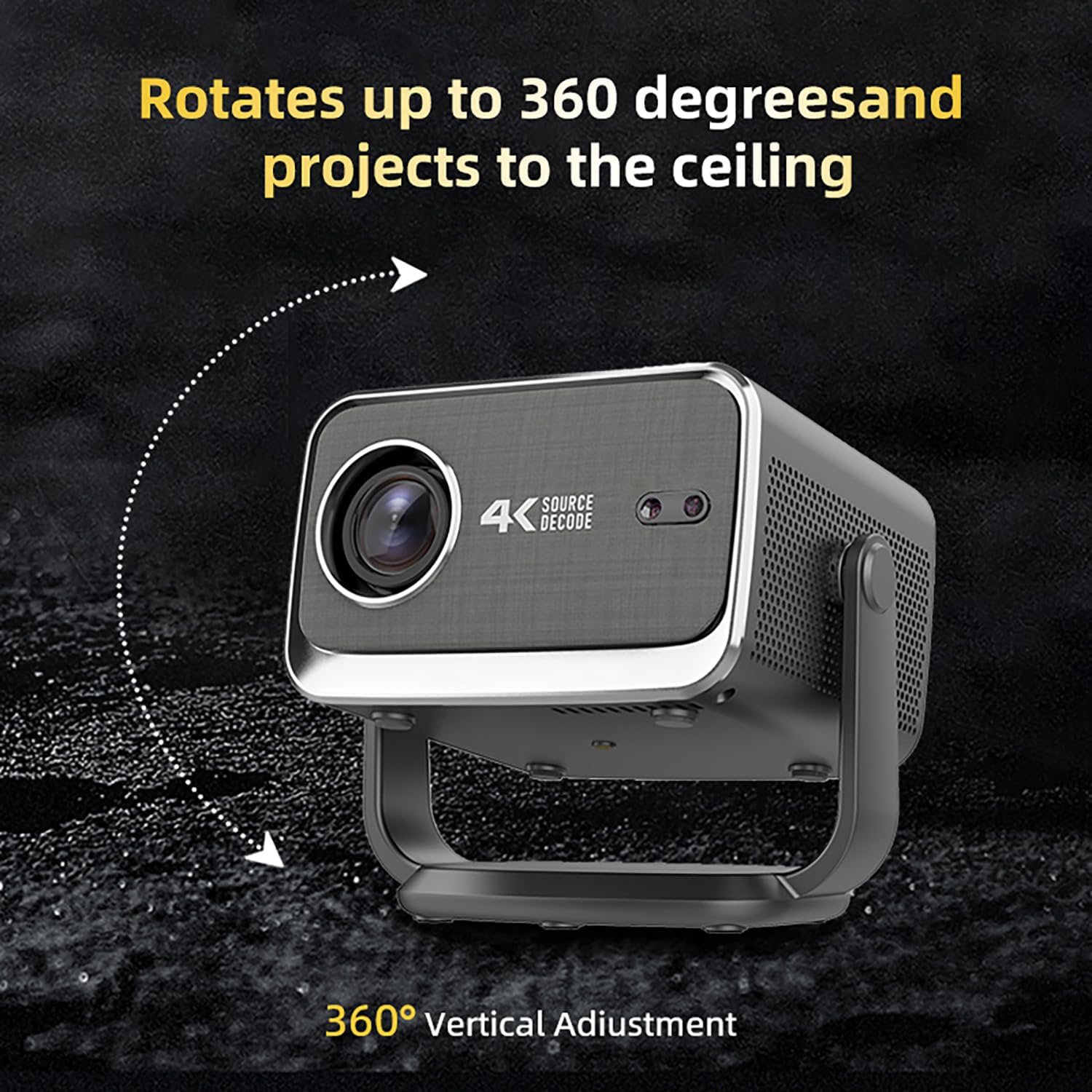
Figure 4.1: Projector's 360-degree vertical adjustment capability.
2. Connect the power adapter to the projector's power input port and then plug it into a power outlet.
3. Press the power button on the projector or remote control to turn it on.
4.2 ຈຸດສຸມແລະການແກ້ໄຂ Keystone
The P20 Pro features electric focus and 4P auto keystone correction. The projector will automatically adjust the image for optimal clarity and shape upon startup or when moved.
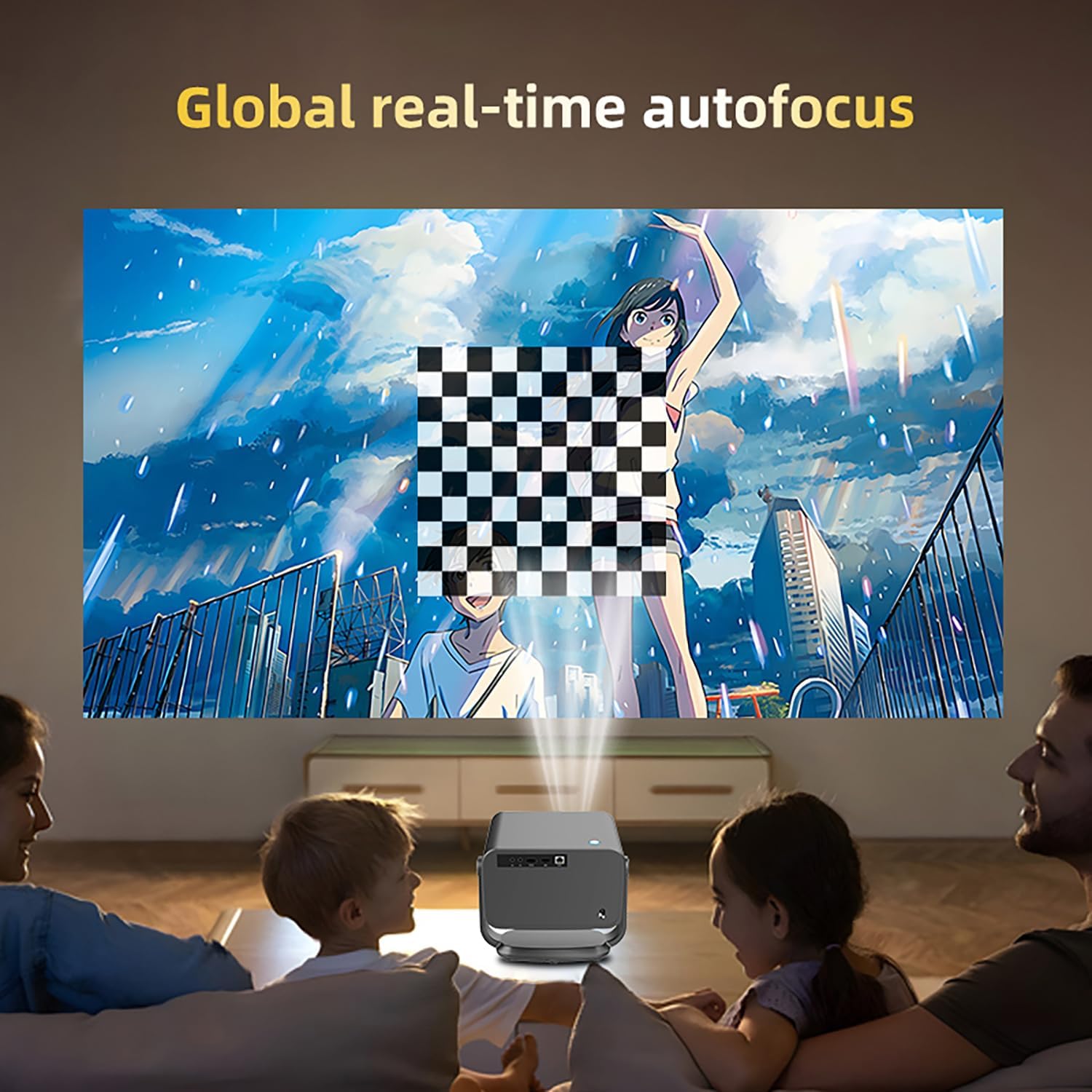
Figure 4.2: Global real-time autofocus in action.
4.3 Network Connection (WiFi & Bluetooth)
1. Navigate to the 'Settings' menu on the projector's home screen.
2. Select 'Network' to connect to your WiFi network. The projector supports WiFi 6 (2.4G/5G) for high-speed streaming.
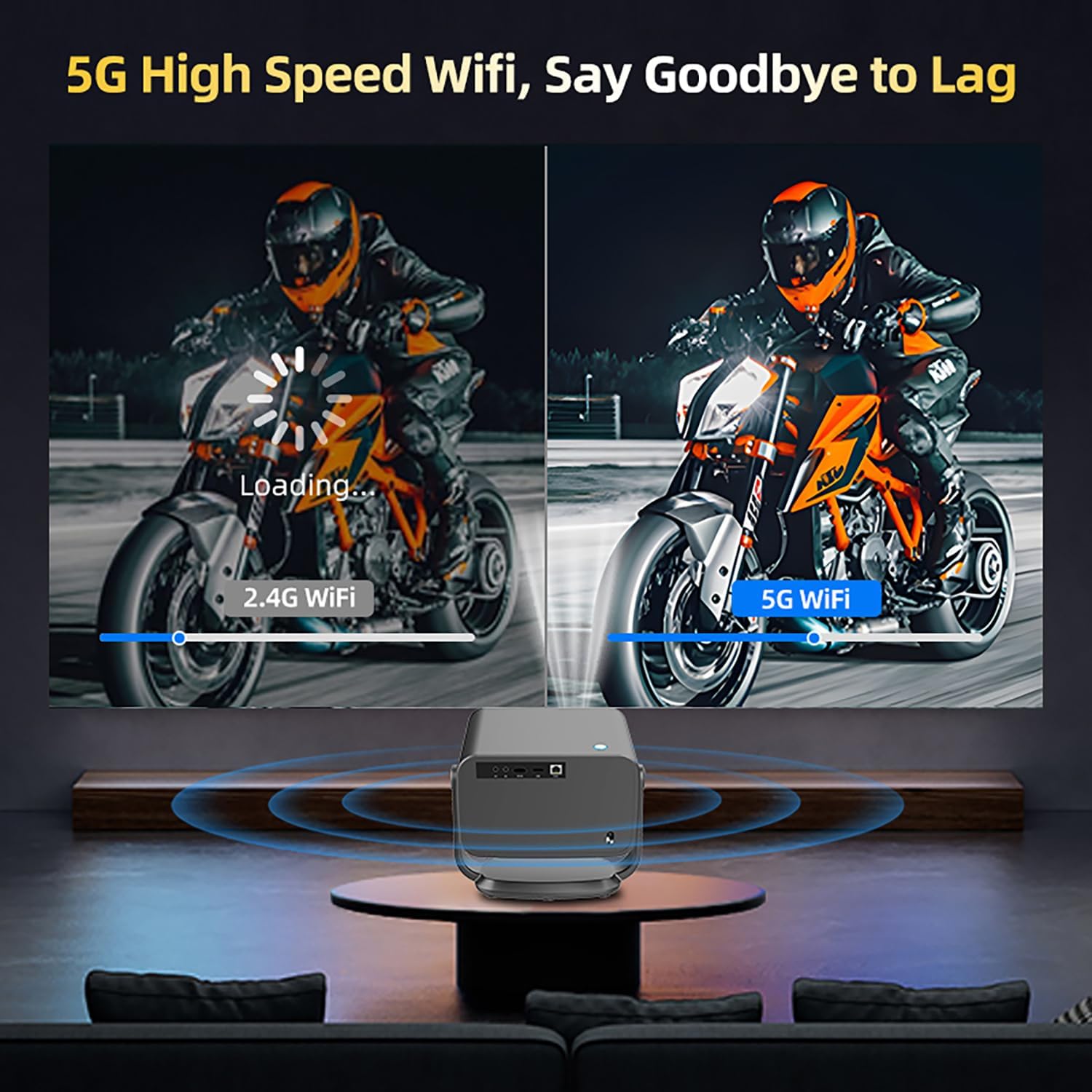
Figure 4.3: Comparison of 2.4G WiFi vs. 5G WiFi performance.
3. Select 'Bluetooth' to pair with external Bluetooth speakers or other audio devices for enhanced sound.
4.4 Input Sources (HDMI, USB)
The projector is equipped with HDMI and USB ports for connecting external devices such as laptops, gaming consoles, TV boxes, and USB drives.

Figure 4.4: Multi-device compatibility with the projector.
5. ຄໍາແນະນໍາການດໍາເນີນງານ
5.1 ຫນ້າທີ່ຄວບຄຸມໄລຍະໄກ
Use the provided remote control to navigate the Android TV 13.0 interface. The remote includes dedicated buttons for popular streaming services like Netflix, YouTube, and Prime Video, as well as Google Play for app downloads.
5.2 Navigating Android TV 13.0 OS
The projector runs on Android TV 13.0, providing a user-friendly interface for accessing content. You can browse apps, adjust settings, and manage files directly from the home screen.
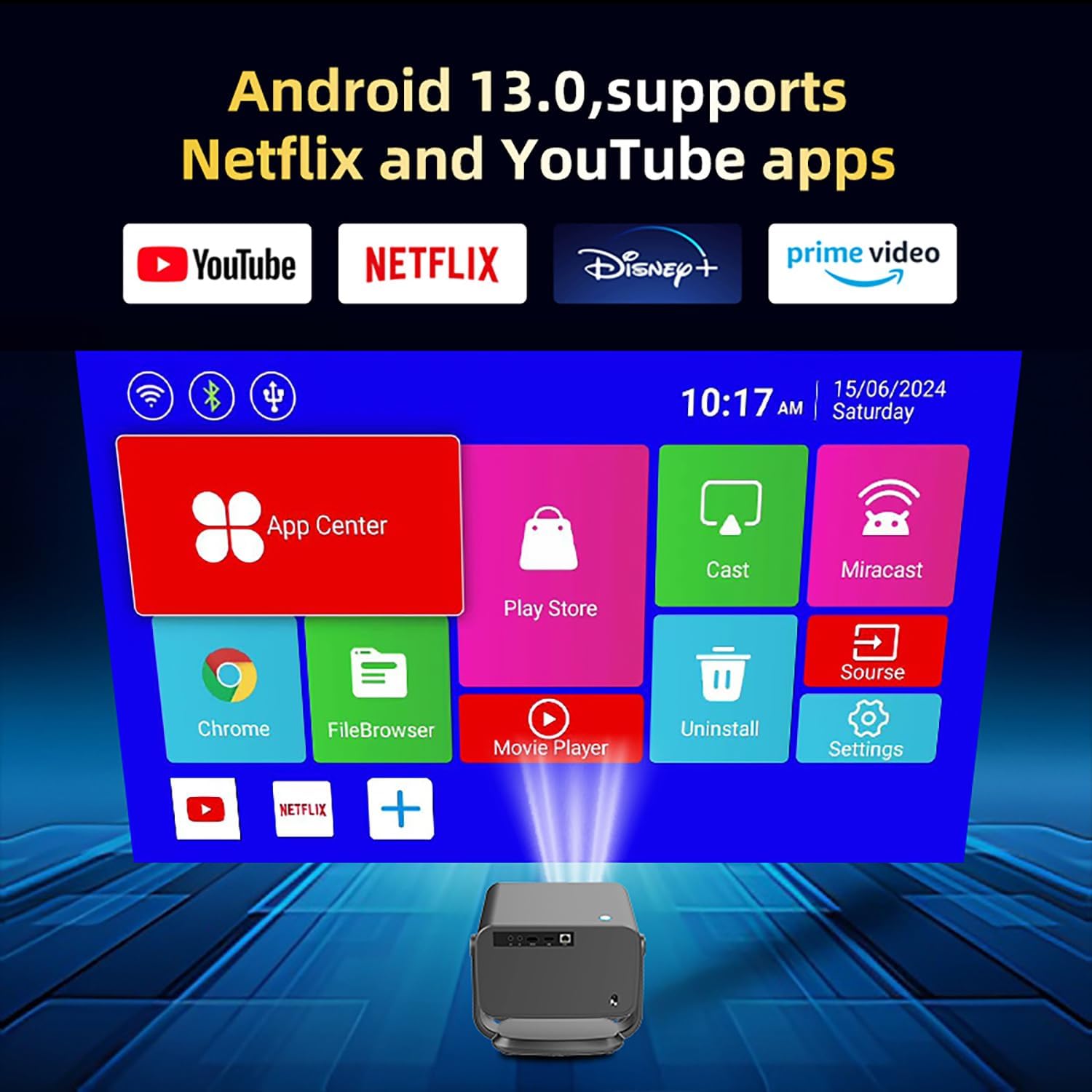
Figure 5.1: Android TV 13.0 OS home screen with app icons.
5.3 ການຖ່າຍທອດເນື້ອຫາ
Access pre-installed streaming applications or download new ones from the Google Play Store. Ensure a stable WiFi connection for optimal streaming performance.
5.4 ການເຊື່ອມຕໍ່ອຸປະກອນພາຍນອກ
Use the HDMI port to connect gaming consoles, Blu-ray players, or computers. Use the USB ports for external storage devices to play media files ໂດຍກົງ.
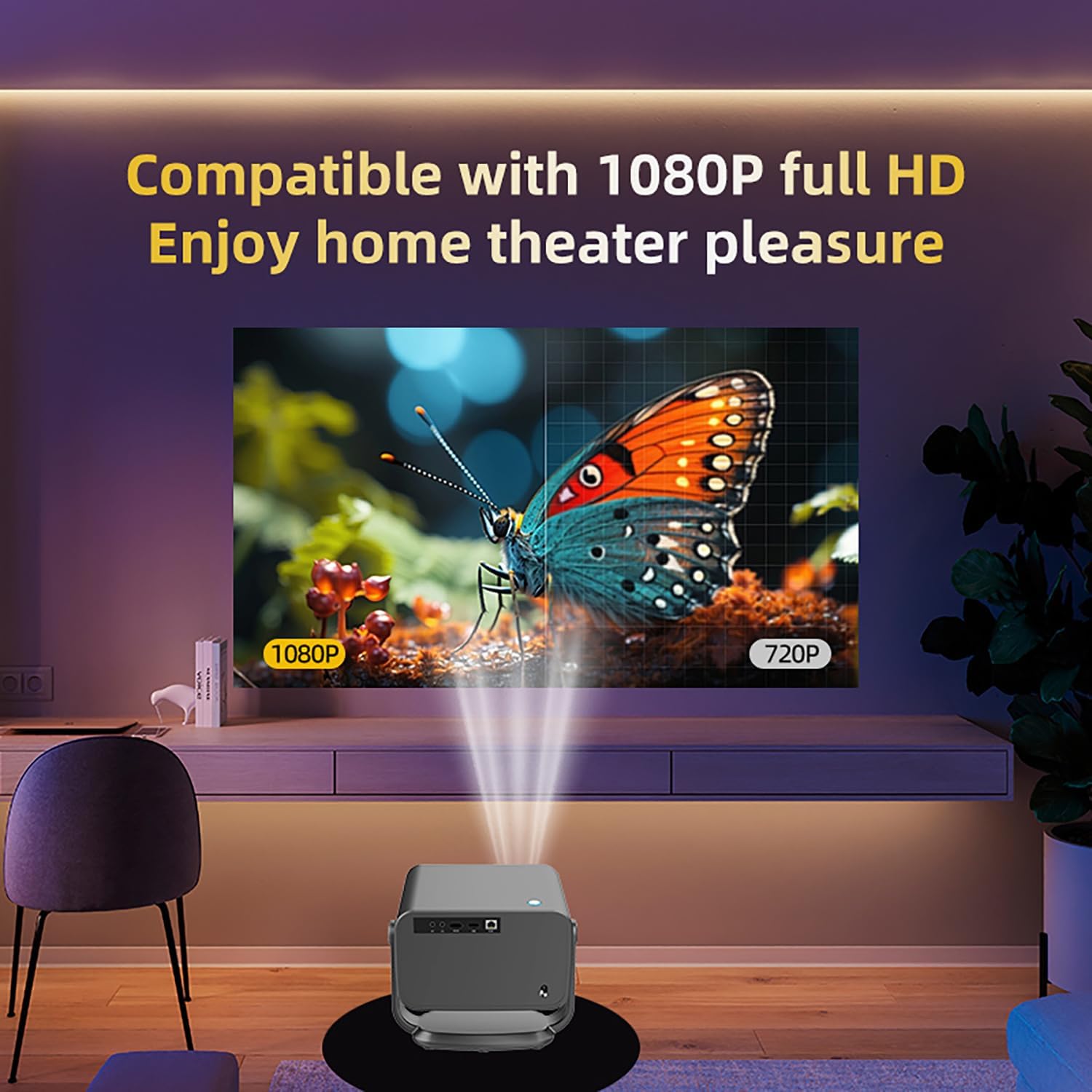
Figure 5.2: Enjoying 1080p Full HD content with the projector.
6. ບໍາລຸງຮັກສາ
6.1 ການເຮັດຄວາມສະອາດເລນ
Use a soft, lint-free cloth or a lens cleaning kit to gently wipe the projector lens. Avoid using abrasive cleaners or excessive force, as this may damage the lens coating.
6.2 ການເບິ່ງແຍງທົ່ວໄປ
- Keep the projector in a cool, dry place away from direct sunlight and excessive heat.
- Ensure proper ventilation around the projector to prevent overheating. Do not block the ventilation grilles.
- ຫຼີກລ່ຽງການຕົກ ຫຼື ການກະທົບທີ່ຮຸນແຮງໃສ່ໂປເຈັກເຕີ.
7. ການແກ້ໄຂບັນຫາ
ບັນຫາທົ່ວໄປ ແລະການແກ້ໄຂ:
- ບໍ່ມີພະລັງງານ: ໃຫ້ແນ່ໃຈວ່າອະແດັບເຕີໄຟເຊື່ອມຕໍ່ຢ່າງປອດໄພກັບໂປເຈັກເຕີ້ ແລະປລັກສຽບໄຟທີ່ເຮັດວຽກ.
- ບໍ່ມີຮູບພາບ: Check the input source selection. Ensure the connected device is powered on and sending a signal.
- ຮູບມົວ: The projector has electric focus and auto keystone. If the image is still blurry, try moving the projector slightly or manually adjusting focus via settings if available.
- Image Distorted (Trapezoid): The projector has 4P auto keystone correction. If distortion persists, check the projector's placement relative to the screen.
- ບໍ່ມີສຽງ: Check the volume level on both the projector and the connected device. Ensure external speakers are properly connected via Bluetooth or audio jack.
- ບັນຫາການເຊື່ອມຕໍ່ WiFi/Bluetooth: Ensure the projector is within range of your router/device. Restart the projector and your network devices.
8. ຂໍ້ມູນຈໍາເພາະ
| ຄຸນສົມບັດ | ຂໍ້ມູນຈໍາເພາະ |
|---|---|
| ຍີ່ຫໍ້ | CACACOL |
| ໝາຍເລກຕົວແບບ | P20-Pro |
| ຄວາມລະອຽດການສະແດງ | 1920 x 1080 (Native 1080p Full HD) |
| ຄວາມສະຫວ່າງ | 700 ANSI Lumens |
| ລະບົບປະຕິບັດການ | Android TV 13.0 |
| ໂຮງງານຜະລິດ | Amlogic T950S Quad-Core CPU |
| ໜ່ວຍຄວາມຈຳ (RAM) | 2GB |
| Storage (eMMC) | 16GB |
| ການເຊື່ອມຕໍ່ | Bluetooth, Ethernet, HDMI, USB, Wi-Fi (WiFi 6) |
| ຄຸນນະສົມບັດພິເສດ | Auto Focus, Built-In Speaker, Built-In Wi-Fi, Digital Keystone Correction |
| ປະເພດລຳໂພງ | ສະເຕຣິໂອ, ອ້ອມຮອບ |
| ນ້ໍາຫນັກລາຍການ | 4.73 ປອນ |
| ຂະໜາດສິນຄ້າ | 8.9 x 8.98 x 5.51 ນິ້ວ |
9. ການຮັບປະກັນແລະການສະ ໜັບ ສະ ໜູນ
For warranty information and technical support, please refer to the documentation included in your product packaging or contact CACACOL customer service directly. Details can typically be found on the product box or a separate warranty card.
10. ວິດີໂອຜະລິດຕະພັນຢ່າງເປັນທາງການ
Video 10.1: Official CACACOL P20 PRO 1080p Full HD Home LED Projector overview. This video demonstrates the projector's features and capabilities.