
1. 서론
Thank you for choosing the Jectse 5G LTE Mobile Hotspot Router. This device provides high-speed portable Wi-Fi connectivity, allowing you to stay connected on the go. It supports up to 12 devices simultaneously and features WPA/WPA2 encryption for secure internet access. This manual will guide you through the setup, operation, and maintenance of your new mobile hotspot.
2. 안전 정보
- 기기를 극한 온도, 직사광선 또는 습한 환경에 노출시키지 마십시오.
- 장치를 떨어뜨리거나 강한 충격을 가하지 마십시오.
- Use only the provided or approved charging cable and battery.
- 기기를 직접 분해하거나 수리하지 마십시오. 문제가 발생하면 고객 지원팀에 문의하십시오.
- 장치를 물과 기타 액체에서 멀리하세요.
3. 패키지 내용
다음 품목이 패키지에 포함되어 있는지 확인하세요.
- Jectse 5G LTE Mobile Hotspot Router
- USB 충전 케이블
- 충전식 배터리 (3000mAh)
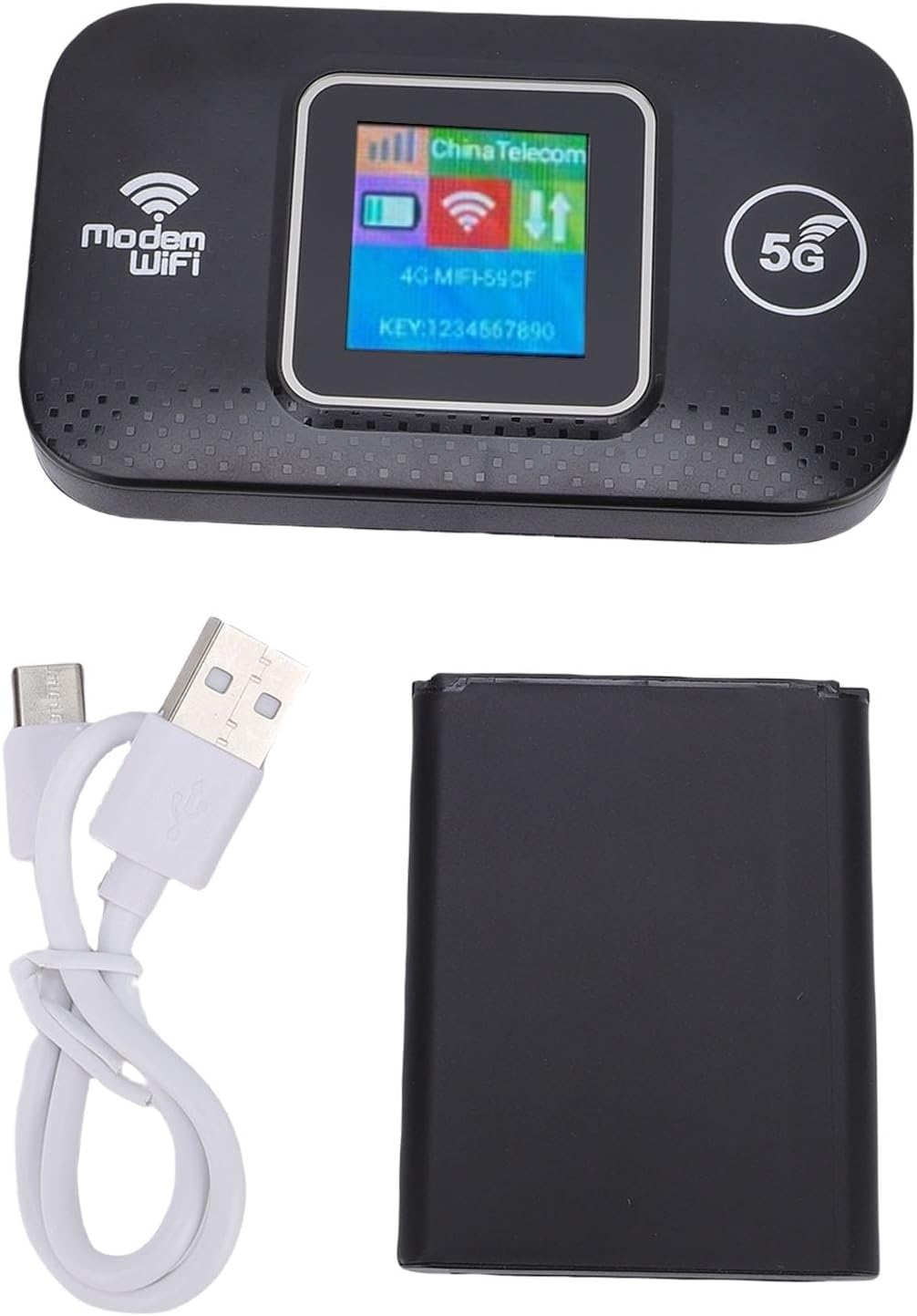
Image: The Jectse 5G LTE Mobile Hotspot Router, its USB charging cable, and the removable battery, illustrating the main components included in the package.
4. 제품 오버view
The Jectse Mobile Hotspot is designed for ease of use and portability. It features a compact design with essential indicators and ports.

이미지: 오버view of the mobile hotspot's features, highlighting SIM card plug-and-play, high-end chip for fast and stable performance, 150Mbps high speed, 3000mAh battery for durability, strong signal, and one-button start for convenience.
장치 구성 요소:
- 디스플레이 화면: Shows network status, signal strength, battery level, and Wi-Fi information.
- 전원 버튼: 장치를 켜거나 끌 때 사용합니다.
- SIM 카드 슬롯: For inserting your 5G/LTE SIM card.
- USB-C 포트: 장치를 충전합니다.

이미지: 자세한 view of the USB-C port located on the side of the mobile hotspot, used for charging the device.
5. 설정
5.1 SIM 카드 삽입
- 장치의 전원이 꺼져 있는지 확인하세요.
- Locate the SIM card slot, usually under the battery cover.
- Carefully insert your active 5G/LTE SIM card into the slot with the gold contacts facing down, ensuring it clicks into place.
5.2 배터리 삽입
- 장치 뒷면의 배터리 덮개를 엽니다.
- 배터리 접점을 배터리함 내부의 단자에 맞춰주세요.
- Gently press the battery into place and close the cover.
5.3 전원 켜기 및 초기 연결
- 화면이 켜질 때까지 전원 버튼을 길게 누릅니다.
- Wait for the device to boot up and establish a network connection. The display will show signal strength and network type (e.g., 4G, 5G).
- 스마트폰, 태블릿 또는 노트북에서 사용 가능한 Wi-Fi 네트워크를 검색하세요.
- Select the Wi-Fi network name (SSID) displayed on the hotspot's screen.
- Enter the Wi-Fi password (KEY) shown on the hotspot's screen.
- 연결되면 인터넷 검색을 시작할 수 있습니다.
6. 사용 설명서
6.1 여러 장치 연결
The Jectse Mobile Hotspot supports connecting up to 12 devices simultaneously. Simply follow the steps in Section 5.3 for each device you wish to connect.

Image: A visual representation of the mobile hotspot's capability to support multiple users, showing various devices like monitors, desktop PCs, laptops, and smartphones connected to the hotspot's Wi-Fi signal.
6.2 Network Security (WPA/WPA2)
Your mobile hotspot uses WPA and WPA2 encryption protocols to protect your network from unauthorized access. The default password is provided on the device screen. For enhanced security, it is recommended to change the default Wi-Fi password through the device's web management interface (if available, refer to advanced settings in a separate guide).
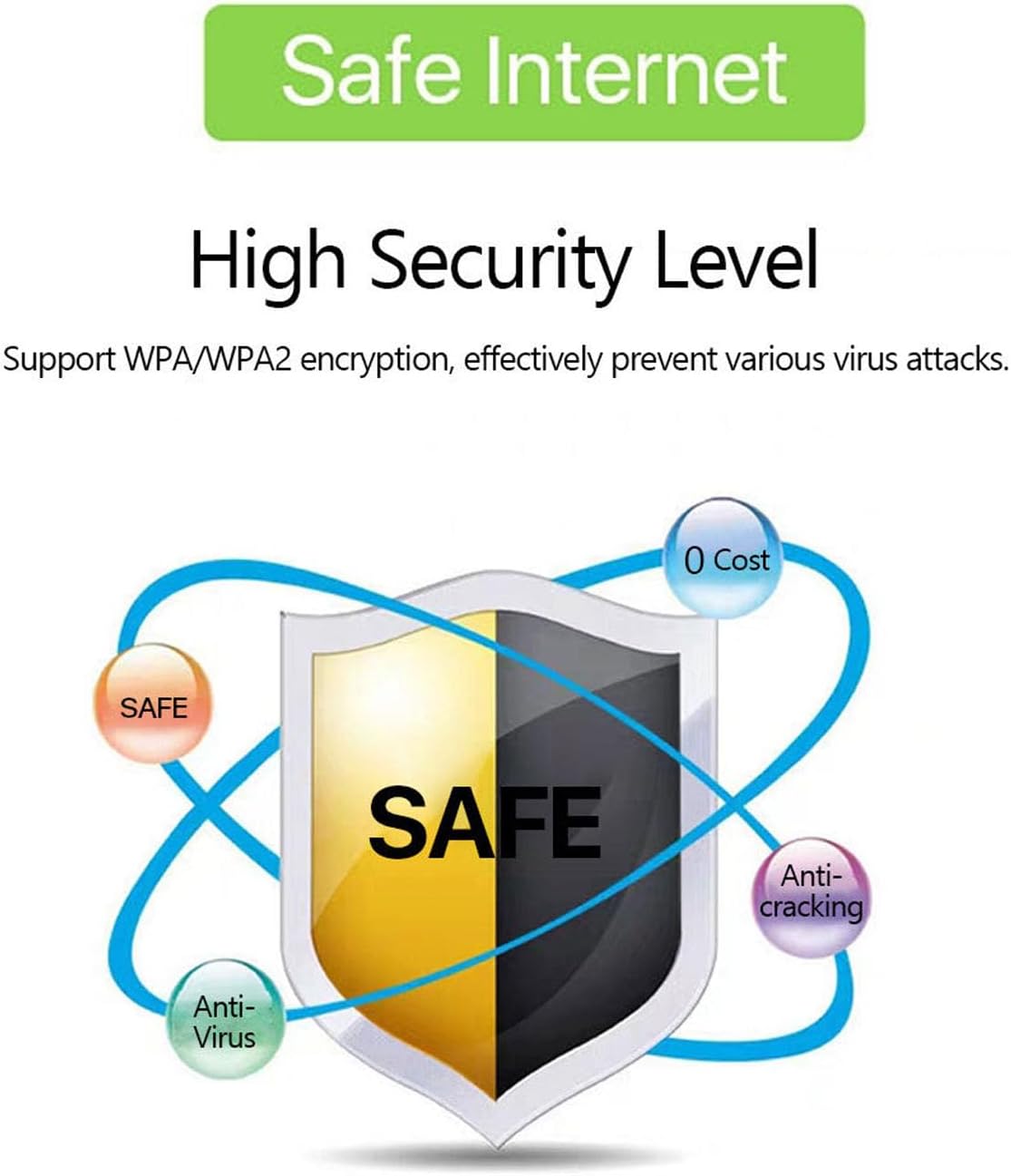
Image: A graphic emphasizing the high security level of the device, featuring a shield icon and text indicating support for WPA/WPA2 encryption to prevent virus attacks and ensure safe internet usage.
6.3 배터리 사용 및 충전
The device is equipped with a 3000 mAh battery, providing extended usage time. When the battery level is low, connect the device to a power source using the provided USB charging cable.

Image: A visual depicting the mobile hotspot's battery life, showing a battery icon at 50% charge. The device features a 3000 mAh battery (note: image text states 3600mAh, but product description confirms 3000mAh) for extended use.
7. 유지관리
7.1 장치 청소
기기를 청소할 때는 부드럽고 마른 천을 사용하세요. 액체 세척제나 에어로졸은 기기를 손상시킬 수 있으므로 사용하지 마세요.
7.2 배터리 관리
- 배터리를 자주 완전히 방전시키지 마세요.
- 배터리 수명 유지를 위해 기기를 사용하지 않을 때에도 정기적으로 배터리를 충전하십시오.
- 장기간 사용하지 않을 때는 기기를 서늘하고 건조한 곳에 보관하세요.
8. 문제 해결
8.1 인터넷 연결 없음
- SIM 카드 확인: SIM 카드가 올바르게 삽입되었고 데이터 요금제로 활성화되어 있는지 확인하세요.
- 신호 강도: Verify that the device has sufficient signal strength. Move to an area with better network coverage if needed.
- 재부팅 장치 : Turn the hotspot off and then on again.
- APN 설정: If issues persist, you may need to configure the Access Point Name (APN) settings manually. Refer to your mobile carrier's instructions for the correct APN.
8.2 느린 인터넷 속도
- 연결된 장치 수: Too many devices connected simultaneously can reduce speed. Disconnect some devices.
- 네트워크 혼잡: Speed can be affected by network congestion in your area.
- 신호 강도: Ensure good signal strength.
8.3 Wi-Fi에 연결할 수 없습니다
- 올바른 비밀번호: Double-check that you are entering the correct Wi-Fi password (KEY) as displayed on the hotspot's screen.
- 장치 근접성: 연결하는 장치가 핫스팟의 Wi-Fi 범위 내에 있는지 확인하세요.
- 장치 재시작: 핫스팟과 연결하려는 기기를 모두 재시작하세요.
9. 사양
| 특징 | 사양 |
|---|---|
| 모델 번호 | Jectse57yq0tl4p8 |
| 연결 기술 | 5G LTE, Wi-Fi, USB |
| 최대 다운로드 속도 | 최대 300Mbps |
| 배터리 용량 | 3000mAh |
| 지원 장치 | 최대 12 개의 동시 연결 |
| 보안 프로토콜 | WPA, WPA2 |
| 지원되는 LTE 대역 | B1, B3, B5, B7, B8, B20, B38, B40, B41 |
10. 보증 및 지원
10.1 보증 정보
This product comes with a 90-day warranty from the date of purchase. The warranty covers manufacturing defects and malfunctions under normal use. It does not cover damage caused by misuse, accidents, unauthorized modifications, or natural disasters.
10.2 고객 지원
If you encounter any issues or have questions regarding your Jectse 5G LTE Mobile Hotspot Router, please contact the seller or refer to the official Jectse support channels for assistance. Please have your model number (Jectse57yq0tl4p8) and purchase details ready when contacting support.