
소개
This manual provides essential information for setting up, operating, maintaining, and troubleshooting your Apple iPad Pro 11-inch (M5). Please read this guide thoroughly to ensure optimal performance and longevity of your device. For the most up-to-date information and support, visit the official Apple Support web대지.
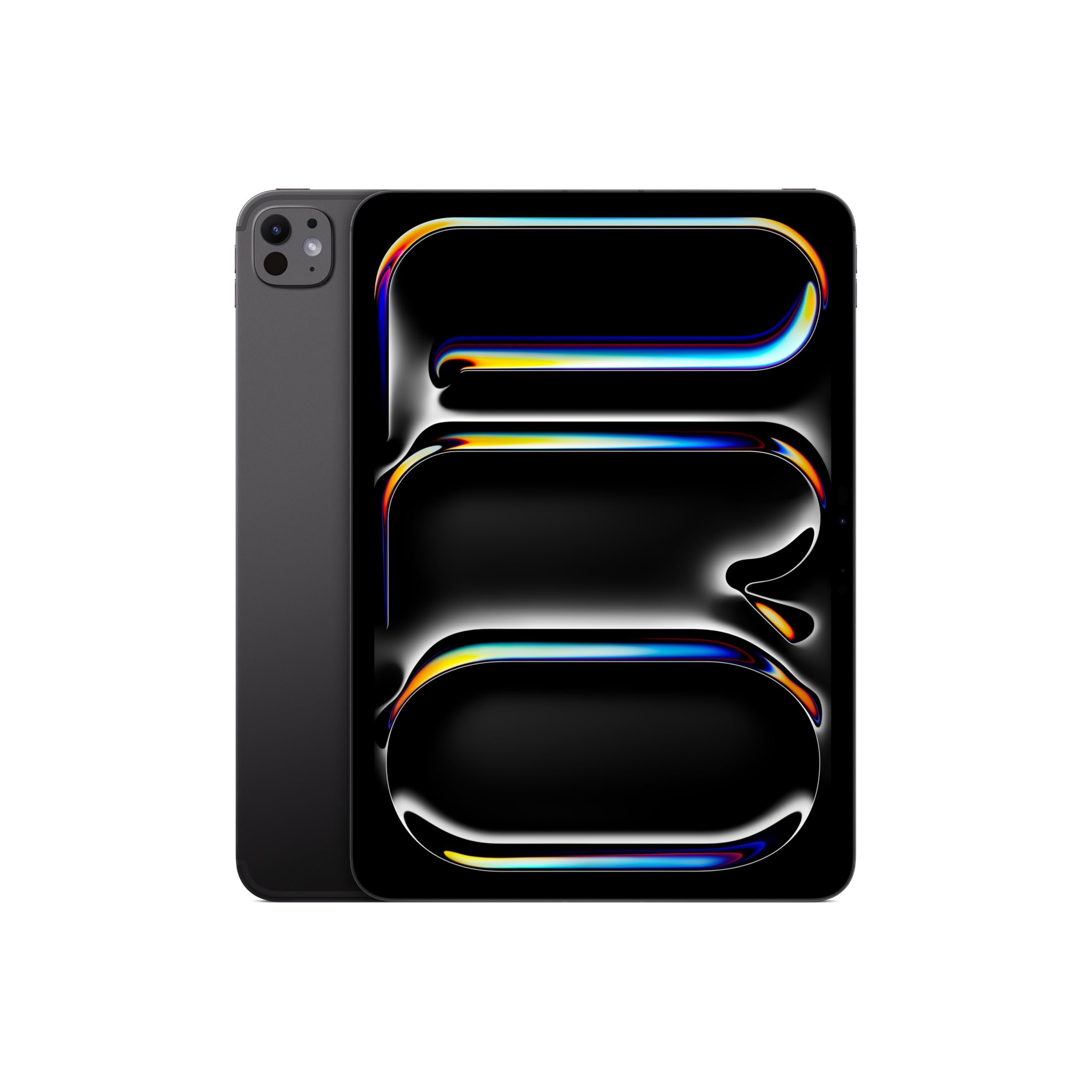
Image: The Apple iPad Pro 11-inch (M5) in Space Black, showcasin세련된 디자인이에요.
상자 안에 무엇이 들어있나요?
Verify that all items are present in your iPad Pro packaging:
- 아이패드 프로 11인치(M5)
- USB-C 충전 케이블
- 20W USB-C 전원 어댑터

Image: The contents of the Apple iPad Pro box, displaying the iPad, USB-C charge cable, and 20W USB-C power adapter.
설정
1. 초기 전원 켜기
- Apple 로고가 나타날 때까지 상단 버튼을 길게 누릅니다.
- 화면의 지시에 따라 언어와 지역을 선택하십시오.
2. Connect to Wi-Fi or Cellular
- 와이파이: 목록에서 Wi-Fi 네트워크를 선택하고 비밀번호를 입력하세요.
- Cellular (Wi-Fi + Cellular models): Insert a nano-SIM card or activate an eSIM plan.
3. Set Up Face ID
Face ID allows you to securely unlock your iPad, authenticate purchases, and sign in to apps using facial recognition.
- During setup, follow the prompts to enroll your face.
- Ensure your face is well-lit and positioned correctly within the frame.
4. Apple ID
Sign in with your existing Apple ID or create a new one. Your Apple ID is used for iCloud, App Store, iTunes Store, and other Apple services.
Operating Your iPad Pro
디스플레이 및 상호작용
The iPad Pro features an Ultra Retina XDR Display with ProMotion technology, offering adaptive refresh rates for smooth scrolling and responsiveness. It supports P3 wide color and True Tone for accurate color representation.
M5 Chip Performance
Powered by the Apple M5 chip, your iPad Pro delivers exceptional performance for demanding tasks, including professional workflows, advanced gaming, and AI-driven applications. The integrated Neural Accelerators enhance on-device AI capabilities.

Image: The Apple iPad Pro 11-inch (M5) attached to a Magic Keyboard, showcasing its powerful M5 chip and multitasking capabilities with various applications open.
iPadOS and Apple Intelligence
iPadOS 26 provides a flexible windowing system for efficient multitasking. 애플 인텔리전스 is integrated to assist with communication, expression, and task completion, prioritizing user privacy.
Cameras and LiDAR Scanner
The iPad Pro includes a landscape 12MP 센터 Stag전자 카메라 for video calls and a 12MP Wide camera with an adaptive True Tone flash for high-quality photos and videos. The 라이다 스캐너 enhances augmented reality experiences and improves low-light photography.
연결성
Enjoy fast wireless connections with Wi-Fi 7 (Apple N1) for quick data transfers. 5G cellular (Apple C1X) models offer robust connectivity in more locations.
Apple Pencil and Magic Keyboard (Sold Separately)
For enhanced creativity and productivity, the iPad Pro is compatible with 애플 펜슬 프로 그리고 애플 펜슬(USB-C) for drawing, note-taking, and precise control. The 매직 키보드 offers a comfortable typing experience and a trackpad with haptic feedback.

Image: A user interacting with the Apple iPad Pro using an Apple Pencil, highlighting its utility for creative tasks.

이미지: 클로즈업 view of the Apple Pencil Pro in use on the iPad Pro screen, illustrating its precision for digital artistry.
유지
Cleaning Your iPad Pro
- 부드럽고 보푸라기가 없는 천을 사용하여 화면과 외부를 청소하세요.
- Avoid abrasive materials, aerosols, solvents, or ammonia-based cleaners.
- 세척제를 기기에 직접 뿌리지 마세요.
배터리 관리
- 배터리 수명을 최적화하려면 극한의 온도 변화를 피하십시오.
- Charge your iPad Pro using the provided USB-C charge cable and power adapter.
- Regularly update iPadOS to benefit from battery optimization features.
소프트웨어 업데이트
Keep your iPadOS updated to the latest version to ensure access to new features, security enhancements, and performance improvements. Go to 설정 > 일반 > 소프트웨어 업데이트.
문제 해결
기기가 응답하지 않습니다
If your iPad Pro is unresponsive, try a force restart:
- 볼륨 높이기 버튼을 눌렀다가 빠르게 놓으세요.
- 볼륨 낮추기 버튼을 눌렀다가 빠르게 놓으세요.
- 애플 로고가 나타날 때까지 상단 버튼을 길게 누르세요.
네트워크 연결 문제
- 와이파이: Ensure your router is on and within range. Try forgetting the network (Settings > Wi-Fi > [Network Name] > Forget This Network) and reconnecting.
- 셀룰러: Check your cellular plan status and ensure cellular data is enabled in Settings > Cellular Data.
앱 문제
If an app is not functioning correctly, try closing and reopening it. If the issue persists, check the App Store for updates or reinstall the app.
명세서
| 특징 | 세부 사항 |
|---|---|
| 모델명 | 아이패드 프로 11인치(M5) |
| 품목 모델 번호 | ME2Q4LL/A |
| 제품 치수 | 6.99 x 9.83 x 0.21 인치 |
| 품목 무게 | 15.7 온스 |
| 표시하다 | 11-inch Ultra Retina XDR Display, Tandem OLED, 2420-by-1668-pixel resolution at 264 ppi, ProMotion, P3 Wide Color, True Tone |
| 칩 | Apple M5 chip (9-core CPU, 10-core GPU, Neural Accelerators) |
| 메모리 저장 용량 | 512GB (XNUMX기가바이트) |
| 카메라 | 12MP Wide camera, 12MP TrueDepth (Center Stage) camera, LiDAR Scanner |
| 비디오 녹화 | Up to 4K at 60 fps, ProRes video recording |
| 연결성 | Wi-Fi 7 (802.11be), Bluetooth 6, 5G (sub-6 GHz) on Cellular models |
| 포트 | Thunderbolt / USB 4 port (Charging, DisplayPort, Thunderbolt 3, USB 4, USB 3) |
| 보안 | 페이스아이디 |
| 배터리 | Built-in 31.29-watt-hour rechargeable lithium-polymer battery (Up to 10 hours Wi-Fi, 9 hours Cellular) |
| 운영 체제 | 아이패드OS |
보증 및 지원
Your Apple iPad Pro 11-inch (M5) is covered by a limited warranty. For detailed warranty information, please refer to the documentation included with your product or visit the official Apple website. Apple also offers various support resources, including online knowledge bases, community forums, and direct customer support.
For technical assistance, service, and support, please visit support.apple.com/ipad or contact Apple Support directly.