
Jectse Jectse8og49p7mre
Jectse 4G LTE Mobile WiFi Hotspot Router User Manual
Model: Jectse8og49p7mre
1. 서론
This manual provides essential instructions for the safe and efficient operation of your Jectse 4G LTE Mobile WiFi Hotspot Router. Please read this manual thoroughly before using the device and retain it for future reference.
The Jectse 4G LTE Mobile WiFi Hotspot Router is designed to provide portable internet access, supporting 4G and 3G networks. It features an integrated 8000mAh lithium-ion battery, allowing for extended use and the ability to charge other devices. The device supports connection for up to 10 devices simultaneously and offers secure internet access with WPA/WPA2 encryption.

그림 1.1: The Jectse router in an outdoor setting, demonstrating its portability for business and travel.
2. 패키지 내용
패키지에 모든 품목이 들어 있는지 확인하세요.
- 1 x Jectse 4G LTE Mobile WiFi Hotspot Router
- 1 x USB 케이블
- 1 x 사용자 설명서
3. 제품 오버view
The Jectse 4G LTE Mobile WiFi Hotspot Router is a compact and versatile device. It features an LED display for status indication, a micro SIM card slot, and USB ports for charging and data transfer. Its design emphasizes both functionality and security.

그림 3.1: 앞쪽 view of the Jectse 4G LTE Mobile WiFi Hotspot Router, showing its sleek design and transparent side panel with battery indicators.
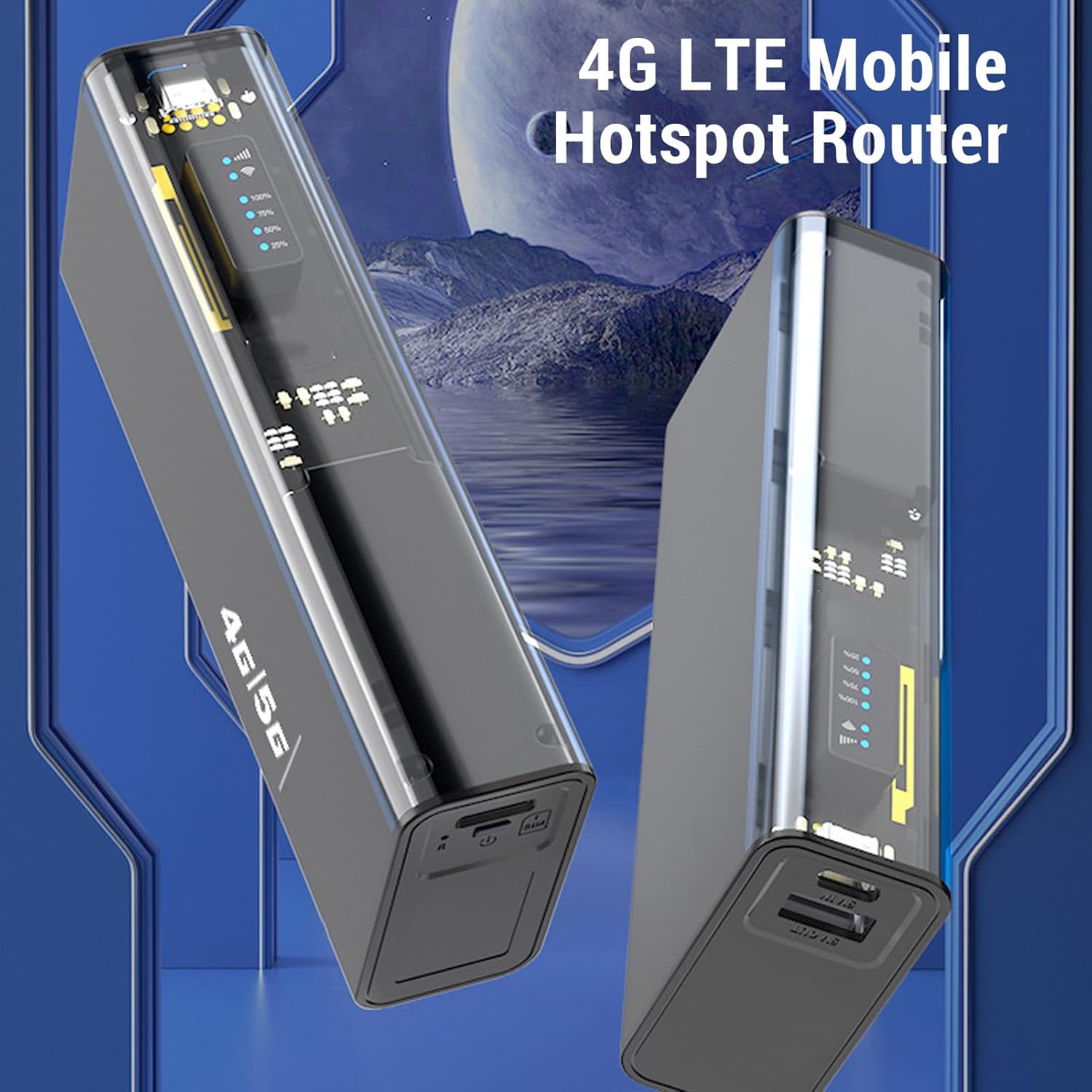
그림 3.2: 각진 view of the Jectse 4G LTE Mobile WiFi Hotspot Router, highlighting its compact form factor.
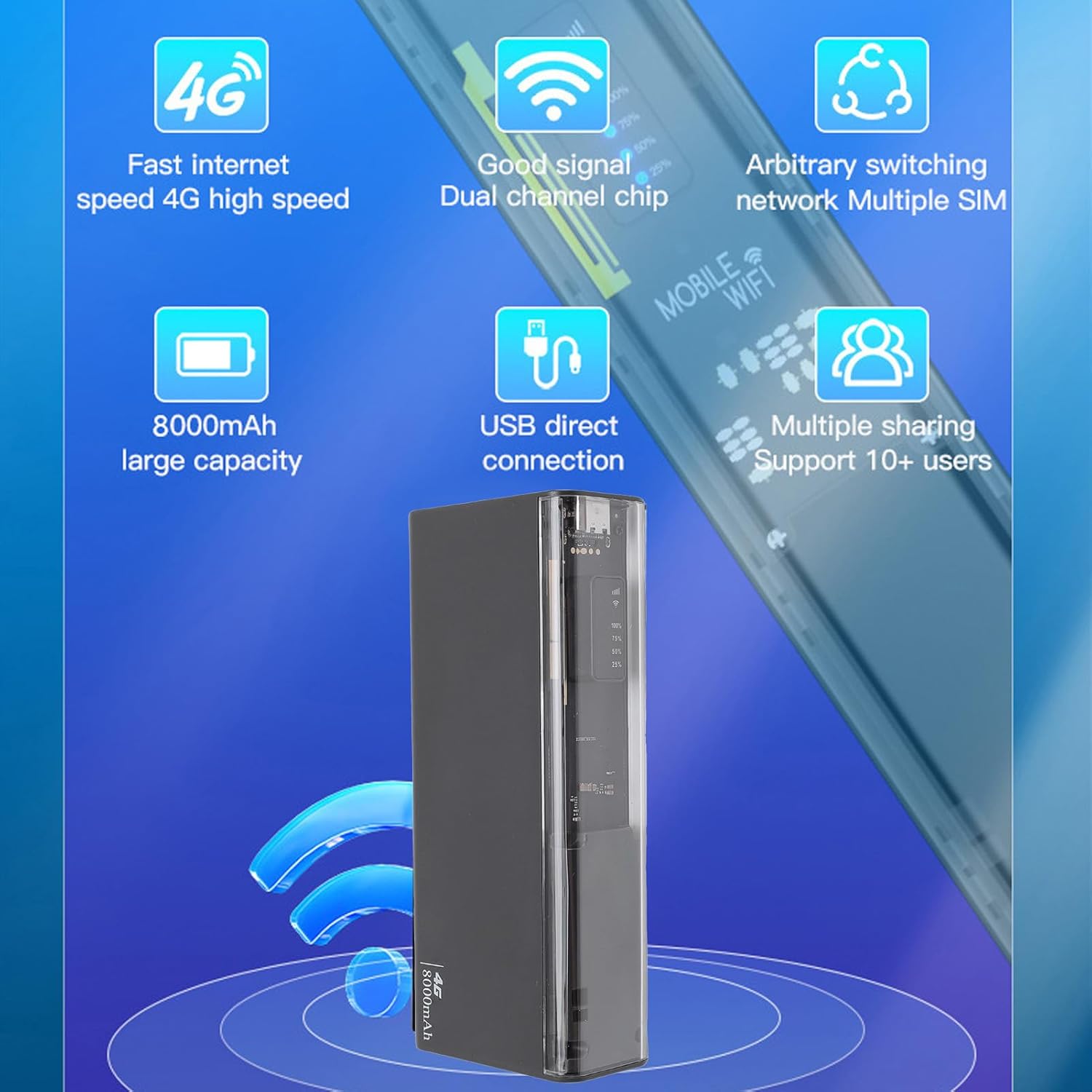
그림 3.3: The router displaying key features such as 4G high speed, good signal, multiple SIM support, 8000mAh capacity, USB direct connection, and support for 10+ users.

그림 3.4: The router depicted with a security shield, emphasizing its secure internet access features like WPA/WPA2 encryption.
4. 설정
Follow these steps to set up your Jectse 4G LTE Mobile WiFi Hotspot Router:
- 마이크로 SIM 카드를 삽입하세요: Locate the micro SIM card slot on the device. Carefully insert your activated micro SIM card into the slot until it clicks into place. Ensure the card is inserted in the correct orientation as indicated on the device.
- 전원 켜기: Press and hold the power button (usually located near the SIM slot) for a few seconds until the device powers on and the LED indicators light up.
- 초기 구성(선택 사항): For advanced settings or to change the default WiFi name (SSID) and password, connect to the device's WiFi network using a computer or smartphone. Open a web browser and navigate to the router's administration page (usually 192.168.0.1 or 192.168.1.1). Refer to the device's label for default login credentials.

그림 4.1: Illustration of inserting a micro SIM card into the designated slot on the router.
메모: This device is a European version and supports networks in Europe, Africa, Southeast Asia, the Middle East, and Central Asia (FDD B1 3 5 7 8 20, TDD B38 40 41, WCDMA B1 5 8).
5. 사용 설명서
5.1. 와이파이 네트워크에 연결하기
- 핫스팟 전원이 켜져 있는지 확인하십시오.
- 사용하시는 기기(스마트폰, 노트북, 태블릿)에서 사용 가능한 Wi-Fi 네트워크를 검색하세요.
- Select the network name (SSID) corresponding to your Jectse Hotspot. The default SSID and password are typically found on a sticker inside the battery compartment or on the device itself.
- 메시지가 표시되면 WiFi 비밀번호를 입력하세요.
- Once connected, you can access the internet. The hotspot supports up to 10 connected devices simultaneously.

그림 5.1: The router actively providing a WiFi signal to a nearby laptop, illustrating its function as a mobile hotspot.
5.2. 보조배터리로 사용하기
With its 8000mAh battery, the Jectse Hotspot can also function as a power bank to charge other devices.
- Connect your smartphone or other USB-powered device to the "5V OUT" USB port on the hotspot using a compatible USB cable.
- 핫스팟이 기기 충전을 시작합니다.

그림 5.2: The router connected via USB to a smartphone, demonstrating its capability to charge external devices.
5.3. Direct USB Connection (Tethering)
You can connect the hotspot directly to a computer via USB for internet access, functioning as a USB modem.
- Connect the hotspot to your computer using the provided USB cable.
- The computer should automatically detect the device and install necessary drivers.
- Once recognized, the computer will use the hotspot's internet connection.
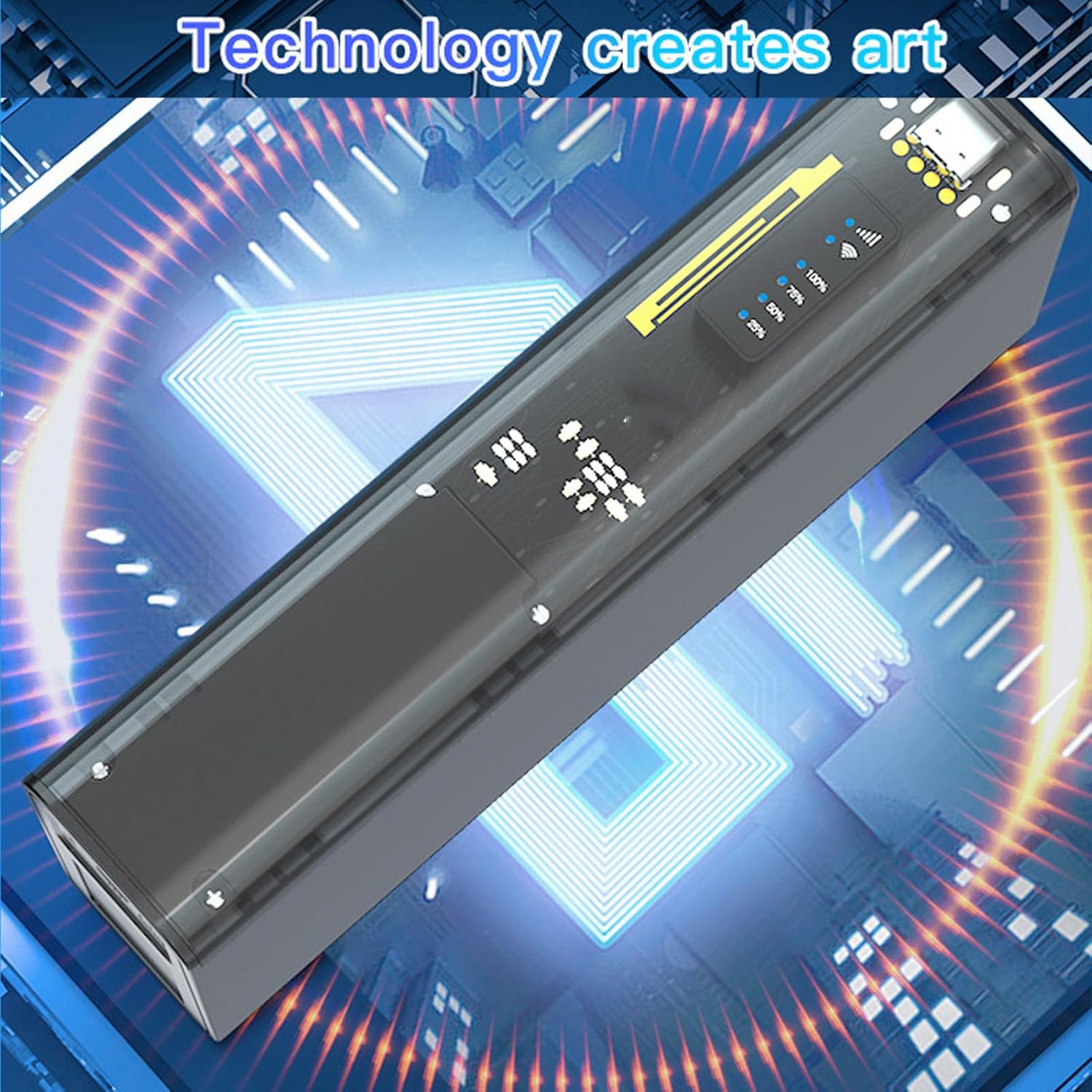
그림 5.3: The router connected to a desktop computer, illustrating its direct USB connection capability for internet access.
6. 사양
| 특징 | 사양 |
|---|---|
| 모델 번호 | Jectse8og49p7mre |
| 네트워크 주파수 대역 | FDD B1 3 5 7 8 20, TDD B38 40 41, WCDMA B1 5 8 |
| Supported Network Type | 4G, 3G |
| 전송 속도 | 최대 300Mbps |
| 지원 프로토콜 | 802.11ac |
| Wireless Network Frequency | 2.4GHz, 5.8GHz |
| 내장 방화벽 | 예 |
| 배터리 | 8000mAh 리튬이온 배터리 |
| SIM 카드 슬롯 | Micro SIM (not included) |
| 재료 | ABS |
| 지원되는 지역 | Europe, Africa, Southeast Asia, Middle East, Central Asia |
7. 유지관리
To ensure the longevity and optimal performance of your Jectse 4G LTE Mobile WiFi Hotspot Router, follow these maintenance guidelines:
- 청소: 부드럽고 마른 천을 사용하여 기기를 닦으세요. 액체 세척제나 연마재는 사용하지 마세요.
- 저장: 본 기기는 직사광선과 극한의 온도를 피해 시원하고 건조한 곳에 보관하세요.
- 배터리 관리 : 배터리 수명을 최적화하려면 배터리를 자주 완전히 방전시키지 마십시오. 장기간 보관할 경우 보관하기 전에 배터리를 약 50%까지 충전하십시오.
- 충격을 피하세요: 내부 구성 요소를 손상시킬 수 있는 떨어뜨리거나 충격을 방지하세요.
- 통풍: Ensure the device has adequate ventilation during operation to prevent overheating.
8. 문제 해결
If you encounter issues with your Jectse 4G LTE Mobile WiFi Hotspot Router, refer to the following common problems and solutions:
| 문제 | 가능한 원인 / 해결책 |
|---|---|
| 인터넷 연결 없음 |
|
| 느린 인터넷 속도 |
|
| 와이파이에 연결할 수 없습니다 |
|
| 기기가 충전되지 않음 |
|
9. 보증 및 지원
Your Jectse 4G LTE Mobile WiFi Hotspot Router comes with a manufacturer's warranty.
- 제조업체 보증: 2년.
- 예비 부품 가용성: 정보를 얻을 수 없습니다.
- 소프트웨어 업데이트: 정보를 얻을 수 없습니다.
기술 지원 또는 보증 청구 관련 문의는 판매점이나 제조업체에 직접 연락하십시오. 구매 영수증을 보관하여 구매 증빙 자료로 활용하시기 바랍니다.
Ask a question about this manual
Ask about setup, troubleshooting, compatibility, parts, safety, or missing instructions. Manuals+ will review the question and use this page’s manual context to help answer it.