
F08

Loshall Smart Finder User Manual
모델: F08 | 브랜드: 일반
1. Introduction to Your Loshall Smart Finder
The Loshall Smart Finder is a certified key finder and item tracker designed for Android devices. It integrates seamlessly with the 'Find My Device' application on Android phones (Android 9 or higher). This device helps you locate frequently misplaced items such as keys, wallets, bags, luggage, and more.

Image 1.1: The Loshall Smart Finder and its packaging, highlighting its Android compatibility.
Key features include accurate proximity finding, global tracking capabilities, and a loud audible alert to help pinpoint items within range. The device is designed for ease of connection and ensures data security through an encrypted and anonymous network. It also boasts an IP67 rating for water resistance and features a replaceable battery for extended use.

Image 1.2: Various applications of the Loshall Smart Finder, including tracking keys, backpacks, bicycles, and luggage.
2. 설정 및 초기 페어링
Before using your Loshall Smart Finder, ensure your Android device is running Android 9 or higher. This device is not compatible with iOS devices.
2.1. 호환성
The Loshall Smart Finder is designed to work exclusively with Android phones running Android 9 (Pie) or a newer version. It leverages Google's 'Find My Device' application for tracking and management.
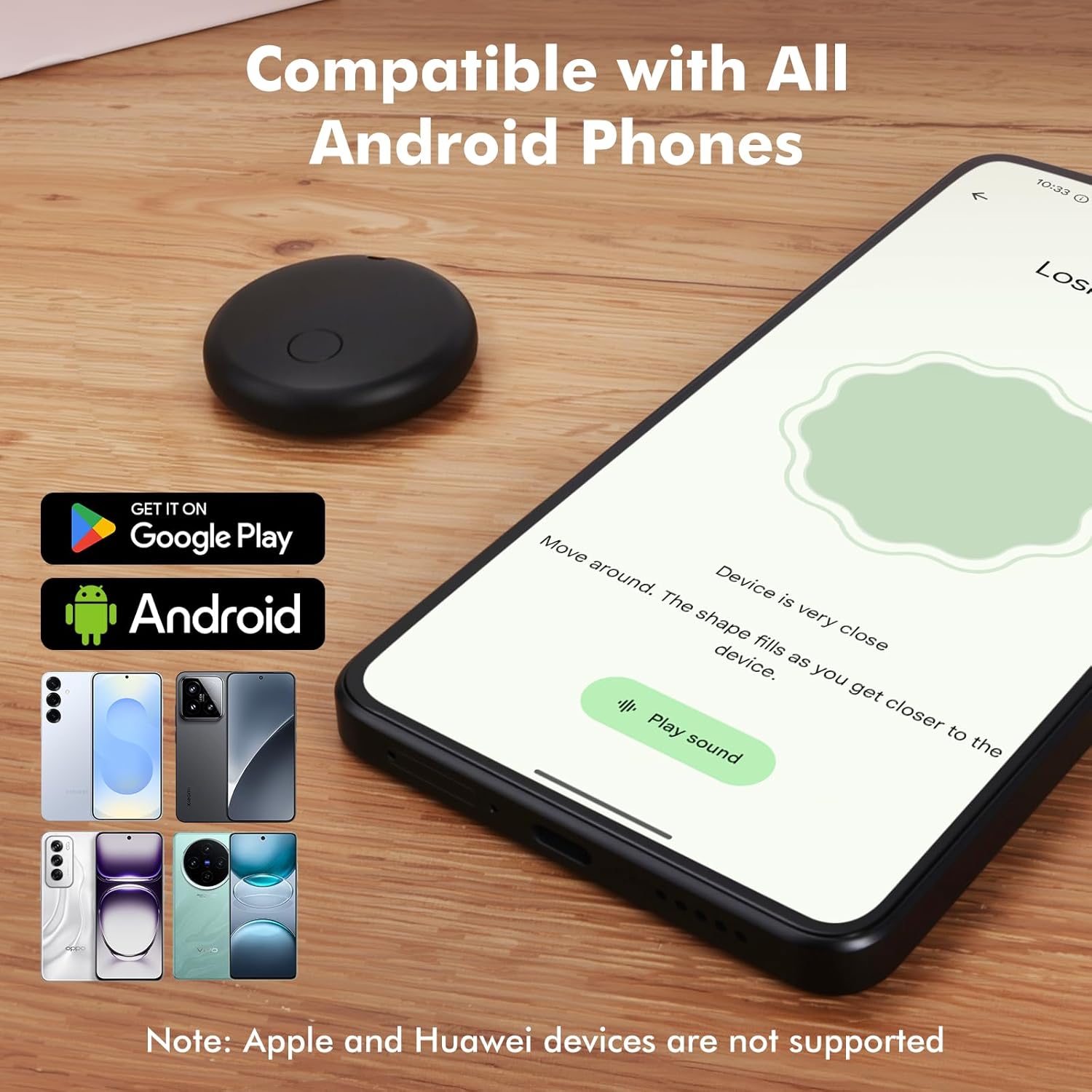
Image 2.1: Visual representation of the Loshall Smart Finder's compatibility with Android devices and the Google Play Store.
2.2. 페어링 지침
- Android 휴대폰의 Bluetooth가 활성화되어 있는지 확인하세요.
- Turn on your Loshall Smart Finder.
- Place the Smart Finder near your Android phone.
- A pairing window should automatically pop up on your phone's screen. Follow the on-screen prompts to complete the pairing process.
- If the pairing window does not appear, open the 'Find My Device' app manually and look for an option to add a new device.
3. Operating Your Loshall Smart Finder
3.1. Accurate Proximity Finding
When your item is nearby, use the 'Find My Device' app to accurately locate it. The app provides a real-time proximity display, showing the distance to your item. A ripple effect visual cue helps guide you closer to the item.
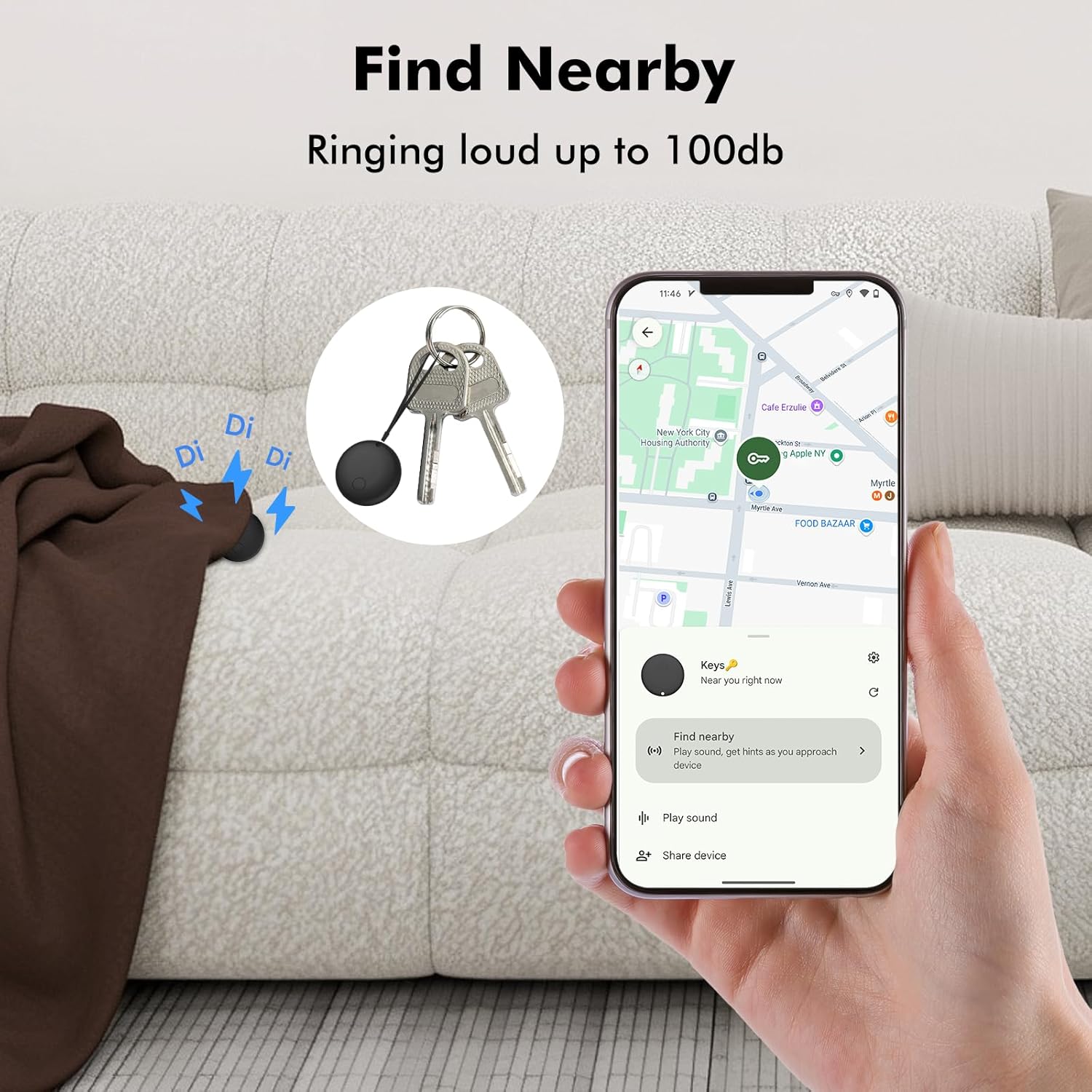
Image 3.1: Using the 'Find Nearby' feature to locate items within close range, with an option to play a loud sound.
3.2. Global Tracking and Map Directions
If your item is out of Bluetooth range (approximately 150 meters or 500 feet), you can view its last known location on a map within the 'Find My Device' app. The app provides precise map directions to help you retrieve your item. Location updates are fast, typically taking 2-3 minutes in crowded areas.

Image 3.2: Locating items from a distance using precise map directions provided by the 'Find My Device' app.

Image 3.3: The Loshall Smart Finder offers worldwide tracking, allowing you to locate your items globally.
3.3. Activating the Sound Alert
Within the 150-meter (500-foot) range, you can activate a loud ringtone on your Smart Finder. This can be done via the 'Find My Device' app or through voice commands, helping you quickly locate your item by sound.
3.4. Sharing Item Locations
The 'Find My Device' app allows you to share the location of your tracked items with trusted contacts, providing peace of mind for shared belongings or family use.
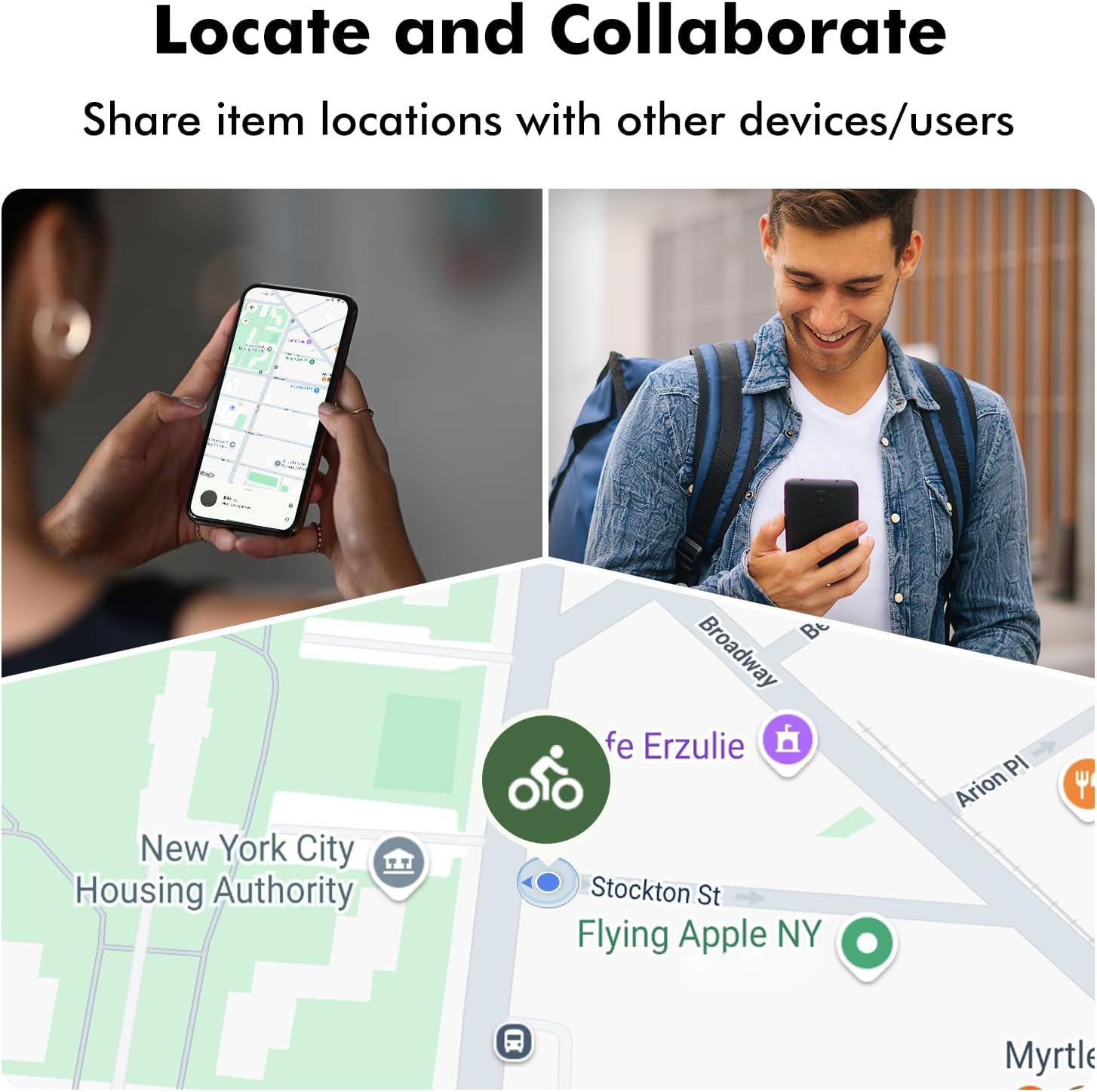
Image 3.4: The ability to share item locations with other users or devices for collaborative tracking.
4. 유지관리
4.1. 방수 기능(IP67)
The Loshall Smart Finder has an IP67 rating, meaning it is protected from dust and can withstand immersion in water up to 1 meter for up to 30 minutes. It is safe for use in conditions involving splashing water, rain, or short immersion. However, it is not recommended for prolonged submersion or use during swimming.
4.2. 배터리 교체
The Smart Finder uses a replaceable battery, offering a battery life of approximately 8-12 months, depending on usage frequency and environmental temperature. When the battery is low, the 'Find My Device' app may notify you. To replace the battery:
- 장치에서 배터리함을 찾으세요.
- 필요한 경우 작은 도구를 사용하여 조심스럽게 수납 공간을 엽니다.
- 오래된 배터리를 제거하세요.
- Insert a new compatible battery, ensuring correct polarity.
- 배터리 칸을 단단히 닫으세요.
5. 문제 해결
If you encounter issues with your Loshall Smart Finder, please refer to the following common solutions:
- 장치가 연결되지 않음: Ensure Bluetooth is enabled on your Android phone. Make sure the Smart Finder is powered on and within range. Try restarting both your phone and the Smart Finder.
- 위치 정보가 업데이트되지 않음: Verify that your phone has an active internet connection (Wi-Fi or mobile data). Ensure location services are enabled for the 'Find My Device' app.
- 알림음이 작동하지 않습니다: Check the volume settings on your phone. Ensure the Smart Finder's battery is not critically low.
- 배터리 수명이 예상보다 짧음: Battery life can vary based on usage frequency and environmental conditions. Ensure you are using a fresh, compatible battery.
- 페어링 문제: If the automatic pairing window does not appear, try manually adding the device through the 'Find My Device' app settings. Ensure your Android OS is version 9 or higher.
For persistent issues, consult the 'Find My Device' app's help section or contact customer support.
6. 사양
| 특징 | 세부 사항 |
|---|---|
| 모델 | F08 |
| 상표 | 일반적인 |
| 호환 시스템 | Android 9 or later (Not for iOS devices) |
| 재료 | ABS |
| 색상 | Black/White (options may vary) |
| 방수성 | IP67 (Splash, rain, and short immersion resistant) |
| 배터리 유형 | Replaceable Lithium Metal (1 Product Specific battery included) |
| 예상 배터리 수명 | 8-12 months (varies with usage) |
| 범위 | Up to 150 meters / 500 feet (line of sight) |
| 소포 크기 | 9 x 6.4 x 1.5cm |
| 무게 | 26g |
| 제조업체 | Kasongde |
| ASIN | B0FJLTY5PV |
| 첫 번째 이용 가능 날짜 | 22년 2025월 XNUMX일 |
7. 보증 및 지원
For warranty information or technical support, please refer to the documentation provided with your purchase or contact the manufacturer, Kasongde, directly. You may also find assistance through the 'Find My Device' application's support resources.
Ask a question about this manual
Ask about setup, troubleshooting, compatibility, parts, safety, or missing instructions. Manuals+ will review the question and use this page’s manual context to help answer it.