
소개
Welcome to the GUHUAVMI GT4 Pro Smartwatch user manual. This guide provides detailed instructions on how to set up, operate, and maintain your new smartwatch. The GT4 Pro combines advanced health monitoring, comprehensive fitness tracking, and smart connectivity features in a durable, stylish design. Please read this manual carefully to ensure optimal performance and longevity of your device.
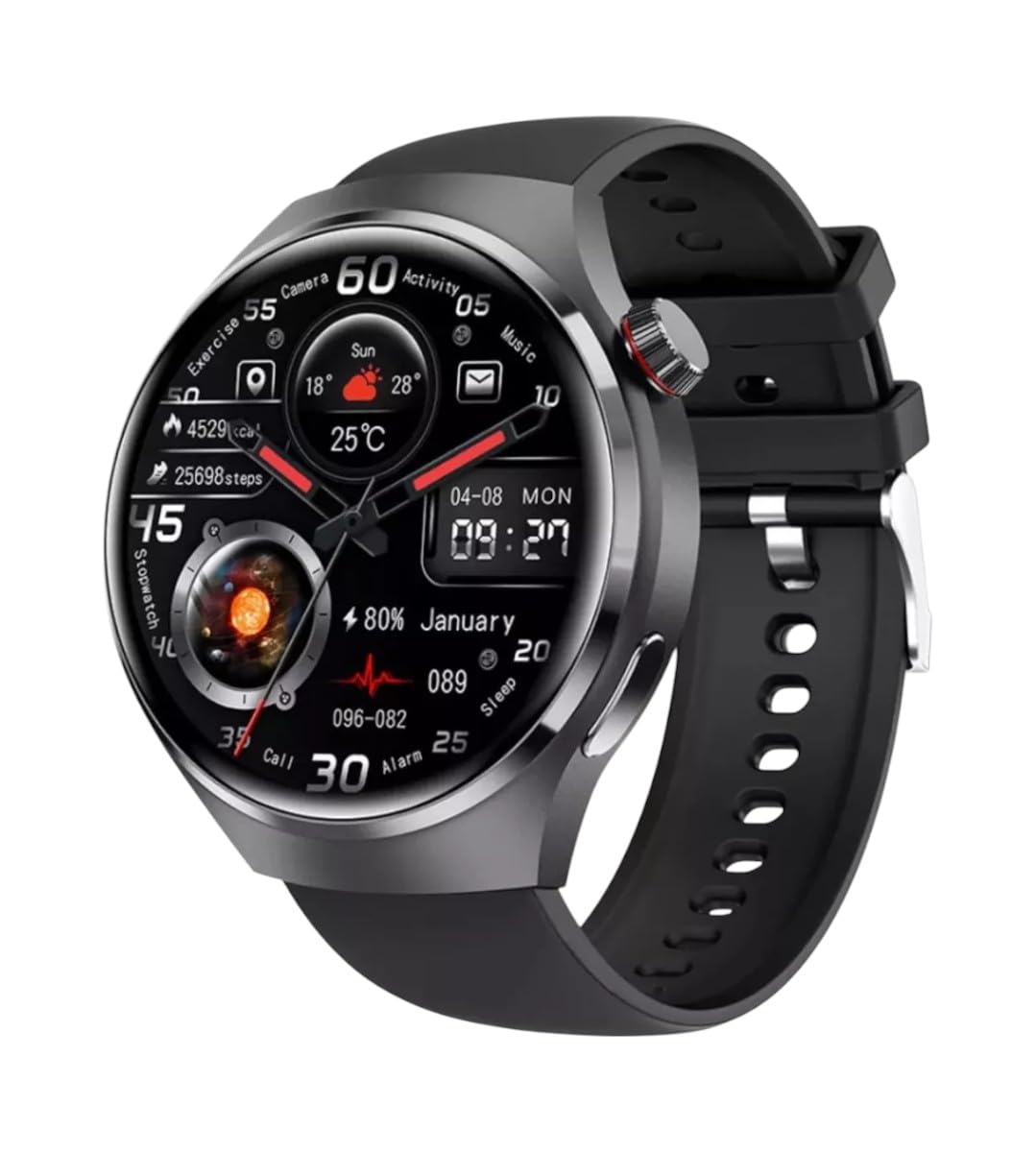
이미지: 앞면 view of the GUHUAVMI GT4 Pro Smartwatch, showcasin세련된 디자인과 디스플레이.
설정
1. 언박싱 및 구성품
시작하기 전에 패키지에 모든 구성 요소가 들어 있는지 확인하세요.
- GUHUAVMI GT4 Pro Smartwatch
- 무선 충전기
- 사용 설명서 (본 문서)
2. 스마트워치 충전하기
For first-time use, fully charge your GT4 Pro Smartwatch. Connect the wireless charger to a USB power adapter (not included) and place the smartwatch onto the magnetic charging base. The watch will indicate charging status on its screen.
- 충전 시간: 완전 충전에는 약 3시간이 소요됩니다.
- 배터리 수명: Typical usage provides 5-7 days of battery life.

Image: The GUHUAVMI GT4 Pro Smartwatch placed on its magnetic wireless charger, displaying battery life and charging time information.
3. 전원 켜기/끄기
- 전원 켜기: 측면 버튼을 화면이 켜질 때까지 길게 누르세요.
- 전원 끄기 : 측면 버튼을 길게 누른 다음 화면에서 '전원 끄기' 옵션을 선택하세요.
4. 앱 다운로드 및 페어링
To unlock the full potential of your GT4 Pro, download the companion app on your smartphone. Scan the QR code provided in the watch's initial setup screen or search for the app name (usually indicated on the watch or packaging) in your phone's app store.
- 스마트폰에서 블루투스를 활성화하세요.
- 함께 제공되는 앱을 열고 화면의 지시에 따라 계정을 만들거나 로그인하세요.
- In the app, select 'Add Device' or 'Pair Device' and choose 'GT4 Pro' from the list of available devices.
- 스마트폰과 스마트워치 모두에서 페어링 요청을 확인하세요.
작동 지침
1. 기본 탐색
The GT4 Pro features a 1.6-inch HD AMOLED touchscreen and a side crown button for navigation.
- 위/아래로 스와이프: 메뉴와 알림을 스크롤합니다.
- 왼쪽/오른쪽으로 스와이프: 빠른 위젯이나 다양한 시계 화면에 액세스하세요.
- 수도꼭지: 항목을 선택하거나 애플리케이션을 엽니다.
- 측면 버튼을 누르세요: 홈 화면으로 돌아가거나 앱 목록에 접속하세요.
2. AI 음성 비서
Your GT4 Pro is equipped with an integrated AI voice assistant for hands-free operation.
- 활성화: Tap the voice assistant icon on the watch face or use a designated gesture/button press (refer to watch settings).
- 명령: Speak clearly to ask questions, set reminders, make calls, or control music.
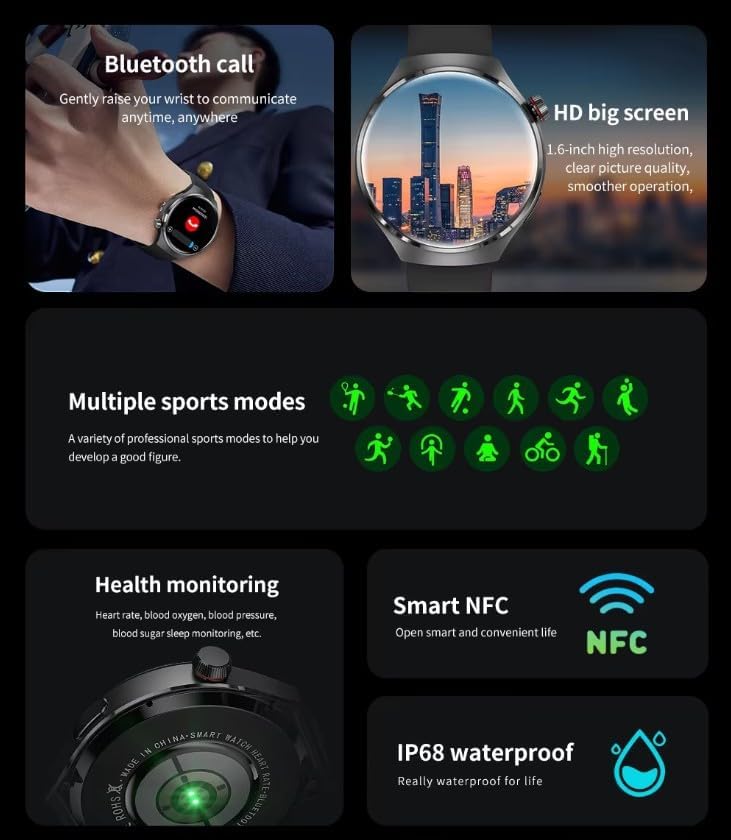
Image: The GUHUAVMI GT4 Pro Smartwatch displaying the AI voice assistant interface, showing examp음성 명령의 수.
3. 블루투스 통화
스마트폰과 페어링이 완료되면 스마트워치에서 직접 전화를 걸고 받을 수 있습니다.
- 전화 걸기: 시계에서 전화 걸기 또는 연락처 목록에 액세스하세요.
- 전화 받기: 시계 화면에서 바로 수신 전화를 받거나 거부할 수 있습니다.
4. 건강 모니터링
The GT4 Pro provides real-time health data to help you monitor your well-being.
- 심박수: 하루 종일 지속적인 모니터링.
- 혈중 산소(SpO2): 혈중 산소 포화도를 측정하세요.
- 혈당: Provides estimated blood sugar readings.
- 수면 추적: 모니터 수면 stages와 품질.
View detailed health reports in the companion app.
5. 피트니스 추적
운동과 일일 활동을 정확하게 추적하세요.
- 여러 스포츠 모드 : Select from various activities like running, cycling, swimming, and more for accurate data.
- 내장 GPS: Records your route, distance, and pace during outdoor activities.
- 나침반: Provides directional guidance for outdoor adventures.

Image: The GUHUAVMI GT4 Pro Smartwatch showcasing icons for NFC, GPS, compass, heart rate, and Bluetooth call, highlighting its comprehensive features.
6. NFC Features
The GT4 Pro supports NFC for convenient interactions.
- 접근 제어: Use your watch for compatible access systems.
- Find My iPhone: Utilize NFC to locate your paired iPhone.
7. Dynamic Island Function
Experience enhanced interactive displays for notifications, music, and charging status.
- 인터랙티브 디스플레이: Smart displays adapt to show relevant information dynamically.
- OTA 업그레이드: New functional interactive displays may be added through future over-the-air updates.
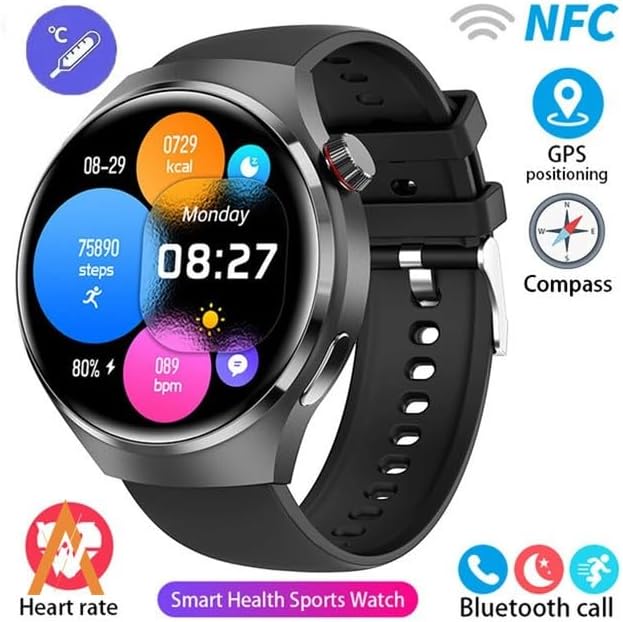
Image: The GUHUAVMI GT4 Pro Smartwatch screen demonstrating the Dynamic Island function, showing notifications and active processes.
8. Other Utility Features
The smartwatch includes several convenient tools:
- 원격 카메라: 스마트폰 카메라를 원격으로 제어하세요.
- 알람 시계: 손목에서 바로 알람을 설정하세요.
- 스톱워치 및 타이머: 정확한 시간 측정을 위해.
- 온도 측정 : Monitor ambient temperature.
- Multi-Time Zone Settings: Keep track of different time zones.
- 음악 재생 제어: Manage music on your paired smartphone.
유지
1. 방수 기능(IP68)
The GT4 Pro has an IP68 waterproof rating, meaning it is resistant to dust and can withstand immersion in water up to 1.5 meters for 30 minutes. It is suitable for swimming and use in rainy conditions.
- Do not use in hot water, saunas, or steam rooms.
- Avoid exposure to high-velocity water.
- 물에 젖은 후에는 부드러운 천으로 시계를 닦아 말리십시오.
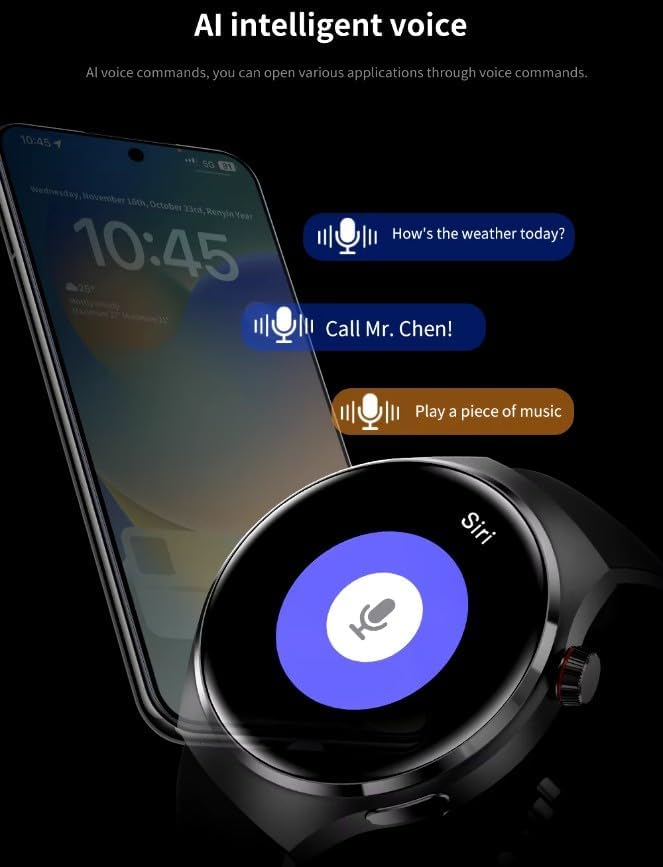
Image: Two GUHUAVMI GT4 Pro Smartwatches shown with water droplets, illustrating their IP68 waterproof capability.
2. 청소
Regularly clean your smartwatch to maintain its appearance and sensor accuracy.
- 화면과 본체는 부드러운 천으로 닦아주세요.amp, 보푸라기 없는 천.
- Clean the charging contacts and heart rate sensor on the back of the watch to ensure proper function.
- 가혹한 화학물질이나 연마재의 사용은 피하세요.
3. 소프트웨어 업데이트
Periodically check for software updates through the companion app. Updates can provide new features, performance improvements, and bug fixes.
문제 해결
- 시계가 켜지지 않음: 시계가 완전히 충전되었는지 확인하세요. 충전기에 최소 30분 동안 연결해 두세요.
- 스마트폰과 페어링할 수 없습니다:
- 휴대폰과 시계에서 Bluetooth가 활성화되어 있는지 확인하세요.
- 시계가 휴대폰 범위 내에 있는지 확인하세요.
- 시계와 휴대폰을 모두 다시 시작하세요.
- 동반 앱이 최신 버전으로 업데이트되었는지 확인하세요.
- 부정확한 건강 데이터:
- 시계를 손목에 꼭 맞게 착용하세요. 너무 꽉 조이거나 너무 느슨하지 않도록 하세요.
- 시계 뒷면의 센서를 청소하세요.
- 측정하는 동안 과도한 움직임을 피하세요.
- 짧은 배터리 수명:
- 화면 밝기를 낮추세요.
- 불필요한 알림이나 기능을 비활성화하세요.
- 필요하지 않은 경우 심박수 모니터링을 지속적으로 하지 않도록 하십시오.
명세서
| 특징 | 설명 |
|---|---|
| 모델 번호 | GT4 프로 |
| 표시하다 | 1.6-inch HD AMOLED, 360x360 resolution |
| 연결성 | 블루투스 5.0 |
| 방수 등급 | IP68 |
| 건강 모니터링 | Heart Rate, Blood Oxygen, Blood Sugar, Sleep Tracking |
| 피트니스 추적 | Built-in GPS, Compass, Multiple Sports Modes |
| 음성 지원 | AI Voice Assistant Integrated |
| 근거리 무선 통신 | Supported (e.g., Find My iPhone, Access Control) |
| 충전 유형 | 자기 무선 충전 |
| 일반적인 배터리 수명 | 5-7일 |
| 충전 시간 | 약 3시간 |
| 포함된 구성 요소 | Smartwatch, User Manual, Wireless Charger |
보증 및 지원
보증 정보
The GUHUAVMI GT4 Pro Smartwatch comes with a 6개월 보증 구매일로부터. 본 보증은 정상적인 사용 중 발생한 제조상의 결함에 적용됩니다. 오용, 사고, 무단 개조 또는 정상적인 마모로 인한 손상은 보증되지 않습니다.
고객 지원
If you encounter any issues or have questions regarding your GUHUAVMI GT4 Pro Smartwatch, please refer to the troubleshooting section of this manual. For further assistance, contact your retailer or the manufacturer's customer support channel. Please have your purchase receipt and product model number (GT4 Pro) ready when contacting support.