
Introduction to the Oura Ring 4
This manual provides detailed instructions for using your Oura Ring 4, a wearable device designed to monitor various health and fitness metrics. It covers setup, operation, maintenance, and troubleshooting to help you maximize your experience with the device.
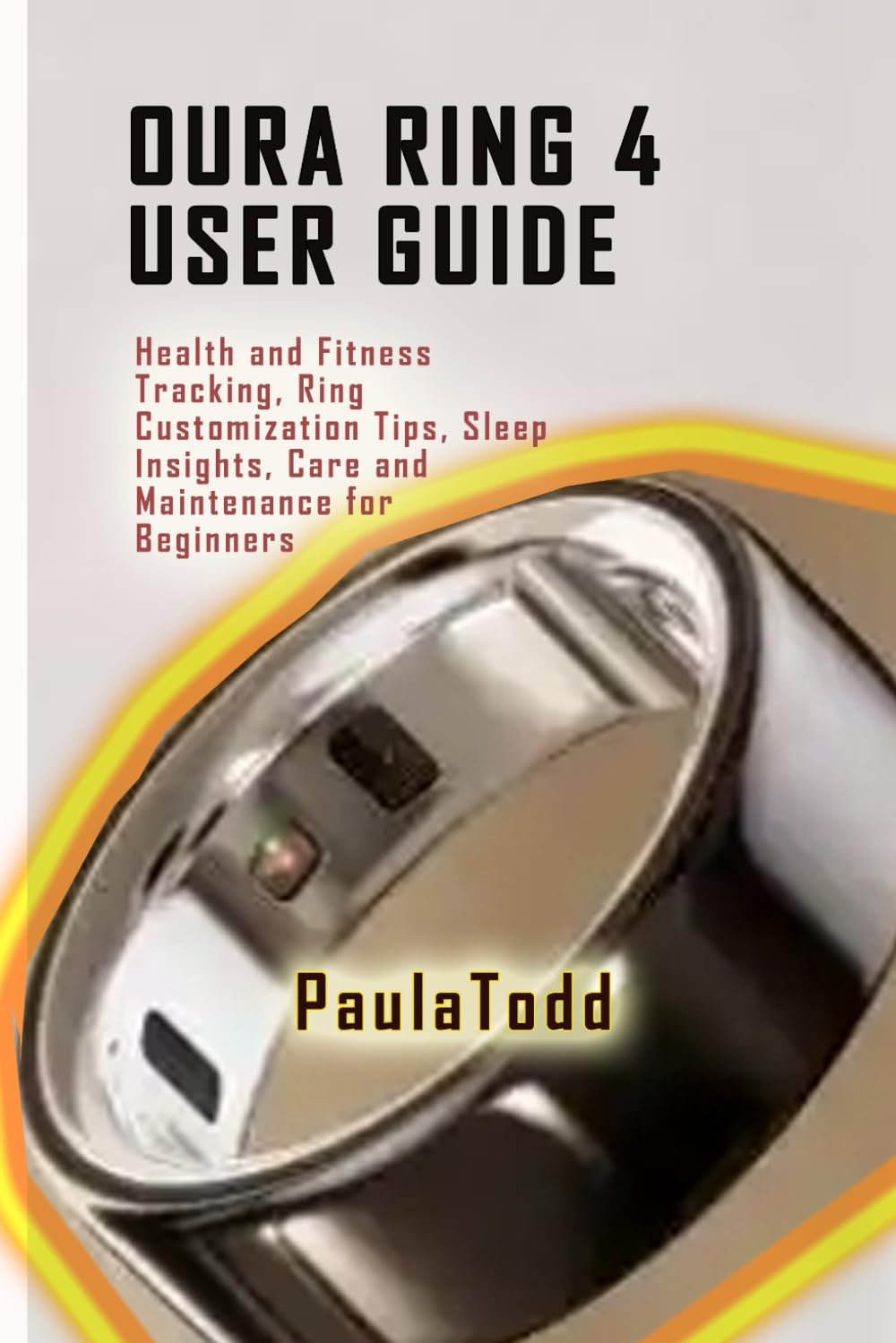
This image displays the front cover of the Oura Ring 4 User Guide book, featuring its title and design.
설치 가이드
Follow these steps to prepare your Oura Ring 4 for use.
1. 언박싱 및 초기 충전
- Carefully unbox your Oura Ring 4 and its charging unit.
- Place the Oura Ring onto the charging unit. Ensure the ring is properly seated.
- Connect the charging unit to a power source using the provided USB cable.
- Allow the ring to charge fully before first use. The Oura app will indicate the charge status.
2. 스마트폰과 페어링
- 스마트폰의 Bluetooth가 활성화되어 있는지 확인하세요.
- Download and install the official Oura app from your device's app store.
- Open the Oura app and follow the on-screen instructions to create an account or log in.
- The app will guide you through the pairing process to connect your Oura Ring 4.
3. Oura App Setup
- 개인 프로를 완성하세요file within the Oura app, including age, gender, height, and weight for accurate data interpretation.
- Familiarize yourself with the app's interface, including the Home, Readiness, Sleep, and Activity tabs.
- Adjust notification settings and privacy preferences as desired.
Operating Your Oura Ring 4
The Oura Ring 4 continuously tracks various health metrics. Here's how to understand and utilize its features.
Health Tracking Essentials
- 슬립 Stag에스: The ring monitors light, deep, and REM sleep stages. Review your sleep patterns in the Oura app to understand your sleep quality.
- Daily Activity Goals: Track your daily movement and activity levels. The app provides personalized activity goals and insights.
- Real-time Heart Rate: Monitor your heart rate throughout the day and night. This data contributes to your overall health and recovery insights.
고급 기능
- 준비 점수: This score indicates your body's recovery status and ability to perform. It's based on sleep, activity, body temperature, and heart rate variability.
- 심박수 변이도(HRV): Gain insights into your autonomic nervous system's balance, which is a key indicator of stress and recovery.
- 체온 추적: The ring tracks subtle changes in your body temperature, which can indicate illness, menstrual cycle phases, or recovery needs.
Fitness and Recovery Insights
- 운동 기록: Manually log workouts or allow the ring to detect activity. Review workout intensity and calorie burn.
- Custom Fitness Goals: Set and adjust your activity goals within the app to align with your fitness objectives.
- Recovery Guidance: Receive personalized tips on movement, exertion levels, and recovery based on your Readiness Score and other metrics.
Mindfulness and Stress Management
- 스트레스 모니터링: The Oura app provides tools to help you understand and manage stress levels.
- Relaxation Exercises: Utilize guided meditation and breathing exercises available in the app to promote mindfulness and reduce stress.
관리 및 유지 보수
Proper care ensures the longevity and optimal performance of your Oura Ring 4.
Cleaning Your Oura Ring
- Clean your Oura Ring regularly with a soft, damp 옷감.
- Avoid using harsh chemicals, abrasive materials, or ultrasonic cleaners, as these can damage the ring's finish and sensors.
- Ensure the ring is dry before placing it on the charger or wearing it.
배터리 관리
- Charge your Oura Ring regularly to maintain battery health.
- 배터리를 자주 완전히 방전시키지 마세요.
- Store the ring in a cool, dry place when not in use for extended periods.
Customization Tips
- Personalize your Oura app settings, including notification preferences and daily goals, to suit your lifestyle.
- Explore the various insights and reports available in the app to gain a deeper understanding of your health data.

This image displays the back cover of the Oura Ring 4 User Guide book, which typically contains a summary or additional information.
일반적인 문제 해결
If you encounter problems with your Oura Ring 4, refer to these common solutions.
- Ring이 앱에 연결되지 않음:
Ensure Bluetooth is enabled on your smartphone. Restart both your phone and the Oura Ring (by placing it on the charger for a few seconds). Check if the Oura app is updated to the latest version. - 부정확한 데이터 판독:
Verify that the ring fits snugly on your finger. The sensors should be in good contact with your skin. Clean the sensors regularly to remove any dirt or debris. - 배터리가 빨리 소모됨:
Check for excessive background app usage. Ensure the ring is fully charged before use. If the issue persists, contact Oura support. - 충전 문제:
Ensure the charging cable and unit are properly connected and free from damage. Try a different USB port or power adapter. Clean the charging contacts on both the ring and the charger. - 앱이 멈추거나 충돌하는 경우:
Close and reopen the Oura app. Clear the app's cache (via your phone's settings). Ensure your phone's operating system is up to date.
제품 사양
Key technical details for the Oura Ring 4 User Guide book.
| ASIN | B0DN68613V |
| 발행자 | 독립적으로 출판됨 |
| 출판일 | 14년 2024월 XNUMX일 |
| 언어 | 영어 |
| 인쇄 길이 | 60페이지 |
| ISBN-13 | 979-8346973188 |
| 품목 무게 | 3.35 온스 |
| 치수 | 6 x 0.14 x 9 인치 |
보증 및 지원 정보
This user manual provides guidance for the Oura Ring 4. For specific warranty details, product support, or service inquiries related to your Oura Ring 4 device, please refer to the official Oura website or contact Oura customer support directly. This manual does not cover product warranty terms or direct support services.