
1. 서론
The Nobsound DV-01 is a compact USB volume control knob designed to provide precise and convenient audio adjustment for various devices. It features a high-precision rotary knob, a one-touch mute function, and a stylish breathing light, enhancing both functionality and desktop aesthetics.
2. 패키지 내용
패키지에 모든 품목이 들어 있는지 확인하세요.
- 1 × Volume Controller
- 1 × USB 케이블
- 1 × Non-slip Mat
- 2 × 3M Double-sided Adhesive

Image: The Nobsound DV-01 volume controller, USB Type-C cable, non-slip mat, and 3M double-sided adhesive included in the package.
3. 설정
3.1. 장치 연결
- Connect the provided USB Type-C cable to the Type-C input port on the Nobsound DV-01 volume controller.
- Plug the other end of the USB cable into an available USB port on your computer, laptop, smartphone, or tablet.
- The device is plug-and-play and typically requires no additional driver installation for basic functionality.

Image: The Nobsound DV-01 volume controller highlighting its Type-C input and illustrating compatibility with various devices such as MP3 players, phones, tablets, PCs, and TVs.
3.2. 배치 및 안정성
To ensure stability and prevent the device from sliding, apply the included non-slip mat or 3M double-sided adhesive to the bottom of the volume controller before placing it on your desktop.

Image: Demonstrates the application of the non-slip mat and 3M double-sided adhesive to the Nobsound DV-01 for secure placement on a desk.
4. 사용 설명서
4.1. 볼륨 조절
- 시계 방향으로 회전하세요: 볼륨을 높이려면 노브를 시계 방향으로 돌립니다.
- 시계 반대 방향으로 회전: 볼륨을 줄이려면 다이얼을 시계 반대 방향으로 돌리세요.
The DV-01 supports both fast and slow adjustment modes. Slow mode adjusts by 2 levels each time, while fast mode adjusts by 6 levels, allowing for smooth volume transitions tailored to individual preferences.
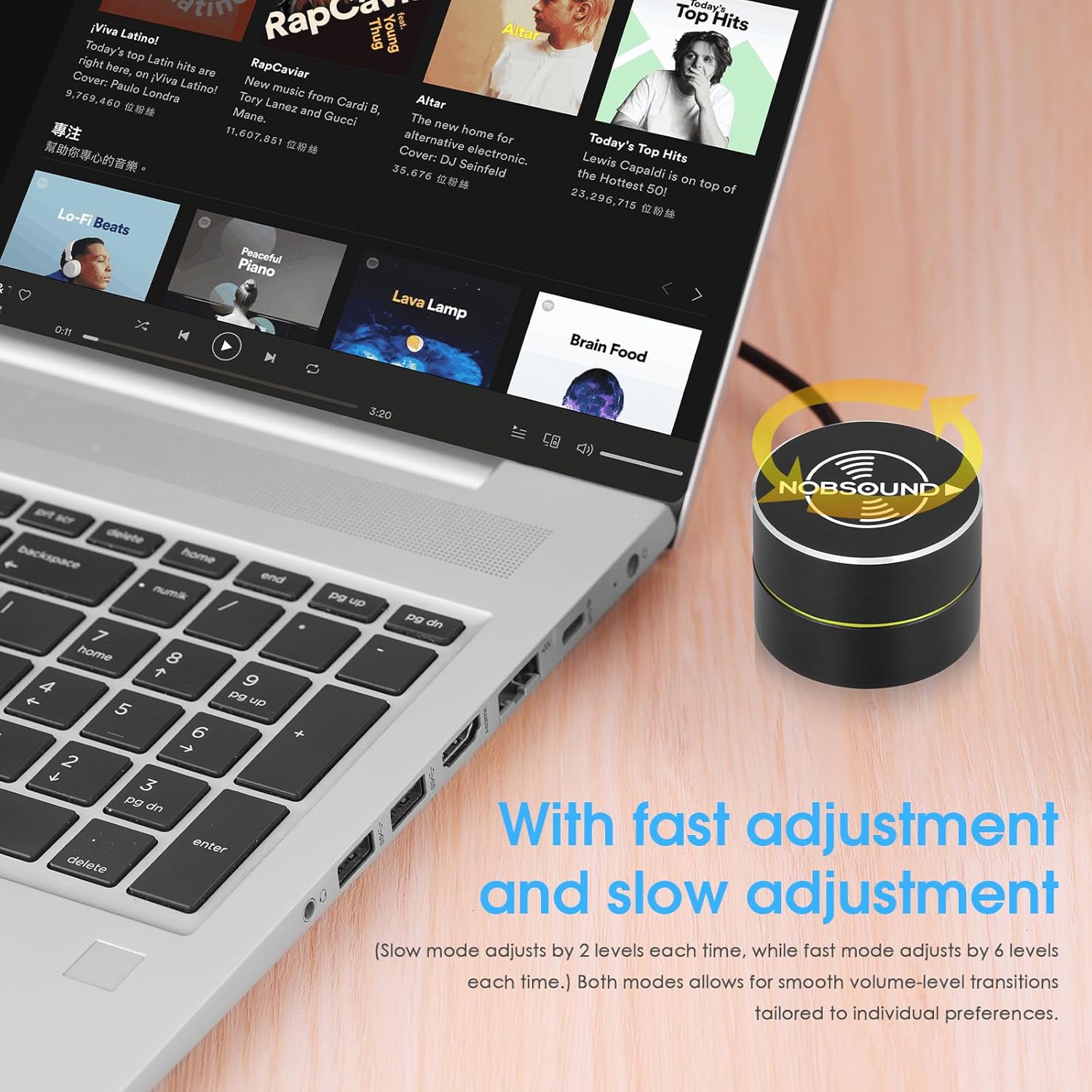
Image: A hand rotating the Nobsound DV-01 knob to adjust volume, illustrating the precise control.
4.2. 음소거 기능
- 싱글 프레스: Press the knob once to instantly mute the audio.
- 다시 누르세요: Press the knob again to unmute the audio.
4.3. Media Control (Previous/Next Song)
The device supports switching between previous and next songs, making it convenient for media playback.
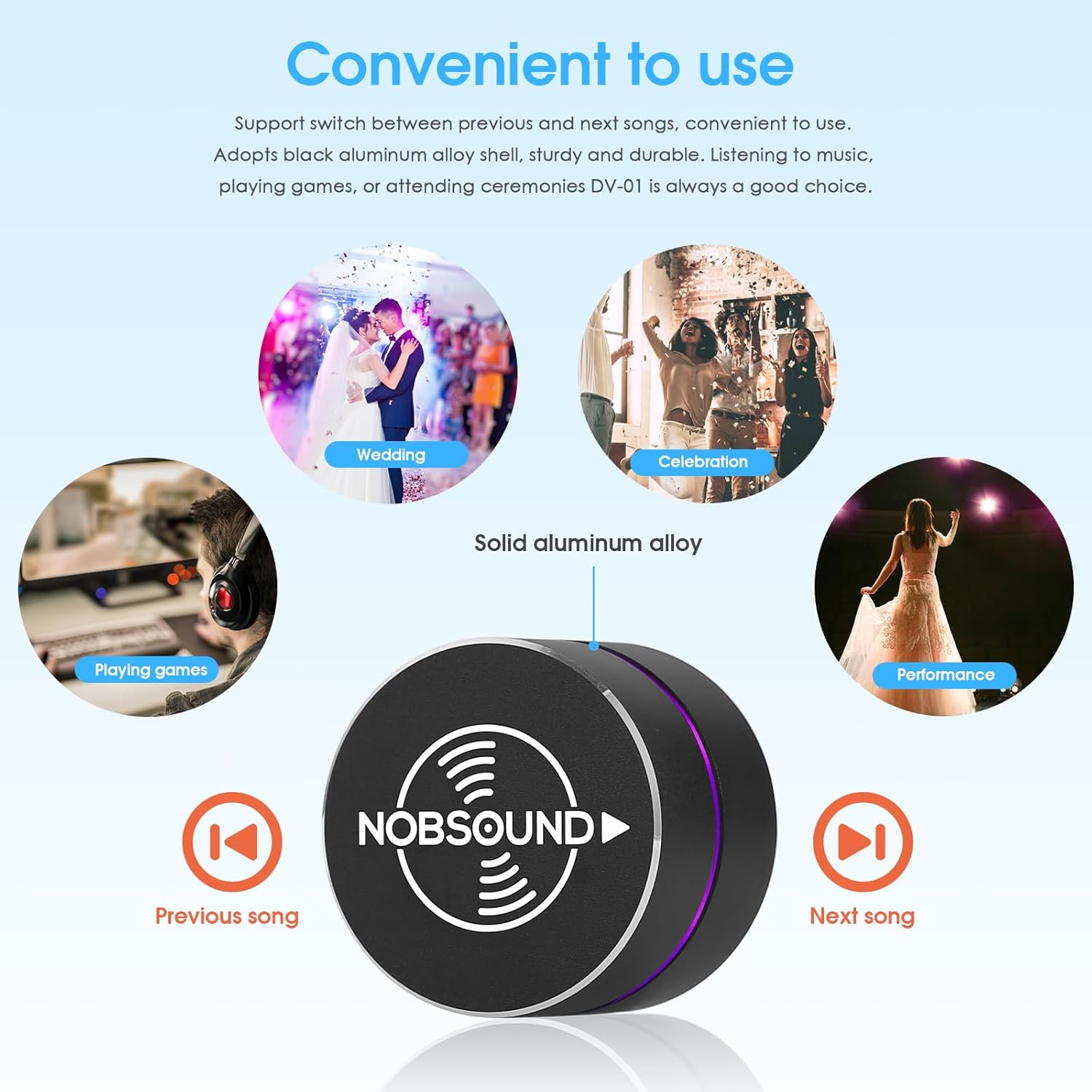
Image: The Nobsound DV-01 controller with icons indicating previous and next song functions, alongside various usage scenarios.
4.4. Breathing Light Control
The DV-01 is equipped with a soft, elegant breathing light that offers 6 color options and dynamic light modes. This enhances desktop aesthetics and provides a clear working status indicator.

Image: Displays the Nobsound DV-01 with its LED breathing light cycling through different color options.
4.5. 비디오 시연
Video: Demonstrates basic volume control and mute functionality of a USB volume knob. Note: Product shown may vary slightly in appearance from the Nobsound DV-01.
Video: Shows the RGB lighting effects and basic volume control of a USB audio remote knob. Note: Product shown may vary slightly in appearance from the Nobsound DV-01.
Video: Illustrates the simple plug-and-play setup and volume adjustment capabilities of a USB volume controller. Note: Product shown may vary slightly in appearance from the Nobsound DV-01.
5. 유지관리
- 부드럽고 마른 천으로 닦아 장치를 깨끗하게 유지하십시오.
- 장치를 과도한 습기나 극한 온도에 노출시키지 마십시오.
- Do not attempt to disassemble the device, as this may void the warranty.
6. 문제 해결
- 장치가 인식되지 않습니다: Ensure the USB cable is securely connected to both the controller and your device. Try a different USB port or cable.
- Volume not adjusting: Verify that the device is properly connected and recognized by your operating system. Check your system's audio settings to ensure the Nobsound DV-01 is selected as the output device.
- Breathing light not working: Ensure the device is powered on via the USB connection. If the light is off, press and hold the knob for a few seconds to cycle through light modes or turn it on.
7. 사양
| 상표 | 놉 사운드 |
| 모델명 | 디비-01 |
| 연결 기술 | USB |
| 하드웨어 인터페이스 | USB 타입 C |
| 호환 장치 | 노트북, PC, 스마트폰, 태블릿 |
| 플랫폼 | 안드로이드, 윈도우, iOS |
| 제어 유형 | Big Knob Passive |
| 특징 | Compact, Volume Control, Mute Function, Breathing Light |
| 품목 무게 | 0.12 킬로그램 |
8. 보증
The Nobsound DV-01 USB Volume Control Knob comes with an 18-month limited warranty. Please retain your proof of purchase for warranty claims.
9. 지원
For further assistance, technical support, or inquiries regarding your Nobsound DV-01, please refer to the manufacturer's official website or contact their customer service department. Contact information can typically be found on the product packaging or the Nobsound brand store.