
1. 서론
The Nillkin TW004 Wireless Earbuds are designed for audio playback and communication, featuring Bluetooth 5.0 connectivity, CVC noise cancellation, and IPX5 water resistance. This manual provides instructions for proper setup, operation, and maintenance of your earbuds.
2. 패키지 내용
패키지에 모든 품목이 들어 있는지 확인하세요.
- Nillkin TW004 Wireless Earbuds (Left and Right)
- 충전 케이스
- USB 충전 케이블
- 다양한 크기의 이어팁(S, M, L)
- 사용자 설명서

Image: Nillkin TW004 Wireless Earbuds and Charging Case, illustrating key features such as excellent sound quality, Apt-X audio decoding, CVC noise cancellation, Qualcomm 5.0, TWS Plus, mini compact design, 13 hours playtime, and IPX5 water-resistance.
3. 제품 특징
- 블루투스 5.0 : 안정적이고 효율적인 무선 연결을 제공합니다.
- CVC 노이즈 제거: 주변 소음을 줄여 통화 음질을 향상시킵니다.
- Apt-X High Audio Decoding: Delivers lossless sound quality with minimal transmission delay.
- IPX5 방수 : Protects against sweat and light splashes, suitable for sports.
- 터치 컨트롤: 직관적인 음악 재생 및 통화 관리 기능.
- 컴팩트하고 가벼운 디자인: Ergonomic fit for comfortable and stable wearing.
- 배터리 수명 연장: Up to 13 hours of continuous earphone use, with additional charges from the case.

Image: A banner displaying the Nillkin TW004 Wireless Earbuds and charging case, highlighting features such as excellent sound quality, Apt-X audio decoding, CVC noise cancellation, Qualcomm 5.0, TWS Plus, mini compact design, 13 hours playtime, and IPX5 water-resistance.
4. 설정
4.1 이어버드와 케이스 충전
Before first use, fully charge the earbuds and the charging case. Connect the provided USB charging cable to the charging case and a power source. The indicator lights on the case will show the charging status. Ensure the earbuds are properly seated in the charging slots inside the case.

Image: Nillkin TW004 Earbuds and charging case displaying Bluetooth V5.0, 13 hours continuous earphone use, 52 hours with charging box, 50 days standby time, 500mAh charging box battery, and 4-5 times earphone charging capacity.
4.2 Automatic Power On and Pairing
Once removed from the charging case, the earbuds will automatically power on and enter pairing mode. On your device (e.g., smartphone), enable Bluetooth and search for 'Nillkin TW004' in the list of available devices. Select it to connect. A voice prompt will confirm successful pairing.
Video: An official product video demonstrating the automatic power-on and pairing process of the Nillkin TW004 Wireless Earbuds when removed from their charging case.
4.3 이어버드 착용하기
Choose the ear tips that provide the most comfortable and secure fit for your ears. Insert the earbuds into your ear canals and gently twist them to ensure a snug fit. A proper fit is essential for optimal sound quality and noise isolation.

Image: A person wearing a Nillkin TW004 earbud, demonstrating the mini body design and stable fit in the ear. The image emphasizes the ergonomic and invisible design, with a weight of only 5.6g per earphone, suitable for human auricle.

Image: Illustration showing small (S), medium (M), and large (L) ear tips, indicating options for a customized and stable fit for the Nillkin TW004 earbuds.
5. 사용 설명서
5.1 터치 컨트롤
The Nillkin TW004 earbuds feature touch-sensitive controls on the outer surface of each earbud. Refer to the following table for common functions:
| 행동 | 기능 |
|---|---|
| 단일 탭(왼쪽/오른쪽) | 음악 재생/일시 정지, 전화 받기/종료 |
| 더블 탭(오른쪽) | 다음 트랙 |
| 더블 탭(왼쪽) | 이전 트랙 |
| 길게 누르기(왼쪽/오른쪽) | 통화 거부, 음성 지원 활성화 |
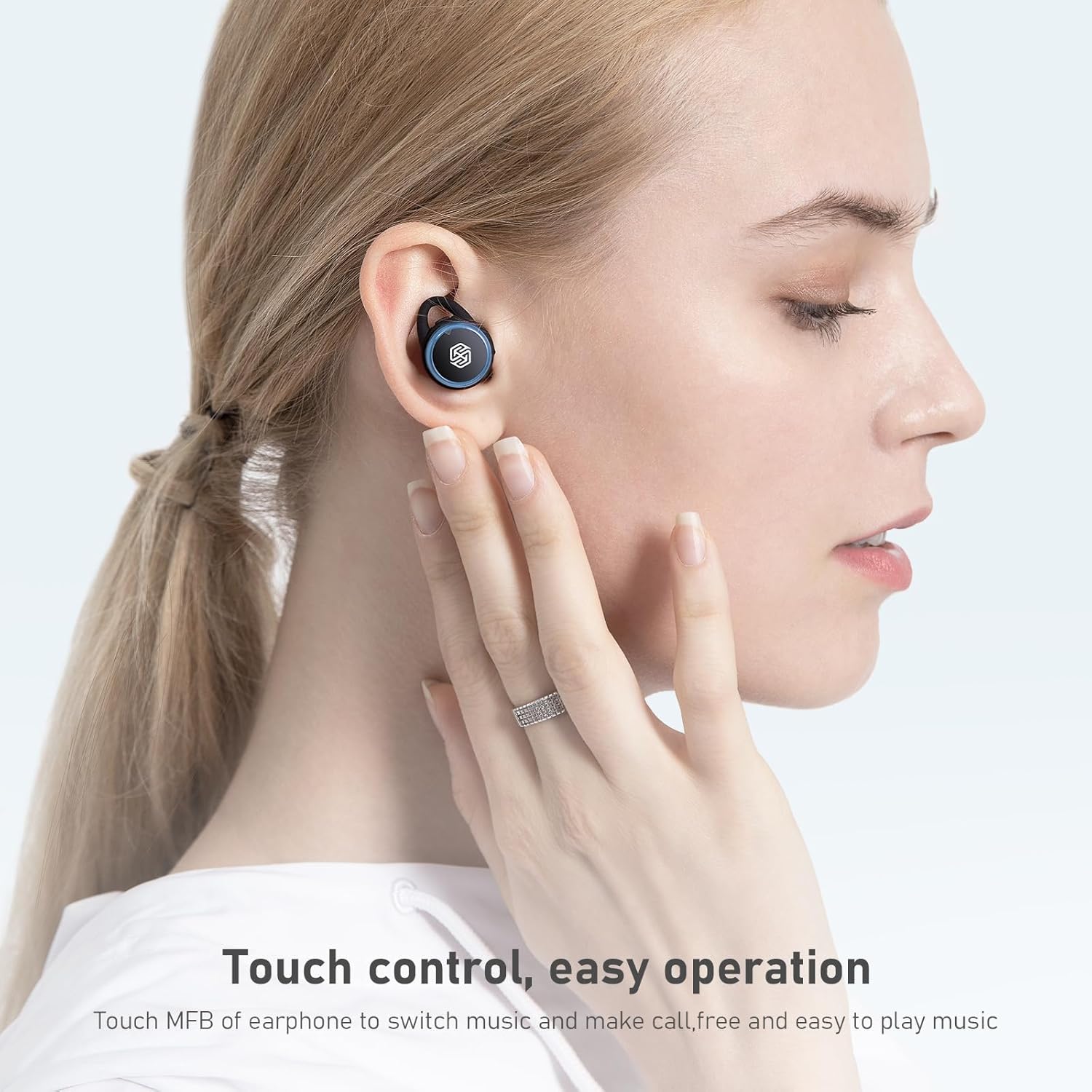
Image: A hand demonstrating touch control on a Nillkin TW004 earbud, illustrating the ease of operation for switching music and managing calls.
5.2 전원 켜기/끄기
- 전원 켜기: 이어버드는 충전 케이스에서 꺼내면 자동으로 전원이 켜집니다.
- 전원 끄기 : 이어버드를 충전 케이스에 다시 넣으면 자동으로 전원이 꺼지고 충전이 시작됩니다.
6. 유지관리
6.1 청소
최적의 성능과 위생을 유지하려면 이어버드와 충전 케이스를 정기적으로 청소하세요.
- 부드럽고 마른 보푸라기 없는 천으로 이어폰과 충전 케이스를 닦으세요.
- 이어팁을 분리하여 순한 비누와 물로 세척하세요. 다시 부착하기 전에 완전히 말랐는지 확인하세요.
- 마른 면봉으로 이어버드와 케이스 내부의 충전 접점을 부드럽게 닦으세요.
6.2 보관
사용하지 않을 때는 이어버드를 충전 케이스에 보관하여 먼지와 손상으로부터 보호하고 충전 상태를 유지하세요.

Image: Nillkin TW004 earbuds with water droplets on their surface, illustrating their IPX5 waterproof rating, suitable for sports and protection against sweat and rain.
7. 문제 해결
If you encounter issues with your Nillkin TW004 Wireless Earbuds, refer to the following common solutions:
- 이어버드가 페어링되지 않음:
Ensure both earbuds are fully charged. Place them back in the case, then remove them to re-enter pairing mode. Delete 'Nillkin TW004' from your device's Bluetooth list and attempt to pair again. - 한쪽 이어버드에서 소리가 나지 않습니다.
Check if both earbuds are charged. Try resetting the earbuds by placing them in the charging case and then taking them out. Ensure they are properly paired as a stereo pair. - 충전 케이스가 충전되지 않음:
Verify the USB cable is securely connected to both the case and the power source. Try a different charging cable or power adapter. - 음질이 좋지 않음:
이어팁의 크기가 귀에 맞는지 확인하여 이어버드가 귀에 제대로 고정되었는지 확인하십시오. 간섭을 피하려면 연결된 기기에 더 가까이 이동하십시오. - 터치 컨트롤이 반응하지 않음:
Ensure your fingers are clean and dry. Try cleaning the touch surface of the earbuds.
8. 사양
| 특징 | 세부 사항 |
|---|---|
| 모델 번호 | TW004 (GO TW004) |
| 블루투스 버전 | 5.0 |
| 제어 방법 | 만지다 |
| 방수성 | IPX5 |
| 이어폰 재생 시간 | 최대 13시간(연속) |
| 총 재생 시간(케이스 포함) | 최대 65시간 |
| 충전 케이스 배터리 | 500mAh |
| 오디오 디코딩 | 앱트엑스 |
| 소음 제거 | 씨비씨(CVC) |
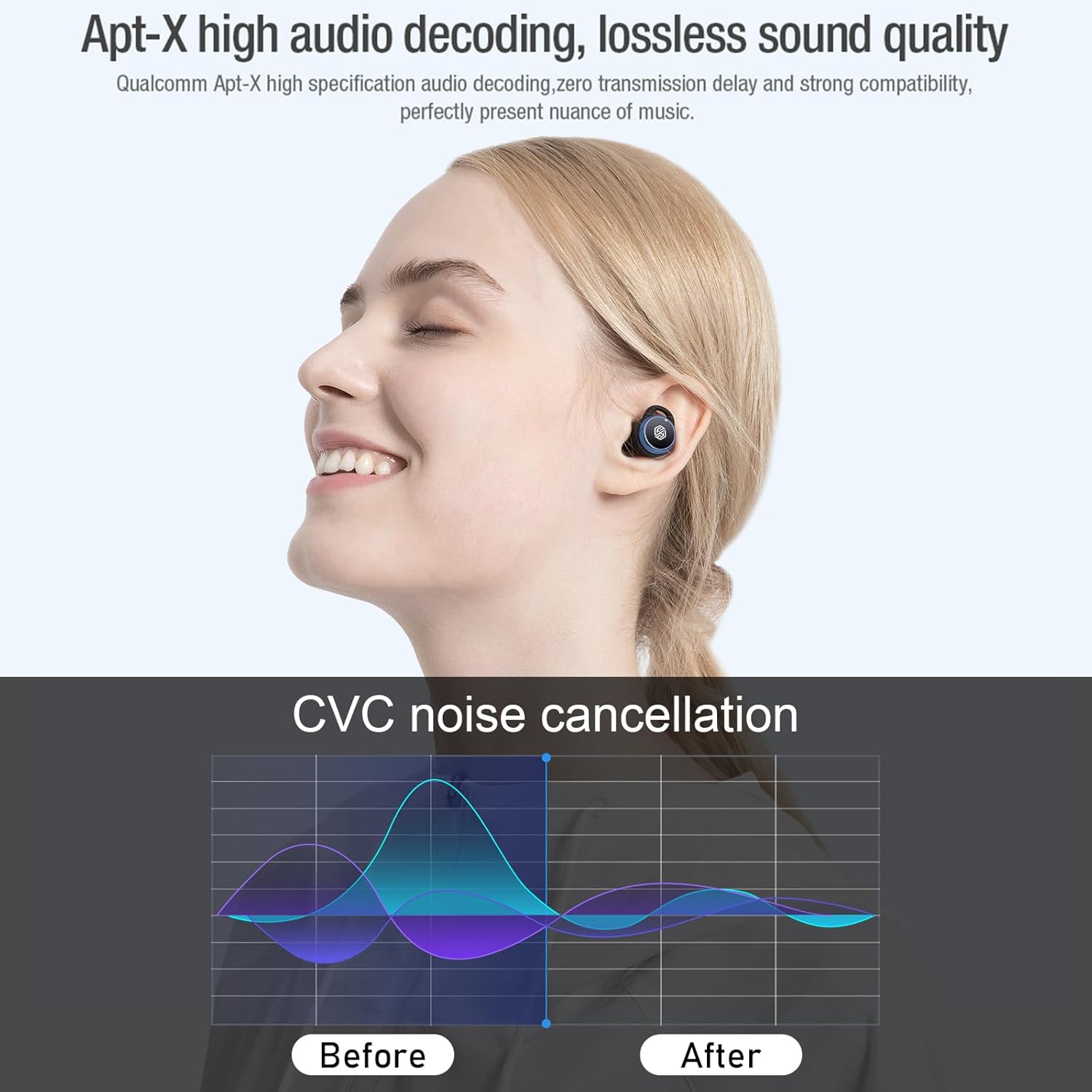
Image: Nillkin TW004 earbud illustrating Apt-X high audio decoding for lossless sound quality and a graph demonstrating CVC noise cancellation effectiveness before and after.
9. 보증 및 지원
Nillkin products are manufactured to high quality standards. For warranty information, technical support, or customer service inquiries, please refer to the warranty card included in your product packaging or visit the official Nillkin web사이트. 구매 증빙 자료로 구매 영수증을 보관하세요.