
1. 서론
This manual provides detailed instructions for setting up, operating, and maintaining your Beelink EQ13 Mini PC. The Beelink EQ13 is a compact and efficient mini PC powered by an Intel N100 processor, designed for various applications including office work, multimedia playback, and light computing tasks. Please read this manual thoroughly before using the device.
2. 패키지 내용
아래 나열된 모든 품목이 패키지에 포함되어 있는지 확인하세요.
- 1 x Beelink EQ13 N100 Mini PC
- AC 케이블 1개
- 1 x 사용자 설명서
- 1x100cm HDMI 케이블
- 1 x 패키지 상자
3. 제품 오버view
3.1 전면 및 후면 패널 레이아웃
Familiarize yourself with the ports and connectors on your Beelink EQ13 Mini PC.

Image: Front panel with USB-C and USB 3.2 ports, power button. Rear panel with dual HDMI, dual LAN, USB 3.2, and USB 2.0 ports.
- 전면 패널: 1x USB-C Port (10Gbps), 1x USB 3.2 Port (10Gbps), Power Button.
- 후면 패널 : 2x HDMI Ports (4K@60Hz), 2x 1000Mbps LAN Ports, 2x USB 3.2 Ports (10Gbps), 1x USB 2.0 Port (480Mbps), Power Input.
3.2 Built-in Power Supply
The Beelink EQ13 features a built-in power supply, simplifying cable management. Only one AC cable is required to power the device.

Image: The Beelink EQ13 Mini PC connected to an AC power outlet, demonstrating its built-in power supply design.
3.3 내부 구성 요소
The Beelink EQ13 is equipped with 16GB DDR4 3200MHz memory and a 500GB M.2 2280 PCIe 3.0 SSD.

이미지: 내부 view of the Beelink EQ13 Mini PC, highlighting the 16GB DDR4 RAM module and the 500GB M.2 PCIe 3.0 SSD.
4. 설정 지침
4.1 주변기기 연결하기
- 디스플레이 연결: Use the provided HDMI cable to connect your monitor(s) to the HDMI ports on the rear panel of the Mini PC. The EQ13 supports dual 4K@60Hz displays.
- 키보드와 마우스 연결: Plug your USB keyboard and mouse into the available USB ports on the front or rear panel.
- 네트워크 연결(선택 사항): For a wired connection, connect an Ethernet cable from your router or modem to one of the 1000Mbps LAN ports on the rear panel. For wireless, the device supports WiFi 6.
4.2 전원 켜기
- 전원 연결: Plug the AC power cable into the power input on the rear of the Mini PC, then connect the other end to a wall outlet.
- 시동 : 전면 패널에 있는 전원 버튼을 누르세요. 전원 표시등이 켜집니다.
- 초기 설정 : 화면에 나타나는 지시에 따라 운영체제 설치(예: Windows 11)를 완료하십시오.
5. 사용 설명서
5.1 기본 작업
- 전원 켜기/끄기: Press the power button to turn on. To turn off, use the operating system's shutdown function or press and hold the power button for 5 seconds.
- 다시 시작: 운영체제의 재시작 기능을 사용하십시오.
5.2 네트워크 연결
- 유선 LAN : Connect an Ethernet cable to one of the two 1000Mbps LAN ports for a stable wired network connection.
- 무선(WiFi 6): The Mini PC supports WiFi 6 (802.11ax). Access network settings in your operating system to connect to available wireless networks.

이미지: 후면 view of the Beelink EQ13 Mini PC highlighting the two 1000Mbps LAN ports with Ethernet cables connected.
5.3 블루투스 연결
The Beelink EQ13 includes Bluetooth 5.2 (AX101) for connecting wireless devices.
- 운영 체제 설정에서 Bluetooth를 활성화하세요.
- Pair with compatible devices such as keyboards, mice, speakers, or headphones.
5.4 듀얼 디스플레이 설정
The Mini PC supports dual 4K@60Hz displays via its two HDMI ports, enhancing productivity.
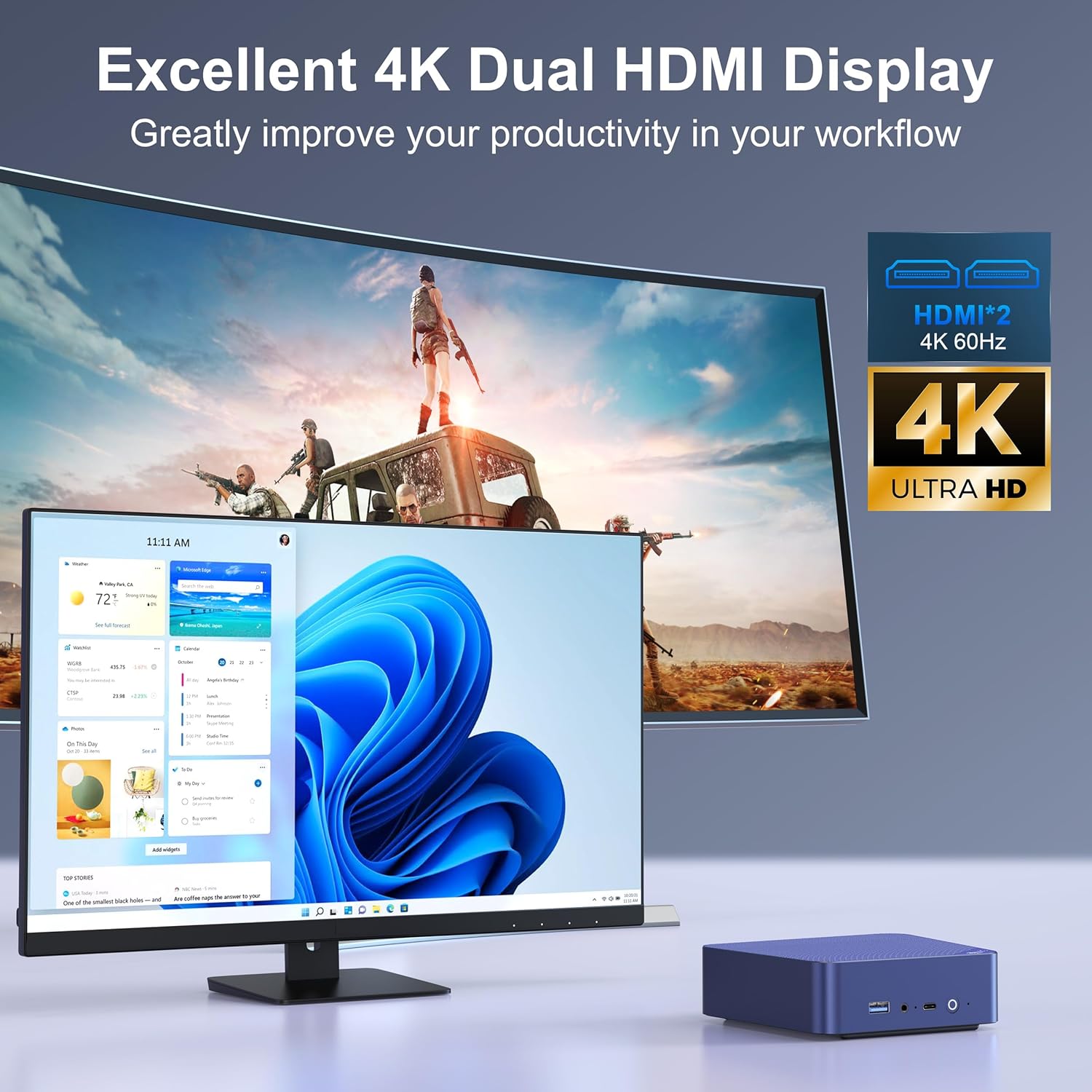
Image: The Beelink EQ13 Mini PC connected to two monitors, demonstrating its dual 4K HDMI display capability.
5.5 성능 및 사용
Equipped with an Intel N100 processor, 16GB DDR4 RAM, and a 500GB PCIe 3.0 SSD, the EQ13 is suitable for various tasks:
- 사무직: Efficiently handle documents, spreadsheets, and presentations.
- 멀티미디어 재생: Enjoy 4K video streaming and other media content.
- Web 탐색: Smooth internet browsing experience.
- Virtual Machines/NAS: Capable for light virtualization or network-attached storage applications.
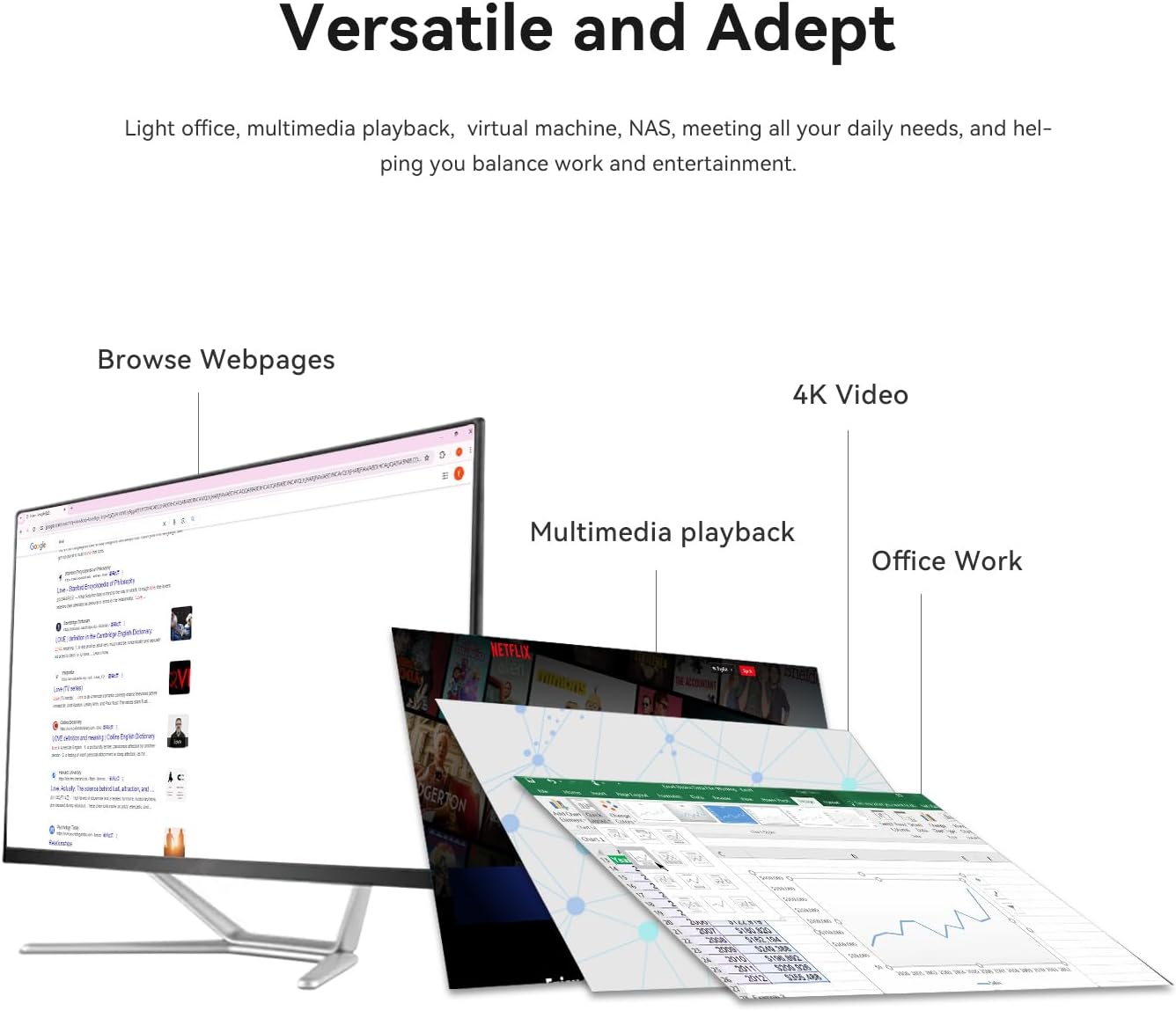
Image: A visual representation of the Beelink EQ13 Mini PC's versatility, showing it handling web browsing, 4K video, multimedia playback, and office applications simultaneously.
6. 유지관리
6.1 냉각 시스템
The Beelink EQ13 incorporates an MSC2.0 Cooling System with a new airflow design and dustproof filter at the bottom. This design ensures stable operation and near-silent performance.
- Ensure the bottom air intake vents are not obstructed to maintain optimal airflow.
- Periodically clean the dust filter to prevent dust accumulation.

Image: An illustration depicting the silent operation of the Beelink EQ13 Mini PC, emphasizing its new cooling system design.
6.2 스토리지 확장
The 500GB M.2 2280 SSD can be expanded up to 2TB. Refer to the internal components image in Section 3.3 for the location of the SSD slot. For storage upgrades, it is recommended to consult a qualified technician or refer to specific upgrade guides provided by Beelink.
7. 문제 해결
- 전원 없음: Ensure the AC cable is securely connected to both the Mini PC and the power outlet. Try a different power outlet.
- 디스플레이 없음: Check HDMI cable connections to both the Mini PC and the monitor. Ensure the monitor is powered on and set to the correct input source.
- 네트워크 연결 없음: For wired connections, verify the Ethernet cable is properly connected. For wireless, check WiFi settings in the operating system and ensure the router is functioning.
- 주변 문제: If a keyboard or mouse is not responding, try connecting it to a different USB port. Ensure Bluetooth devices are properly paired.
- 시스템 응답 없음: If the system freezes, press and hold the power button for 5-10 seconds to force a shutdown, then restart the device.
8. 사양
| 특징 | 세부 사항 |
|---|---|
| 상표 | 비링크 |
| 모델명 | EQ13 N100 |
| CPU 모델 | Intel Processor N100 (4C/4T, up to 3.4GHz) |
| 그래픽 코프로세서 | 인텔 아이리스 플러스 그래픽 |
| 램 메모리 | 16GB DDR4 3200MHz SODIMM |
| 저장 | 500GB M.2 2280 PCIe 3.0 SSD (Expandable up to 2TB) |
| 운영 체제 | OS (Pre-installed Windows 11 mentioned in product description) |
| 비디오 출력 | 2x HDMI (Max 4K@60Hz Dual Display) |
| 랜 | Dual 1000Mbps Ethernet Ports |
| 무선 연결 | WiFi 6 (802.11ax), Bluetooth 5.2 (AX101) |
| USB 포트 | 1x Front USB-C (10Gbps), 3x USB 3.2 (10Gbps), 1x USB 2.0 (480Mbps) |
| 전력 소비 | 25 Watts (TDP) |
| 냉각 방식 | Air (MSC2.0 Cooling System) |
| 색상 | 네이비 블루 |
9. 보증 및 지원
The Beelink EQ13 Mini PC comes with a 1년 보증.
For technical support, warranty claims, or further assistance, please contact the manufacturer, Shenzhen AZW Technology Co., Ltd., or visit the official Beelink support channels.
Manufacturer: Shenzhen AZW Technology Co., Ltd.
자세한 내용은 다음을 방문하세요. 아마존에서 Beelink 스토어를 만나보세요.