
1. 서론
This manual provides detailed instructions for the safe and efficient operation of your Zebronics Zeb-Buddy 100 Portable Bluetooth Speaker. Please read this manual thoroughly before using the device and retain it for future reference.
2. 제품 오버view 및 기능
The Zebronics Zeb-Buddy 100 is a portable Bluetooth v5.0 speaker designed for versatile audio playback. It features a compact design with an integrated handle for easy transport and a mobile holder for hands-free use. Key features include:
- 블루투스 v5.0 연결: 무선 오디오 스트리밍용.
- TWS 기능: Allows pairing of two Zeb-Buddy 100 speakers for stereo audio.
- 유선 마이크: Includes a 6.3mm wired microphone for karaoke.
- 다중 재생 옵션: Supports AUX, micro SD card, and USB input.
- 내장형 FM 라디오: For listening to radio stations.
- 미디어 컨트롤: Integrated buttons for easy control of playback.
- 충전식 배터리: 최대 2시간 30분 동안 재생할 수 있습니다.
- RGB 조명 모드: Multiple light modes for enhanced ambiance.
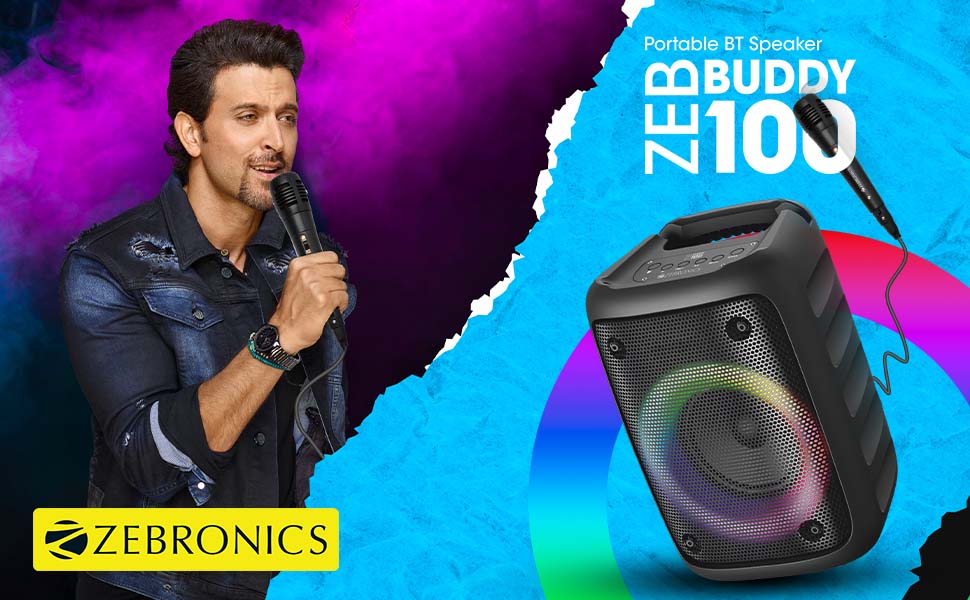
Image: The Zeb-Buddy 100 speaker shown with its included wired microphone, highlighting its portable design and control panel.
이미지: 각도가 있는 view of the Zeb-Buddy 100 speaker, showcasing its compact form factor and side details.
3. 설정
3.1 스피커 충전
- 충전 케이블을 스피커의 충전 포트에 연결합니다.
- 케이블의 다른 쪽 끝을 적절한 USB 전원 어댑터(별도 구매)에 연결하십시오.
- 충전 표시등이 켜집니다. 완전 충전에는 약 4시간이 소요됩니다.
3.2 블루투스 페어링
- 전원 버튼을 길게 눌러 스피커를 켭니다.
- The speaker will enter Bluetooth pairing mode, indicated by a flashing LED.
- 모바일 기기에서 블루투스를 활성화하고 사용 가능한 기기를 검색하세요.
- Select "Zeb-Buddy 100" from the list to pair.
- Once paired, the speaker will confirm the connection, and the LED will stop flashing.
3.3 TWS(True Wireless Stereo) 페어링
To experience stereo audio, you can pair two Zeb-Buddy 100 speakers together:
- Ensure both Zeb-Buddy 100 speakers are powered on and not connected to any Bluetooth device.
- On one speaker (this will be the primary speaker), press and hold the TWS button.
- 1차 화자는 2차 화자를 검색합니다.
- 연결되면 두 스피커 모두 TWS 페어링이 성공적으로 완료되었음을 나타냅니다.
- 이제 3.2절에 설명된 대로 블루투스를 통해 모바일 기기를 메인 스피커에 연결하세요. 오디오는 두 스피커를 통해 스테레오로 재생됩니다.

Image: Three Zeb-Buddy 100 speakers demonstrating their multiple RGB light modes, illustrating the TWS capability.
4. 사용 설명서
4.1 모드 선택
Press the 'M' (Mode) button on the speaker to switch between Bluetooth, AUX, Micro SD, USB, and FM Radio modes.
4.2 오디오 재생
- 재생/일시 중지: 재생/일시 정지 버튼을 누르세요.
- 다음 트랙: Press the 'Next' button.
- 이전 트랙 : Press the 'Previous' button.
- 볼륨 업: Press and hold the 'Next' button.
- 볼륨 작게 : Press and hold the 'Previous' button.
4.3 노래방 기능
- Connect the wired microphone to the 6.3mm microphone input port on the speaker.
- Adjust the microphone volume using the dedicated knob on the speaker (if available) or through the main volume controls.
- Ensure music is playing from your chosen source (Bluetooth, AUX, etc.) for background audio.
4.4 FM 라디오 작동
- 'M' 버튼을 사용하여 FM 라디오 모드로 전환하세요.
- Press the Play/Pause button once to auto-scan and save available FM channels.
- Use the 'Next' and 'Previous' buttons to navigate between saved channels.
5. 유지관리
To ensure the longevity and optimal performance of your Zeb-Buddy 100 speaker:
- 스피커를 물, 습기 및 직사광선으로부터 멀리하십시오.
- 부드럽고 마른 천으로 스피커를 닦으세요. 강한 화학 물질이나 연마성 세제는 사용하지 마세요.
- 스피커를 떨어뜨리거나 강한 충격을 주지 마십시오.
- 장기간 사용하지 않을 때에는 시원하고 건조한 곳에 보관하세요.
6. 문제 해결
| 문제 | 가능한 원인 | 해결책 |
|---|---|---|
| 스피커의 전원이 켜지지 않습니다. | 배터리가 부족하거나 충전되지 않았습니다. | 스피커를 완전히 충전하세요. |
| 블루투스로 페어링할 수 없습니다. | 스피커가 페어링 모드가 아닙니다. 기기의 Bluetooth가 꺼져 있습니다. 스피커와의 거리가 너무 멀습니다. | Ensure speaker is in pairing mode. Turn Bluetooth on/off on your device. Move device closer to speaker. |
| 소리가 나지 않습니다. | Volume too low; incorrect mode selected; faulty cable (AUX/USB). | Increase volume. Select correct input mode. Check/replace cables. |
| TWS 페어링이 실패합니다. | 스피커가 이미 다른 장치에 연결되어 있고, 너무 멀리 떨어져 있습니다. | Disconnect speakers from other devices. Ensure speakers are close to each other. |
| 마이크가 작동하지 않습니다. | Microphone not fully plugged in; volume too low. | Ensure microphone is securely connected. Adjust microphone volume. |
7. 사양
- 상표: 제 브로 닉스
- 모델 이름: Zeb-버디 100
- 연결 기술 : 보조 입력, 블루투스, USB, 무선
- 블루투스 버전: v5.0
- 스피커 최대 출력: 15 와트
- 주파수 응답: 100Hz - 20kHz
- 오디오 출력 모드: 스테레오(TWS 포함)
- 스피커 크기: 52 Millimetres (Driver)
- 전원: 배터리 구동
- 배터리 충전 시간: 4시간
- 재생 시간: 5시간
- 제어 방법: 터치 컨트롤
- 호환 장치: 스마트폰, 태블릿
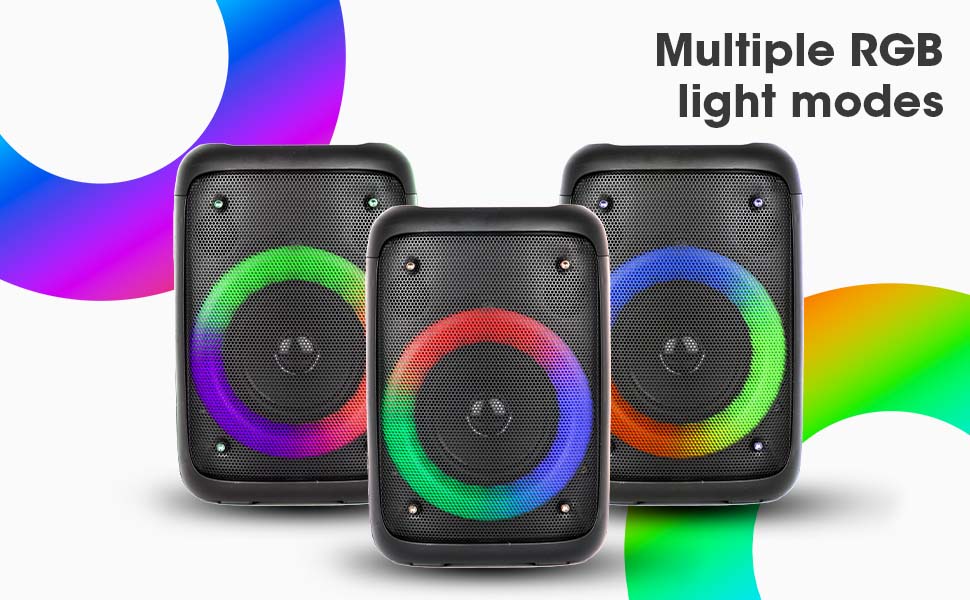
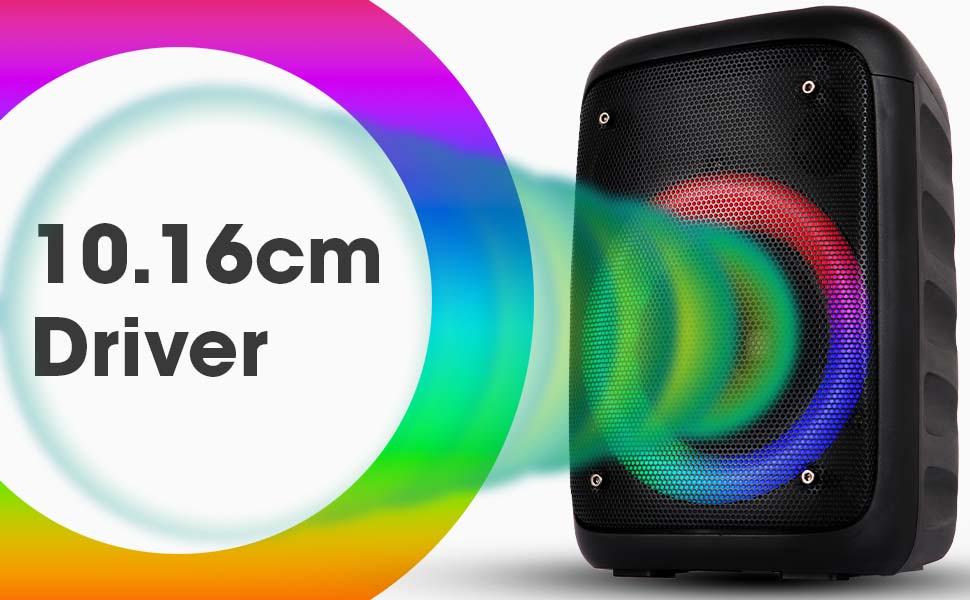
Image: The Zeb-Buddy 100 speaker with an overlay indicating its 10.16cm (4-inch) driver size.
8. 보증 및 지원
The Zebronics Zeb-Buddy 100 comes with a 1-year carry-in warranty to the service center. For any support, service, or warranty claims, please contact Zebronics customer support or visit their official website for service center locations and contact information.
보증 확인을 위해 구매 영수증을 보관하세요.