
1. 서론
This user manual provides comprehensive instructions for the installation, operation, and maintenance of your keepLiNK 5-Port Industrial Unmanaged Ethernet Switch. This device is designed for reliable network connectivity in harsh industrial environments, offering robust performance and ease of use.
2. 제품 오버view
2.1 주요 특징
- 5 x 10/100Mbps Fast Ethernet Ports.
- 1Gbps Switching Capacity.
- IP40 Rated Protection: Resistant to dust and solid objects larger than 1mm.
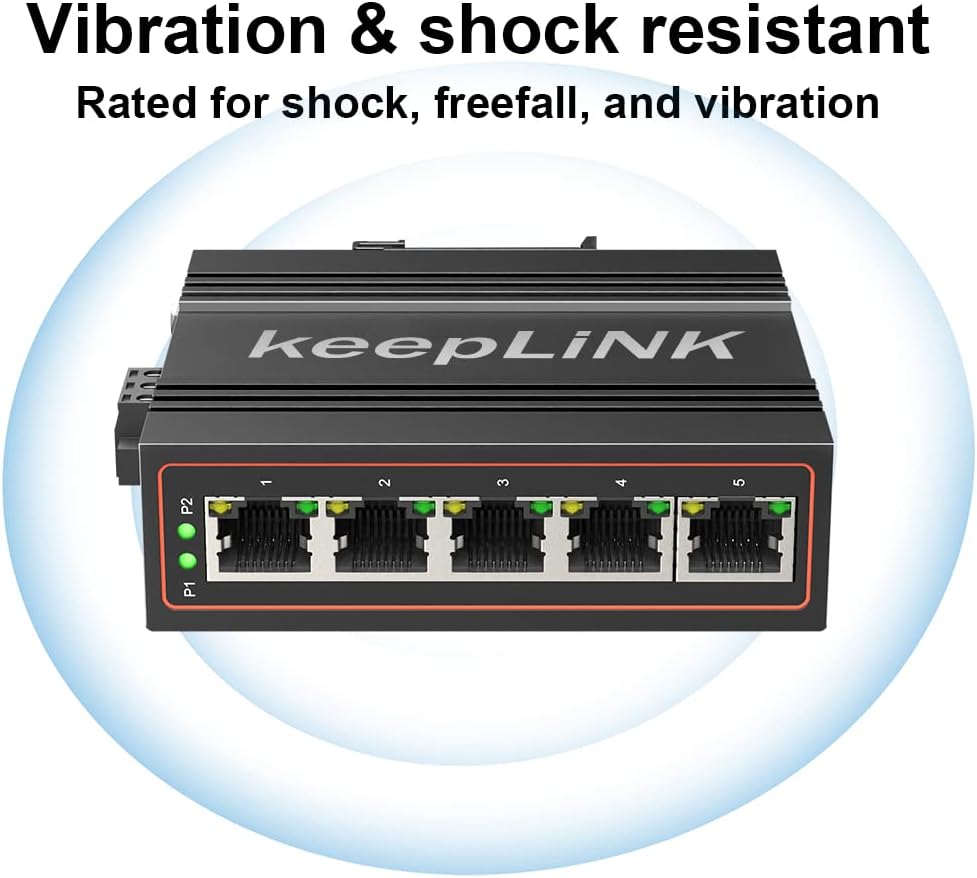
- Anti-vibration and Anti-static Interference design.
- 4KV Lightning Protection.
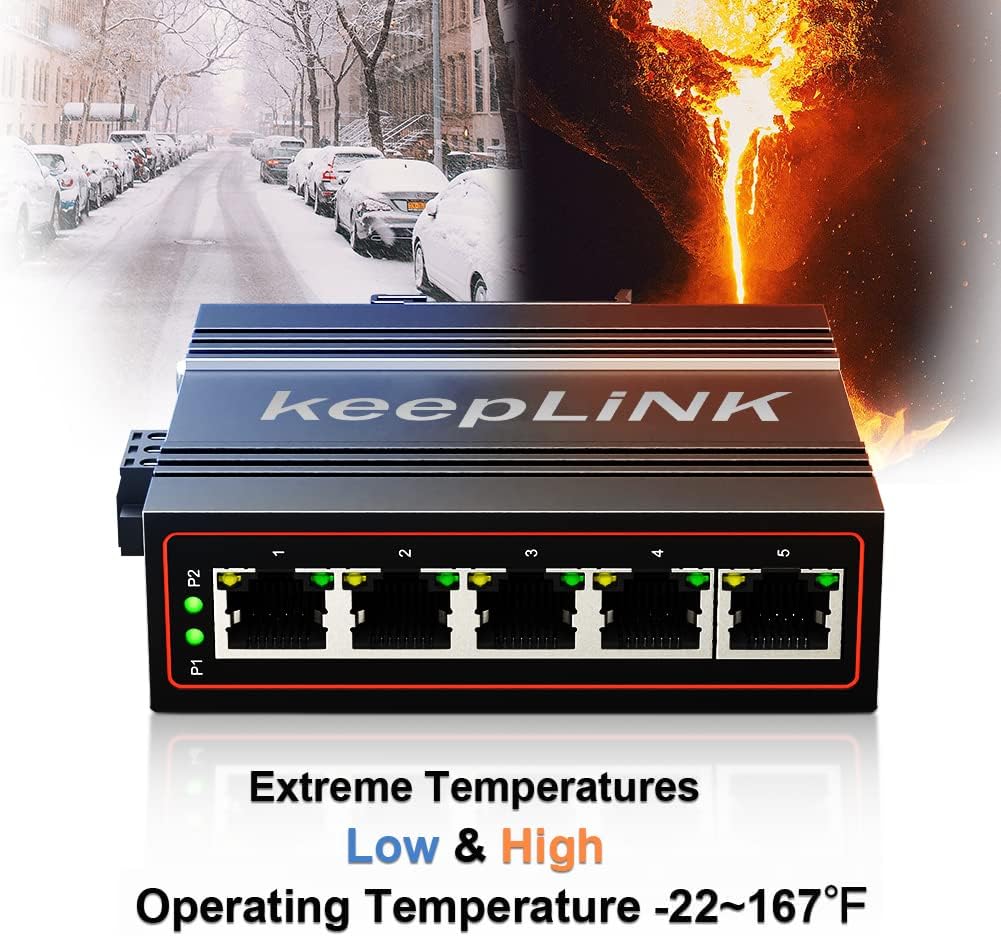
- Wide Operating Temperature Range: -30°C to 75°C (-22°F to 167°F).
- Dual Power Inputs (DC12V-58V) for redundant power with overload current protection.
- DIN-Rail Mountable for easy installation.
- Durable Aluminum Housing.
2.2 패키지 내용
- 산업용 이더넷 스위치 x 1
- 제품 설명서 x 1
Note: The power supply for this DIN-rail Ethernet Switch is sold separately.
2.3 제품 View


3. 설정
3.1 전원 연결
The switch supports dual redundant power inputs (PWR1 and PWR2) with a DC voltage range of 12V to 58V. Connect your external power supply to the terminal block on the side of the switch. Ensure correct polarity (P1+ and P1- for PWR1, P2+ and P2- for PWR2). The power supply is not included and must be purchased separately.
3.2 네트워크 연결
Connect your Ethernet devices (e.g., computers, cameras, routers) to any of the five 10/100Mbps RJ45 ports using standard Ethernet cables. The switch is unmanaged, meaning no configuration is required for basic network operation.
3.3 DIN 레일 장착
The switch is designed for easy installation on a standard DIN-rail. Simply attach the integrated clip on the back of the switch to the DIN-rail until it clicks securely into place.

4. 사용 설명서
4.1개의 전원 표시등
- P1/P2 LED: These indicators illuminate when power is supplied to the corresponding PWR1 or PWR2 input. If both are lit, both power sources are active.
4.2 Ethernet Port Indicators
- Each Ethernet port has two LEDs: a yellow/orange light and a green light.
- Yellow/Orange & Green Light ON: 100Mbps 연결을 나타냅니다.
- 녹색등만 켜짐: 10Mbps 연결을 나타냅니다.
- 깜박이는 불빛: 포트의 데이터 활동을 나타냅니다.
4.3 Unmanaged Operation
The keepLiNK Industrial Ethernet Switch is an unmanaged device. This means it operates automatically without requiring any software configuration. Simply connect your devices, and the switch will handle data forwarding.
5. 유지관리
To ensure optimal performance and longevity of your industrial Ethernet switch, follow these maintenance guidelines:
- 청소: 부드럽고 마른 천으로 스위치 외부를 주기적으로 청소하세요. 액체 또는 에어로졸 세척제는 사용하지 마세요.
- 환경 조건: Ensure the switch operates within its specified temperature range of -30°C to 75°C (-22°F to 167°F). While IP40 rated, avoid exposing the device to excessive moisture or direct water spray.
- 케이블 관리 : 네트워크 케이블은 손상을 방지하고 안정적인 연결을 유지하기 위해 꼬임이나 과도한 장력이 발생하지 않도록 정리하십시오.
- 전원 공급 장치 점검: Regularly inspect power connections for secure fit and any signs of wear or damage.
6. 문제 해결
keepLiNK 산업용 이더넷 스위치 사용 중 문제가 발생하면 다음 일반적인 문제 해결 단계를 참조하십시오.
- 전원 없음: Check if the power supply is correctly connected and providing the required DC12V-58V. Verify that the P1/P2 LEDs on the switch are illuminated.
- 포트에 링크가 없습니다: Ensure the Ethernet cable is securely connected to both the switch port and the connected device. Check the cable for damage. Verify the connected device is powered on and functioning correctly.
- 느린 연결 속도: Observe the port LEDs. If only the green light is on, the connection is 10Mbps. If both yellow/orange and green lights are on, it's 100Mbps. Ensure your connected device supports 100Mbps and that the cable is not faulty.
- 간헐적인 연결: Check for loose cable connections. Ensure the operating environment is within the specified temperature range and free from excessive electromagnetic interference.
7. 사양
| 특징 | 설명 |
|---|---|
| 모델 번호 | 5 Port Industrial |
| 이더넷 포트 | 5 x 10/100Mbps RJ45 |
| 스위칭 용량 | 1Gbps |
| 데이터 전송 속도 | 초당 100메가바이트 |
| 전원 입력 | DC 12V-58V (Dual Redundant) |
| 보호 등급 | IP40 |
| 작동 온도 | -30°C ~ 75°C (-22°F ~ 167°F) |
| 케이스 소재 | 알류미늄 |
| 제품 치수 | 3.74인치 길이 x 3.58인치 너비 x 1.22인치 높이 |
| 품목 무게 | 0.3킬로그램(10.6온스) |
| 설치 | DIN- 레일 |
8. 추가 정보
8.1 제품 비디오
9. 보증 및 지원
keepLiNK is committed to providing high-quality products and customer satisfaction. While specific warranty details are not provided in this document, we offer 24/7 customer service to assist you with any questions or concerns regarding your network switch. Please contact us for support, and we will provide a satisfactory solution within 24 hours.