
1. 소개 및 이상view
The Alienware X17 R2 is a high-performance VR Ready Gaming Laptop designed for demanding tasks such as gaming, video editing, and graphic design. It features a 17.3-inch Full HD display with a 360Hz refresh rate and 1ms response time, powered by a 12th Gen Intel Core i7-12700H processor and NVIDIA GeForce RTX 3070 Ti graphics with 8GB GDDR6 memory. This manual provides essential information for setting up, operating, maintaining, and troubleshooting your device.
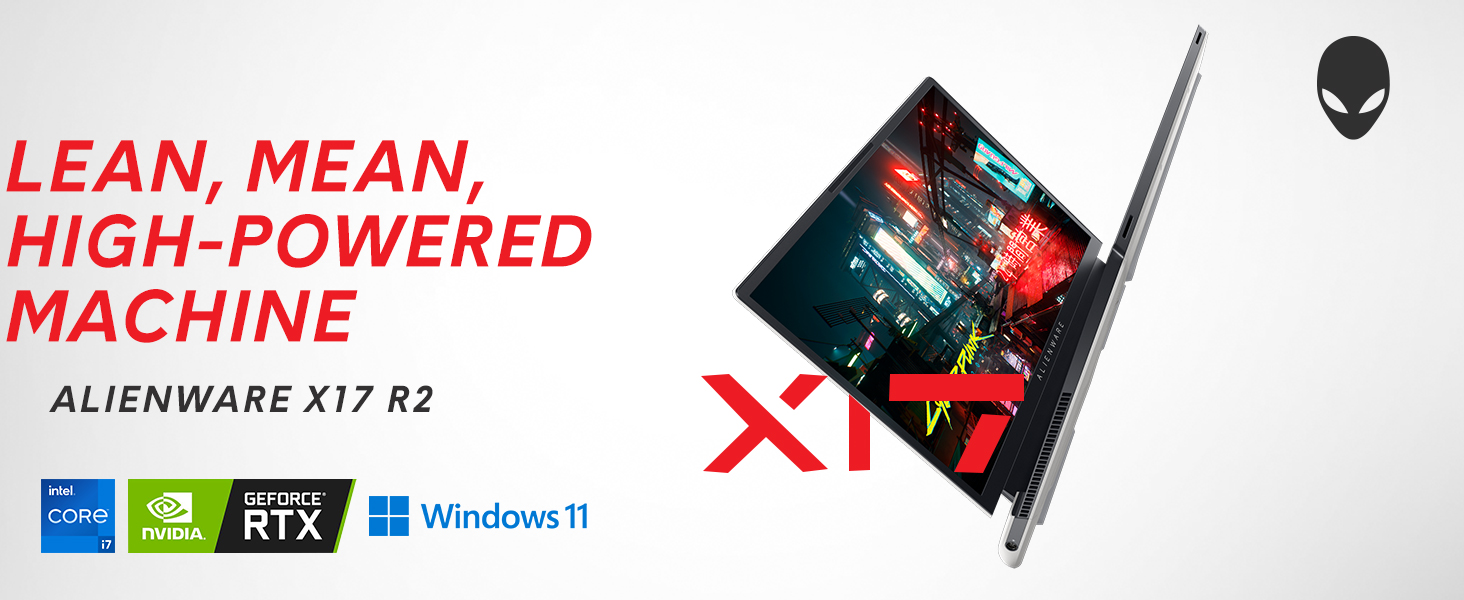
Image: Alienware X17 R2 showcasing its powerful components and sleek design.
2. 상자 안에 무엇이 들어있나요?
Upon unboxing your Alienware X17 R2, ensure all the following components are present:
- Alienware X17 R2 Notebook
- Power Adapter (240W Small Form Factor)
- 전원 코드
- 문서(이 매뉴얼 포함)
3. 설정
3.1 초기 전원 켜기
- Connect the power adapter to the laptop's power/DC-in port and then to a power outlet.
- 노트북 덮개를 엽니다.
- Press the Alienware head power button located on the keyboard deck to turn on the laptop.
- 화면의 지시에 따라 Windows 11 Home 설치를 완료하십시오.
3.2 주변기기 연결하기
Utilize the various ports available for connecting external devices:
- USB 3.2 1세대 타입 A: 표준 USB 장치용.
- USB 3.2 Gen 2 Type-C with Power Delivery: 고속 데이터 전송 및 호환 기기 충전에 적합합니다.
- Thunderbolt 4 / USB 3.2 Gen 2 Type-C with Power Delivery: For ultra-fast data transfer, display output, and power delivery.
- HDMI 2.1 : 외부 디스플레이 또는 TV에 연결하세요.
- Mini Display Port 1.4: 외부 디스플레이에 연결하세요.
- Killer E3100 RJ-45 2.5G Ethernet: 유선 네트워크 연결용.
- 글로벌 헤드셋 잭: 오디오 입력/출력용.
- 마이크로 SD 카드 슬롯: 저장공간 확장이나 전송을 위해 files.
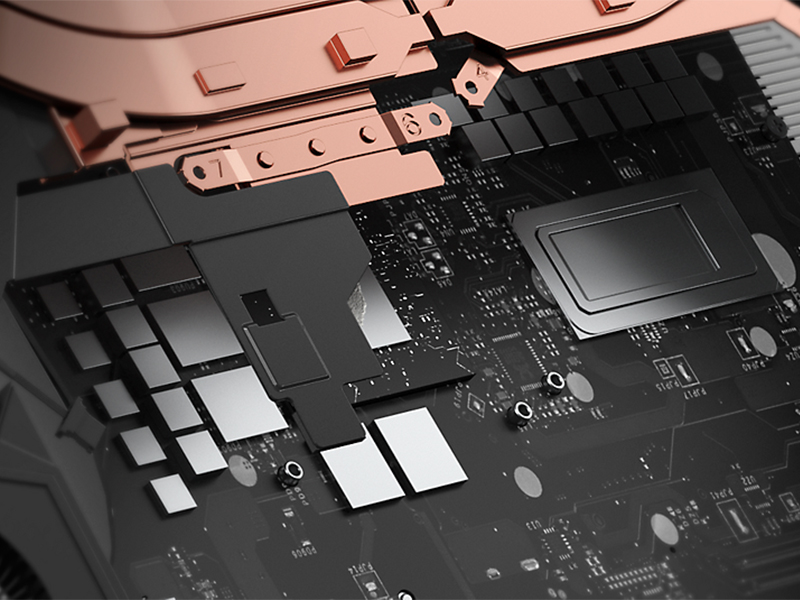
이미지: 상세 view of the Alienware X17 R2's rear and side ports.
4. 노트북 작동
4.1 디스플레이 기능
The 17.3-inch Full HD display offers a 360Hz refresh rate and 1ms response time for smooth visuals. It also features ComfortView Plus technology to reduce blue light emissions, enhancing viewing comfort during extended use. Dolby Vision support provides an authentic visual experience with enhanced color profiles.
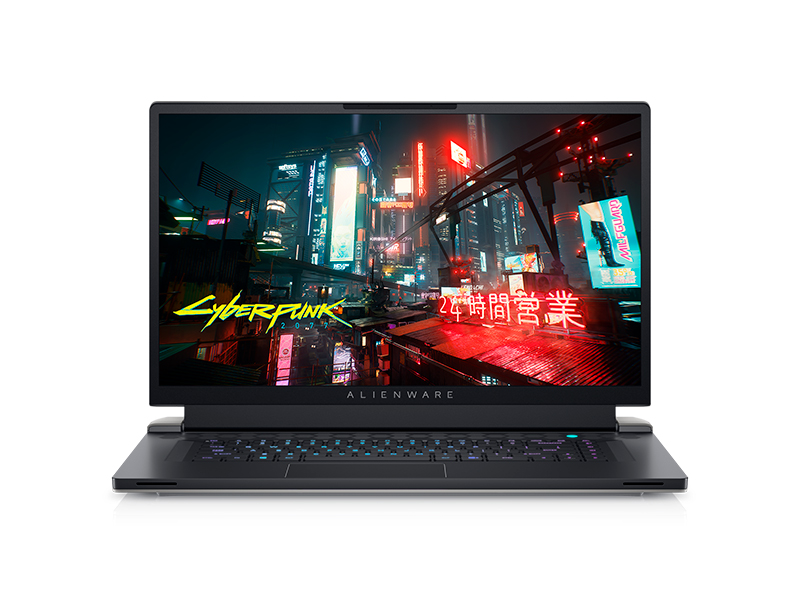
Image: Laptop screen showing vibrant game graphics with Dolby Vision and Atmos branding.
4.2 키보드 및 조명
The Alienware X17 R2 features an AlienFX keyboard with customizable backlighting, supporting 16.8 million colors. You can personalize the lighting effects, including wave patterns or solid colors, through the Alienware Command Center software. The power button, shaped like the Alienware head, also illuminates and can be customized.
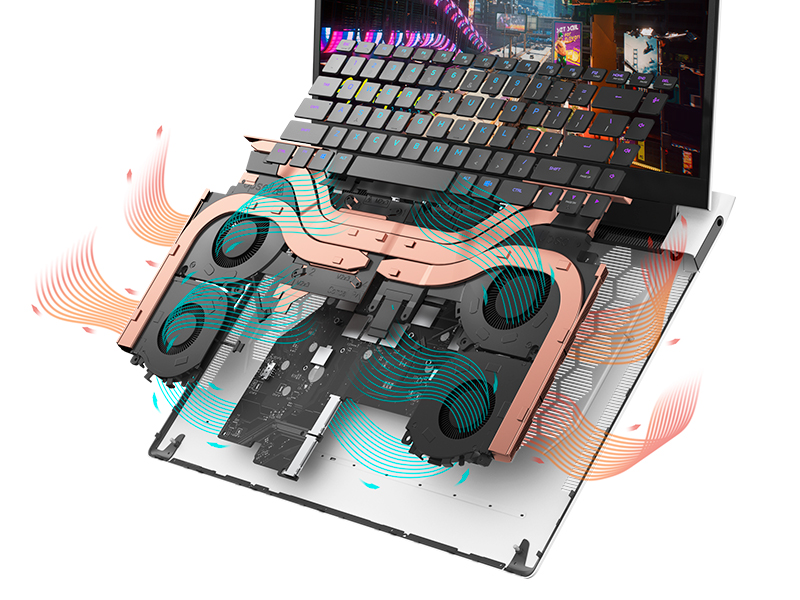
Image: The Alienware X17 R2 keyboard with customizable RGB lighting.
4.3 오디오 시스템
The laptop is equipped with stereo speakers, including two 2W tweeters and two 2W woofers, totaling 8W for rich audio output. Dolby Atmos support further enhances the immersive sound experience.
4.4 연결성
Enjoy high-speed wireless connectivity with Wi-Fi 6 (802.11ax) and Bluetooth. The USB 3.2 Gen 2 Type-C ports offer data transfer speeds up to 40Gbps, ensuring rapid file transfers and peripheral performance.

이미지: 후면 view of the Alienware X17 R2 showing connectivity options and lighting.
5. 유지관리
5.1 열 관리
The Alienware X17 R2 features an advanced thermal design utilizing Element 31, an encapsulated gallium-silicone thermal interface material. This system maximizes airflow by expelling warm air through side vents and drawing in cooler air from the top of the keyboard, helping to keep the laptop cool during intensive use.
이미지: 내부 view of the Alienware X17 R2's cooling technology.
5.2 청소 및 관리
- 부드럽고 보풀 없는 천과 화면에 안전한 세척액을 사용하여 정기적으로 화면을 닦아주세요.
- Use compressed air to clear dust from the keyboard and ventilation ports.
- Avoid placing heavy objects on the laptop or exposing it to extreme temperatures.
6. 문제 해결
If you encounter issues with your Alienware X17 R2, consider the following general troubleshooting steps:
- 전원 없음: Ensure the power adapter is securely connected to both the laptop and the power outlet. Try a different outlet if necessary.
- 디스플레이 문제: If the screen is black, try connecting an external monitor to determine if the issue is with the laptop's display or graphics card. Restart the laptop.
- 성능 저하: Close unnecessary applications, check for background processes, and ensure your system drivers are up to date. Overheating can also cause slowdowns; ensure vents are clear.
- 연결 문제: Wi-Fi 연결 문제가 발생하면 공유기와 노트북을 재시작하세요. 블루투스 연결 문제가 발생하면 기기가 검색 가능 상태이고 범위 내에 있는지 확인하세요.
- 소프트웨어 결함: Restart the laptop. If problems persist, check for Windows updates or consider reinstalling problematic software.
For more detailed troubleshooting or persistent issues, refer to the official Alienware support web사이트를 방문하거나 고객 서비스에 문의하세요.
7. 사양
| 특징 | 사양 |
|---|---|
| 스탠딩 스크린 디스플레이 크기 | 17.3 인치 |
| 화면 해상도 | 1920 x 1080 픽셀 |
| 최대 화면 해상도 | 1920x1080 픽셀 |
| 프로세서 | 4.7GHz 코어 i7 제품군 (인텔 코어 i7-12700H) |
| 숫양 | 16GB DDR5(4800MHz) |
| 하드 드라이브 | 1 TB SSD (M.2 PCIe NVMe) |
| 그래픽 코프로세서 | 엔비디아 지포스 RTX 3070 Ti |
| 그래픽 카드 램 크기 | 8GB GDDR6 |
| 무선형 | 802.11ax(Wi-Fi 6), 블루투스 |
| USB 3.0 포트 수 | 3 |
| 운영 체제 | 윈도우 11 홈 |
| 품목 무게 | 6.82파운드 |
| 제품 치수 | 11.79 x 15.72 x 0.82 인치 |
| 색상 | 달빛 |
| 전원 | 배터리 구동 |
| 배터리 | 1개의 리튬 이온 배터리 필요(포함) |
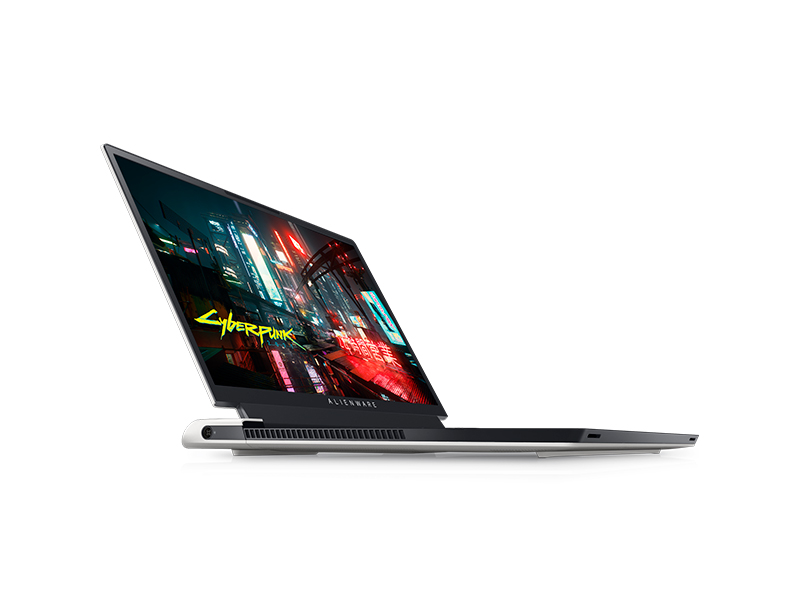
Image: Key specifications of the Alienware X17 R2.
8. 보증 및 지원
Your Alienware X17 R2 laptop comes with a manufacturer's warranty. Please refer to the included warranty documentation for details on coverage, terms, and conditions. For technical support, driver downloads, or service requests, visit the official Alienware support web사이트 또는 고객 서비스 부서에 문의하십시오.