
1. 서론
Welcome to the Polaroid Hi-Print Gen1 Bluetooth Pocket Photo Printer. This compact, dye-sublimation printer allows you to transform digital photos from your mobile device into high-quality, 2x3 inch self-adhesive prints. This manual provides essential information for setup, operation, and maintenance to ensure optimal performance of your device.
2. 패키지 내용
The Polaroid Hi-Print Everything Box includes:
- Polaroid Hi-Print Wireless Pocket Photo Printer
- Two packs of Polaroid Hi-Print Paper (40 sheets total)
- USB 충전 케이블
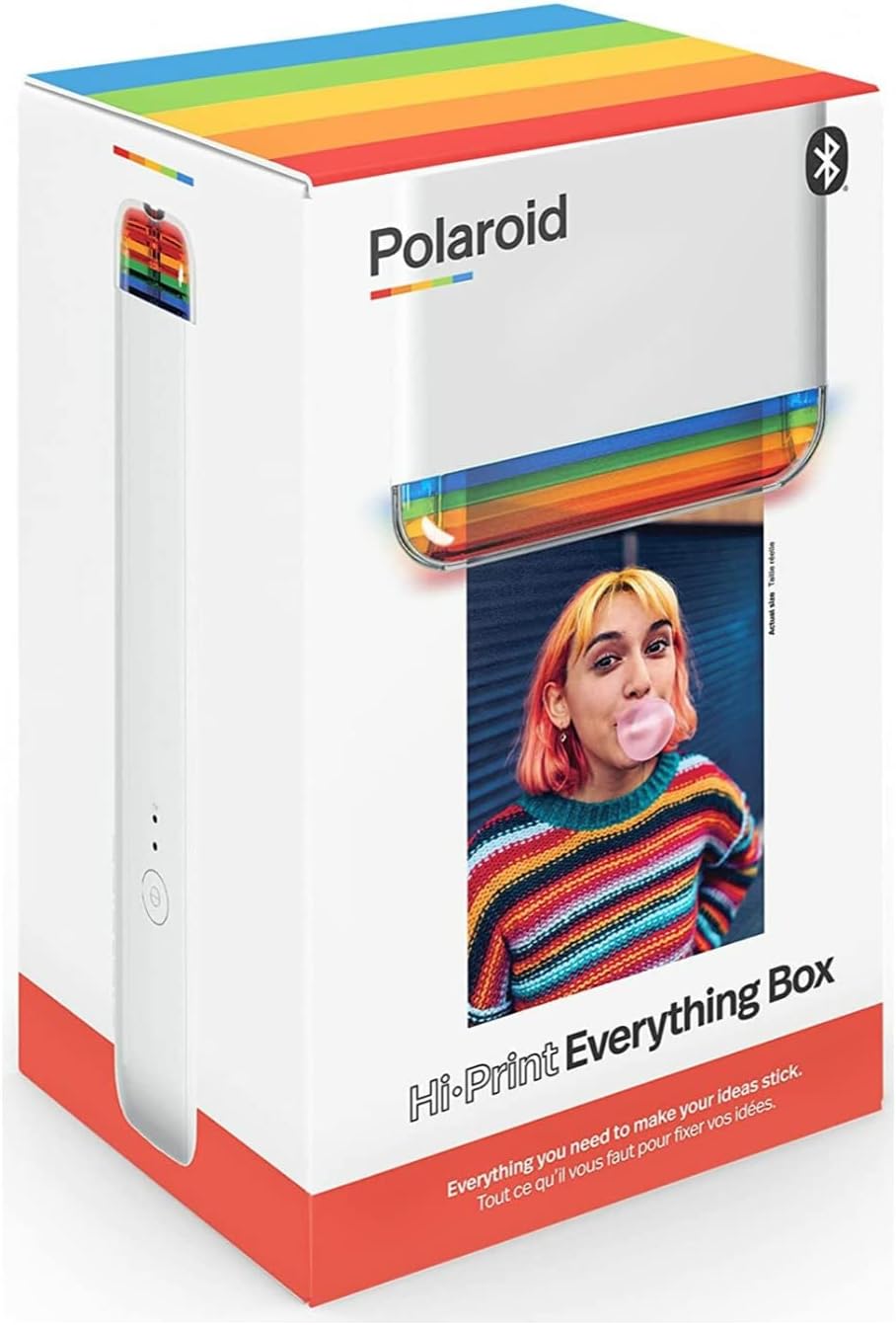
Image 1: The Polaroid Hi-Print Everything Box, showing the printer and paper cartridges.
3. 설정
3.1 프린터 충전
Before first use, fully charge your Polaroid Hi-Print printer. Connect the provided USB charging cable to the printer's charging port and a compatible USB power source. The LED indicators will show charging status.
3.2 Installing the Paper Cartridge
- Open the paper compartment door on the side of the printer.
- Remove a new 2x3 Paper Cartridge from its packaging.
- Insert the cartridge into the compartment, ensuring it clicks securely into place. The paper should be facing upwards.
- 구획 도어를 닫습니다.
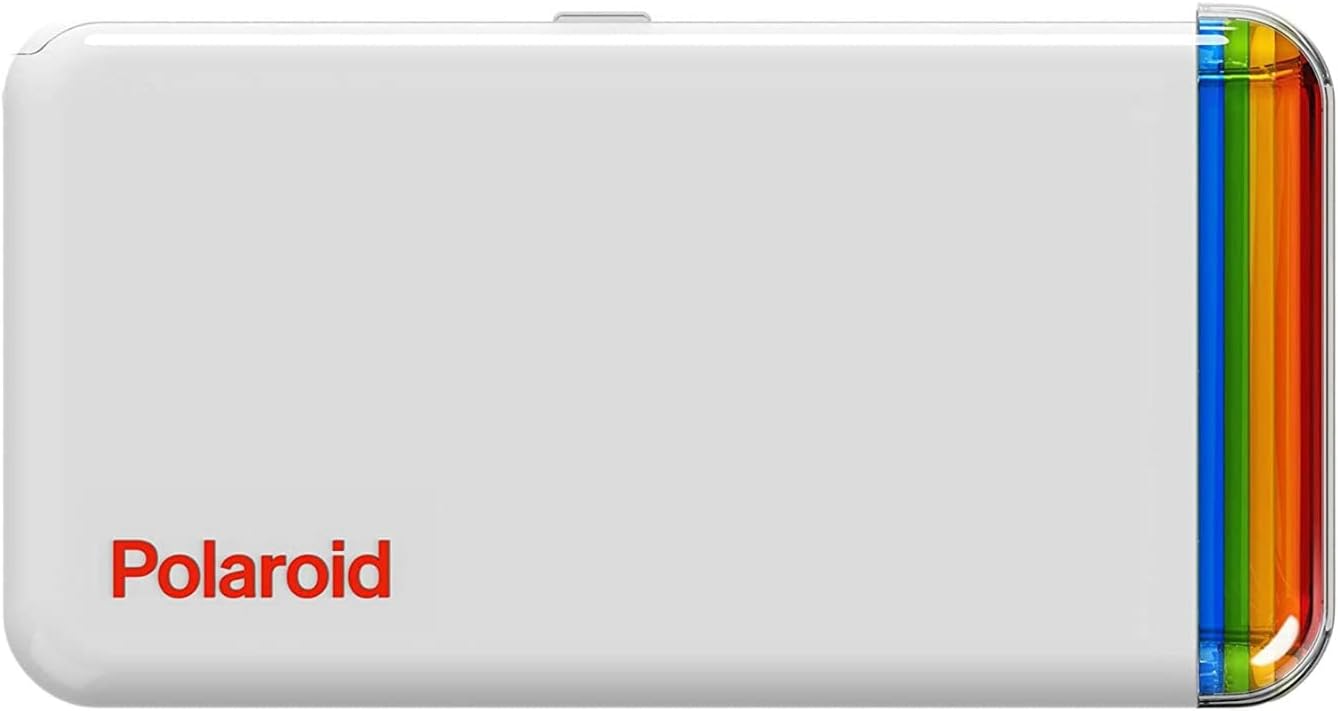
이미지 2: 상단 view of the Polaroid Hi-Print printer, showing the paper cartridge slot.
3.3 모바일 앱 연결하기
The Polaroid Hi-Print operates via a dedicated mobile application. Download the Polaroid Hi-Print app from your device's app store (available for iOS and Android).
- Turn on your Polaroid Hi-Print printer by pressing the power button.
- 모바일 기기에서 Bluetooth를 활성화하세요.
- Open the Polaroid Hi-Print app and follow the on-screen instructions to pair your device.
Video 1: Official Polaroid demonstration of the Hi-Print printer, showcasing its ease of use and quick printing capabilities.
4. 프린터 작동
4.1 사진 인쇄
Once your printer is paired with the app and a paper cartridge is loaded, you can begin printing:
- Select a photo from your mobile device's gallery within the Polaroid Hi-Print app.
- Use the app's editing tools to customize your photo with frames, filters, text, and emoticons.
- Tap the print button in the app. The printer will process the image using dye-sublimation technology, layering colors (yellow, magenta, cyan) and a protective coating in under 50 seconds.
- The finished 2x3 inch self-adhesive print will emerge from the printer.

Image 3: The Polaroid Hi-Print printer in action, with a photo emerging from the print slot.
Video 2: A detailed product demonstration video showing the unboxing, paper loading, and printing process of the Polaroid Hi-Print.
4.2 Using Self-Adhesive Prints
Each 2x3 inch print features a self-adhesive backing. Simply peel off the backing to stick your photos onto journals, scrapbooks, laptops, or any other surface.
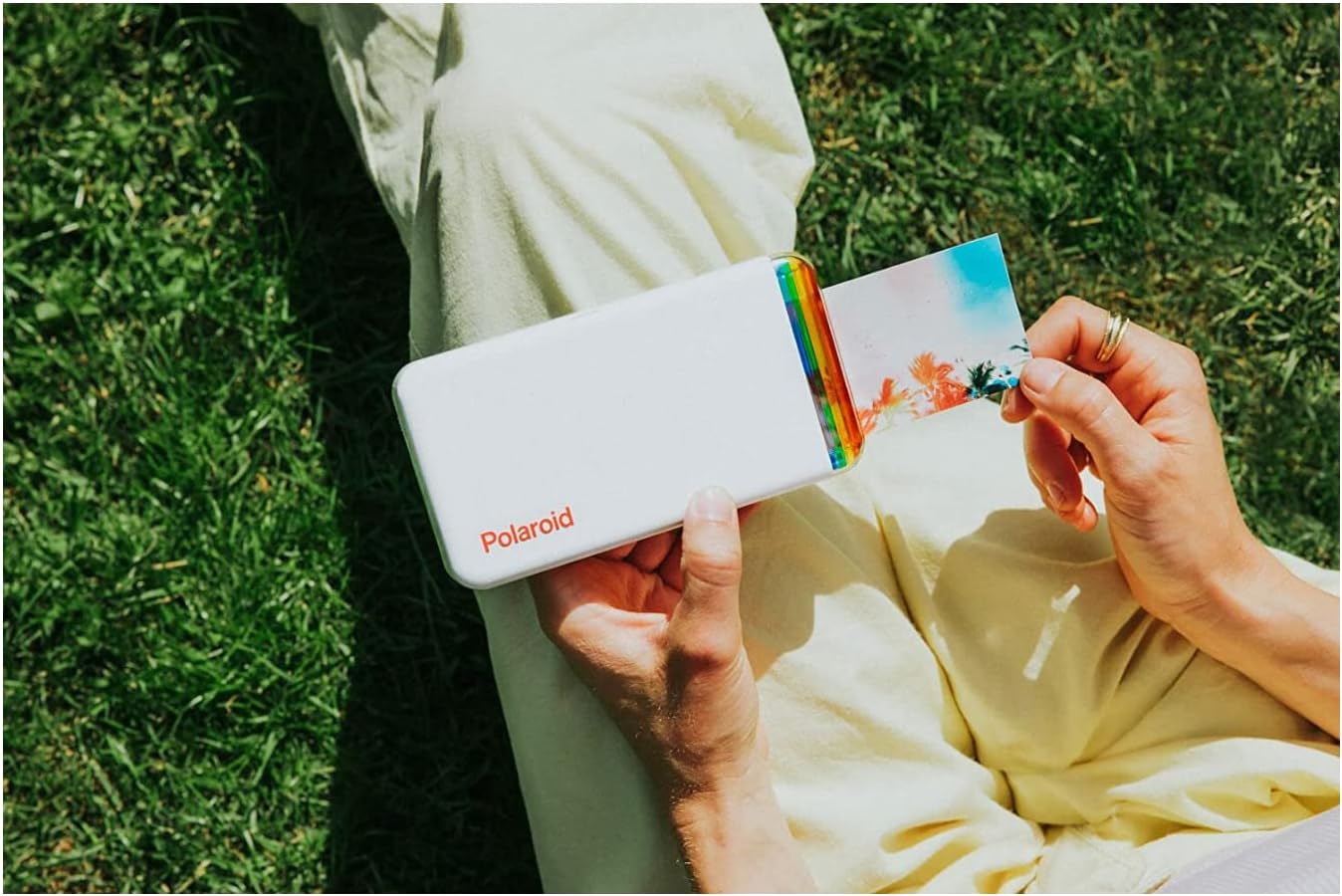
Image 4: A hand holding the Polaroid Hi-Print printer, with a freshly printed photo being held next to it, demonstrating its portability and the size of the prints.
5. 유지관리
5.1 프린터 청소
To maintain optimal print quality, keep the printer clean. Gently wipe the exterior with a soft, dry cloth. Avoid using harsh chemicals or abrasive materials. Ensure no dust or debris enters the paper compartment.
5.2 Storing Paper Cartridges
Store unused paper cartridges in their original sealed packaging in a cool, dry place away from direct sunlight to prevent damage and maintain print quality.
6. 문제 해결
6.1 프린터가 블루투스로 연결되지 않음
- 프린터 전원이 켜져 있고 배터리가 완전히 충전되었는지 확인하십시오.
- 모바일 기기에서 Bluetooth가 활성화되어 있는지 확인하세요.
- 프린터와 모바일 기기를 다시 시작하세요.
- If issues persist, try unpairing and re-pairing the printer through your device's Bluetooth settings and the Polaroid Hi-Print app.
6.2 인쇄 품질이 좋지 않음
- Ensure the paper cartridge is correctly inserted and not expired.
- Check the original image quality on your mobile device. Higher resolution images yield better prints.
- 유지 관리 섹션에 설명된 대로 프린터를 청소하십시오.
6.3 펌웨어 업데이트 문제
If you encounter problems during a firmware update, ensure your printer is fully charged and has a stable Bluetooth connection. Try restarting the update process. If the issue persists, contact Polaroid customer support.
7. 사양
| 모델명 | 6152 |
| 제품 치수 | 4인치 깊이 x 7인치 너비 x 4인치 높이 |
| 품목 무게 | 1파운드(454그램) |
| 연결 기술 | 블루투스 |
| 인쇄 기술 | 염료 승화 |
| 최대 미디어 크기 | 2x3 inch (self-adhesive photo paper) |
| 최대 컬러 인쇄 해상도 | 300dpi |
| 잉크 색상 | 시안, 마젠타, 옐로우, 블랙 |
| 제어 방법 | App (iOS and Android compatible) |
| 배터리 | 1개의 리튬 이온 배터리(포함) |
8. 보증 및 지원
8.1 제한 보증
Your Polaroid Hi-Print Gen1 Bluetooth Pocket Photo Printer comes with a limited warranty. Please refer to the warranty information included in your product packaging or visit the official Polaroid web보장 범위 및 약관에 대한 자세한 내용은 해당 사이트를 참조하십시오.
8.2 고객 지원
For further assistance, technical support, or to purchase additional paper cartridges, please visit the official Polaroid web사이트 또는 고객 서비스 부서에 문의하십시오.
공식 제품 페이지: polaroid.com/hiprint2x3
Visit the Polaroid Store: 아마존의 폴라로이드 스토어