
1. 제품 오버view
The REXING HS01 is a 1080p wireless smart home security camera system designed for both indoor and outdoor use. It features a rechargeable battery, solar panel charging capability, two-way intercom, motion activation, infrared night vision, and cloud storage options. The camera connects to your home WiFi network and is managed via a mobile application.
주요 특징:
- 1080p 풀 HD 비디오: Records clear video with a 120-degree wide-angle lens.
- 무선 및 충전식: Operates wirelessly with a 6000mAh rechargeable battery.
- 태양열 전원: Can be continuously charged by the included solar panel.
- 양방향 인터콤: Allows for real-time communication via the mobile app.
- 방수 디자인 : IP65 rated for outdoor weather resistance.
- 동작 감지: PIR motion sensor with adjustable sensitivity up to 33ft.
- 적외선 나이트 비전: Provides clear visibility up to 33ft in low light conditions.
- 클라우드 스토리지: Offers free 3-day cloud storage with options for extended plans.
- 모바일 앱 제어: Manage and monitor the camera from your smartphone.
2. 패키지 내용
다음 품목이 패키지에 포함되어 있는지 확인하세요.
- REXING HS01 보안 카메라
- 태양광 패널
- 장착 브래킷 및 나사
- USB 충전 케이블
- 사용자 설명서
3. 설정 가이드
3.1 초기 충전
Before first use, fully charge the camera's internal 6000mAh battery using the provided USB cable. Connect the cable to the camera's charging port and a standard USB power adapter (not included). The charging indicator will show the charging status.
3.2 앱 설치
다운로드 Rexing Home application from your smartphone's app store (available on iOS and Android). 검색 "Rexing Home" and install the application.
3.3 Wi-Fi 연결
- Open the Rexing Home app and create an account or log in.
- 새 장치를 추가하려면 앱 내 지침을 따르세요.
- 스마트폰이 다음에 연결되어 있는지 확인하세요. 2.4GHz Wi-Fi 네트워크. The HS01 camera does not support 5GHz Wi-Fi.
- 안내에 따라 휴대폰 화면에 표시된 QR 코드를 카메라 렌즈로 스캔하세요.
- Wait for the camera to connect to your Wi-Fi network. A voice prompt will confirm successful connection.
3.4 카메라 및 태양광 패널 장착
The REXING HS01 camera and solar panel can be mounted indoors or outdoors. Choose a location that provides the desired view각도를 조절하여 태양광 패널이 빛을 받을 수 있도록 합니다. amp최적의 충전을 위해 하루 종일 직사광선을 쬐어주세요.

Image: The REXING HS01 camera with its solar panel mounted on an exterior wall, highlighting its 100% wireless and solar-powered operation. The camera is designed for outdoor use and is weatherproof.
- Use the provided mounting bracket and screws to securely attach the camera to a wall or desired surface.
- Mount the solar panel in a location that receives maximum direct sunlight. Connect the solar panel cable to the camera's charging port.
- Adjust the camera's angle to cover the desired monitoring area.
4. 사용 설명서
4.1 라이브 View and Remote Playback
Once connected, open the Rexing Home app to access the live video feed from your camera. You can view 실시간 푸tage from anywhere with an internet connection. The app also allows you to review 녹화된 비디오tage stored in the cloud.

이미지: 스마트폰 화면에 실시간 영상이 표시됨 view from the REXING HS01 camera, with icons for remote playback and indicating motion alerts. This demonstrates complete control from the Rexing Home App.
4.2 양방향 오디오 통신
The HS01 camera features a built-in microphone and speaker, enabling two-way audio communication. From the live view in the Rexing Home app, you can speak to individuals near the camera and hear their responses.
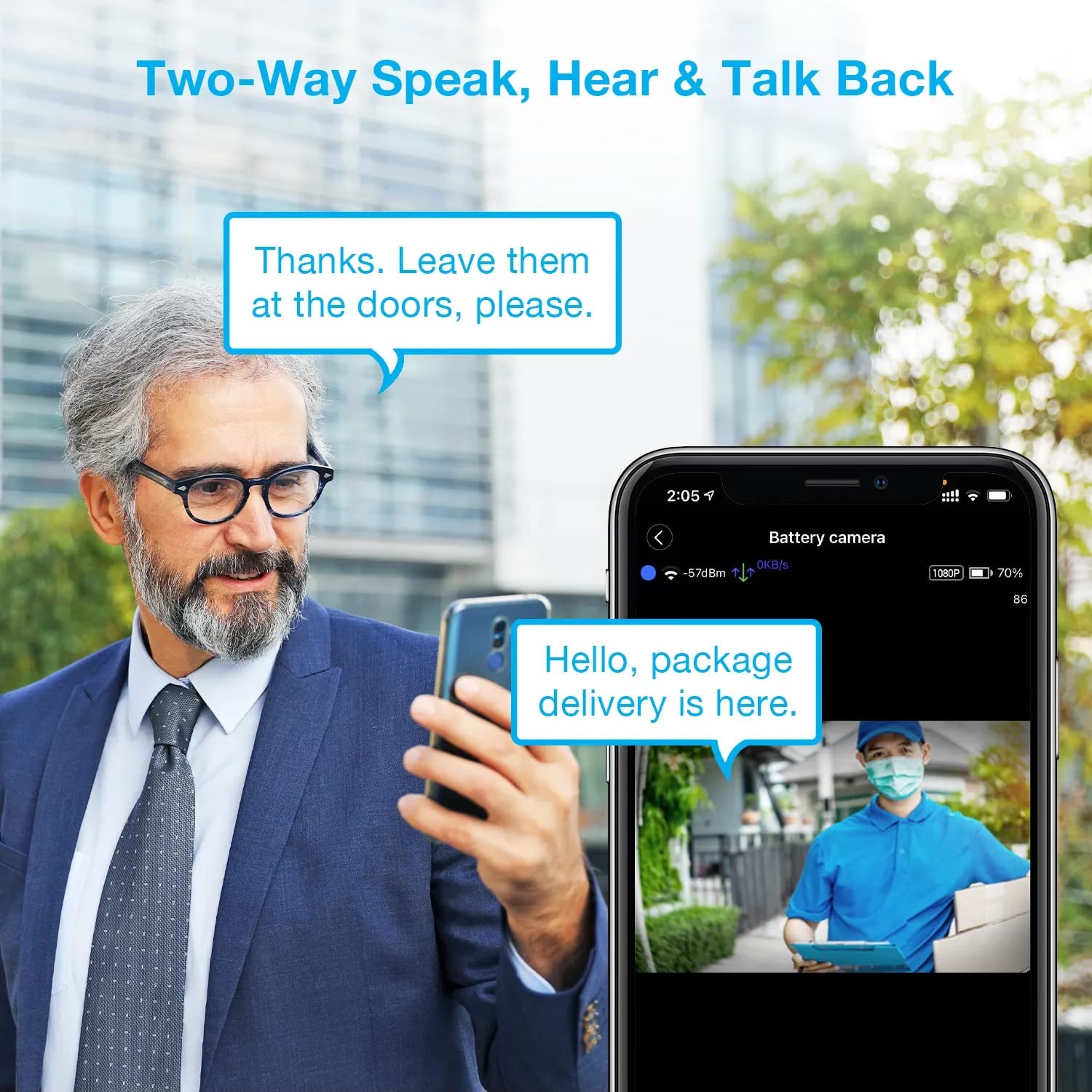
Image: A man using his smartphone to communicate with a delivery person visible on his screen, demonstrating the two-way speak and talk-back functionality of the REXING HS01 camera.
4.3 동작 감지 및 알림
The camera utilizes a PIR (Passive Infrared) motion sensor to detect movement. When motion is detected, the camera will begin recording and send instant notifications to your smartphone via the Rexing Home app.
- 감도 조정: You can adjust the PIR motion sensitivity settings within the app, with options up to 33ft.
- 알림 설정: Customize alert preferences in the app to receive notifications for every detected motion.
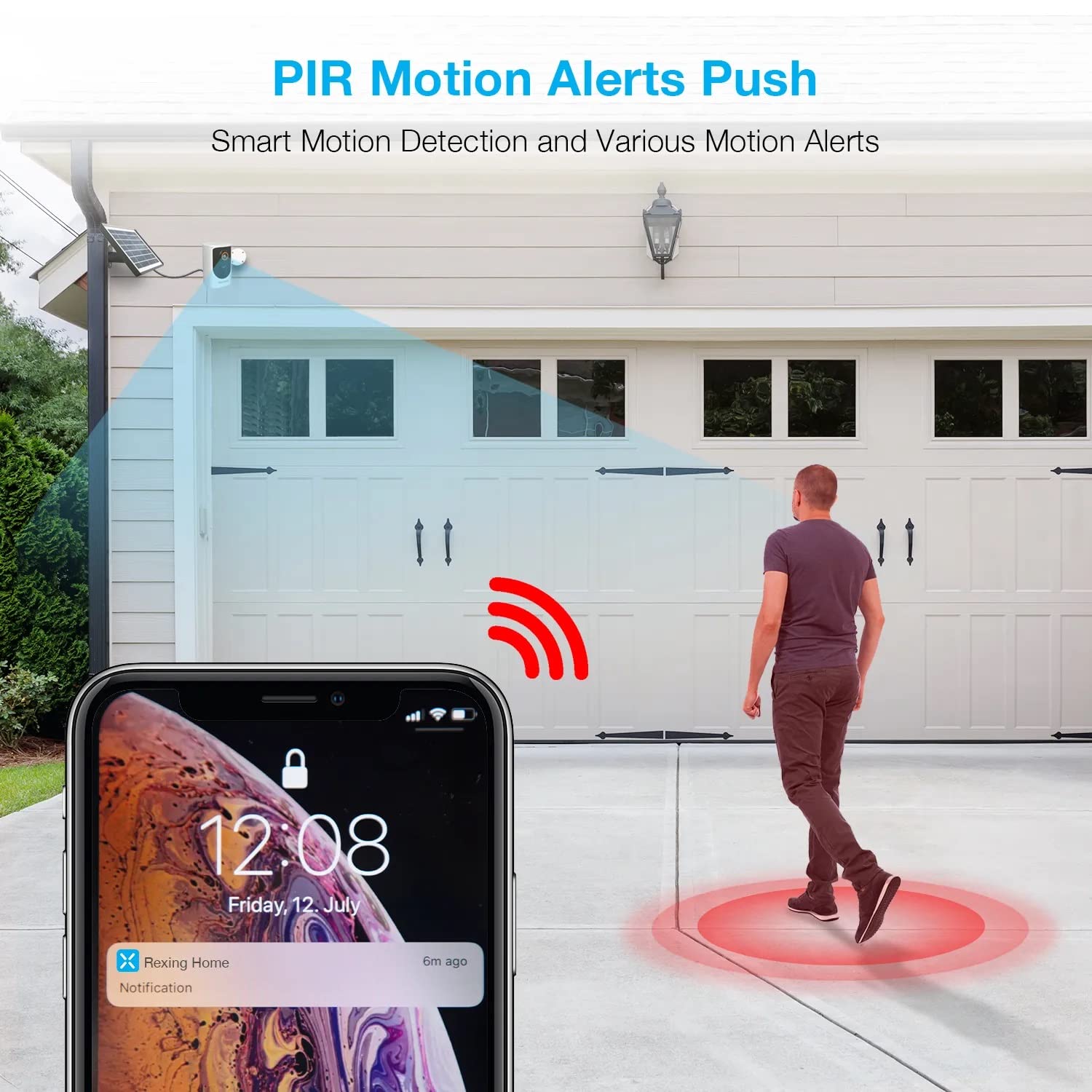
Image: A smartphone screen showing a notification from the Rexing Home app indicating a motion alert, with a visual representation of a person walking into the camera's detection zone.
4.4 야간 투시경
The HS01 camera is equipped with 8 built-in 850nm Infrared LEDs and enhanced CMOS imaging sensors, providing clear night vision up to 33ft. The night vision mode activates automatically in low-light conditions.
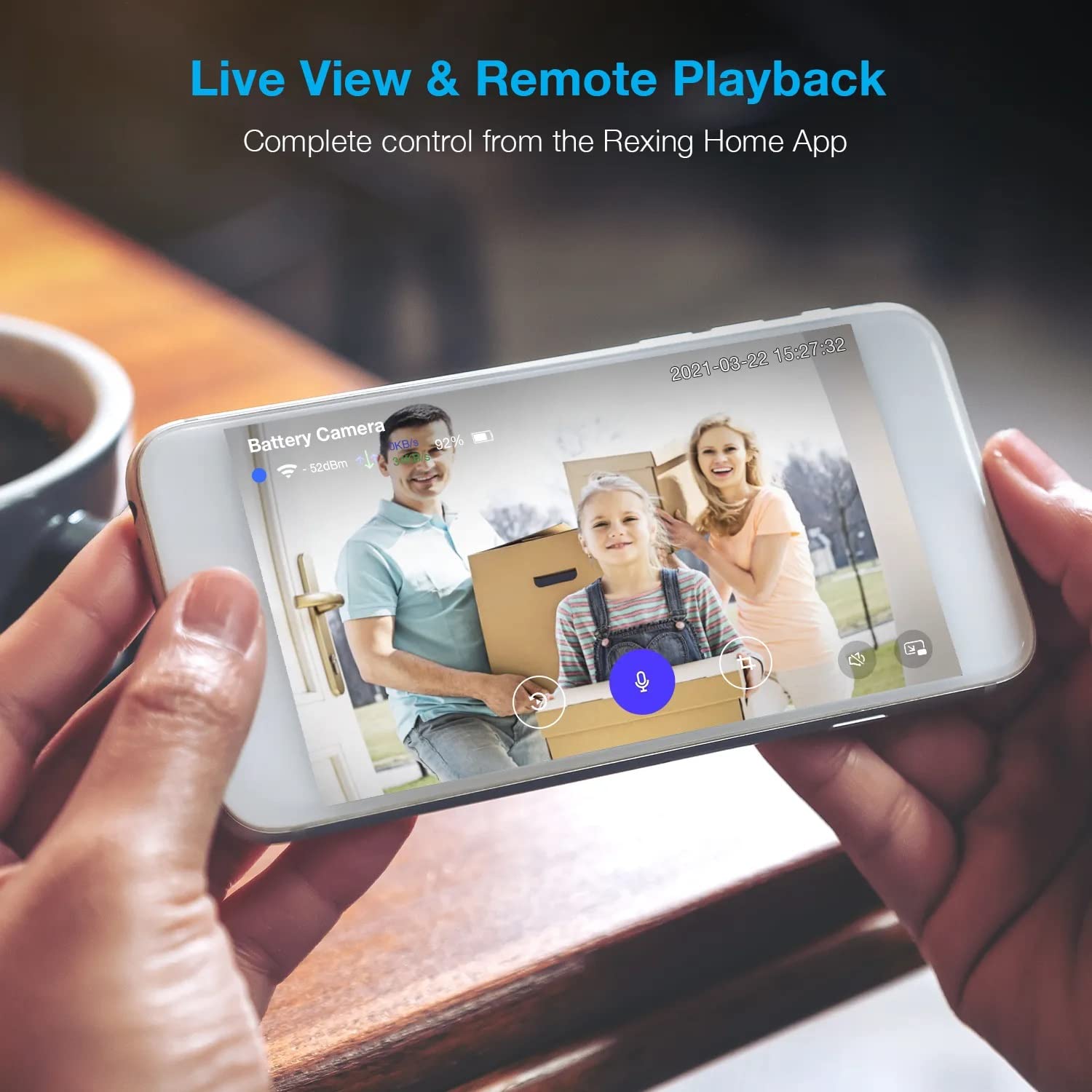
Image: A smartphone displaying a split screen, with one side showing a daytime view of a house in full color and the other side showing the same house in enhanced infrared night vision, demonstrating the camera's 1080p HD and night vision capabilities.
4.5 클라우드 스토리지
The camera offers secure cloud storage for recorded video footage. You can access the past 3 days of video recordings for free. Extended cloud storage plans are available for purchase through the Rexing Home app.
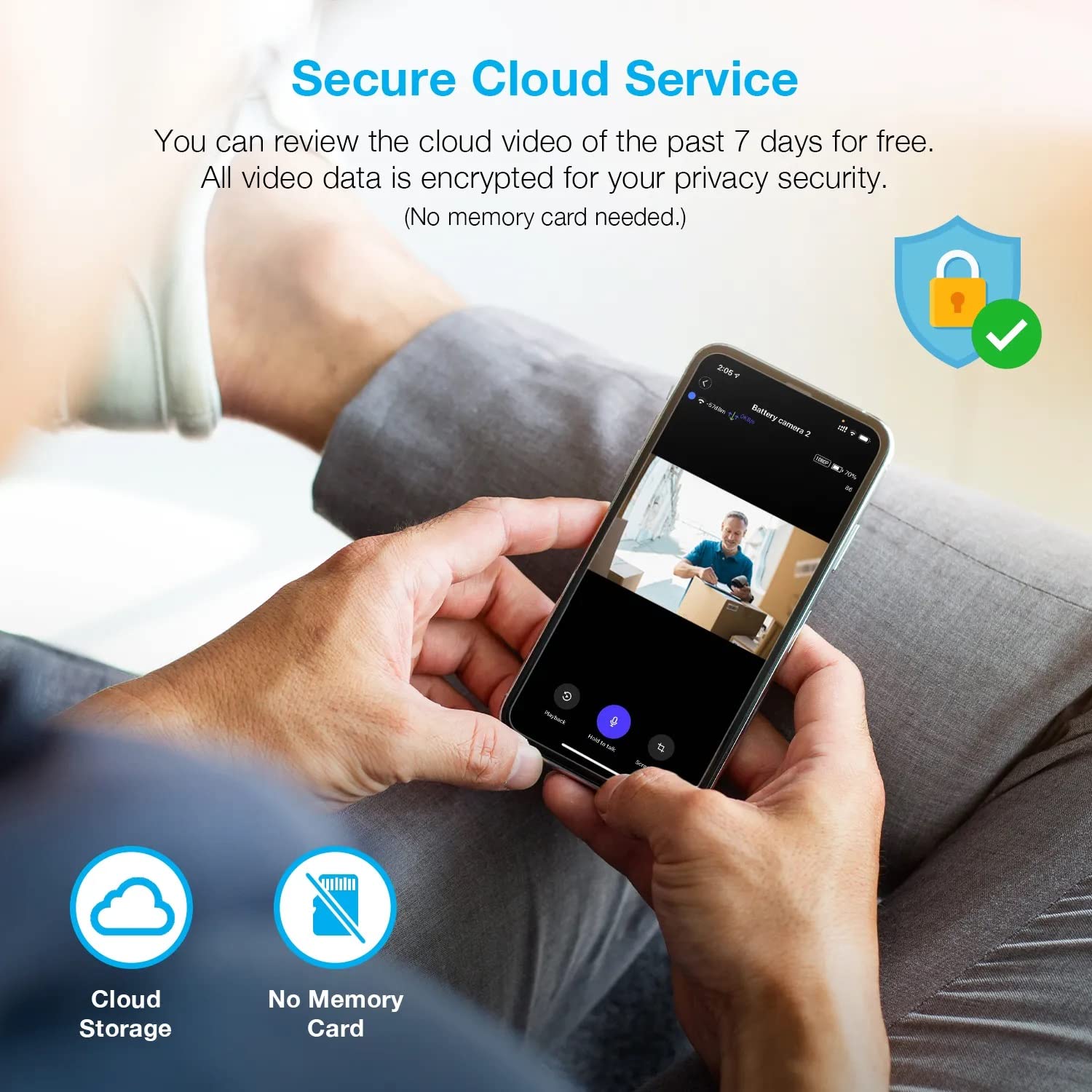
이미지: 사람 viewing recorded camera footage on a smartphone, accompanied by icons for cloud storage and indicating that no memory card is needed, highlighting the secure cloud service feature.
5. 유지관리
5.1 배터리 관리
The HS01 camera is powered by a 6000mAh rechargeable battery. For continuous operation, ensure the solar panel is positioned to receive adequate direct sunlight. If the camera is used in an area with limited sunlight, periodic manual charging via the USB cable may be required.
5.2 청소
To maintain optimal performance, periodically clean the camera lens and the solar panel surface with a soft, damp 천을 사용하십시오. 표면을 손상시킬 수 있는 연마성 세제나 용제 사용은 피하십시오.
6. 문제 해결
- 카메라가 Wi-Fi에 연결되지 않음:
- Wi-Fi 네트워크가 2.4GHz인지 확인하십시오. 카메라는 5GHz 네트워크를 지원하지 않습니다.
- 카메라 설치 위치에서 Wi-Fi 신호 강도를 확인하세요.
- 앱에 입력한 Wi-Fi 비밀번호가 올바른지 확인하세요.
- 라우터와 카메라를 다시 시작하세요.
- 비디오 품질이 좋지 않음:
- Ensure a strong Wi-Fi signal. Weak signals can affect streaming quality.
- 카메라 렌즈가 더럽거나 얼룩이 묻어 있으면 닦아주세요.
- 동작 감지 기능이 작동하지 않거나 너무 민감합니다.
- Adjust the PIR motion sensitivity settings in the Rexing Home app.
- 카메라를 가리는 장애물이 없는지 확인하십시오. view 또는 PIR 센서.
- Check the camera's battery level. Low battery can affect sensor performance.
- Battery not holding charge or solar panel not working:
- 태양광 패널이 매일 몇 시간 동안 직사광선을 받을 수 있도록 설치하십시오.
- 태양광 패널 표면의 먼지나 이물질을 제거하기 위해 깨끗하게 닦으십시오.
- 태양광 패널 케이블이 카메라에 제대로 연결되어 있는지 확인하십시오.
- 문제가 지속되면 USB 케이블을 사용하여 카메라를 직접 충전해 보세요.
- 소리가 안 나거나 양방향 음성 품질이 좋지 않음:
- Check the volume settings on your smartphone and in the Rexing Home app.
- 앱을 사용하려면 휴대폰의 마이크가 활성화되어 있는지 확인하세요.
- Verify a stable internet connection for both the camera and your smartphone.
7. 사양
| 특징 | 사양 |
|---|---|
| 모델 번호 | HS01 |
| 비디오 해상도 | 1080p 풀 HD |
| 분야 View | 120도 |
| 나이트 비전 범위 | 33 피트 |
| 배터리 용량 | 6000mAh |
| 연결성 | 무선(Wi-Fi 2.4GHz) |
| 방수 등급 | IP65 |
| 호환 장치 | Smartphone (Amazon Alexa, Google Assistant) |
| 품목 치수 | 8.5 x 7.25 x 3.75 인치 |
| 품목 무게 | 1 파운드 |
| 전원 | 충전식 배터리, 태양광 패널 |
8. 보증 및 지원
8.1 보증 정보
For detailed warranty information regarding your REXING HS01 Smart Home Security Camera System, please refer to the warranty card included with your product or visit the official REXING web사이트. 보증 약관은 지역 및 소매업체에 따라 다를 수 있습니다.
8.2 고객 지원
If you encounter any issues or have questions about your REXING HS01 camera, please contact REXING customer support. You can typically find support contact information on the official REXING website or within the Rexing Home mobile application.
For the latest updates, FAQs, and additional resources, please visit the official REXING web대지: www.rexingusa.com