
Logitech R500s
로지텍 무선 프레젠터 R500s 사용 설명서
Model: R500s (910-006518) | Brand: Logitech
소개
The Logitech Wireless Presenter R500s is designed to help you deliver impactful presentations with ease. Its intuitive controls and bright red laser pointer allow for seamless navigation and highlighting of key points, boosting your confidence during any presentation. With 2.4 GHz wireless connectivity, you can move freely up to 20 meters from the receiver, engaging with your audience without being tethered to your computer. The plug-and-play design ensures quick setup, making it ready for use whenever you are.
주요 특징
- 직관적인 컨트롤: Easy-to-find touch-keys for smooth slideshow navigation (forward/backward).
- Bright Red Laser Pointer: Class 1 laser for clear highlighting against most backgrounds.
- 확장된 무선 범위: Up to 20 meters (65 feet) for freedom of movement.
- 플러그 앤 플레이 연결: No software installation required; simply plug the USB receiver into a port.
- 이중 연결: Connects via USB-A receiver or Bluetooth.
- 인체공학적 디자인: Comfortable to hold for extended periods.
- Smart Automatic On/Off: 배터리 수명을 보존하는 데 도움이 됩니다.
- Storable USB Receiver: Conveniently stores inside the presenter.
- 긴 배터리 수명: Up to 12 months on a single set of AAA batteries.
- 보편적 인 호환성 : Works with Windows 10, 11 or later, macOS, and iOS.
설치 가이드
1. 배터리 설치
The R500s requires two AAA batteries. Open the battery compartment, insert the batteries according to the polarity indicators, and close the compartment securely.

Image: The Logitech R500s Wireless Presenter shown with its accompanying USB receiver.

Image: The R500s presenter with the USB receiver detached, ready for connection.
2. USB 수신기를 연결하세요
Remove the USB receiver from its storage slot within the presenter. Plug the USB receiver into an available USB-A port on your computer. The system will automatically detect and install the necessary drivers. No additional software is required for basic functionality.
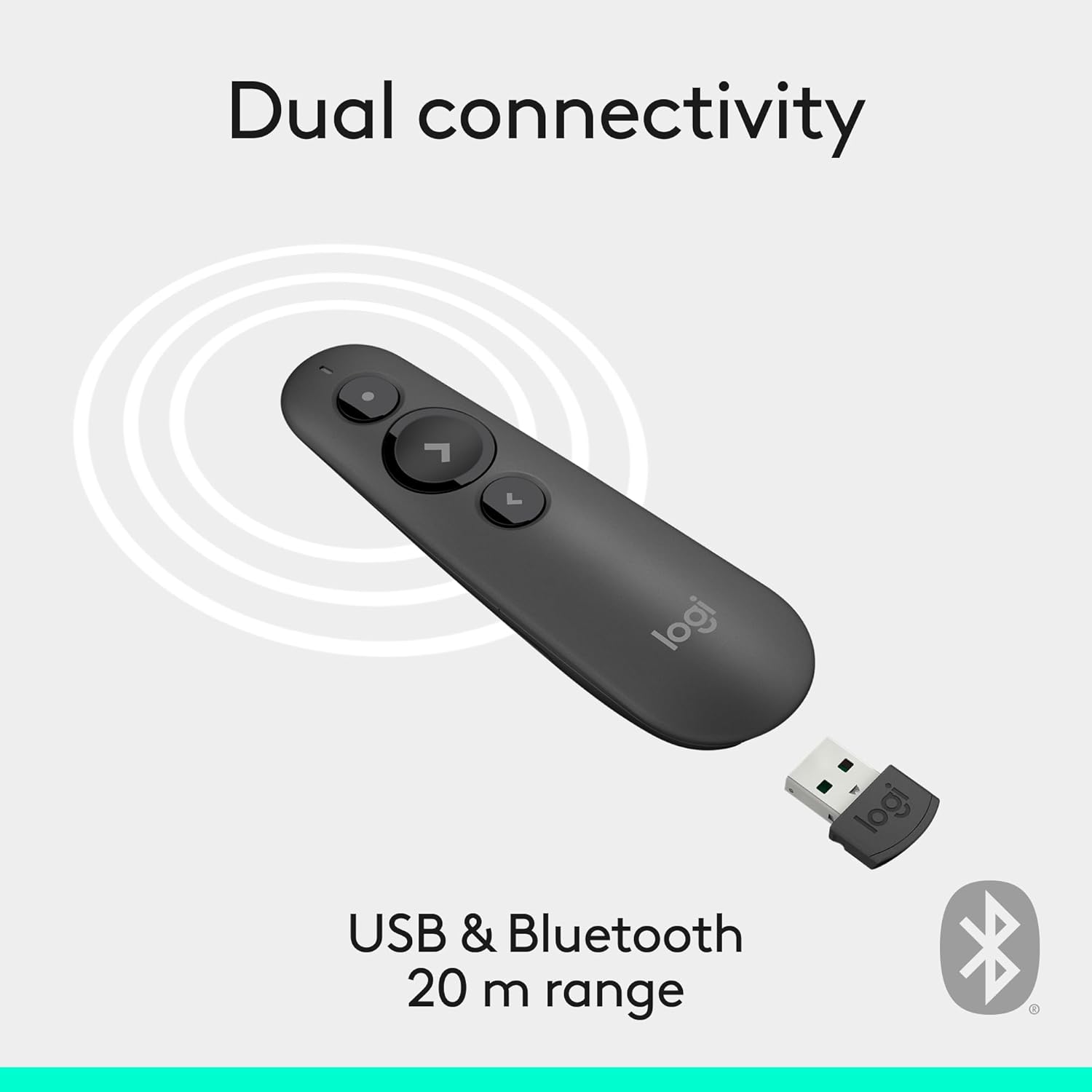
Image: Illustration of the R500s offering dual connectivity options: USB and Bluetooth.
3. Power On the Presenter
Locate the power switch on the side of the presenter and slide it to the 'On' position. The presenter is now ready for use.

Image: The R500s presenter positioned near a laptop, demonstrating its smart automatic on/off feature.
작동 지침
Slide Navigation
The R500s features intuitive buttons for controlling your presentation slides:
- Forward Button (Large Arrow): Press to advance to the next slide.
- Backward Button (Small Arrow): Press to return to the previous slide.

Image: A hand comfortably holding the R500s presenter, highlighting its ergonomic design and button placement.
Laser Pointer Usage
To activate the red laser pointer, press and hold the dedicated laser button (usually a small dot icon). Release the button to turn off the laser.

Image: The R500s presenter projecting its red laser pointer onto a presentation graph, illustrating its use for highlighting.
사용자 정의 가능한 버튼
The R500s offers customizable buttons for enhanced control. You can configure long-press actions for specific functions such as starting a presentation or blacking out the screen. Refer to the Logitech Presentation Software (available for download from the official Logitech website) for detailed customization options.

Image: A laptop screen displaying the Logitech software interface for customizing the R500s buttons and timer settings.
유지
배터리 교체
When the battery indicator on the presenter or in the Logitech software shows low power, replace the two AAA batteries. Ensure correct polarity when inserting new batteries.
청소
Wipe the presenter with a soft, dry cloth. Avoid using abrasive cleaners or solvents.
문제 해결
- Presenter Not Responding:
- USB 수신기가 작동하는 USB 포트에 단단히 꽂혀 있는지 확인하세요.
- Check if the presenter is powered on.
- 배터리가 부족하거나 방전된 경우 배터리를 교체하십시오.
- USB 수신기를 다른 USB 포트에 연결해 보십시오.
- For Bluetooth connection, ensure Bluetooth is enabled on your computer and the presenter is paired.
- 레이저 포인터가 작동하지 않습니다.
- 레이저 버튼이 제대로 눌렸는지 확인하십시오.
- 배터리 잔량을 확인하십시오.
- Note that laser visibility can vary on different screen types (e.g., some projection screens or large TVs may reduce visibility).
- 간헐적인 연결:
- 20미터 무선 범위 내에 있는지 확인하십시오.
- Minimize obstructions between the presenter and the receiver.
- 다른 장치에서 나오는 강력한 전자파 간섭을 피하세요.
명세서
| 상표 | 로지텍 |
| 모델명 | R500 |
| 품목 모델 번호 | 910-006518 |
| 연결 기술 | 2.4GHz RF Wireless, Bluetooth |
| 무선 범위 | 최대 20미터(65피트) |
| 레이저 타입 | Class 1 Red Laser |
| 배터리 유형 | 2 x AAA 배터리(포함) |
| 평균 배터리 수명 | 12개월 |
| 운영 체제 호환성 | Windows 10, 11 or later; macOS; iOS |
| 하드웨어 플랫폼 | PC, 맥 |
| 품목 무게 | 0.2 온스 |
| 제품 크기(LxWxH) | 1 x 1.4 x 4.9 인치 |
보증 및 지원
Logitech 제품에는 일반적으로 제한된 하드웨어 보증이 제공됩니다. 자세한 보증 내용, 등록 및 기술 지원은 공식 Logitech 지원 페이지를 방문하세요. web웹사이트를 방문하거나 제품에 동봉된 보증 카드를 참조하십시오. 온라인에서 FAQ 및 문제 해결 가이드도 찾아볼 수 있습니다.
추가적인 도움이 필요하시면 다음을 방문하세요. 아마존의 로지텍 스토어.
Ask a question about this manual
Ask about setup, troubleshooting, compatibility, parts, safety, or missing instructions. Manuals+ will review the question and use this page’s manual context to help answer it.