
소개
The Razer Pro Glide is a soft mouse mat designed for enhanced office productivity. It features a thick, high-density rubber foam construction for comfort and durability, a textured micro-weave cloth surface for precise mouse movements, and an anti-slip base to ensure stability during use. This manual provides instructions for setting up, operating, and maintaining your Razer Pro Glide mouse mat.
설정
- 마우스 패드를 개봉하세요: Carefully remove the Razer Pro Glide mouse mat from its packaging.
- Flatten the Mat: If the mat is rolled, gently unroll it and allow it to lie flat on your desk surface. It may take a short period for the mat to completely flatten.
- 위치: Place the mouse mat on a clean, dry, and flat surface where you intend to use your mouse. The anti-slip rubber base will help secure the mat in place.
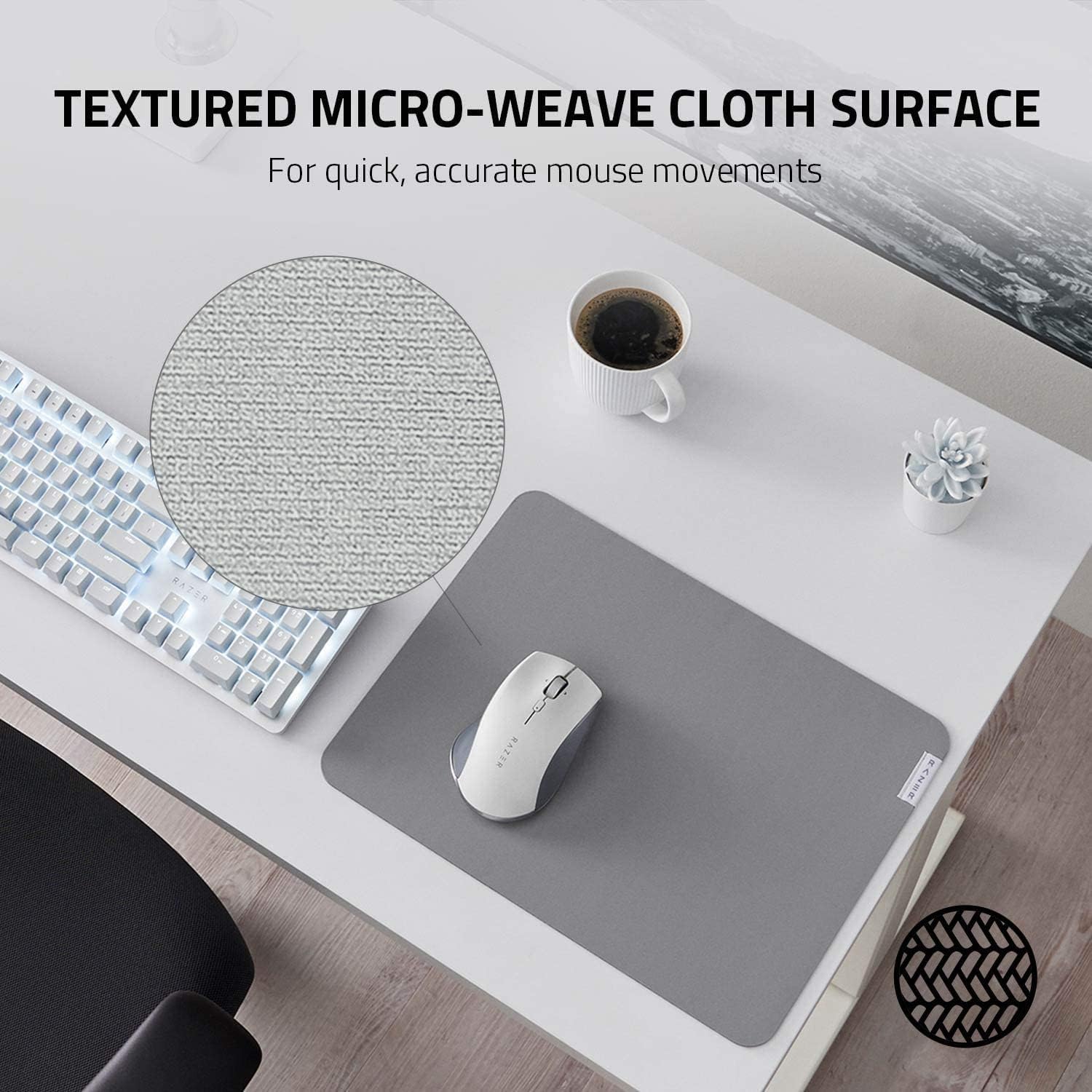
Image: The anti-slip base ensures the mat remains stable on your desk.
운영
The Razer Pro Glide is designed for immediate use. Simply place your mouse on the mat and begin your work or gaming activities. The textured micro-weave cloth surface is optimized for all mouse sensors, providing precise tracking and smooth gliding for accurate and efficient movements.
- 강화된 제어: The surface texture allows for quick and accurate mouse movements, crucial for productivity tasks.
- 편안: The 3mm thick, high-density rubber foam provides a comfortable cushioning effect for your hand and wrist during extended use.
- 안정: The anti-slip rubber base prevents the mat from shifting, ensuring consistent performance.

Image: The textured micro-weave cloth surface provides optimal tracking for your mouse.
유지
To ensure the longevity and optimal performance of your Razer Pro Glide mouse mat, follow these cleaning guidelines:
- 얼룩 청소: For minor spills or dirt, use a soft, damp cloth with a small amount of mild soap. Gently wipe the affected area.
- 가혹한 화학 물질을 피하세요: Do not use harsh detergents, bleach, or abrasive cleaners, as these can damage the mat's surface and materials.
- 공기 건조: After cleaning, allow the mat to air dry completely before reuse. Do not machine wash or tumble dry.
- 일반 먼지 제거: Periodically dust the surface with a dry, soft cloth to prevent dust buildup.
문제 해결
- 매트가 평평하게 놓여 있지 않음: If the mat does not immediately lie flat after unrolling, place heavy, flat objects (like books) on the edges for a few hours to help it flatten.
- 마우스 추적 문제: Ensure the mouse mat surface is clean and free of debris. If issues persist, try cleaning your mouse sensor.
- 매트 미끄러짐: Verify that the desk surface beneath the mat is clean and dry. The anti-slip base requires a clean surface for optimal grip.
명세서
| 특징 | 세부 사항 |
|---|---|
| 모델 번호 | RZ02-03331500-R3M1 |
| 치수(L x W) | 14.17" x 10.83" (360mm x 275mm) |
| 두께 | 3mm (XNUMXmm) |
| 재료 | High-density rubber foam (base), Textured micro-weave cloth (surface) |
| 색상 | 회색 |
| 특별 기능 | Durability, Non-slip base |
| 무게 | 290그램 |

Image: The thick, high-density rubber foam provides comfort and durability.
보증 및 지원
보증 정보 및 기술 지원에 대해서는 Razer 공식 웹사이트를 참조하십시오. website or contact Razer customer service directly. Keep your purchase receipt for warranty claims.
레이저 공식 Web대지: www.razer.com