
RENPHO Elis 1
RENPHO 스마트 스케일 사용 설명서
Model: Elis 1
1. 서론
The RENPHO Smart Scale is an advanced digital body composition monitor designed to help you track your health and fitness journey. Utilizing high-precision sensors and bio-impedance analysis, it provides comprehensive data beyond just weight, offering a holistic view of your body's composition.

Figure 1: RENPHO Smart Scale with accompanying app and smartwatch integration.
상자 안에 무엇이 들어있나요?
- RENPHO Smart Scale (Elis 1)
- Type-C 충전 케이블
- 사용자 설명서
2. 설정
2.1 초기 설정 및 앱 설치
Before first use, ensure the scale is fully charged using the provided Type-C cable. The charging port is located on the side of the scale. Download the 'RENPHO Health' app from your device's app store (Apple App Store or Google Play Store). You can also scan the QR code provided in the quick start guide that came with your scale.
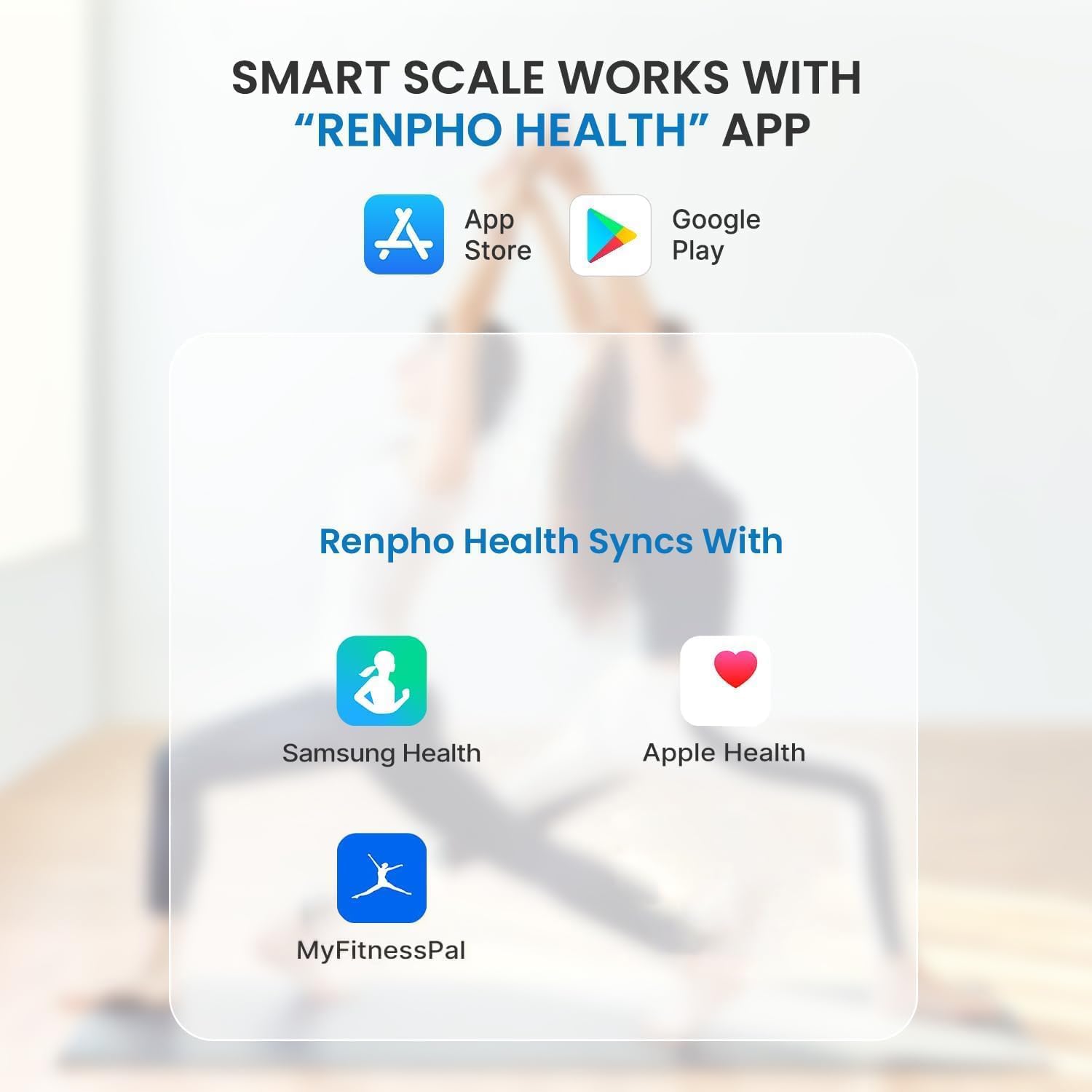
Figure 2: The RENPHO Health App is compatible with major fitness platforms.
2.2 앱과 페어링
- 스마트폰에서 블루투스를 활성화하세요.
- Open the 'RENPHO Health' app and create your user profile.
- 맨발로 체중계 위에 올라가세요. 체중계가 자동으로 켜지고 몸무게가 표시됩니다.
- The app will detect the scale via Bluetooth and automatically sync your measurements. Ensure the app is open and your phone is within range during weighing for real-time data transfer.
2.3 교정
For accurate readings, place the scale on a hard, flat surface. Avoid carpets or uneven flooring. Step on the scale briefly to turn it on, then step off. Wait for the display to show '0.0' or 'CAL' before stepping on again for your measurement. This ensures proper calibration.
3. 사용 설명서
3.1 측정하기
Step onto the scale barefoot with your feet evenly placed on the four metal electrodes. Stand still until your weight is displayed and the measurement is complete. The scale will show your weight directly on its LED display.

Figure 3: The scale's LED display provides clear readings.
3.2 체성분 데이터 이해하기
The RENPHO Smart Scale measures 13 essential body composition metrics, which are then displayed and tracked within the RENPHO Health app. These metrics include:
- 무게
- 체질량지수(BMI)
- 체지방률tage
- 근육량
- 뼈 질량
- 체수분율tage
- 내장지방
- 피하 지방
- 골격근
- 단백질
- 기초 대사율(BMR)
- 대사 연령
- 무지방 체중

Figure 4: Comprehensive body composition data provided by the scale.
The app provides detailed explanations for each metric, along with historical data, trends, and comparisons to healthy ranges, allowing you to monitor your progress over time.

Figure 5: Track your health progress with intuitive charts and graphs in the app.
3.3 다중 사용자 지원
The RENPHO Health app supports an unlimited number of users. Each user can create their own profile, and the scale will intelligently recognize individual users based on their weight and body composition, syncing data to the correct profile.
3.4 베이비 모드
The scale features a convenient 'Baby Mode' for accurately weighing infants or pets. To use this mode, first weigh yourself, then pick up your baby or pet and weigh yourself again while holding them. The app will calculate the difference to provide the baby's or pet's weight.

Figure 6: Utilize Baby Mode for precise weighing of infants and pets.
4. 유지관리
4.1 청소
The scale features a 6mm tempered glass platform, which is easy to clean. Use a soft, damp cloth to wipe the surface. Avoid abrasive cleaners or harsh chemicals that could damage the glass or electrodes.
4.2 충전 중
The RENPHO Smart Scale is equipped with a built-in rechargeable lithium metal battery. Charge the scale using the provided Type-C USB cable. A full charge can last for several months depending on usage. The LED display will indicate low battery when charging is required.

Figure 7: Type-C charging port and cable for convenient recharging.
5. 문제 해결
If you encounter issues with your RENPHO Smart Scale, try the following common troubleshooting steps:
- No Display/Scale Not Turning On: Ensure the scale is fully charged.
- 부정확한 판독: Make sure the scale is on a hard, flat surface. Recalibrate the scale by stepping on it briefly, then stepping off and waiting for '0.0' before weighing again.
- 앱 동기화 문제: Check that Bluetooth is enabled on your device and the RENPHO Health app is open and updated to the latest version. Ensure your device is within Bluetooth range of the scale.
- Data Not Showing in App: If you weigh without the app open, the data will automatically sync the next time the app is connected. Check the 'History' section in the app.
For further assistance, please refer to the comprehensive troubleshooting section within the RENPHO Health app or contact customer support.
6. 사양
| 상표 | 렌포 |
| 모델 | 엘리스 1 |
| 색상 | 검은색 |
| 제품 치수 | 11 x 11 x 1 인치 |
| 제품 무게 | 3 파운드 |
| 최대 중량 용량 | 396파운드(180kg) |
| 디스플레이 유형 | 주도의 |
| 특징 | 스마트 체성분 분석 |
| 전원 | Rechargeable Lithium Metal Battery (Type-C USB) |

Figure 8: Physical dimensions of the RENPHO Smart Scale.
7. 보증 및 지원
RENPHO is committed to providing high-quality products and excellent customer service. While specific warranty details are not provided in this manual, please refer to the product packaging or the official RENPHO web최신 보증 정보를 보려면 사이트를 방문하세요.
For any product inquiries, technical support, or warranty claims, please contact RENPHO Customer Service through the 'RENPHO Health' app or visit their official support channels. Many users have reported positive experiences with RENPHO's responsive customer support.
참고: 건강 보조 식품에 대한 설명은 미국 식품의약국(FDA)의 평가를 받지 않았으며, 질병이나 건강 상태를 진단, 치료, 완치 또는 예방하기 위한 목적으로 사용될 수 없습니다.
Ask a question about this manual
Ask about setup, troubleshooting, compatibility, parts, safety, or missing instructions. Manuals+ will review the question and use this page’s manual context to help answer it.