
Deiss THMT1515U
Deiss PRO 디지털 육류 온도계 사용 설명서
Model: THMT1515U
Brand: Deiss
소개
The Deiss PRO Digital Meat Thermometer is designed for fast and accurate temperature readings, making it an essential tool for various cooking applications. Its robust design, waterproof capabilities, and user-friendly features ensure reliable performance in your kitchen.
설정
배터리 설치
The thermometer uses a CR2032 battery. A spare battery is included. To install or replace the battery, locate the battery compartment on the back of the device. Use a coin to twist open the cover, insert the battery with the positive (+) side facing up, and securely close the cover.

이미지: 뒤로 view of the Deiss PRO Digital Meat Thermometer, highlighting the battery compartment and the integrated magnet for storage.
초기 전원 켜기
To power on the thermometer, simply unfold the stainless steel probe from the main body. The digital display will illuminate and show the current temperature.
교정(선택 사항)
For optimal accuracy, you may calibrate the thermometer. A common method is to immerse the probe in ice water (a mixture of ice and water). The thermometer should read approximately 32°F (0°C). If it does not, refer to the calibration instructions provided in the original packaging or contact customer support.
작동 지침
온도 판독
Unfold the probe to turn on the device. Insert the tip of the stainless steel probe into the thickest part of the food, avoiding bones. The temperature will display within 2-3 seconds.
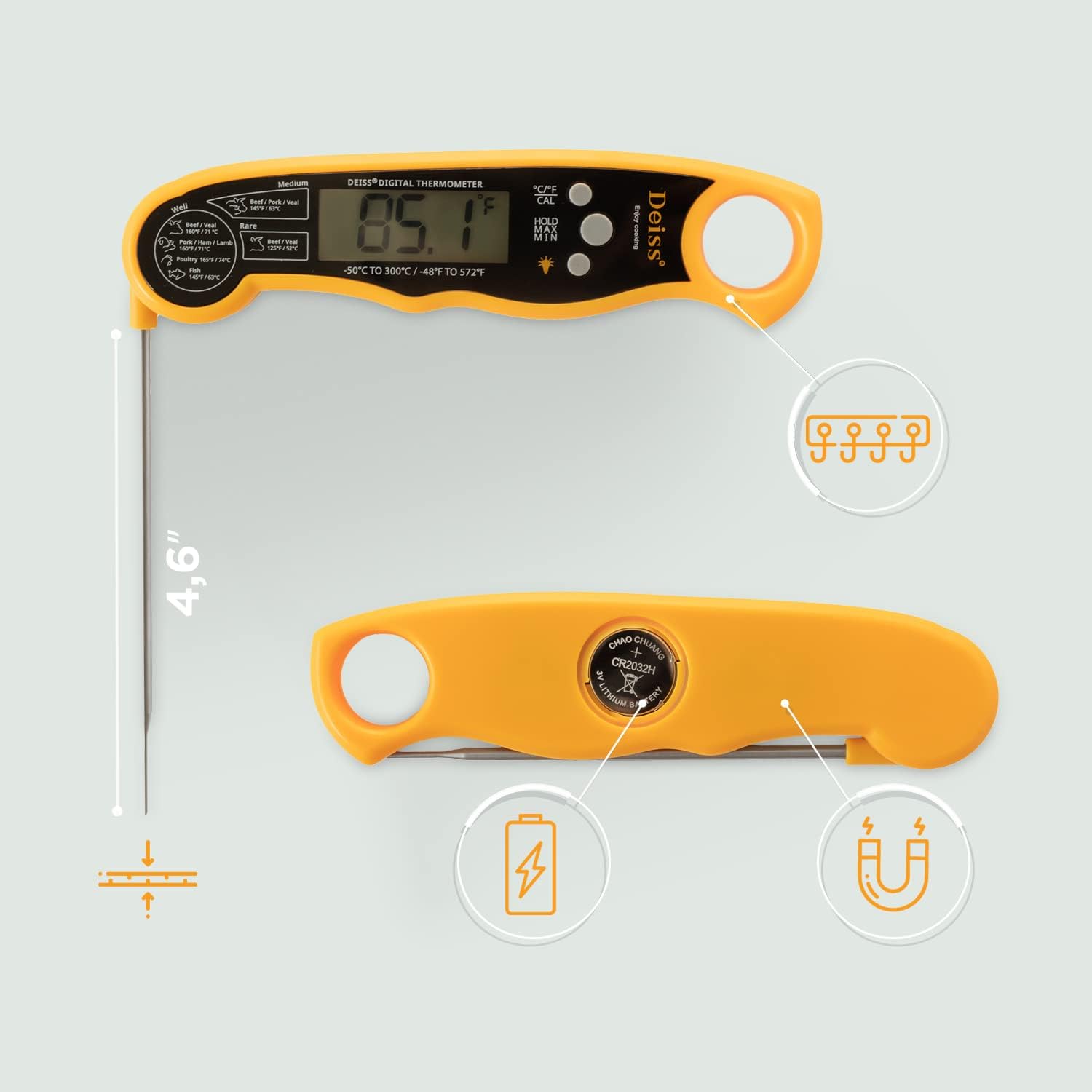
Image: The Deiss PRO Digital Meat Thermometer with its probe inserted into a roasted chicken, demonstrating its use for measuring internal food temperature.
온도 단위 전환 (°C/°F)
Press the "°C/°F CAL" button on the device to toggle between Celsius and Fahrenheit temperature scales.
Memory Function (HOLD/MIN/MAX)
The thermometer features a memory function to view minimum and maximum temperatures recorded. Press the "HOLD/MIN/MAX" button to cycle through the current reading, minimum recorded temperature, and maximum recorded temperature.
백라이트 디스플레이
Press the light bulb icon button to activate the backlight for improved visibility in low-light conditions.
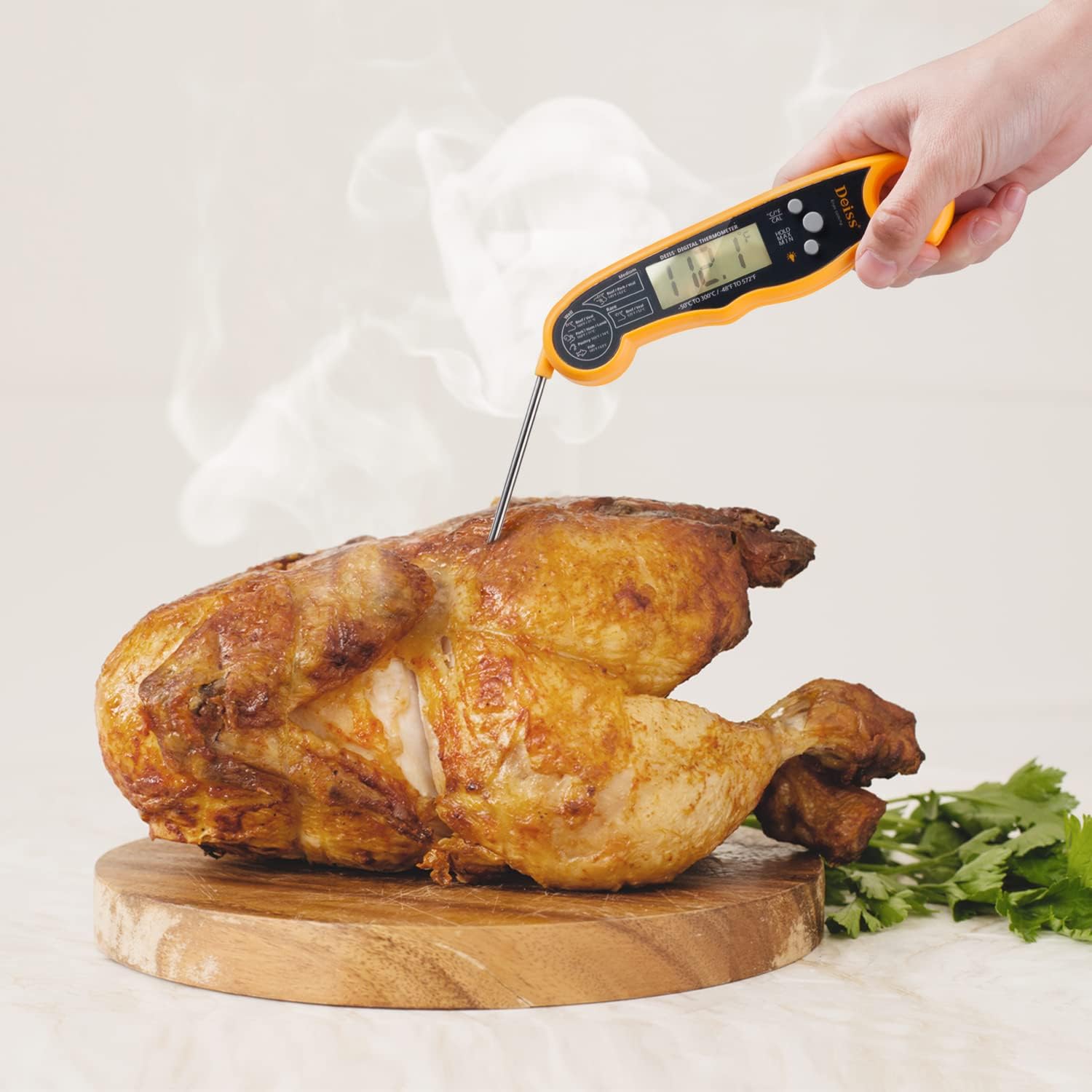
Image: Close-up of the Deiss PRO Digital Meat Thermometer's display, showing the activated backlight for clear reading.
자동 종료
온도계는 배터리 수명 절약을 위해 약 10분간 사용하지 않으면 자동으로 꺼집니다.
자기 저장
The device features a magnet on its back, allowing for convenient storage on metallic surfaces like refrigerators or oven sides.

Image: The Deiss PRO Digital Meat Thermometer magnetically attached to the side of a white refrigerator, demonstrating its convenient storage feature.
권장 내부 온도
| 음식 종류 | 완성도 | 온도 (°F/°C) |
|---|---|---|
| Beef / Veal | 희귀한 | 화씨 125도 / 섭씨 52도 |
| Beef / Pork / Veal | 중간 | 화씨 145도 / 섭씨 63도 |
| Beef / Veal | 잘 | 화씨 160도 / 섭씨 71도 |
| Pork / Ham / Lamb | 잘 | 화씨 160도 / 섭씨 71도 |
| 가금류 | 잘 | 화씨 165도 / 섭씨 74도 |
| 물고기 | 잘 | 화씨 145도 / 섭씨 63도 |
| 다진 고기 | 잘 | 화씨 160도 / 섭씨 71도 |
Note: These are general guidelines. Always refer to official food safety recommendations for specific food types.

이미지: 자세한 view of the Deiss PRO Digital Meat Thermometer's display, showing the printed temperature chart for various meat doneness levels.
유지
청소
The Deiss PRO Digital Meat Thermometer is IP67 certified waterproof, allowing for fearless washing under tap water. However, it is recommended to hand wash only. Do not immerse the entire unit in water for extended periods.
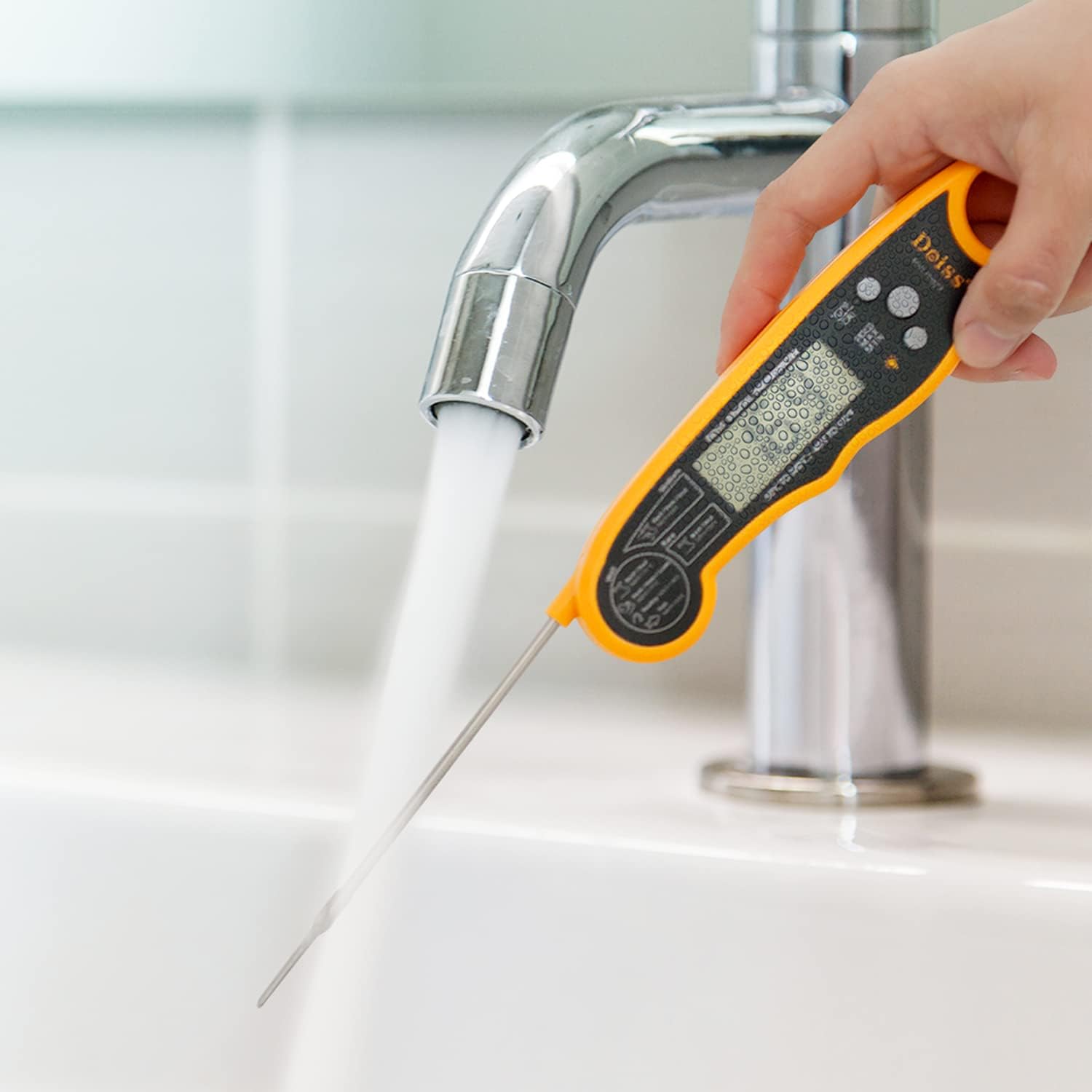
Image: A hand holding the Deiss PRO Digital Meat Thermometer under running tap water, illustrating its waterproof cleaning capability.
저장
Fold the probe back into the unit to turn it off and protect the probe. Utilize the integrated magnet for convenient storage on metal surfaces, or hang it using the hook hole.
문제 해결
Display Shows "LLLL" or "7777"
This typically indicates a sensor error or a low battery. Try replacing the CR2032 battery. If the issue persists, contact customer support.
부정확한 판독
Ensure the probe is inserted correctly into the thickest part of the food. If readings remain inconsistent, recalibrate the thermometer as per the instructions or consider replacing the battery.
Thermometer Not Turning On
Check if the probe is fully unfolded. If it is, the battery might be depleted. Replace the CR2032 battery.
명세서
- 상표: Deiss
- 모델 이름: Deiss PRO Digital Meat Thermometer
- 모델 번호: THMT1515U
- 색상: 검은색
- 겉감 소재 : ABS, 플라스틱
- 특징: 빠른 판독 시스템
- 온도 범위: -58°F ~ 572°F(-50°C ~ 300°C)
- 응답 시간: 2~3초
- 방수 등급: IP67 인증
- 디스플레이 유형: 백라이트가있는 LCD
- 전원: Battery Powered (1 x CR2032 included, plus 1 spare)
- 프로브 길이: 4.5인치
- 자동 차단 : 네 (약 10분)
- 저장: Magnetic back, Hook hole
- 제품 관리: 손세탁만 가능
보증 및 지원
평생 보증
Deiss Kitchenware provides a lifetime warranty on its Deiss PRO Digital Meat Thermometer. This warranty covers defects in materials and workmanship under normal use. For warranty claims or support, please contact Deiss Kitchenware customer service.
고객 지원
For further assistance, troubleshooting, or inquiries, please visit the official Deiss Kitchenware web자세한 내용은 해당 사이트를 참조하거나 제품 포장과 함께 제공된 연락처 정보를 참조하세요.
제품 끝view 동영상
Watch this official video from Deiss Kitchenware for a quick overview of the Deiss PRO Digital Meat Thermometer's features and benefits.
Video: An official product video from Deiss Kitchenware demonstrating the key features and ease of use of the Deiss PRO Digital Meat Thermometer, including its fast reading, waterproof design, and magnetic storage.
Ask a question about this manual
Ask about setup, troubleshooting, compatibility, parts, safety, or missing instructions. Manuals+ will review the question and use this page’s manual context to help answer it.