
1. შესავალი
Thank you for choosing the Gtheos Captain 370 Wireless Gaming Headset. This manual provides essential information for setting up, operating, and maintaining your new headset. Designed for an immersive audio experience, the Captain 370 offers versatile connectivity and comfortable wear for extended gaming sessions and communication.
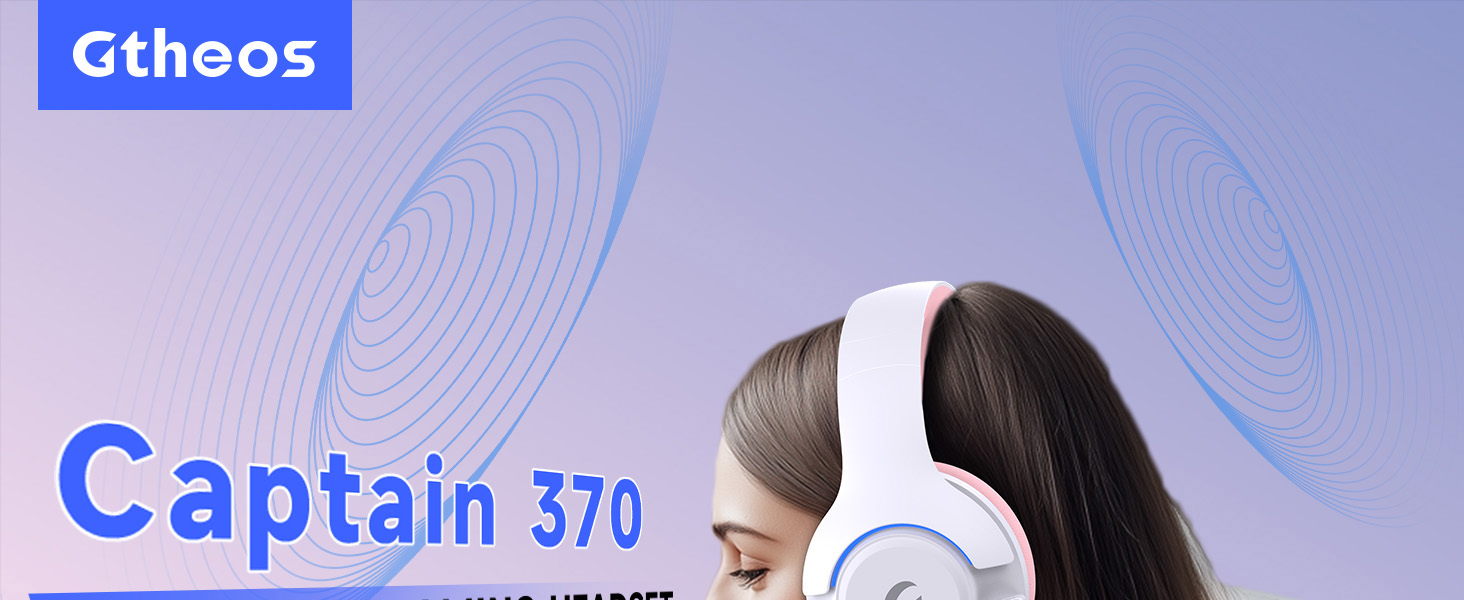
Image 1: The Gtheos Captain 370 Wireless Gaming Headset, showcasinმისი ელეგანტური დიზაინი და კომფორტული ყურსასმენები.
ძირითადი მახასიათებლები:
- 4-1-ში დაკავშირებადობა: Seamlessly switch between 2.4GHz wireless, Bluetooth 5.3, and 3.5mm wired modes for broad device compatibility.
- 50 მმ დინამიური დრაივერები: Experience realistic and immersive sound quality for gaming and multimedia.
- ხმაურის დამწევი მიკროფონი: Detachable microphone designed to reduce background noise for clear communication.
- გახანგრძლივებული ბატარეის ხანგრძლივობა: ისიამოვნეთ 45 საათამდე უწყვეტი გამოყენებით ერთი დატენვით.
- კომფორტული დიზაინი: Ergonomically designed earcups and headband for prolonged comfort during use.
- RGB განათება: Customizable LED lighting effects on the earcups.
2. დაყენება
2.1 რა არის ყუთში
- 1 x Gtheos Captain 370 Gaming Headset
- 1 x Detachable Noise Cancelling Microphone
- 1 x Type-C დამტენი კაბელი
- 1 x USB Transmitter (2.4GHz dongle)
- 1 x 3.5 მმ აუდიო კაბელი
- 1 x მომხმარებლის სახელმძღვანელო
2.2 ყურსასმენის დატენვა
Before first use, fully charge the headset. Connect the Type-C charging cable to the headset's charging port and the other end to a USB power source (e.g., computer USB port, USB wall adapter). The LED indicator will show charging status and turn off when fully charged.

Image 2: Headset highlighting the 45-hour battery life and charging port.
2.3 მიკროფონის მიერთება
The Captain 370 comes with a detachable noise-canceling microphone. Insert the microphone into the dedicated port on the left earcup until it clicks into place. Ensure it is securely connected for optimal voice pickup.

Image 3: Close-up of the headset showing the detachable noise-canceling microphone.
3. საოპერაციო ინსტრუქციები
3.1 ჩართვა/გამორთვა
To power on the headset, press and hold the Power button located on the earcup until the LED indicator lights up. To power off, press and hold the Power button again until the LED indicator turns off.
3.2 დაკავშირების რეჟიმები
The Gtheos Captain 370 supports four connectivity modes:
- 2.4 გჰც უკაბელო რეჟიმი: For PS4, PS5, PC, Mac, Nintendo Switch (via Type-C), and Phones/Pads (via Type-C). Insert the USB transmitter into your device. The headset will automatically connect.
- Bluetooth 5.3 რეჟიმი: For Phones, Pads, and Notebooks. Enable Bluetooth on your device, put the headset into pairing mode (refer to device-specific instructions if needed), and select "Gtheos Captain 370" from the available devices.
- 3.5 მმ სადენიანი რეჟიმი: For PS4, PS5, Xbox, PC, Mac, and Laptops/Tablets with a 3.5mm jack. Connect the included 3.5mm audio cable to the headset and your device.
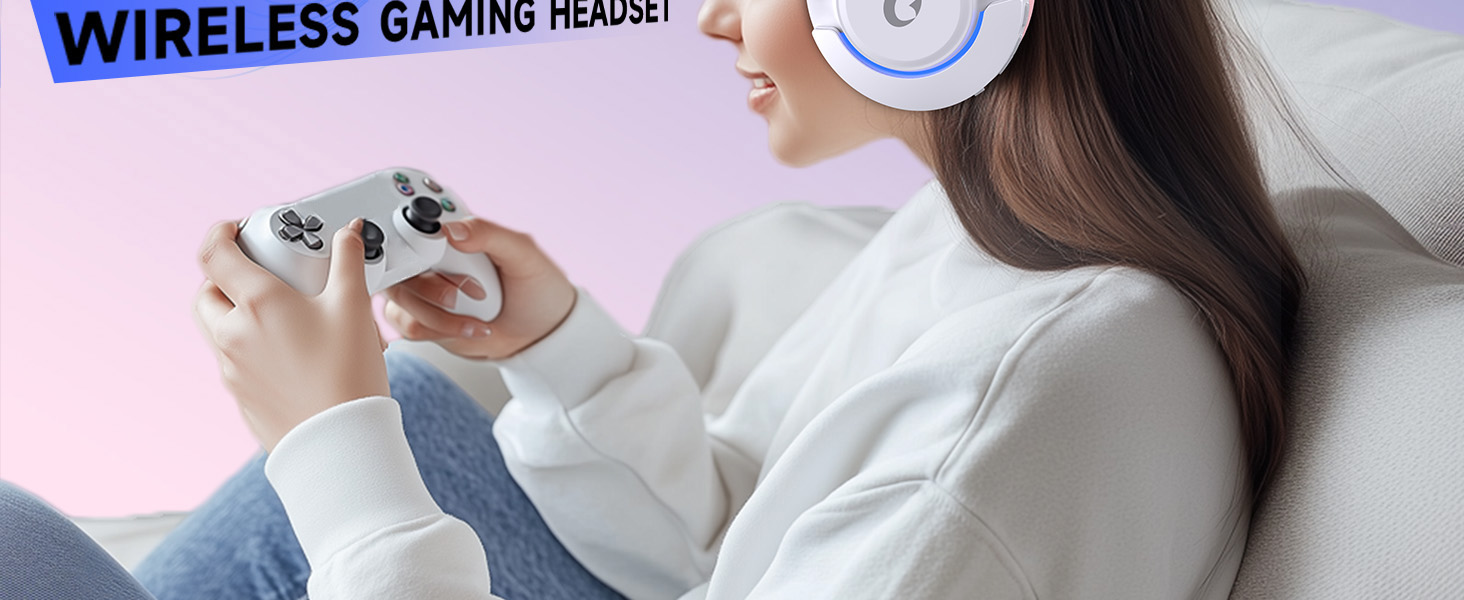
Image 4: Visual representation of the four connectivity modes and compatible devices.

Image 5: Detailed compatibility matrix for voice and microphone functions across 2.4G, Bluetooth, and 3.5mm wired modes.
3.3 ხმის კონტროლი
Adjust the volume using the dedicated volume roller or buttons on the headset's earcup. For optimal sound, also check the volume settings on your connected device.
3.4 მიკროფონის ხმის დადუმება
Press the Microphone Mute button on the headset to toggle the microphone on or off. An indicator light (often red) will typically show when the microphone is muted.
3.5 LED განათების კონტროლი
The headset features customizable RGB lighting. Press the dedicated LED control button (often integrated with the mic mute button or a separate button) to cycle through different lighting effects or turn them off. A quick press may change colors, while a long press might toggle the lights on/off.
4. მოვლა
To ensure the longevity and performance of your Gtheos Captain 370 headset, follow these maintenance guidelines:
- დასუფთავება: Use a soft, dry cloth to clean the headset. Avoid using harsh chemicals or abrasive materials. For earcups, gently wipe with a damp ქსოვილი და ნება მიეცით ჰაერზე მთლიანად გაშრობა.
- შენახვა: შეინახეთ ყურსასმენი გრილ, მშრალ ადგილას, მოარიდეთ მზის პირდაპირ სხივებს და ექსტრემალურ ტემპერატურას.
- დამუშავება: Avoid dropping the headset or exposing it to excessive force. Do not pull on cables forcefully.
- ბატარეის მოვლა: For optimal battery life, avoid fully discharging the headset frequently. Charge it regularly, even if not in constant use.
5. Დიაგნოსტიკა
5.1 ხმა არ არის ან ხმა დაბალია
- დარწმუნდით, რომ ყურსასმენი ჩართულია და სრულად დატენილია.
- შეამოწმეთ ხმის დონე როგორც ყურსასმენზე, ასევე დაკავშირებულ მოწყობილობაზე.
- დარწმუნდით, რომ თქვენი მოწყობილობის ხმის პარამეტრებში სწორი აუდიო გამომავალი მოწყობილობაა არჩეული.
- If using 2.4GHz wireless, ensure the USB transmitter is securely plugged in and recognized by your device.
- If using Bluetooth, ensure the headset is properly paired and connected.
- If using 3.5mm wired, ensure the cable is fully inserted into both the headset and the device.
5.2 მიკროფონი არ მუშაობს
- დარწმუნდით, რომ მიკროფონი საიმედოდ არის მიმაგრებული ყურსასმენზე.
- ყურსასმენის გამორთვის ღილაკის გამოყენებით შეამოწმეთ, გამორთულია თუ არა მიკროფონი.
- დარწმუნდით, რომ თქვენი მოწყობილობის ხმის პარამეტრებში სწორი მიკროფონის შეყვანის მოწყობილობაა არჩეული.
- Test the microphone in different applications or with another device.
5.3 დაკავშირების პრობლემები
- 2.4 გჰც: Try unplugging and re-plugging the USB transmitter. Ensure no other 2.4GHz devices are causing interference.
- Bluetooth: Unpair and re-pair the headset with your device. Ensure the headset is within the Bluetooth range (10 meters).
- ზოგადი: გადატვირთეთ როგორც ყურსასმენი, ასევე დაკავშირებული მოწყობილობა.
6. სპეციფიკაციები
| ფუნქცია | დეტალი |
|---|---|
| მოდელის სახელი | კაპიტანი 370 |
| ბრენდი | გთეოსი |
| დაკავშირების ტექნოლოგია | 2.4 GHz უსადენო, Bluetooth 5.3, 3.5 მმ სადენიანი |
| აუდიო დრაივერის ზომა | 50 მილიმეტრი |
| აუდიო დრაივერის ტიპი | დინამიური დრაივერი |
| სიხშირის პასუხი | 20 კჰც |
| წინაღობა | 32 Ohms |
| ხმაურის კონტროლი | Sound Isolation, Noise Cancellation (Microphone) |
| ბატარეის ხანგრძლივობა | 45 საათამდე |
| Bluetooth ვერსია | 5.3 |
| Bluetooth დიაპაზონი | 10 მეტრი |
| აუდიო შეყოვნება | 20 მილიწამი |
| თავსებადი მოწყობილობები | PS5, PS4, PC, Mac, Laptop, Tablets, Phones, Nintendo Switch, Xbox (wired) |
| მასალა | ABS, Leather, PC |
| ნივთის წონა | 0.51 კილოგრამი (1.12 ფუნტი) |
| ფერი | მუქი ვარდისფერი |
7. გარანტია და დახმარება
7.1 ინფორმაცია გარანტიის შესახებ
The Gtheos Captain 370 Wireless Gaming Headset comes with a standard manufacturer's warranty. Please refer to the warranty card included in your product packaging for specific terms and conditions, including warranty period and coverage details.
7.2 მომხმარებელთა მხარდაჭერა
For technical assistance, troubleshooting, or any questions regarding your Gtheos Captain 370 headset, please contact Gtheos customer support. You can find contact information on the official Gtheos webსაიტზე ან იმ საცალო ვაჭრობის მეშვეობით, სადაც პროდუქტი შეიძინეთ.
ეწვიეთ Gtheos Store on Amazon დამატებითი ინფორმაციისა და პროდუქტის განახლებებისთვის.