
導入
This manual provides detailed instructions for the installation, operation, and maintenance of your darkFlash DE360 All-in-one Liquid CPU Cooler. The DE360 features a 2.88-inch IPS LCD display, ARGB synchronization, and three PWM fans with a 360mm radiator, designed for efficient CPU cooling. Please read this manual thoroughly before installation and use to ensure proper functionality and longevity of the product.

画像: 上view of the darkFlash DE360 All-in-one Liquid CPU Cooler highlighting its unique shape, integrated LCD screen, AMD/Intel compatibility, ARGB Sync, high-performance water pump, and PWM smart fan control.
箱の中身
インストールを続行する前に、すべてのコンポーネントが存在していることを確認してください。
- AIO Cooler 360mm (with pre-installed fans and pump)
- インストールガイド
- インテルブラケット
- AMDブラケット
- バックプレート
- 取り付けネジ
- Intel 17XX Standoffs
- Intel 115X/1200 Standoffs
- AMDの対立
- サーマルグリース
Video: Unboxing and initial component overview of the darkFlash DE360 AIO Liquid CPU Cooler, showing the contents of the package and the main cooler unit.
仕様
| ブランド | ダークフラッシュ |
| モデル番号 | DE360 |
| 冷却方法 | 液体(水) |
| ラジエーターサイズ | 360mm |
| ファンタイプ | PWM ARGBファン |
| ファンの最大速度 | 2000 回転 ±10% |
| ファンの騒音レベル | ≤36dBA |
| 風量 | 64.05 CFM |
| ポンプ速度 | 2500 回転 ±10% |
| LCDディスプレイ | 2.88インチIPS、480x480解像度 |
| 互換性 | Intel 1851/1700, AMD AM4/AM5 |
| 材料 | Aluminium (Radiator), Copper (Cold Plate), Glass |
| 電源コネクタタイプ | 5ピン |
| アイテム重量 | 4.98ポンド |

Image: Diagram illustrating compatibility with various Intel (LGA2011/2011-V3/2066/1366/115X/1700/1851) and AMD (FM1/FM2/FM2+/AM2/AM2+/AM3/AM3+/AM4/AM5) sockets.
セットアップとインストール
Follow these steps for proper installation of your darkFlash DE360 liquid CPU cooler. Ensure your system is powered off and unplugged before beginning.
1. Prepare the CPU Block
- Carefully remove the protective film from the copper cold plate of the CPU block.
- Attach the appropriate mounting bracket (Intel or AMD) to the CPU block. Align the bracket with the arrows and rotate until it is parallel and securely locked.
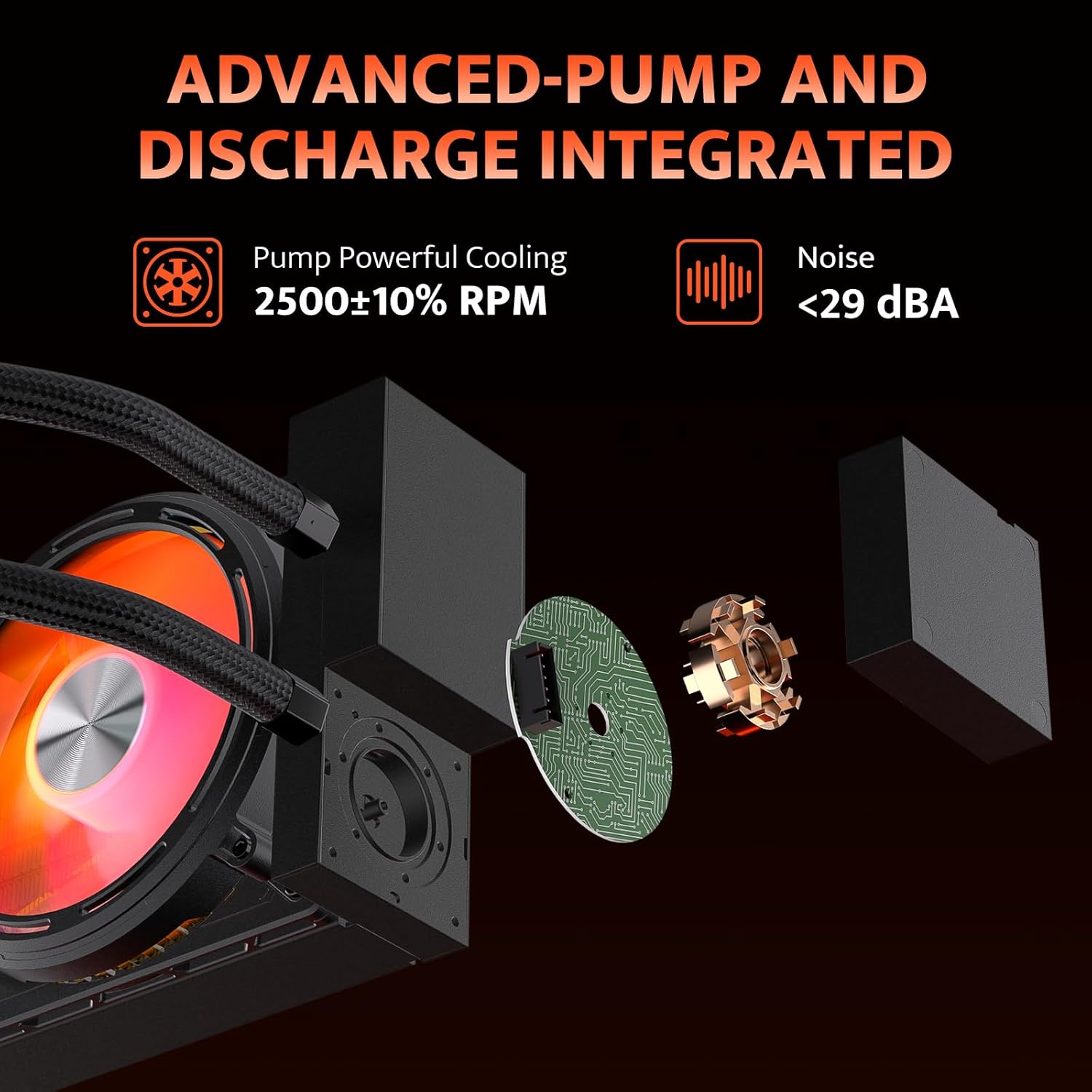
Image: Diagram showing the advanced pump design, which isolates the water pump from the cold head for improved heat dissipation and installation flexibility. The pump operates at 2500 RPM with noise levels below 29 dBA.
2. ラジエーターとファンの取り付け
- Mount the 360mm radiator with its pre-installed fans to an available fan mounting location in your PC case (typically the top or front). Use the provided screws to secure it.
- 最適な冷却のために適切な空気の流れの方向を確保します。

Image: Illustration of the high wind pressure thickened fans, detailing fan speed (≤2000 RPM), air capacity (≤55.22 CFM), fan pressure (≤2.16 MMH2O), and noise (≤36 dBA).
3. Mount the CPU Block
- Apply a small amount of thermal grease to the center of your CPU's integrated heat spreader (IHS).
- Place the backplate on the rear of your motherboard, aligning it with the CPU socket holes.
- Insert the appropriate standoffs (Intel 17XX/115X/1200 or AMD) into the four mounting holes around the CPU socket.
- Carefully place the CPU block onto the CPU, ensuring the mounting holes align with the standoffs.
- Secure the CPU block with the provided mounting screws, tightening them in a diagonal pattern until snug. Do not overtighten.
Video: Detailed installation guide for the darkFlash DE360 AIO Liquid CPU Cooler, demonstrating the steps for mounting the CPU block, radiator, and connecting cables.
4.ケーブル接続
- Connect the 3-pin pump connector to the CPU_FAN or AIO_PUMP header on your motherboard.
- Connect the fan PWM cables to the CPU_FAN or other available fan headers on your motherboard.
- Connect the ARGB cables to a compatible 5V 3-pin ARGB header on your motherboard for lighting synchronization.
- Plug the USB 2.0 connector from the LCD screen into an available USB 2.0 header on your motherboard. This is essential for LCD display functionality and software control.
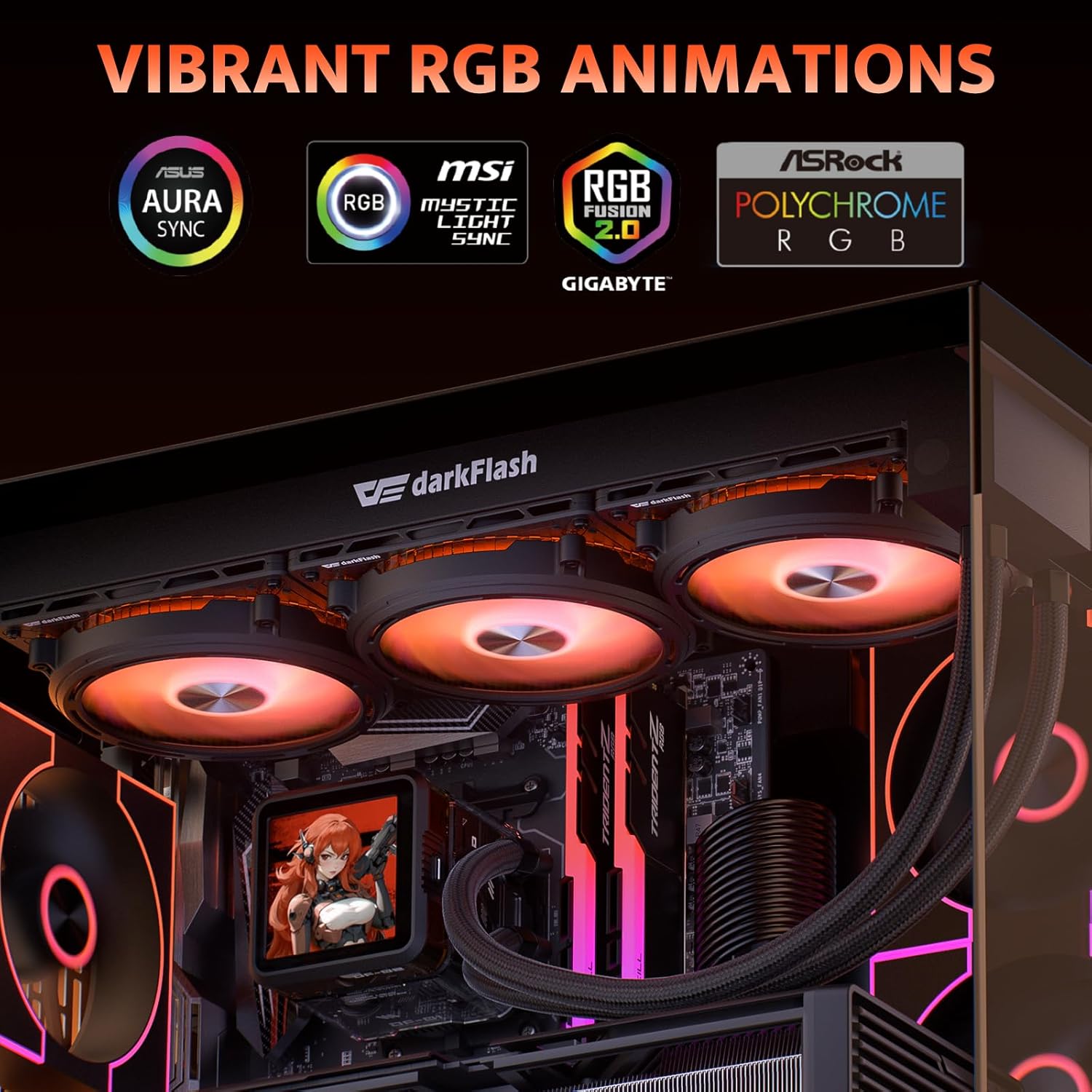
Image: Display of vibrant RGB lighting effects, highlighting compatibility with ASUS Aura Sync, MSI Mystic Light Sync, Gigabyte RGB Fusion, and ASRock Polychrome RGB for synchronized lighting.
操作手順
Once installed and connected, the darkFlash DE360 will begin cooling your CPU automatically. The fans will adjust speed based on CPU temperature via PWM control.
LCD画面の機能
The 2.88-inch IPS LCD screen on the CPU block displays real-time system information such as CPU temperature, frequency, and other customizable data. It can also display custom images or videos.

Image: The darkFlash DE360 AIO Liquid CPU Cooler installed in a PC, showcasing the 2.88-inch LCD screen displaying CPU temperature and other system metrics.
Software Control and Customization
To fully utilize the LCD screen's customization features and monitor system performance, download the dedicated darkFlash control software from the official darkFlash webサイト。このソフトウェアでは次のことが可能です。
- Monitor CPU and GPU temperatures, fan speeds, and other system parameters.
- Select from various pre-designed themes for the LCD display.
- Upload custom images or videos to be displayed on the LCD screen.
- Adjust display rotation (e.g., 90 degrees) for optimal view角度を変える。

Image: Screenshot of the darkFlash intelligent control software, showing options for system monitoring, theme selection, and customization of the LCD display with dynamic styling and cloud themes.
メンテナンス
Regular maintenance helps ensure optimal performance and extends the lifespan of your liquid CPU cooler.
- ダストクリーニング: ラジエーターフィンとファンの埃は、圧縮空気を使って定期的に除去してください。損傷を防ぐため、清掃中はファンが回転していないことを確認してください。
- チューブ検査: Check the coolant tubes for any signs of kinks, leaks, or damage. Ensure they are not pressing against other components that could cause wear.
- ポンプの騒音: Listen for unusual noises from the pump. A consistent humming sound is normal, but grinding or gurgling may indicate an issue.
- サーマルペースト: While not frequently required for AIOs, if you ever remount the CPU block, clean off old thermal paste and apply new thermal paste for optimal heat transfer.

Image: Diagram illustrating the efficient heat dissipation features, including a 53mm high-density radiator and IIR+EPDM dual-material hoses designed for low resistance and resistance to aging and corrosion.
トラブルシューティング
If you encounter issues with your darkFlash DE360, refer to the following common problems and solutions:
- 高いCPU温度:
- Ensure the CPU block is securely mounted and making full contact with the CPU.
- サーマルペーストが正しく塗布されていることを確認します。
- Check if the pump is running (listen for a faint hum or check software monitoring).
- Ensure radiator fans are spinning and oriented correctly for airflow.
- ラジエーターフィンに蓄積したほこりを取り除きます。
- ファンが回転しない/RGBが機能しない:
- マザーボードへのすべてのファンと ARGB ケーブルの接続を確認します。
- Ensure the ARGB header on your motherboard is enabled in the BIOS/UEFI or motherboard software.
- Confirm that the power supply is providing adequate power.
- LCD 画面が表示されない:
- Verify the USB 2.0 cable from the LCD screen is securely connected to both the CPU block and the motherboard header.
- Install the darkFlash control software and ensure it recognizes the device.
- Check for any driver updates for the cooler on the darkFlash webサイト。
- 異常なポンプの騒音:
- Ensure the pump is positioned lower than the highest point of the radiator to prevent air bubbles from accumulating in the pump.
- If the noise persists, contact darkFlash support.
保証とサポート
The darkFlash DE360 All-in-one Liquid CPU Cooler comes with a 3年間の保証. For technical support, warranty claims, or further assistance, please visit the official darkFlash webご購入いただいたサイトをご覧いただくか、カスタマーサービスまでお問い合わせください。保証の有効性を確認するため、購入証明書を保管してください。
公式ダークフラッシュ Webサイト: www.ダークフラッシュ.com