
導入
This manual provides detailed instructions for the setup, operation, and maintenance of your Oilsky M305 MP3 Player. Please read this manual thoroughly before using the device to ensure optimal performance and longevity.

画像: 上view of the Oilsky M305 MP3 Player's key features.
1.セットアップガイド
1.1 開梱とパッケージの内容
Carefully unpack your Oilsky M305 MP3 Player and verify all components are present.

Image: Contents of the Oilsky M305 MP3 Player box.
パッケージには次のものが含まれている必要があります。
- Oilsky M1 音楽プレーヤー x 305
- 1x 128GB TFカード(プリインストールまたは別売)
- USBケーブル1本(充電・データ転送用)
- 有線イヤホン x 1
- 保護フィルム1枚
- 保護ケース x 1
- ユーザーマニュアル x 1
1.2デバイスの充電
Before first use, fully charge the device. Connect the provided USB cable to the player's charging port and to a USB power adapter (not included) or a computer's USB port. The charging indicator will show the charging status.
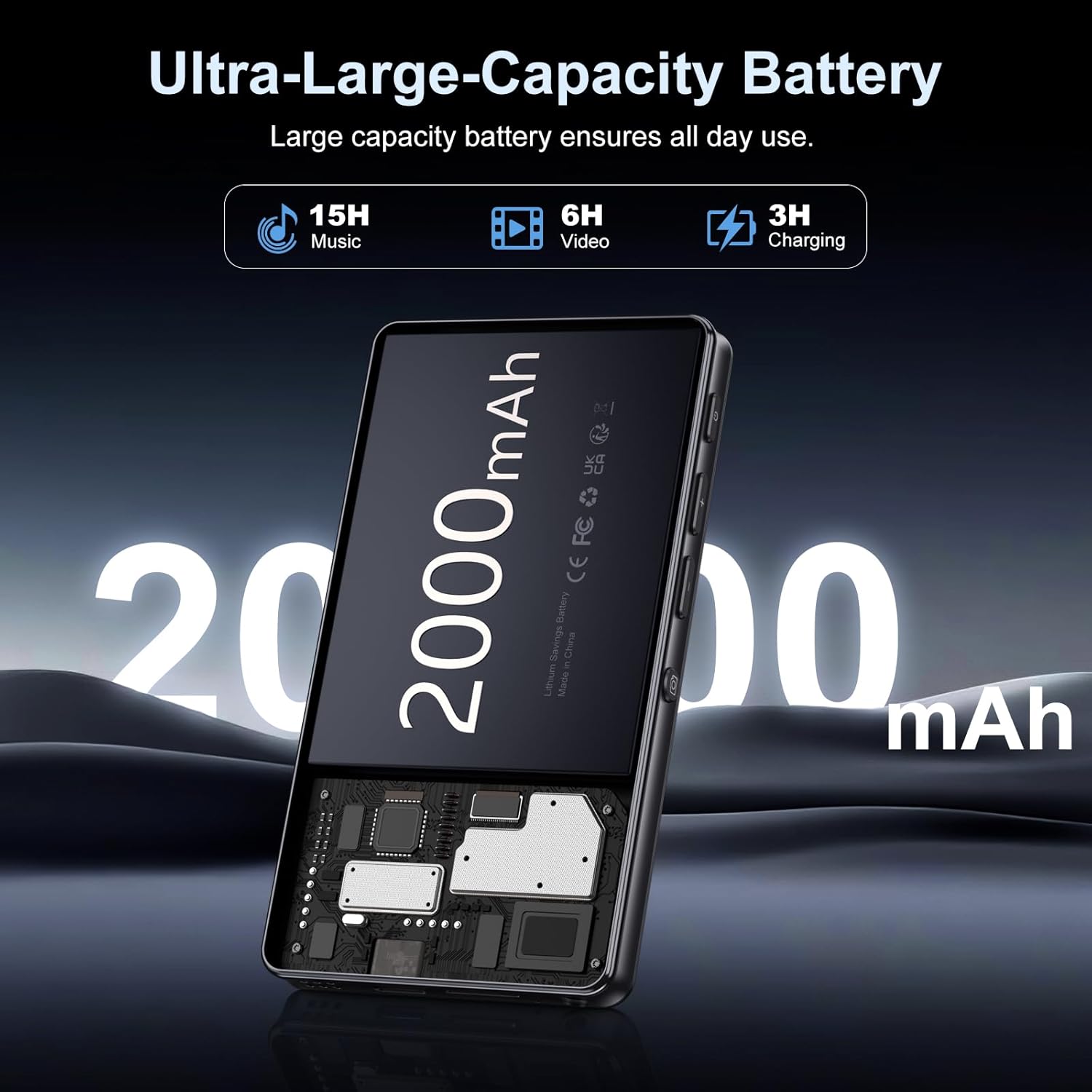
Image: Illustration of the 2000mAh battery and its charging/usage capabilities.
The 2000mAh battery provides approximately 15 hours of music playback and 6 hours of video playback on a full charge, which takes about 3 hours.
1.3 電源オン/オフ
- 電源を入れるには: 画面が点灯するまで、デバイスの側面にある電源ボタンを押し続けます。
- 電源を切るには: 電源ボタンを長押しし、画面に表示されるオプションから「電源を切る」を選択します。
1.4 初期設定
初めて電源を入れるときは、画面の指示に従ってください。
- ご希望の言語を選択します。
- インターネット アクセスとアプリのダウンロードを行うには、Wi-Fi ネットワークに接続します。
- 日付と時刻を設定します。
2. 操作手順
2.1 基本的なナビゲーション(タッチスクリーン)
The Oilsky M305 features a 4.02-inch HD touchscreen for intuitive control. Use gestures similar to a smartphone:
- タップ: 項目を選択したり、アプリを開いたりします。
- スワイプ: リストをスクロールしたり、画面を切り替えたりします。
- ピンチしてズーム: In supported applications like image galleries.

Image: The 4.02-inch HD touchscreen in use, displaying video content.
2.2音楽の再生
The device supports various music formats including MP3, WAV, APE, FLAC, and AAC. You can play music through the built-in speaker or connected headphones/Bluetooth devices.

Image: Music playback interface showing supported audio formats.
- 音楽へのアクセス: Open the pre-installed music player app or any downloaded streaming service (e.g., Spotify, Audible).
- プレイリストの作成: Use the music player app to organize your songs into custom playlists.
- イコライザー: Adjust audio settings via the built-in equalizer for a personalized listening experience.

Image: Features for music management, including playlist creation and equalizer settings.
2.3ビデオ再生
The device supports various video formats including AVI, MKV, MP4, MPG, and MOV. Videos can be viewed on the 4.02-inch HD screen.

Image: Supported video and music formats for the device.
2.4 カメラの使用
The M305 is equipped with a 13MP rear camera and a 5MP front camera for capturing photos and videos.
- 写真を撮る: カメラ アプリを開き、撮影するフレームを決めて、シャッター ボタンをタップします。
- ビデオの録画: カメラ アプリでビデオ モードに切り替えて、録画ボタンをタップして開始/停止します。

Image: Illustration of the 5MP front and 13MP rear cameras.
2.5 接続性(BluetoothとWi-Fi)
The device features dual-band Wi-Fi for fast internet access and Bluetooth 5.0 for stable wireless connections.
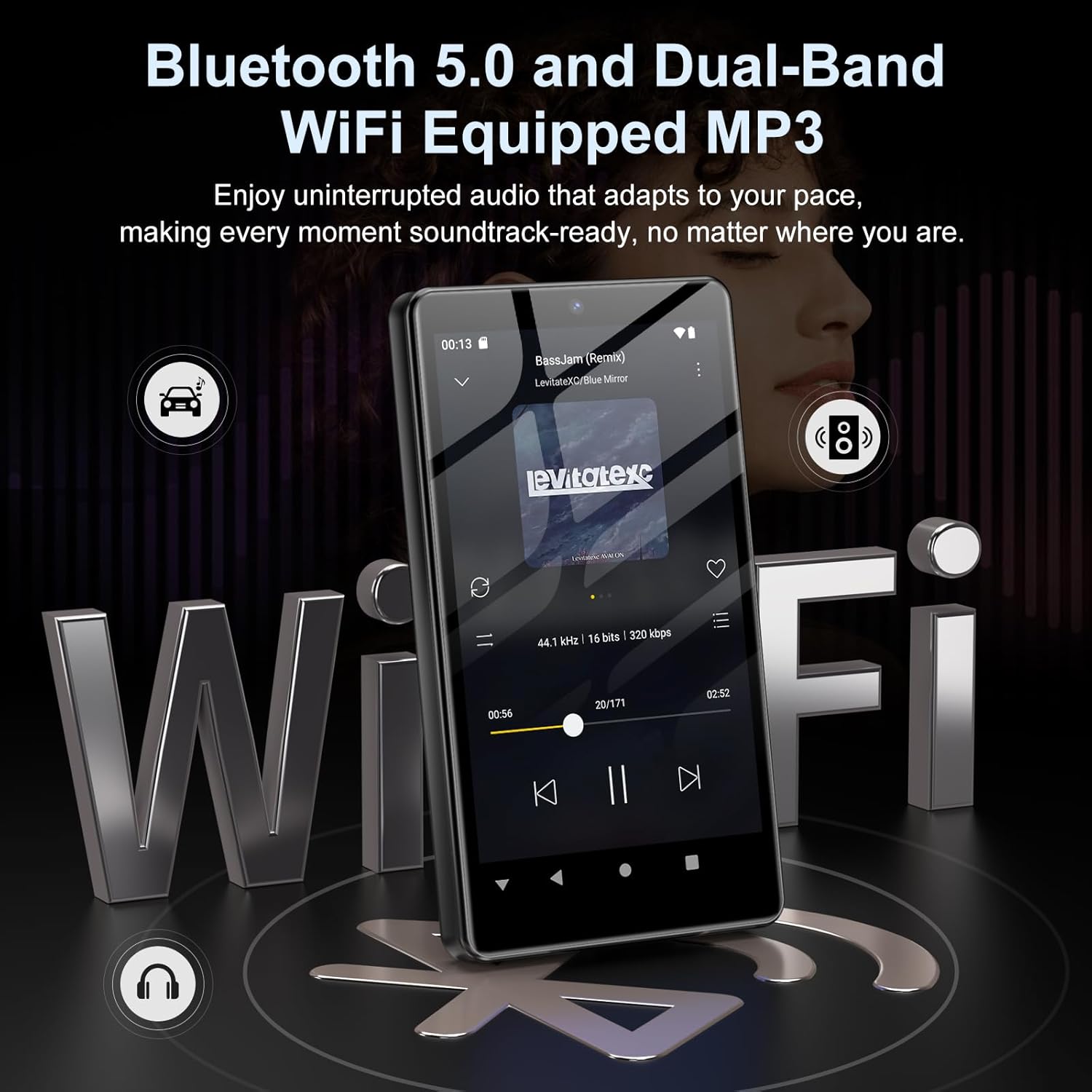
Image: Visual representation of Bluetooth and Wi-Fi connectivity.
- Wi-Fi: 利用可能なネットワークに接続するには、[設定] > [ネットワークとインターネット] > [Wi-Fi] に移動します。
- ブルートゥース: Go to Settings > Connected devices > Bluetooth to pair with headphones, speakers, or other Bluetooth-enabled devices.
2.6 ストレージ管理
The M305 comes with 32GB of internal ROM and includes a 128GB TF card, supporting external storage expansion up to 1TB.

Image: Storage capacity details including internal ROM and TF card expansion.
- Viewing Storage: Navigate to Settings > Storage to see internal and external storage usage.
- 転送中 Files: Connect the device to a computer using the USB cable to transfer music, videos, and photos.
2.7 アプリのインストール(Google Playストア)
Running on Android 13.0, the device allows you to install and uninstall applications from the Google Play Store.
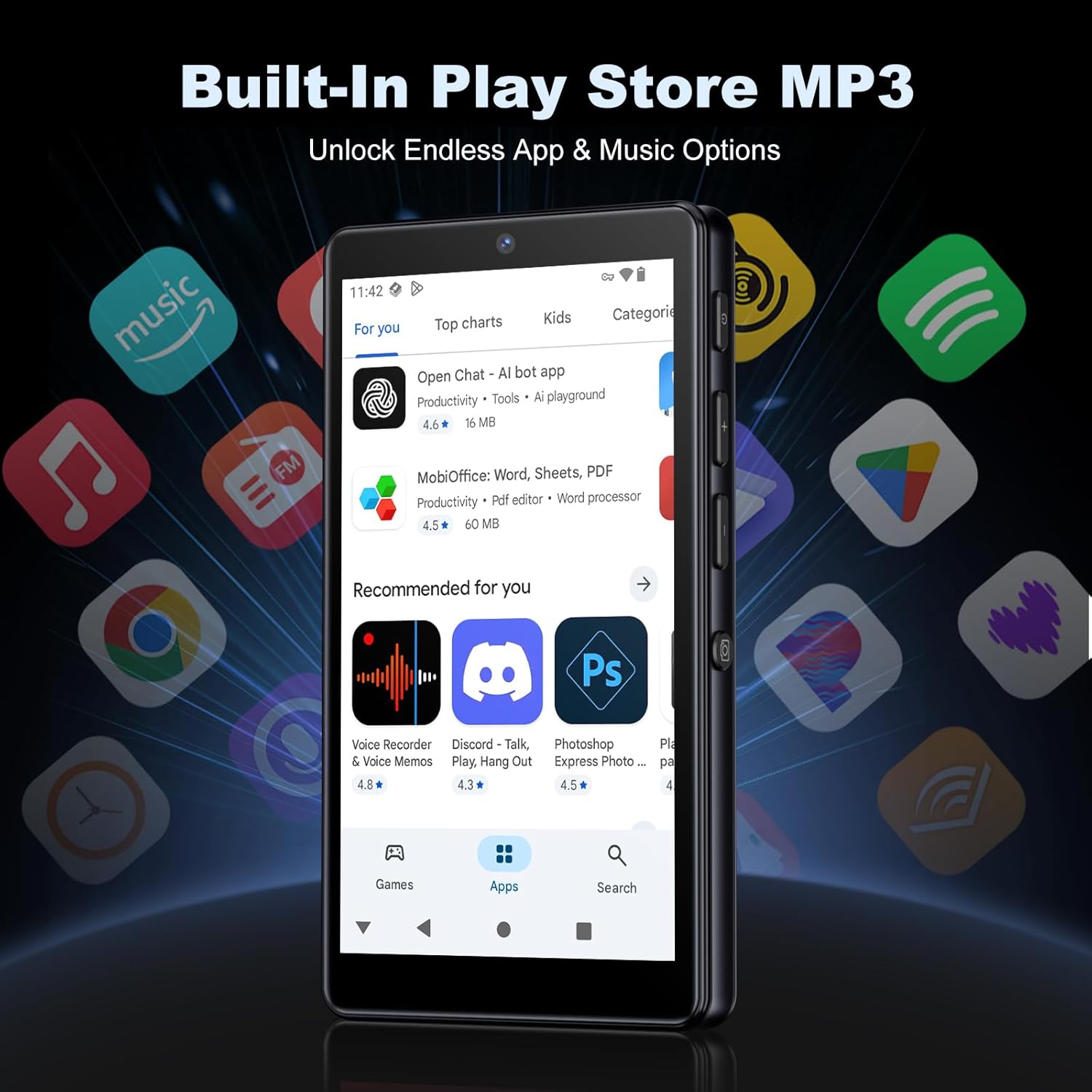
画像: デバイス上の Google Play ストア インターフェース。
- アプリのインストール: Open the Play Store app, search for your desired application, and tap 'Install'.
- アプリのアンインストール: Go to Settings > Apps, select the app, and tap 'Uninstall'.
3. メンテナンス
3.1 クリーニング
To clean the device, use a soft, dry, lint-free cloth. Avoid using abrasive cleaners, solvents, or aerosol sprays, which may damage the screen or finish.
3.2バッテリーケア
- デバイスを極端な温度にさらさないでください。
- バッテリーを頻繁に完全に放電させないでください。
- 充電には付属の USB ケーブルのみを使用してください。
3.3ソフトウェアアップデート
定期的にソフトウェアアップデートを確認し、デバイスに最新の機能とセキュリティパッチが適用されていることを確認してください。「設定」>「システム」>「システムアップデート」に移動してください。
4。 トラブルシューティング
4.1 デバイスの電源が入らない
- バッテリーが充電されていることを確認してください。デバイスを充電器に少なくとも30分間接続してください。
- 電源ボタンを10~15秒間押して強制再起動を試してください。
4.2 接続の問題(Wi-Fi/Bluetooth)
- Wi-Fi: Check if the Wi-Fi network is active and you have entered the correct password. Try restarting your router.
- ブルートゥース: Ensure the device you are trying to connect to is in pairing mode and within range. Try turning Bluetooth off and on again on both devices.
4.3 アプリがクラッシュまたはフリーズする
- アプリを閉じて再度開きます。
- Clear the app's cache: Settings > Apps > [App Name] > Storage & cache > Clear cache.
- 問題が解決しない場合は、アプリをアンインストールして再インストールしてみてください。
4.4 音質が悪い
- Check your earphones or Bluetooth speaker connection.
- オーディオを確保する file 破損していません。
- Adjust the equalizer settings in your music player.
5. 仕様
| 特徴 | 詳細 |
|---|---|
| ブランド | オイルスキー |
| モデル番号 | M305 |
| オペレーティング·システム | アンドロイド13.0 |
| プロセッサ | MTK 8コア |
| ラム | 4GB |
| 内部ストレージ (ROM) | 32GB |
| 外部ストレージ | 128GB TFカード付属、最大1TBまで拡張可能 |
| 画面サイズ | 4.02インチHDタッチスクリーン |
| リアカメラ | 13MP |
| フロントカメラ | 5MP |
| ブルートゥース | ブルートゥース5.0 |
| Wi-Fi | デュアルバンドWi-Fi |
| バッテリー容量 | 2000mAh リチウムポリマー |
| 音楽再生時間 | 最大15時間 |
| ビデオ再生時間 | 最大6時間 |
| 充電時間 | 約3時間 |
| サポートされているオーディオ形式 | MP3、WAV、APE、FLAC、AAC など。 |
| サポートされているビデオ形式 | AVI, MKV, MP4, MPG, MOV, etc. |
| サポートされている画像形式 | JPEG, BMP, GIF, PNG, etc. |
6. 保証情報
The Oilsky M305 MP3 Player comes with a manufacturer's warranty. Please refer to the warranty card included in your package or contact Oilsky customer support for specific terms and conditions. Keep your proof of purchase for warranty claims.
7. カスタマーサポート
If you encounter any issues not covered in this manual or require further assistance, please contact Oilsky customer support. Contact details can typically be found on the official Oilsky webサイトまたは保証書に記載されています。