
導入
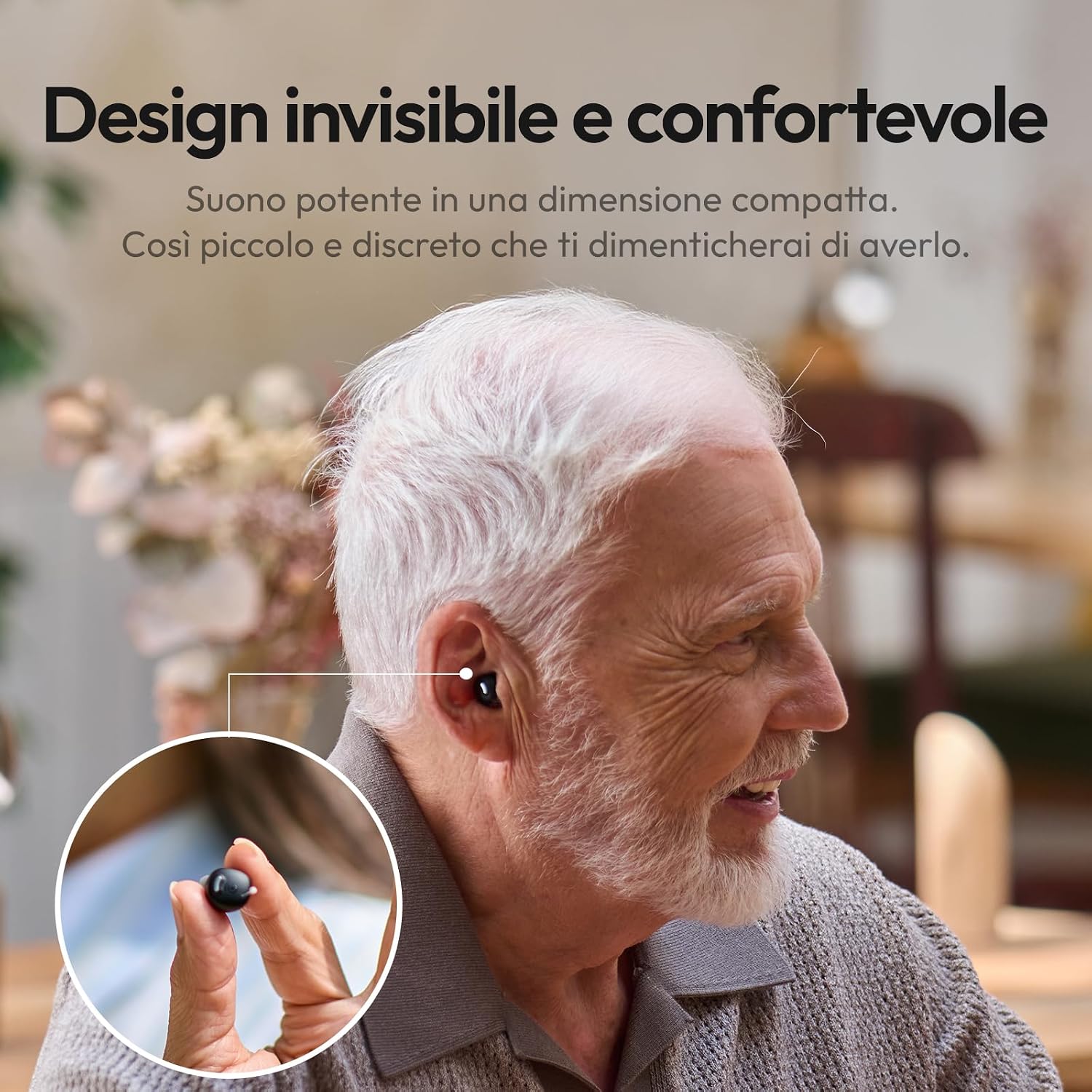
Welcome to your Cearvol Nano Sound Amplifier. This device is designed to enhance your hearing experience with advanced audio processing, reducing background noise and focusing on vocal clarity. Its compact, discreet design and intuitive controls make it suitable for daily use. Please read this manual carefully to ensure proper use and maintenance of your device.
箱の中身
Your Cearvol Nano Sound Amplifier パッケージには次のコンポーネントが含まれています。
- 1x Cearvol Nano Sound Amplifier (Left/Right pair)
- 充電ケース x 1
- タイプC充電ケーブル x 1
- 3x Pairs of Ear Tips (Sizes: Small, Medium, Large)
- クリーニングブラシ x 1
- ユーザーマニュアル x 1
- 1xクイックスタートガイド

設定
1. 初期充電
Before first use, ensure both the charging case and the sound amplifiers are fully charged. Connect the provided Type-C charging cable to the charging case and then to a suitable power source (e.g., a USB wall adapter or computer USB port). The indicator lights on the case will show the charging status. A full charge typically takes approximately 2 hours.
2. Fitting the Ampリファイアー
Select the appropriate ear tip size (Small, Medium, or Large) that provides a comfortable and secure fit in your ear canal. A good seal is crucial for optimal sound quality and to prevent feedback. Gently insert the amplifier into your ear canal until it feels snug and stable. Ensure the amplifier is correctly oriented, with the microphone facing outwards.

操作手順
1. 電源のオン/オフ
The Cearvol Nano Sound Amplifiers are designed for ease of use. They will automatically power on when removed from the charging case and power off when placed back into the case. Ensure they are properly seated in the charging slots.
2. 音量コントロール
Adjust the listening volume directly from the charging case. Use the + 音量を上げるボタンと - button to decrease volume. There are 4 distinct volume levels to choose from.
3. Sound Programs
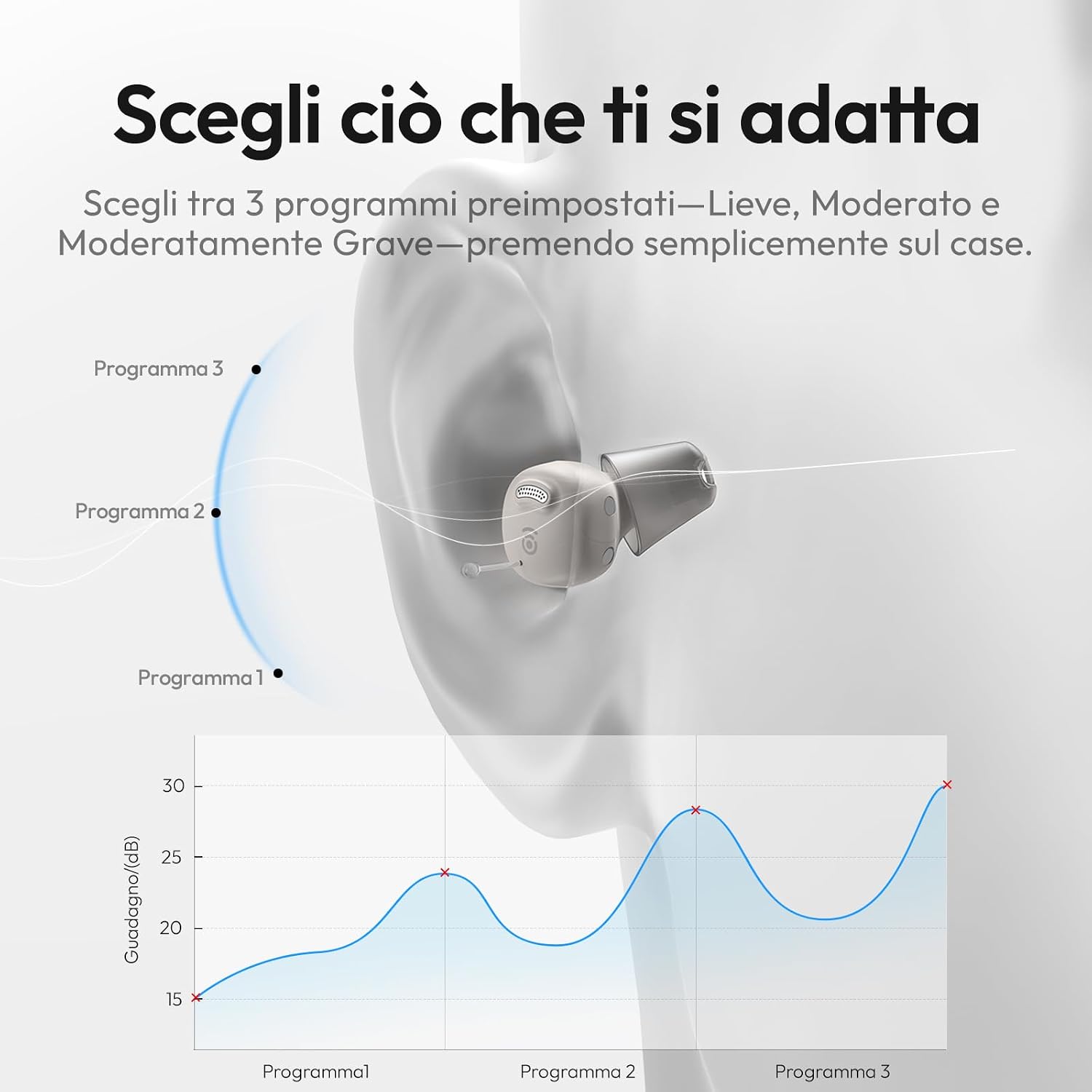
The device offers 3 pre-set sound programs to cater to different hearing needs: 軽度, 適度、 そして 強化. Cycle through these programs by pressing the designated program button on the charging case. Experiment to find the program that best suits your hearing profile.
4. Environmental Modes
The Cearvol Nano features 3 environmental modes to optimize sound clarity in various settings:
- 屋内モード: Ideal for quiet home environments, focusing on clear conversations.
- 屋外モード: Reduces wind noise and enhances sounds in open spaces.
- レストランモード: Minimizes background chatter and focuses on speech in noisy environments.
Switch between these modes using the 'M' button on the charging case.

5. Charging Case Controls
The charging case is your central control unit. It allows you to adjust volume, select sound programs, and switch environmental modes without needing a smartphone app. Refer to the diagram below for a visual guide to the button functions.

6. Battery Life and Quick Charge
の amplifiers provide up to 17 hours of continuous use on a single charge. The charging case extends the total usage time to 54 hours. A quick 15-minute charge in the case can provide an additional 3 hours of listening time.

メンテナンス
1. 清掃
Regular cleaning is essential for maintaining the performance and hygiene of your Cearvol Nano Sound Amplifiers. The charging case features an integrated UV sanitization light that activates during charging, eliminating up to 99.9% of bacteria. Additionally, use the provided cleaning brush to gently remove any earwax or debris from the ear tips and amplifier openings. Do not use liquids or harsh chemicals directly on the amplifiers。
2. ストレージ
When not in use, always store the amplifiers in their charging case. This protects them from dust and damage, and ensures they remain charged and ready for your next use.
トラブルシューティング
If you encounter any issues with your Cearvol Nano Sound Amp問題が解決しない場合は、次の一般的な解決策を参照してください。
- 音が出ない: 確実に amplifiers are fully charged and correctly inserted into your ears. Check that the volume is not set to the lowest level.
- Poor Sound Quality or Feedback (Whistling): This often indicates an improper fit. Try a different size of ear tip to achieve a better seal in your ear canal. Ensure the amplifiers are clean and free of earwax. Adjust the sound program or environmental mode.
- 充電の問題: Verify that the Type-C charging cable is securely connected to both the charging case and the power source. Ensure the power source is active. Clean the charging contacts on both the amplifiers and the case.
- Amp電源が入らない: 確実に amplifiers are fully charged. If they do not turn on automatically when removed from the case, try placing them back in the case for a few seconds and then removing them again.
If these steps do not resolve the issue, please contact Cearvol customer support for further assistance.
仕様
| 特徴 | 詳細 |
|---|---|
| ブランド | セアボル |
| モデル名 | ナノ |
| 色 | Galassia (Galaxy) |
| 材料 | プラスチック |
| スタイル | インイヤー |
| 電源 | 充電式バッテリー |
| 特集 | Volume Control, Sweat Resistant, Rechargeable |
| フォームファクター | インイヤー |
| 電池のタイプ | リチウムポリマー(電池3個付属) |
| 対応デバイス | テレビ、タブレット、スマートフォン |
| コントロールタイプ | Button Control (via charging case) |
| バッテリー重量 | 4.7グラム |
| 騒音制御 | None (Focuses on vocal clarity and background noise reduction) |
| 推奨用途 | 3 Environmental Modes, 3 Sound Programs (Mild, Moderate, Enhanced) |
| IP 定格 | IPX5 (Resistant to light rain and sweat) |
| Ampライフファイアバッテリー寿命 | 最大17時間 |
| バッテリー総寿命(ケース付き) | 最大54時間 |
| クイックチャージ | 15分間で3時間使用可能 |
保証とサポート
Cearvol is committed to providing quality products and excellent customer service. Your Cearvol Nano Sound Amplifier comes with a standard manufacturer's warranty. For specific warranty details, claims, or technical support, please refer to the warranty card included in your package or visit the official Cearvol webサイト。
顧客再views frequently highlight Cearvol's responsive and helpful post-sale support. If you have any questions or require assistance, do not hesitate to reach out to their customer service team.