
1.製品オーバーview
The aMagisn Bluetooth Wireless Remote Control is designed for seamless control of various action cameras and smartphones. It offers extended range, long battery life, and a durable, splash-resistant design, making it suitable for diverse shooting environments.
パッケージ内容
- リモコンx 1
- 充電ケーブル×1
- Short Wrist Strap x 1
- Long Wrist Strap x 1
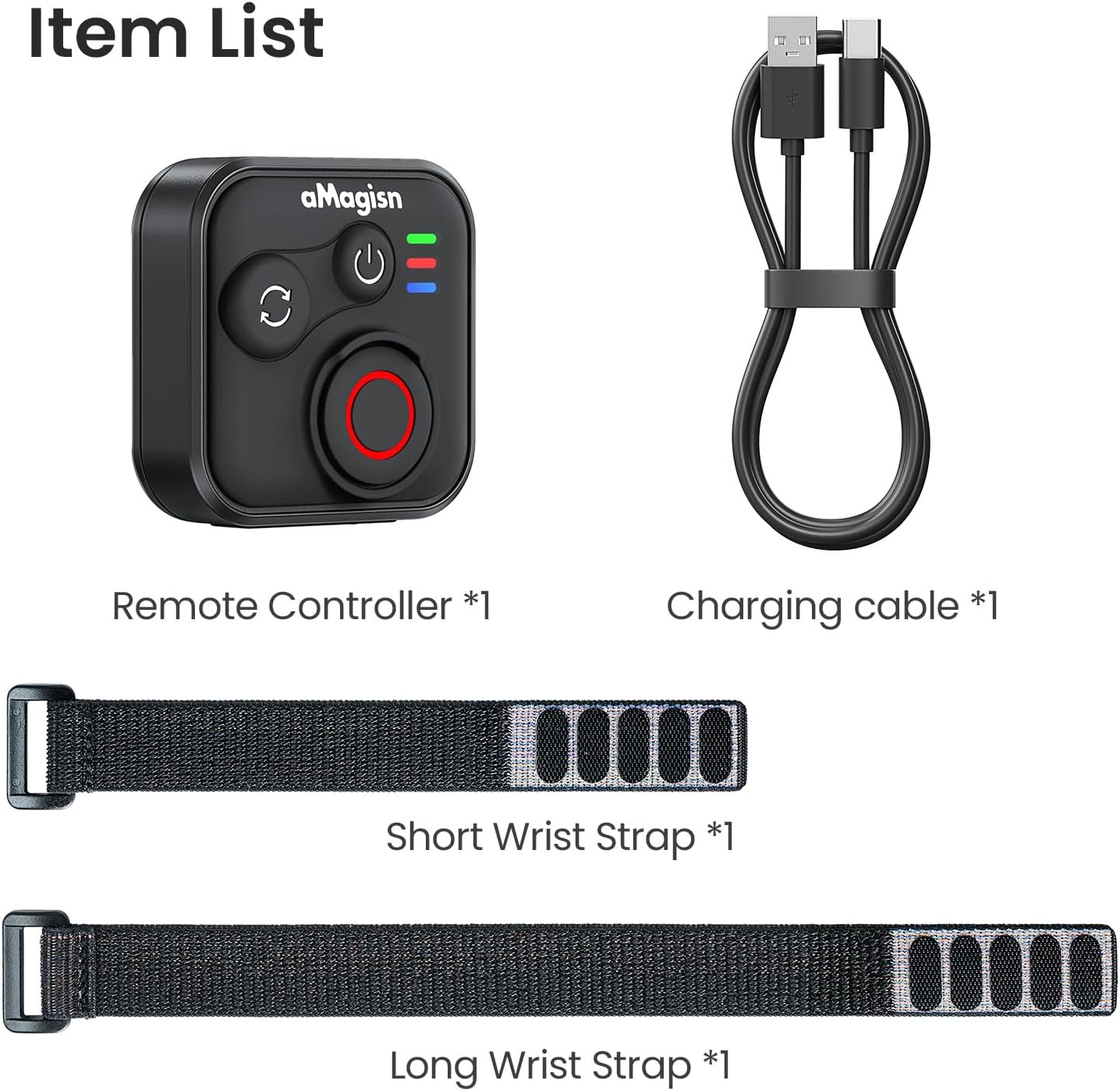
Image: Package contents including the remote, charging cable, and two wrist straps.
2. 仕様
| ブランド | アマギスン |
| 製品名 | Sports Camera Bluetooth Remote Control |
| 対応デバイス | Insta360 series cameras, GoPro Hero series cameras, Android smartphones, iOS smartphones |
| 材料 | ABSシリコン |
| 寸法 | 37.0 x 37.0 x 18.9 ミリメートル |
| 重さ | 23グラム |
| バッテリー容量 | 3.7V / 120mAhリチウムイオン |
| 充電時間 | 約3時間 |
| 充電入力 | 5V/100mA |
| 最大範囲 | 最大76メートル(デバイスによって異なります) |

Image: Visual representation of the remote control's dimensions and key specifications.
3. セットアップ
リモコンの充電
Before first use, fully charge the remote control. Connect the provided charging cable to the USB-C port on the remote and to a standard USB power source. The charging indicator light will show the charging status.
デバイスとのペアリング
The remote control supports pairing with Insta360 cameras, GoPro cameras, and iOS/Android smartphones.
- 電源オン: Briefly press the Power Button to turn on the remote.
- ペアリングモードに入る: If pairing with a new device, perform an Ultra-long press on the Mode Switch Button to force the remote to re-pair. The light indicator will show alternating blue, red, and green flashes.
- デバイスで Bluetooth を有効にします: カメラまたはスマートフォンで Bluetooth を有効にし、利用可能なデバイスを検索します。
- Select Remote: Select the aMagisn remote from the list of found devices to complete the pairing process.
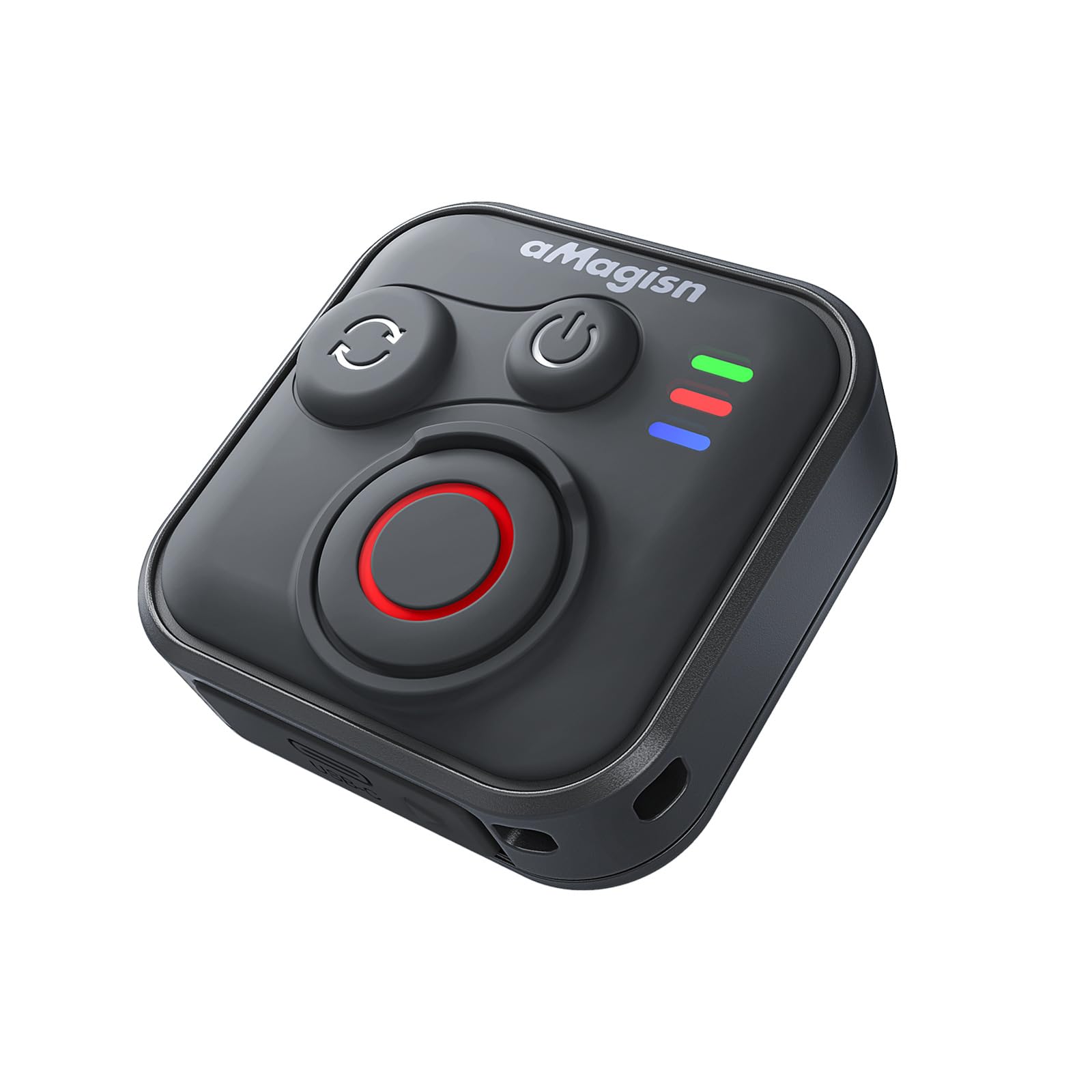
Image: The remote control demonstrating its Bluetooth 5.1 range, compatible with various devices.
4. 操作手順
ボタンの機能
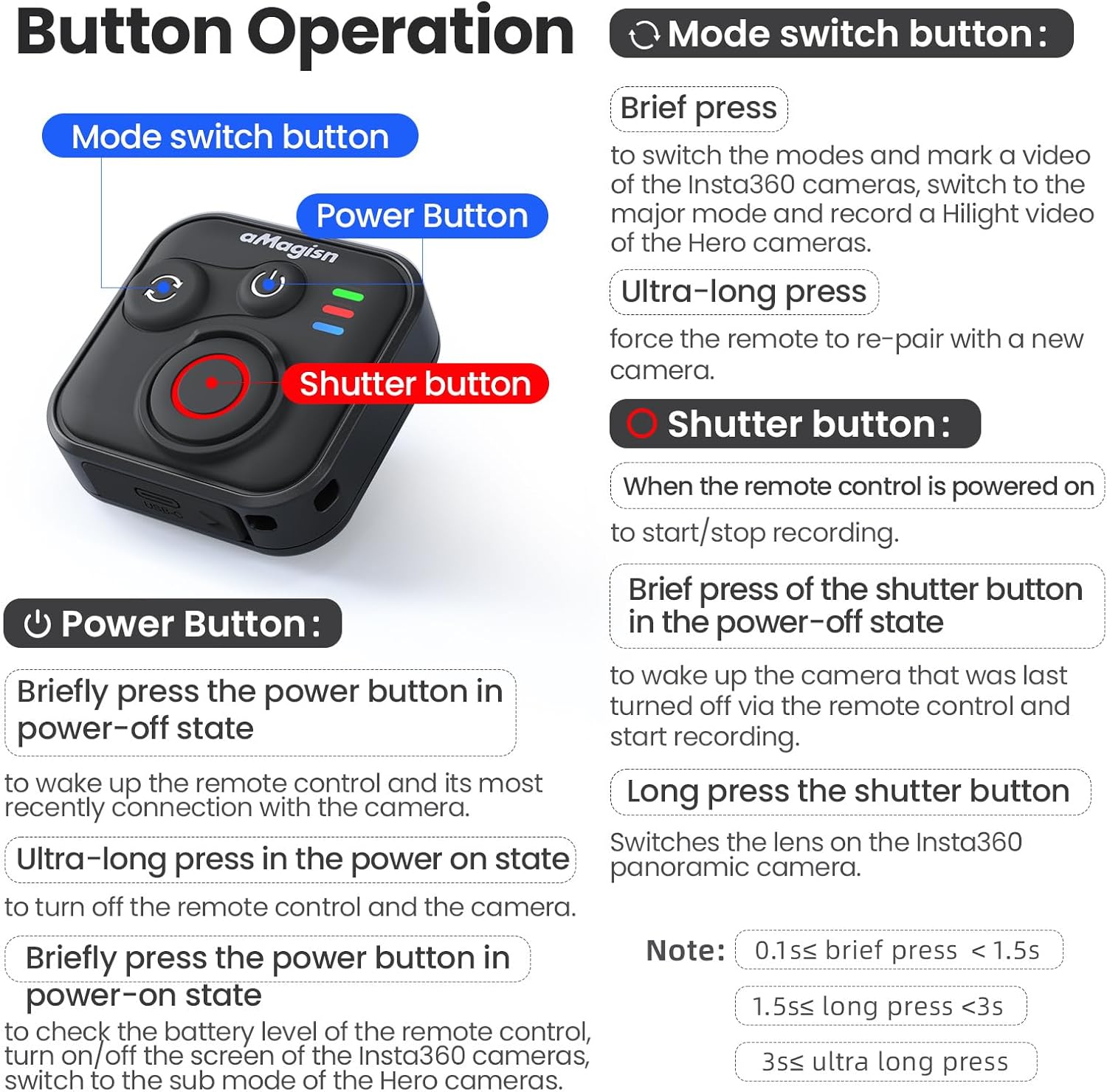
画像: 詳細view of the remote control's buttons and their respective operations.
電源ボタン
- Brief press (Power-off state): Wakes up the remote control and connects to the most recently paired device.
- Ultra-long press (Power-on state): リモコンと接続されたカメラの電源をオフにします。
- Brief press (Power-on state): Checks battery level, turns on/off the screen of Insta360 cameras, or switches to the sub-mode of Hero cameras.
モード切り替えボタン
- 短く押す: Switches between modes (e.g., Photo/Video) and marks a video highlight (for GoPro HiLight).
- 超長押し: リモコンを新しいカメラと再度ペアリングするように強制します。
シャッターボタン
- Press (Remote powered on): 録画/キャプチャを開始または停止します。
- Brief press (Power-off state): リモコンで最後にオフにしたカメラを起動し、録画を開始します。
- 長押し: Insta360 パノラマカメラのレンズを切り替えます。
Light Indicator Status

Image: Explanation of the remote control's LED light indicators for battery, connection, and pairing status.
Red and Green Light (Battery Status - Press Power Button)
- 緑色の点灯: バッテリー残量は 10% ~ 100% です。
- 点滅する緑色のライト: バッテリー残量は 0% ~ 10% です。
- 点滅する赤いライト: バッテリーレベルは0%です。
Blue Light (Bluetooth Status)
- 青色のライト: Bluetoothが接続されています。
- Blinking Blue Light (Power light off): 最後に接続したデバイスへの接続を待機しています。
充電状態
- 赤色点灯: 充電中です。バッテリーはまだ満充電されていません。
- 緑色の点灯: 充電中です。バッテリーは満充電です。
New Device Pairing
- 青、赤、緑のライトが交互に点滅: カメラは新しいデバイスとのペアリングを待機しています。
5. Installation and Usage Scenarios
The remote control features a versatile design with four pass-through holes, allowing for both horizontal and vertical wrist strap attachment. This ensures secure mounting on wrists, handlebars, selfie sticks, or other accessories.

画像: Examples of how the remote control can be mounted horizontally or vertically using wrist straps, and various use cases like cycling, selfie sticks, and backpack clips.
防水設計
The remote control features a waterproof build and a sealed USB port, making it resistant to splashes, rain, and suitable for use in wet conditions like surfing.
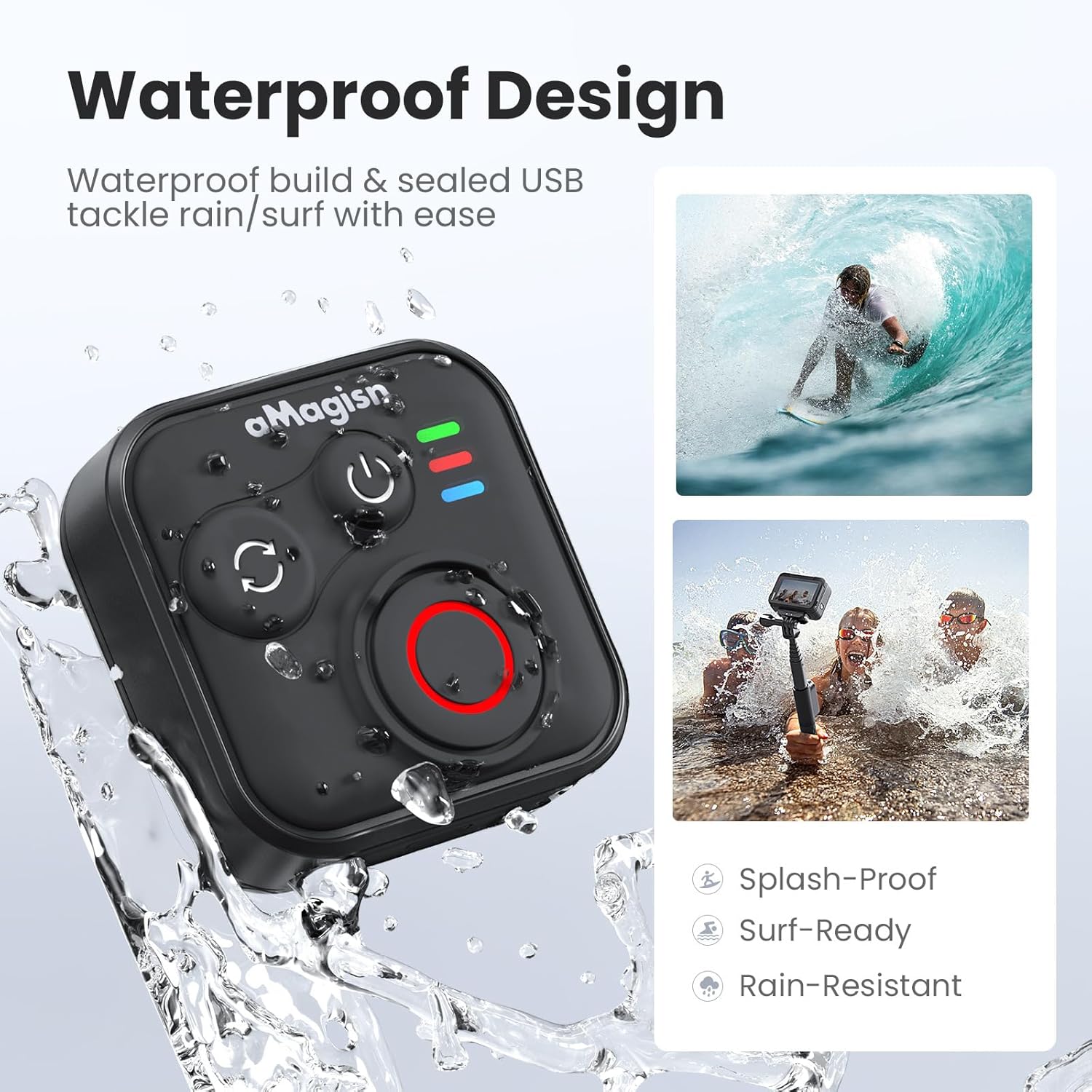
Image: The remote control demonstrating its waterproof capabilities, suitable for use in rain or near water.
6. メンテナンス
クリーニング
リモコンは柔らかく乾いた布で拭いてください。頑固な汚れには、軽く湿らせた布で拭いてください。amp 布で拭いても構いません。刺激の強い化学薬品や研磨剤入りの洗剤は使用しないでください。
ストレージ
Store the remote control in a cool, dry place away from direct sunlight and extreme temperatures. If storing for an extended period, ensure the battery is partially charged (around 50%) to prolong its lifespan.
バッテリー寿命
The remote control offers up to 96 hours of continuous operation on a single charge, with a charging duration of approximately 3 hours.

Image: Visual representation of the remote control's impressive 96-hour battery life and 3-hour charging time.
7。 トラブルシューティング
- リモコンの電源が入らない: Ensure the battery is charged. Connect to the charging cable and check the charging indicator light.
- デバイスとペアリングできません:
- カメラ/スマートフォンで Bluetooth が有効になっていることを確認してください。
- 実行する Ultra-long press on the Mode Switch Button on the remote to force re-pairing.
- Ensure the remote is within the effective Bluetooth range of your device.
- Restart both the remote and your device.
- リモコンでカメラを制御できない:
- Verify that the remote is successfully paired (solid blue light).
- Check camera settings to ensure it supports external Bluetooth remote control.
- カメラのファームウェアが最新であることを確認してください。
- 短い動作範囲: Environmental factors (e.g., obstacles, interference) can affect Bluetooth range. Try operating in an open area.
8. 保証とサポート
For warranty information or technical support, please refer to the contact details provided with your purchase or visit the official aMagisn webサイトでご確認ください。保証請求に備えて購入証明書を保管してください。