
LongPlus X84
LongPlus 2K Vicohome Wireless Outdoor Security Camera Instruction Manual
モデル:X84
導入
This manual provides detailed instructions for the installation, operation, and maintenance of your LongPlus 2K Vicohome Wireless Outdoor Security Camera. Please read this manual thoroughly before using the product to ensure proper functionality and safety.

Image: Two LongPlus 2K Vicohome Wireless Outdoor Security Cameras, black, with water droplets, mounted on a wall bracket.
パッケージ内容
以下にリストされているすべてのアイテムがパッケージに含まれていることを確認してください。
- Security Camera with Bracket
- ネジのパック
- リセット針
- USBケーブル
- クイックスタートガイド
製品の特徴
- AIイベント分析: Identifies and differentiates between people, pets, vehicles, and packages to reduce false alarms.
- 3MP Color Night Vision: Captures clear color images in low light conditions up to 33 feet.
- PIR Motion Detection & Siren Alarm: Triggers an audio and strobe light alarm upon detecting humanoid motion.
- 柔軟なストレージ: Supports up to 128GB Micro SD card (not included) and optional cloud storage.
- 双方向通話: Allows communication through the Vicohome app.
- 100%ワイヤレス: Battery-operated design for easy installation without wiring.
- スマートホーム統合: Amazon Alexaと互換性があります。
- 幅広い分野 View: 125度 view角度。
- 耐候性設計: 屋外使用に適したIP65定格。
設定
1. カメラを充電する
Before initial use, fully charge the camera using the provided USB cable. The charging indicator light will show the charging status.
2. アプリのインストールとアカウント作成
- Download the "Vicohome" app from your smartphone's app store (iOS or Android).
- アプリを開き、画面の指示に従ってアカウントを作成し、ログインします。
3.Wi-Fiへの接続
- Ensure your camera is powered on and near your Wi-Fi router.
- In the Vicohome app, tap the "+" icon to add a new device.
- Follow the app's instructions to connect the camera to your 2.4GHz Wi-Fi network. 5GHz networks are not supported.
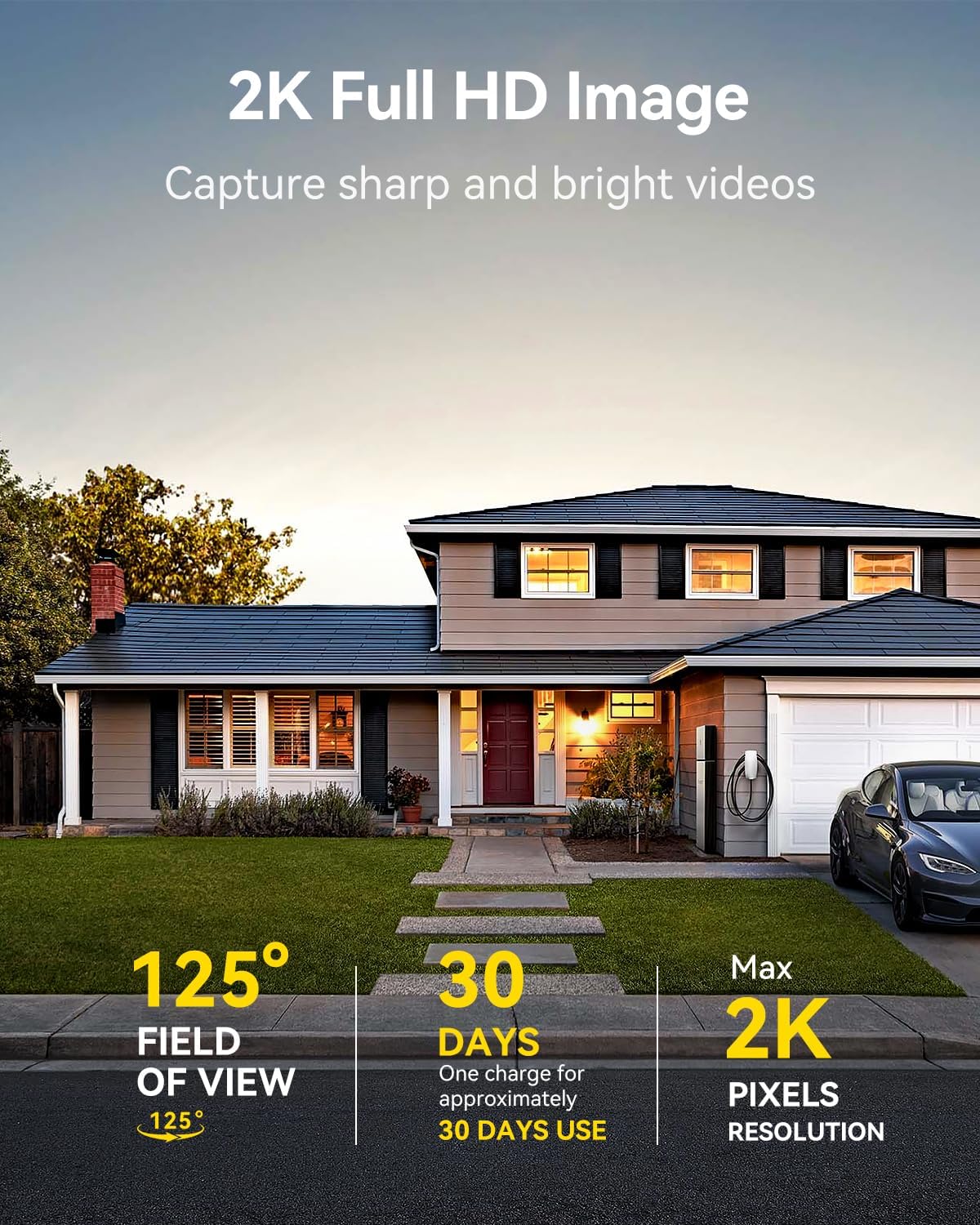
Image: A LongPlus security camera on a wooden table, illustrating its 2.4GHz WiFi connectivity.
4.カメラの取り付け
The camera can be mounted on a ceiling or wall. Choose a location that provides the desired view角度が適切で、Wi-Fi 範囲内にあること。
- Mark the positions for drilling using the camera bracket as a template.
- 必要に応じて下穴を開け、壁アンカーを挿入します。
- 付属のネジを使用してブラケットを表面に固定します。
- カメラをブラケットに取り付け、角度を調整します。

Image: A LongPlus security camera mounted on an outdoor wall, demonstrating its wire-free installation.
手術
1.ライブ View
Vicohomeアプリを開いてカメラを選択して view the live feed. You can monitor your surroundings in real-time.

Image: A smartphone displaying the live feed from a LongPlus security camera, showing children playing in a yard.
2. 双方向の会話
ライブから view screen in the app, tap the microphone icon to initiate two-way communication. Speak into your phone to communicate with individuals near the camera.

Image: A person receiving a package at their front door, demonstrating the two-way talk feature of the LongPlus camera.
3. モーション検出設定
Configure motion detection sensitivity and define detection zones within the Vicohome app settings for your camera. This helps in reducing unwanted alerts.

Image: A man walking past a LongPlus security camera, illustrating motion detection and app alerts.

画像: 航空写真 view of a house with a pool, illustrating customizable motion detection zones for different objects.

Image: A house with a lawn, demonstrating the ability to set specific motion detection zones.
4. ナイトビジョン
The camera automatically switches to color night vision in low light conditions, providing clear visibility.

Image: A LongPlus security camera mounted outdoors at night, showing its color night vision capability on a smartphone screen.
5. 録音と再生
Recordings are stored on a Micro SD card (if installed) or in the cloud (subscription may be required). Access and playback recorded events through the Vicohome app's library section.

Image: A LongPlus camera with an SD card being inserted, illustrating local and cloud storage options.
6.デバイス共有
You can share access to your camera with other users through the Vicohome app, allowing multiple individuals to monitor the feed simultaneously.
7. スマートホーム統合
The camera is compatible with Amazon Alexa. Follow the instructions in the Vicohome app or Alexa app to link your devices and use voice commands for monitoring.

Image: A person using an Amazon Echo Show to view Alexa 音声コマンドを介してカメラフィードを表示します。
メンテナンス
1。 バッテリーの充電
Monitor the battery level through the Vicohome app. Recharge the camera when the battery is low to ensure continuous operation. If the camera is installed in a hard-to-reach location, consider using a compatible solar panel charger (sold separately) to reduce the frequency of manual charging.
2. SDカードの管理
If using a Micro SD card, ensure it is a genuine card and inserted correctly. Periodically review 保存された食品を管理するtage. The card can be ejected with a gentle press.
3. 清掃
Gently wipe the camera lens and body with a soft, dry cloth to remove dust and debris. Avoid using harsh chemicals or abrasive materials.
トラブルシューティング
| 問題 | 考えられる原因 | 解決 |
|---|---|---|
| カメラがWi-Fiに接続できない | Wi-Fi パスワードが正しくありません。カメラがルーターから遠すぎます。5GHz Wi-Fi ネットワークが使用されています。 | Verify Wi-Fi password. Move camera closer to router. Ensure you are connecting to a 2.4GHz Wi-Fi network. Reset the camera using the reset needle and try pairing again. |
| 頻繁な誤警報 | High motion detection sensitivity; environmental factors (e.g., moving branches, insects). | Reduce motion detection sensitivity in the Vicohome app. Define specific detection zones to exclude irrelevant areas. |
| バッテリー寿命が短い | Frequent motion detection events; cold weather; continuous live view 使用法。 | 動き検出の感度を下げる。ライブ映像を制限する。 view sessions. Consider purchasing a solar panel charger for continuous power. Ensure the camera is fully charged before deployment. |
| 夜間の画質が悪い | Obstructions near the lens; insufficient ambient light for color night vision. | Ensure the camera lens is clean and free from obstructions. Verify that the night vision mode is active in the app settings. |
| SDカードに録画されない | SD card not inserted correctly; incompatible SD card; SD card full or corrupted. | Reinsert the SD card carefully. Use a genuine Micro SD card up to 128GB. Format the SD card through the app. Replace the SD card if corrupted. |
仕様
| 特徴 | 詳細 |
|---|---|
| モデル番号 | X84 |
| 屋内/屋外での使用 | 屋内、屋外 |
| 電源 | 電池駆動 |
| 接続プロトコル | Wi-Fi(2.4GHz) |
| コントローラータイプ | Amazon Alexa, Vicohome App |
| ビデオキャプチャ解像度 | 1440p(2K) |
| 実効静止画解像度 | 3 MP |
| View角度 | 130度 |
| 暗視範囲 | 33フィート |
| フレームレート | 毎秒15フレーム |
| 材料 | 高品質ABS |
| 耐水性レベル | (防水)IP65 |
| フラッシュメモリサポート最大サイズ | 128 GB(マイクロSD) |
| 商品の寸法 (長さ x 幅 x 高さ) | 2.36 x 2.16 x 4インチ |
| アイテム重量 | 1.59 ポンド (0.72 キログラム) |
| バッテリー | 1 個のリチウムイオン電池が必要 (付属) |
サポート
For technical assistance, troubleshooting beyond this manual, or warranty inquiries, please contact LongPlus customer support. Refer to the product packaging or the official LongPlus web連絡先情報のサイト。
また、 AmazonのLongPlusストア 追加の製品情報とリソースについては、こちらをご覧ください。
Ask a question about this manual
Ask about setup, troubleshooting, compatibility, parts, safety, or missing instructions. Manuals+ will review the question and use this page’s manual context to help answer it.