
1. はじめに
Thank you for choosing the Gtheos Captain 370 Wireless Gaming Headset. This manual provides essential information for setting up, operating, and maintaining your new headset. Designed for an immersive audio experience, the Captain 370 offers versatile connectivity and comfortable wear for extended gaming sessions and communication.
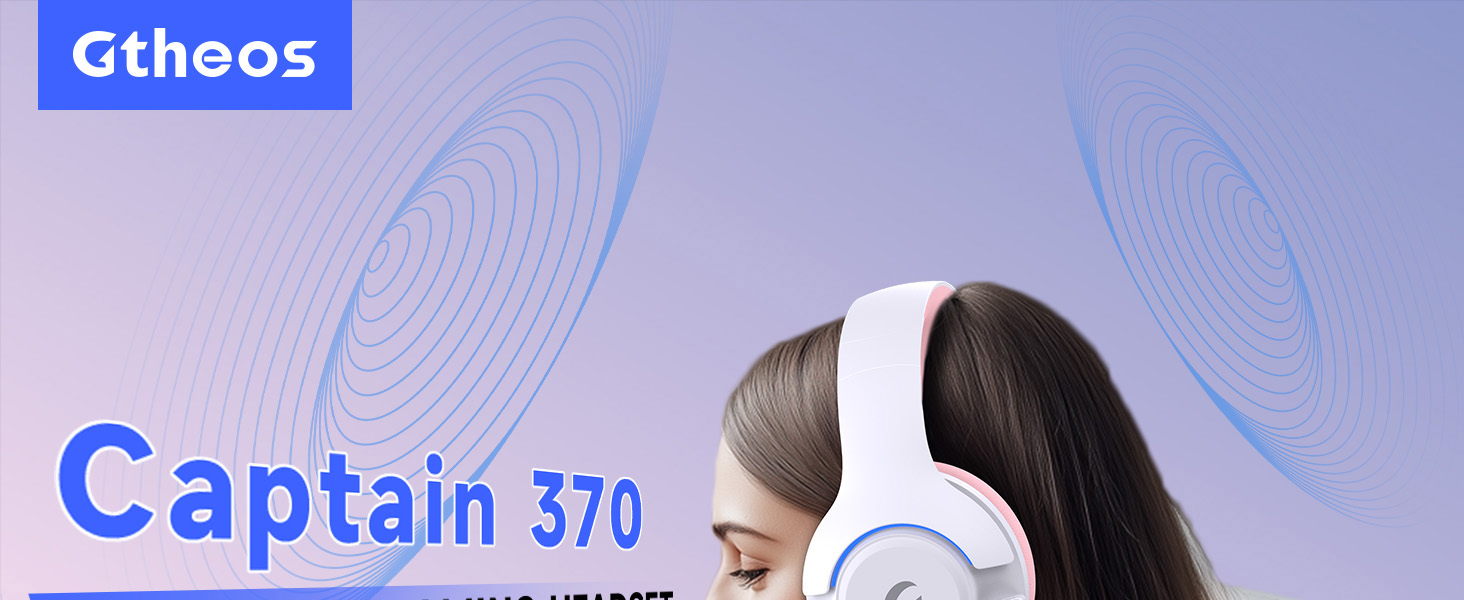
Image 1: The Gtheos Captain 370 Wireless Gaming Headset, showcasing its sleek design and comfortable earcups.
主な特徴:
- 4-in-1接続: Seamlessly switch between 2.4GHz wireless, Bluetooth 5.3, and 3.5mm wired modes for broad device compatibility.
- 50mmダイナミックドライバー: Experience realistic and immersive sound quality for gaming and multimedia.
- ノイズキャンセリングマイク: Detachable microphone designed to reduce background noise for clear communication.
- バッテリー寿命の延長: 45回の充電で最大XNUMX時間連続使用できます。
- 快適なデザイン: Ergonomically designed earcups and headband for prolonged comfort during use.
- RGB照明: Customizable LED lighting effects on the earcups.
2. セットアップ
2.1 箱の中身
- 1 x Gtheos Captain 370 Gaming Headset
- 1 x Detachable Noise Cancelling Microphone
- タイプC充電ケーブル x 1
- 1 x USB Transmitter (2.4GHz dongle)
- 1mmオーディオケーブル x 3.5
- ユーザーマニュアル x 1
2.2 ヘッドセットの充電
Before first use, fully charge the headset. Connect the Type-C charging cable to the headset's charging port and the other end to a USB power source (e.g., computer USB port, USB wall adapter). The LED indicator will show charging status and turn off when fully charged.

Image 2: Headset highlighting the 45-hour battery life and charging port.
2.3 マイクの取り付け
The Captain 370 comes with a detachable noise-canceling microphone. Insert the microphone into the dedicated port on the left earcup until it clicks into place. Ensure it is securely connected for optimal voice pickup.

Image 3: Close-up of the headset showing the detachable noise-canceling microphone.
3. 操作手順
3.1 電源オン/オフ
To power on the headset, press and hold the Power button located on the earcup until the LED indicator lights up. To power off, press and hold the Power button again until the LED indicator turns off.
3.2 接続モード
The Gtheos Captain 370 supports four connectivity modes:
- 2.4GHzワイヤレスモード: For PS4, PS5, PC, Mac, Nintendo Switch (via Type-C), and Phones/Pads (via Type-C). Insert the USB transmitter into your device. The headset will automatically connect.
- Bluetooth 5.3 モード: For Phones, Pads, and Notebooks. Enable Bluetooth on your device, put the headset into pairing mode (refer to device-specific instructions if needed), and select "Gtheos Captain 370" from the available devices.
- 3.5mm有線モード: For PS4, PS5, Xbox, PC, Mac, and Laptops/Tablets with a 3.5mm jack. Connect the included 3.5mm audio cable to the headset and your device.
Image 4: Visual representation of the four connectivity modes and compatible devices.

Image 5: Detailed compatibility matrix for voice and microphone functions across 2.4G, Bluetooth, and 3.5mm wired modes.
3.3 ボリュームコントロール
Adjust the volume using the dedicated volume roller or buttons on the headset's earcup. For optimal sound, also check the volume settings on your connected device.
3.4 マイクミュート
Press the Microphone Mute button on the headset to toggle the microphone on or off. An indicator light (often red) will typically show when the microphone is muted.
3.5 LED照明制御
The headset features customizable RGB lighting. Press the dedicated LED control button (often integrated with the mic mute button or a separate button) to cycle through different lighting effects or turn them off. A quick press may change colors, while a long press might toggle the lights on/off.
4. メンテナンス
To ensure the longevity and performance of your Gtheos Captain 370 headset, follow these maintenance guidelines:
- クリーニング: Use a soft, dry cloth to clean the headset. Avoid using harsh chemicals or abrasive materials. For earcups, gently wipe with a damp 布を拭き、完全に自然乾燥させます。
- ストレージ: ヘッドセットは、直射日光や極端な温度を避け、涼しく乾燥した場所に保管してください。
- 取り扱い: Avoid dropping the headset or exposing it to excessive force. Do not pull on cables forcefully.
- バッテリーのケア: バッテリー寿命を最大限に延ばすには、ヘッドセットを頻繁に完全に放電することは避けてください。頻繁に使用しない場合でも、定期的に充電してください。
5。 トラブルシューティング
5.1 音が出ない、または音量が低い
- ヘッドセットの電源がオンになっており、完全に充電されていることを確認します。
- ヘッドセットと接続されたデバイスの両方の音量レベルを確認します。
- デバイスのサウンド設定で正しいオーディオ出力デバイスが選択されていることを確認します。
- If using 2.4GHz wireless, ensure the USB transmitter is securely plugged in and recognized by your device.
- Bluetooth を使用する場合は、ヘッドセットが正しくペアリングされ、接続されていることを確認してください。
- 3.5mm 有線を使用する場合は、ケーブルがヘッドセットとデバイスの両方に完全に挿入されていることを確認してください。
5.2 マイクが機能しない
- マイクがヘッドセットにしっかりと取り付けられていることを確認してください。
- ヘッドセットのミュート ボタンを使用して、マイクがミュートされているかどうかを確認します。
- デバイスのサウンド設定で正しいマイク入力デバイスが選択されていることを確認します。
- さまざまなアプリケーションまたは別のデバイスでマイクをテストします。
5.3 接続の問題
- 2.4GHz: Try unplugging and re-plugging the USB transmitter. Ensure no other 2.4GHz devices are causing interference.
- ブルートゥース: Unpair and re-pair the headset with your device. Ensure the headset is within the Bluetooth range (10 meters).
- 一般的な: ヘッドセットと接続されているデバイスの両方を再起動します。
6. 仕様
| 特徴 | 詳細 |
|---|---|
| モデル名 | キャプテン370 |
| ブランド | グテオス |
| 接続技術 | 2.4GHzワイヤレス、Bluetooth 5.3、3.5mm有線 |
| オーディオドライバーのサイズ | 50ミリメートル |
| オーディオドライバータイプ | ダイナミックドライバ |
| 周波数応答 | 20 kHz |
| インピーダンス | 32オーム |
| 騒音制御 | 遮音性、ノイズキャンセリング(マイク) |
| バッテリー寿命 | 最大45時間 |
| Bluetoothバージョン | 5.3 |
| Bluetooth範囲 | 10メートル |
| 音声遅延 | 20ミリ秒 |
| 対応デバイス | PS5, PS4, PC, Mac, Laptop, Tablets, Phones, Nintendo Switch, Xbox (wired) |
| 材料 | ABS、レザー、PC |
| アイテム重量 | 0.51 キログラム (1.12 ポンド) |
| 色 | ダークピンク |
7.保証とサポート
7.1 保証情報
The Gtheos Captain 370 Wireless Gaming Headset comes with a standard manufacturer's warranty. Please refer to the warranty card included in your product packaging for specific terms and conditions, including warranty period and coverage details.
7.2 カスタマーサポート
For technical assistance, troubleshooting, or any questions regarding your Gtheos Captain 370 headset, please contact Gtheos customer support. You can find contact information on the official Gtheos webサイトまたは製品を購入した小売店を通じて購入できます。
訪問する AmazonのGtheosストア 詳細情報と製品のアップデートについては、こちらをご覧ください。