
導入
This manual provides detailed instructions for the setup, operation, maintenance, and troubleshooting of your EVICIV 15.6" 1080P Portable Monitor. Please read this manual thoroughly before using the product to ensure proper functionality and to maximize your user experience.
製品の特徴
- Universal Compatibility & VESA: Equipped with USB-C/Type-C and Mini HDMI ports, this portable monitor connects with laptops, smartphones, and gaming consoles. It includes a VESA interface (75x75@M4) for mounting options.
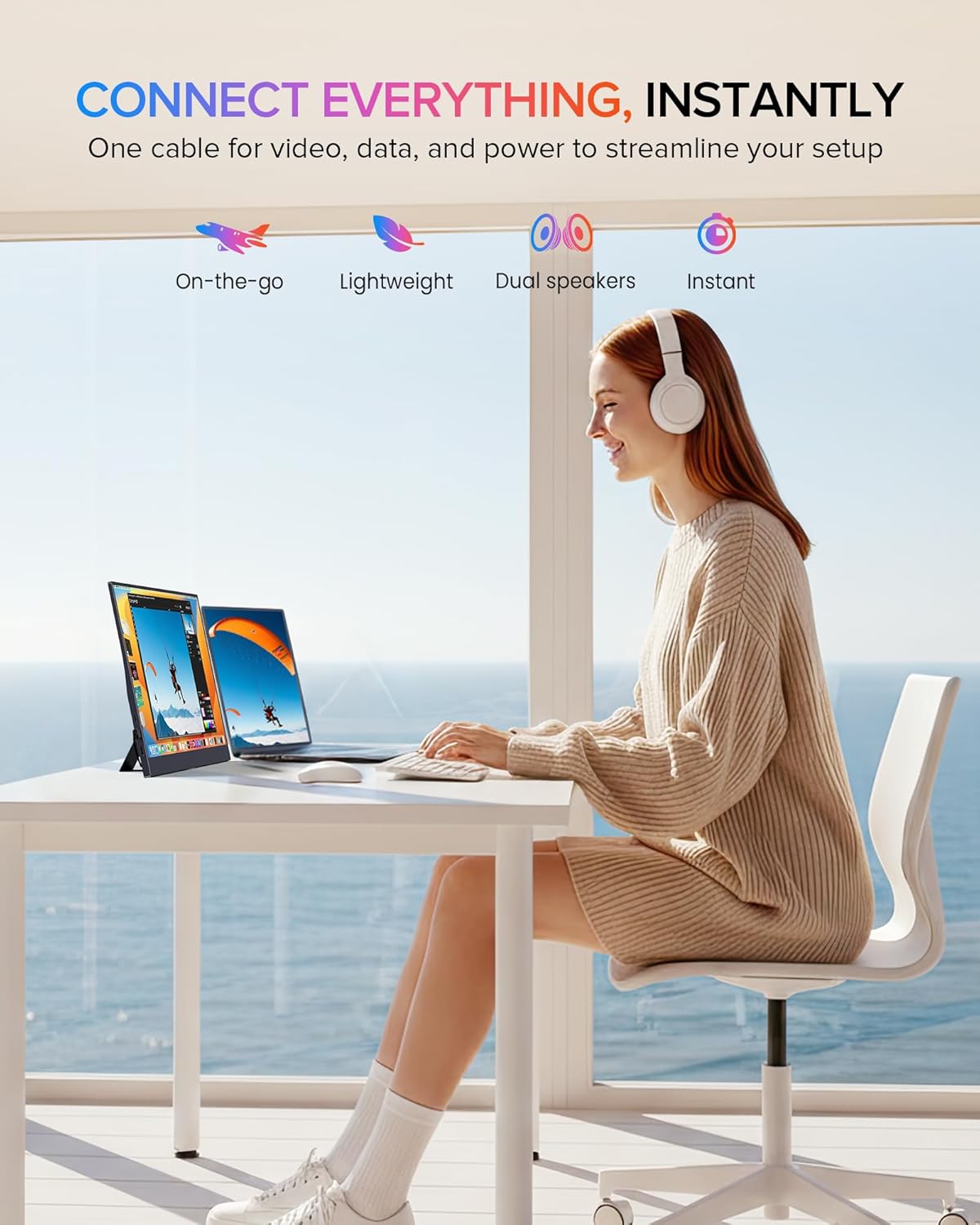
- Integrated Convenience: Features a built-in stand for adjustable viewing angles and integrated speakers for audio output, eliminating the need for external audio devices.
- 超薄型でポータブル: Weighing approximately 0.6 kilograms (1.46 pounds), this 15.6-inch monitor has an ultra-slim profile designed for portability.
- 15.6インチIPSディスプレイ: Provides a 1920x1080 FHD resolution IPS panel with a 178° viewing angle, offering consistent colors and visuals without distortion.
Experience vibrant and accurate colors with the monitor's 125% sRGB wider gamut, 350 Nits brightness, and 2000:1 contrast ratio, ensuring a true-to-life visual experience.
パッケージ内容
パッケージにすべてのアイテムが揃っていることを確認します。
- EVICIV 15.6" Portable Monitor
- USB-C から USB-C へのケーブル
- ミニHDMI-HDMIケーブル
- USB-A-USB-C電源ケーブル
- 電源アダプター
- ユーザーマニュアル
セットアップ手順
デバイスへの接続

The monitor is equipped with full-featured USB-C ports and a Mini HDMI port, allowing plug-and-play connectivity with a wide range of devices including Android phones, tablets, laptops, MacBooks, Nintendo Switch, PS4/PS5, and PCs.
USB-C Connection (Full-featured USB-C)
For devices with a full-featured USB-C port (supporting DisplayPort Alternate Mode and power delivery), a single USB-C to USB-C cable can transmit video, audio, and power. Connect one end of the USB-C cable to your device's USB-C port and the other end to one of the monitor's USB-C ports.
ミニ HDMI 接続
For devices with an HDMI output, use the Mini HDMI to HDMI cable to connect your device to the monitor's Mini HDMI port. When using HDMI, the monitor requires external power. Connect the USB-A to USB-C power cable to the monitor's USB-C power input and plug the USB-A end into a power adapter or a powered USB port.
モニターの電源
The monitor can be powered via a full-featured USB-C connection from a compatible device or by using the provided USB-A to USB-C power cable and power adapter. Ensure the monitor receives adequate power for stable operation.
Using the Integrated Stand and VESA Mounting

Featuring an ultra-thin design and a flexible kickstand, the monitor can be adjusted from 0-70 degrees. It also includes VESA mounting holes (75x75@M4) for alternative setups.
一体型スタンド
The monitor features a flexible kickstand on the back. Gently pull out the stand and adjust it to your desired viewing angle, ranging from 0 to 70 degrees.
VESAマウント
For alternative mounting solutions, the monitor is equipped with VESA mounting holes (75x75@M4). This allows for attachment to compatible desk arms or wall mounts (mounting hardware sold separately).
モニターの操作
オンスクリーンディスプレイ(OSD)メニュー
The monitor's settings can be adjusted using the OSD menu. The control buttons are typically located on the side of the monitor. Use the 'Pulley Button/Menu' to access the OSD and navigate through options. The 'Return/Power' button can be used to exit menus or power the monitor on/off.
表示モード

The monitor supports various display configurations including Duplicate Mode, Extend Mode, and Vertical Mode, adapting to your workflow needs.
Depending on your connected device and operating system, you can configure the monitor to operate in different display modes:
- 複製モード: メイン画面と同じコンテンツを表示します。
- 拡張モード: Extends your desktop workspace across both screens.
- 垂直モード: Allows the monitor to be used in a portrait orientation, often useful for coding or document viewing。
オーディオ出力
The monitor includes built-in stereo speakers for audio playback. Additionally, a 3.5mm audio jack is available for connecting external headphones or speakers.

The EVICIV portable monitor seamlessly integrates into various setups, offering an extended display for enhanced productivity or entertainment.
メンテナンス
モニターの掃除
モニター画面を清掃するには、柔らかく糸くずの出ない布で優しく拭いてください。頑固な汚れには、ampen the cloth slightly with water or a non-abrasive screen cleaner. Avoid using harsh chemicals, alcohol, or ammonia-based cleaners, as these can damage the screen surface. Ensure the monitor is powered off and unplugged before cleaning.
モニターを清掃するにはasin柔らかく乾いた布を使用してください。洗浄液をモニターに直接吹きかけないでください。
トラブルシューティング
モニターに問題が発生した場合は、次の一般的なトラブルシューティング手順を参照してください。
- 信号なし/黒い画面:
- Ensure all cables (USB-C, Mini HDMI) are securely connected to both the monitor and the source device.
- ソースデバイスの電源がオンになっていて、信号を出力していることを確認します。
- If using HDMI, confirm the monitor is receiving external power.
- ケーブルまたはソースの問題を排除するために、モニターを別のデバイスに接続するか、別のケーブルを使用してみてください。
- 電源なし:
- 電源アダプターが正常な電源コンセントとモニターに正しく接続されているかどうかを確認します。
- If powering via USB-C, ensure the source device's USB-C port supports power delivery and is providing sufficient power.
- モニターの電源ボタンを押して、電源がオンになっていることを確認します。
- Poor Display Quality:
- Adjust the display settings via the OSD menu. Consider changing the screen setting to 'Movie' mode for improved display quality.
- Ensure the display resolution on your source device is set to 1920x1080 (FHD).
- 画面やケーブルに物理的な損傷がないか確認します。
- 音声なし:
- Verify that the volume on both the monitor and the source device is not muted and is turned up.
- Ensure the correct audio output device is selected in your source device's sound settings.
- If using external headphones/speakers, ensure they are properly connected to the 3.5mm audio jack.
技術仕様
| 特徴 | 仕様 |
|---|---|
| ブランド | エビシブ |
| 画面サイズ | 15.6インチ |
| 解決 | FHD 1080p (1920 x 1080) |
| アスペクト比 | 16:9 |
| 応答時間 | 1ミリ秒 |
| 表示タイプ | IPS液晶 |
| View角度 | 178度 |
| アイテム重量 | 0.6キログラム |
| 巻tage | 5ボルト |
| 合計HDMIポート | 1(ミニHDMI) |
| USBポート合計 | 2(USBタイプC) |
| 接続技術 | USB-C、ミニHDMI |
| ハードウェアの接続 | 3.5mm Audio, USB Type C, Mini HDMI |
保証とカスタマーサポート
EVICIV is committed to providing comprehensive customer care. This product includes a 2-year support period. For any inquiries or assistance, please contact EVICIV customer support. We aim to address all inquiries efficiently, typically within an 8-hour timeframe.
Please refer to the contact information provided with your product packaging or visit the official EVICIV webサポート詳細のサイト。