
1. はじめに
This manual provides detailed instructions for the installation, operation, and maintenance of your Ctronics 2K 100% Wireless Battery Indoor Security Camera, model CTIPC-920. This camera is designed for indoor surveillance, offering 2K resolution, infrared night vision, and flexible storage options. Please read this manual thoroughly before using the product to ensure proper function and safety.
2. パッケージ内容
以下にリストされているすべてのアイテムがパッケージに含まれていることを確認してください。
- Ctronics 2K Wireless Battery Indoor Security Camera (CTIPC-920)
- 充電ケーブル
- 取扱説明書
3.製品オーバーview
The Ctronics CTIPC-920 camera features a compact, dome-shaped design for discreet indoor placement. It includes a high-resolution lens, infrared LEDs for night vision, a PIR motion sensor, a microphone, and a speaker for two-way audio. A reset button and a Micro SD card slot are also integrated.

図3.1: フロント view of the Ctronics CTIPC-920 camera, showing the lens and status indicator.
4.セットアップガイド
4.1 カメラの充電
Before initial use, fully charge the camera using the provided charging cable. The camera is 100% wire-free and battery-powered, allowing flexible placement without power outlets.

図4.1: The camera is designed for 100% wire-free operation, powered by a rechargeable battery.
4.2 アプリのインストールとペアリング
- ダウンロード Ctronics Pro スマートフォンのアプリストア(iOS または Android)からアプリをダウンロードします。
- アカウントを作成してログインします。
- Follow the in-app instructions to add your camera. The camera supports Bluetooth setup for quick and easy pairing.
- Ensure your camera is within range of your 2.4GHz Wi-Fi network during setup.

図4.2: Bluetooth setup facilitates fast and easy connection of the camera to your device.
4.3 Micro SDカードの取り付け(オプション)
For local storage, insert a Micro SD card (up to 128GB, not included) into the designated slot on the camera. Ensure the camera is powered off before inserting or removing the card.

図4.3: The camera supports Micro SD cards up to 128GB for local video storage.
4.4 カメラの配置
Place the camera on a flat surface or mount it on a wall using appropriate hardware (not included). Position it to cover the desired indoor area. The camera's compact size allows for versatile placement.

図4.4: The camera can be placed in various indoor locations, ready for use in seconds.
5. 操作手順
5.1 ライブ View リモートアクセス
Access the live video feed from your camera via the Ctronics Pro app on your smartphone or tablet, or through the PC client (HiP2P Client). This allows you to monitor your indoor space from anywhere.

図5.1: Remote access is available via the Ctronics Pro app for mobile devices and the HiP2P Client for PC.
5.2 ビデオ品質と夜間視力
The camera provides clear 2K (2304x1296P) video resolution. It features infrared night vision with a range of up to 20 meters, ensuring visibility in low-light or dark conditions without disturbing white lights.

図5.2: The camera offers smooth and sharp 2K video with infrared night vision up to 20m.
5.3 PIRモーション検知とアラート
The integrated Passive Infrared (PIR) sensor detects human movement, minimizing false alarms. When motion is detected, you will receive instant notifications on your connected device. Sensitivity settings can be adjusted in the app.

図5.3: Smart PIR motion detection alerts you only when relevant movement is detected.
5.4 双方向オーディオ
Utilize the built-in microphone and speaker to communicate remotely with individuals near the camera. This feature is useful for checking on family members or pets.

図5.4: The camera allows you to feel close and communicate with those at home, no matter the distance.
5.5 ビデオ保存オプション
Recordings can be stored in multiple ways:
- マイクロSDカード: ローカルストレージとして最大 128GB をサポートします。
- クラウドストレージ: 食品を安全に保管tagクラウドで利用できます(サブスクリプションが必要になる場合があります)。
- FTPサーバー: 録画を FTP サーバーにアップロードします。

図5.5: あなたのfooを保ちますtage safe with flexible storage options including TF card, FTP, or cloud.
5.6 Custom Alarm Sounds
The Ctronics Pro app allows you to customize alarm sounds, providing flexibility for different environments or preferences.
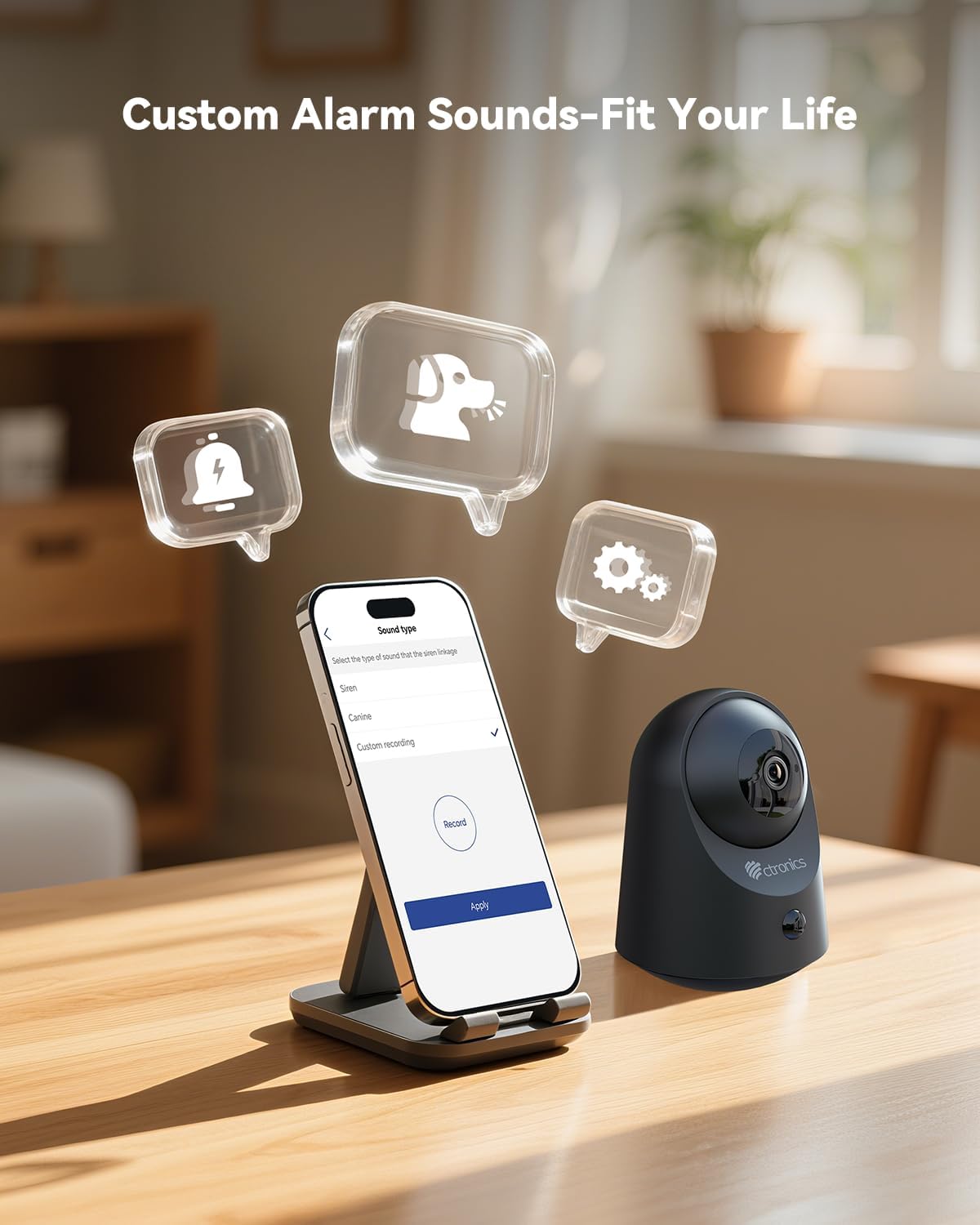
図5.6: Customize alarm sounds to fit your specific needs and environment.
6. メンテナンス
6.1 バッテリー管理
Regularly check the battery level via the app. Recharge the camera promptly when the battery is low to ensure continuous operation. Use only the provided charging cable or a compatible 5V power adapter.
6.2 クリーニング
Wipe the camera lens and body with a soft, dry cloth. Avoid using liquid cleaners or abrasive materials that could damage the device.
6.3ファームウェアアップデート
Periodically check the Ctronics Pro app for available firmware updates. Keeping your camera's firmware up-to-date ensures optimal performance and access to new features.
7。 トラブルシューティング
| 問題 | 考えられる原因 | 解決 |
|---|---|---|
| カメラがWi-Fiに接続できない | Wi-Fi パスワードが間違っています、ネットワークは 5GHz です、カメラがルーターから遠すぎます。 | 2.4GHz Wi-Fiのパスワードが正しいことを確認してください。カメラをルーターに近づけてください。カメラをリセットして、もう一度ペアリングをお試しください。 |
| 動き検出アラートなし | PIR 感度が低すぎます。検出ゾーンが設定されていません。アプリの通知が無効になっています。 | Adjust PIR sensitivity in the app. Check detection zone settings. Enable notifications for the Ctronics Pro app. |
| ビデオ品質が悪い | Wi-Fi信号が弱い、レンズが汚れている。 | Ensure strong Wi-Fi signal. Clean the camera lens with a soft cloth. |
| 双方向オーディオが機能しない | Microphone/speaker muted in app, volume too low. | アプリの設定をチェックして、マイクとスピーカーが有効になっており、音量が適切であることを確認します。 |
| Micro SDカードに録画されない | Card full, corrupted, or not formatted correctly. | Format the SD card via the app. Replace with a new card if corrupted. Ensure recording settings are enabled. |
8. 仕様
| 特徴 | 詳細 |
|---|---|
| モデル番号 | CTIPC-920 |
| 屋内/屋外での使用 | 屋内 |
| ビデオキャプチャ解像度 | 2K(2304x1296P) |
| 実効静止画解像度 | 3 MP |
| 電源 | 電池駆動 |
| 接続プロトコル | Wi-Fi(2.4GHz) |
| コントローラータイプ | Ctronicsアプリ |
| 暗視範囲 | 20メートル(赤外線) |
| PIRモーション検知 | はい |
| 双方向オーディオ | はい |
| ストレージオプション | Micro SD (up to 128GB), Cloud, FTP |
| 材料 | アクリロニトリルブタジエンスチレン(ABS) |
| 寸法(長さ×幅×高さ) | 5.12 x 2.36 x 5.12インチ |
| アイテム重量 | 15.8オンス |
| 色 | 黒 |
9. 公式製品ビデオ
Watch the official product video for a visual guide on the Ctronics 2K 3MP Indoor Security Camera's features and usage.
ビデオの説明: このビデオはオーバーを提供しますview of the Ctronics 2K 3MP Indoor Security Camera, demonstrating its wire-free installation, night vision capabilities, two-way audio, and remote monitoring features. It shows the camera in various home settings, highlighting its use for monitoring children and pets, and its ease of setup and access via mobile app and PC.
10. 保証とサポート
For warranty information, technical support, or any inquiries regarding your Ctronics product, please refer to the official Ctronics website or contact their customer service directly. Contact details are typically found on the product packaging or the official Ctronics support page.


