
1. はじめに
The ZAQE M4 MP3 Player is a portable multimedia device designed for music playback, video viewing, voice recording, and more. It features a 2.4-inch full touch screen, Bluetooth 5.3 connectivity, a built-in HD speaker, and 64GB of internal storage, expandable up to 128GB with a TF card. This manual provides instructions for setting up and operating your device.
2. パッケージ内容
パッケージにすべてのアイテムが揃っていることを確認してください:
- ZAQE MP3 Player (M4)
- タイプCのUSBケーブル
- 有線ヘッドフォン
- ユーザーマニュアル
- 保護カバー

Image: The package contents including the MP3 player, wired headphones, USB cable, and user manual.
3.デバイスオーバーview
Familiarize yourself with the physical components of your ZAQE M4 MP3 Player.
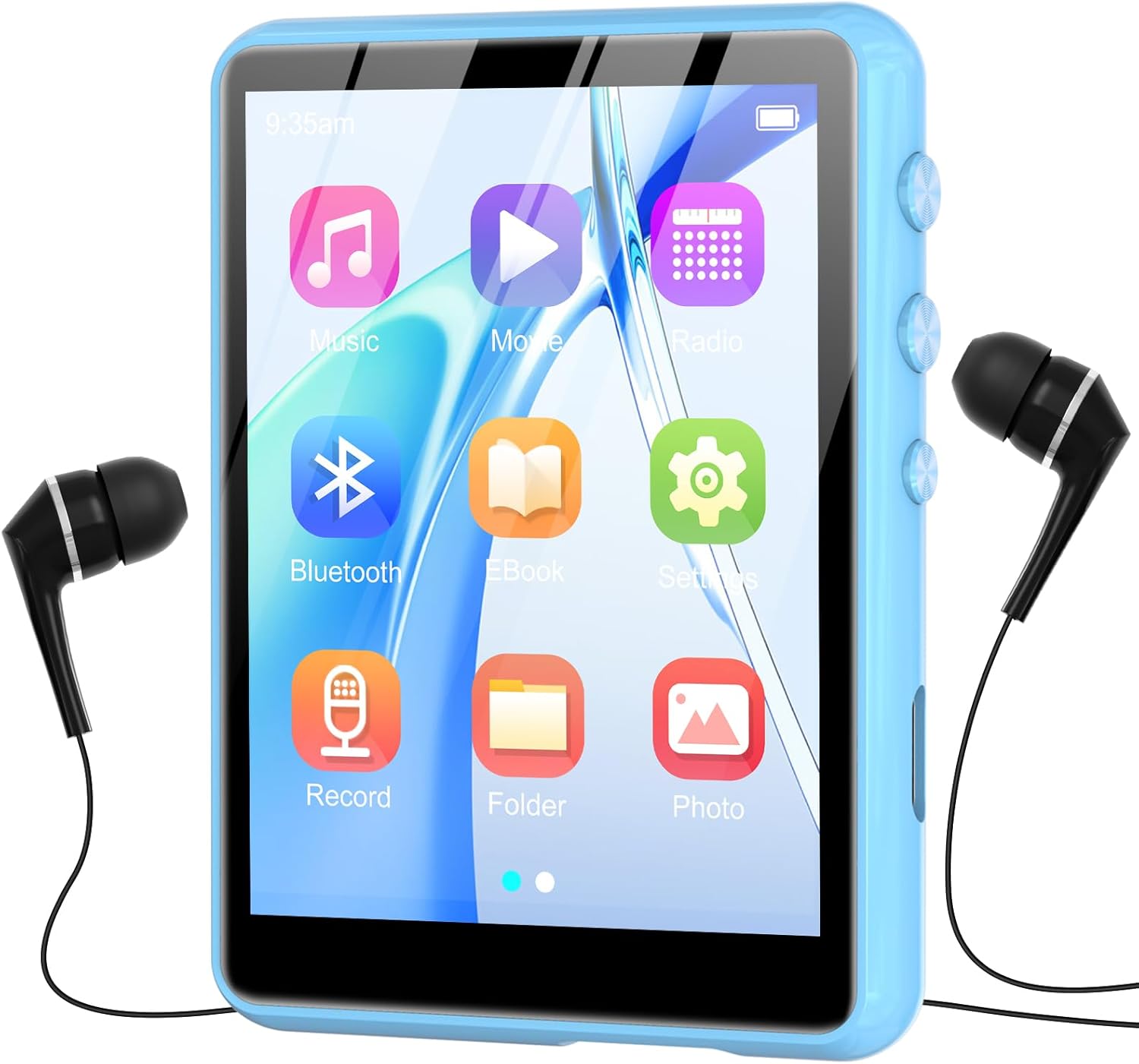
画像: 正面 view of the ZAQE M4 MP3 Player, displaying its 2.4-inch full touch screen with various application icons.

画像: サイド view of the ZAQE M4 MP3 Player, highlighting the physical control buttons and ports for headphones and charging.

Image: Diagram illustrating the dimensions of the ZAQE M4 MP3 Player: 2.81 inches in height, 2.02 inches in width, and 0.38 inches in thickness.
4. セットアップ
4.1 初期充電
Before first use, fully charge the device. Connect the provided Type-C USB cable to the player's charging port and the other end to a USB power adapter (not included) or a computer's USB port. The battery indicator on the screen will show charging status.

Image: Visual representation of the MP3 player's internal 300mAh battery, indicating its power capacity.
4.2 電源オン/オフ
- 電源を入れるには: 画面が点灯するまで、デバイスの側面にある電源ボタンを押し続けます。
- 電源を切るには: Press and hold the power button until a power-off option appears on the screen, then confirm. A short press will turn the screen off/on.
5. 基本操作
5.1 タッチスクリーンナビゲーション
The ZAQE M4 features a full touch screen for intuitive navigation. Swipe left or right to browse through menus and tap icons to select functions or open applications.
5.2 ボリュームコントロール
Use the physical volume buttons on the side of the device to adjust the audio output level.
6.音楽の再生
The player supports various audio formats, including MP3, WAV, WMA, AAC-LC, AAC, and FLAC. Enjoy high-fidelity sound quality through the built-in speaker or connected headphones.
6.1 音楽の読み込み Files
Connect the MP3 player to your computer using the Type-C USB cable. The device will appear as a removable disk. Drag and drop your music files into the designated music folder on the player. The internal memory is 64GB, and it supports expansion up to 128GB via a TF card (not included).

Image: The ZAQE M4 MP3 Player highlighting its 64GB internal storage and the slot for a 128GB TF card for expanded memory.
6.2音楽の再生
- メインメニューから「音楽」アイコンをタップします。
- アーティスト、アルバム、ジャンル、またはすべての曲別に音楽ライブラリを閲覧します。
- 曲をタップして再生を開始します。
- Use the on-screen controls for play/pause, skip tracks, and repeat modes.

Image: The ZAQE M4 MP3 Player with text indicating HiFi Sound Quality and support for various audio formats (MP3, WAV, APE, WMA, FLAC, AAC-LC).
内蔵スピーカー6.3個
The device includes a built-in speaker, allowing you to listen to music without headphones. This feature is convenient for sharing audio in quiet environments.

Image: A family enjoying music from the ZAQE M4 MP3 Player, illustrating its built-in speaker functionality for shared listening.
7. Bluetooth接続
The ZAQE M4 features Bluetooth 5.3 for wireless audio streaming to compatible headphones or speakers. Bluetooth 5.3 offers faster data transfer, a more stable connection, and reduced power consumption compared to previous versions.
7.1 Bluetoothデバイスとのペアリング
- Bluetooth ヘッドフォンまたはスピーカーがペアリング モードになっていることを確認します。
- MP3 プレーヤーで、「Bluetooth」メニューに移動します。
- Bluetoothをオンにして、利用可能なデバイスをスキャンします。
- リストからペアリングするデバイスを選択します。
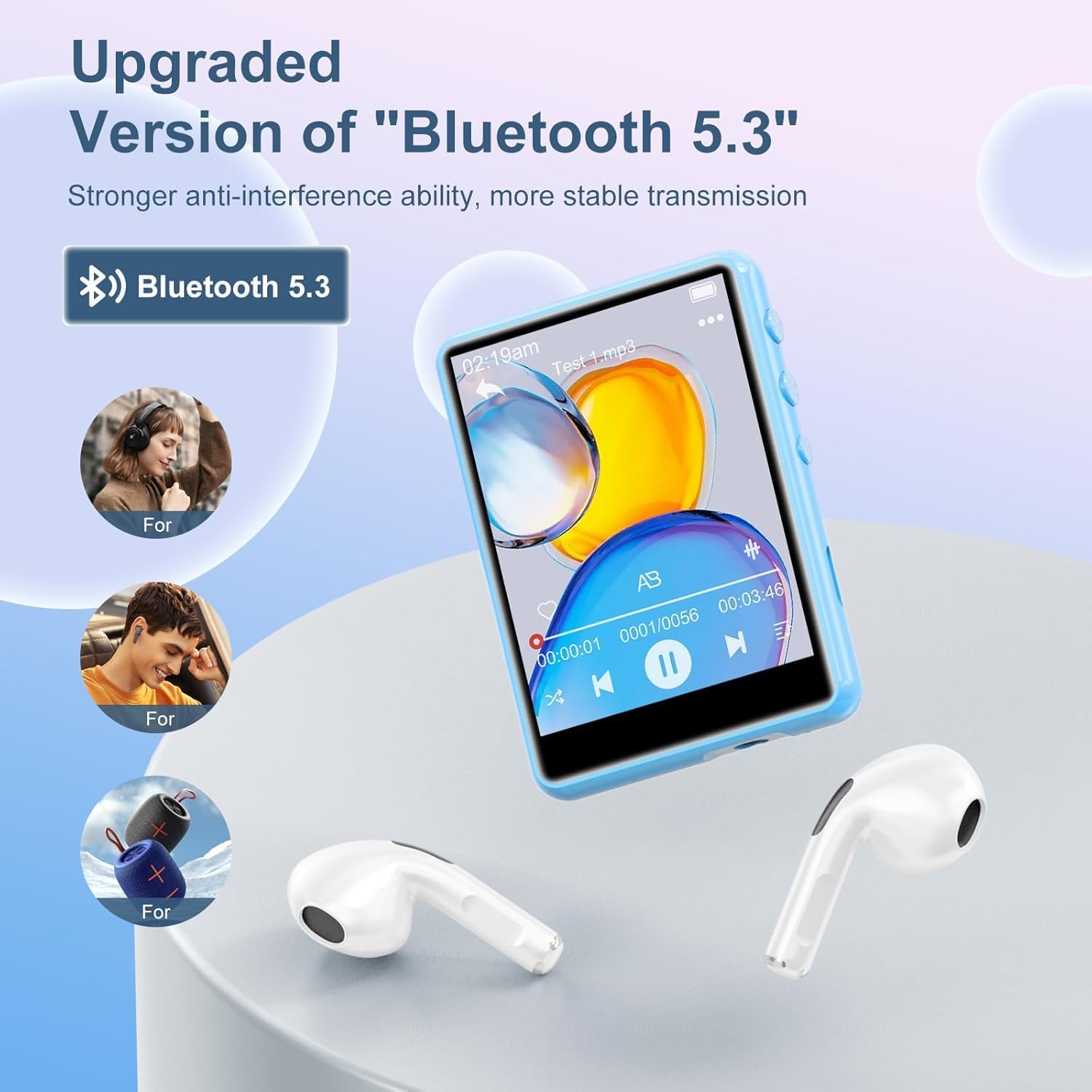
Image: The ZAQE M4 MP3 Player showcasing its upgraded Bluetooth 5.3 feature, connecting wirelessly to headphones and speakers.
8. FMラジオ
The built-in FM radio allows you to listen to local radio stations. Connect wired headphones to the player as they act as the antenna for optimal reception.
8.1 Using the FM Radio
- 有線ヘッドフォンを接続します。
- メインメニューから「FMラジオ」アイコンをタップします。
- 画面上のコントロールを使用して放送局をスキャンするか、手動で周波数をチューニングします。

Image: The ZAQE M4 MP3 Player screen showing the FM Radio interface, tuned to 99.80 MHz, with headphones connected.
9. ボイスレコーダー
The device includes a voice recorder function for capturing audio notes or lectures.
9.1 オーディオの録音
- From the main menu, tap the "Record" icon.
- 録音ボタンをタップして録音を開始します。
- Tap the stop button to end the recording. Recordings are saved automatically.

Image: The ZAQE M4 MP3 Player screen showing the voice recorder interface, indicating an active recording with audio waveforms.
10.ビデオ再生
The MP3 player supports video playback on its 2.4-inch screen. Note that some video formats (e.g., MP4, MKV) may require conversion to a compatible format for playback on this device.
10.1 ビデオの再生
- From the main menu, tap the "Video" or "Movie" icon.
- ビデオを選択 file あなたがプレイしたい。
- 再生には画面上のコントロールを使用します。

Image: The ZAQE M4 MP3 Player displaying a vibrant video on its 2.4-inch curved color touchscreen, illustrating its video playback capability.
11. 電子書籍リーダー
The device supports reading e-books, allowing you to carry your favorite texts with you.
11.1 Reading E-Books
- From the main menu, tap the "E-Book" icon.
- Select the e-book file あなたが読みたいもの。
- Use the touch screen to turn pages.
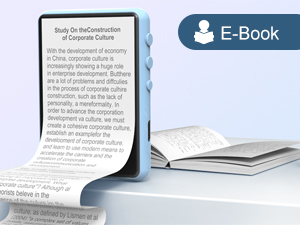
Image: The ZAQE M4 MP3 Player showing text on its screen, demonstrating its e-book reading functionality.
12. File 管理
あなたが管理することができます files directly on the device or by connecting it to a computer.
12.1 転送 FileUSB経由
Connect the player to a computer using the provided Type-C USB cable. The device will be recognized as a mass storage device, allowing you to drag and drop files to and from its internal storage or an inserted TF card.
13. 充電とバッテリー
The ZAQE M4 MP3 Player is equipped with a 300mAh battery, providing good battery life for extended use.
13.1デバイスの充電
Connect the device to a power source using the Type-C USB cable. A full charge typically takes a few hours. Avoid using non-standard chargers to prevent damage.
13.2バッテリーケア
- バッテリーを頻繁に完全に放電することは避けてください。
- デバイスを極端な温度にさらさないでください。
- 長期間使用しない場合は、保管する前に約 50% まで充電してください。
14. 仕様
Key technical specifications of the ZAQE M4 MP3 Player:
| 特徴 | 詳細 |
|---|---|
| モデル番号 | M4 |
| 画面サイズ | 2.4インチ |
| ディスプレイ技術 | 液晶 |
| メモリストレージ容量 | 64 GB(TFカードで最大128 GBまで拡張可能) |
| Bluetoothバージョン | 5.3 |
| サポートされているオーディオ規格 | MP3, WAV, WMA, AAC-LC, AAC, FLAC |
| バッテリー | 1 9V battery (included), 300mAh |
| アイテム重量 | 7オンス |
| パッケージ寸法 | 5.79 x 5.75 x 0.75インチ |
15。 トラブルシューティング
If you encounter issues with your ZAQE M4 MP3 Player, refer to the following common solutions:
- デバイスの電源が入らない: バッテリーが充電されていることを確認してください。プレーヤーを電源に接続して、もう一度お試しください。
- Cannot connect to computer/TF card not recognized:
- USB ケーブルがプレーヤーとコンピュータの両方にしっかりと接続されていることを確認します。
- 別の USB ポートまたはケーブルを試してください。
- If using a TF card, ensure it is properly inserted and not damaged. Some cards may require reformatting (this will erase all data).
- 音が出ない:
- 音量レベルを確認してください。
- ヘッドフォンが正しく差し込まれているか、または Bluetooth デバイスが正しくペアリングされ接続されていることを確認します。
- 音声を確認する file 形式がサポートされています。
- ビデオ再生の問題: ビデオを確認する file format is compatible with the device. Some formats may require conversion.
- Bluetoothペアリング失敗:
- Bluetooth デバイスがペアリング モードになっており、範囲内にあることを確認します。
- 両方のデバイスで Bluetooth をオフにしてから再度オンにします。
- Clear previous Bluetooth pairings on the MP3 player if necessary.
- 画面が反応しない: Try restarting the device by holding the power button. If unresponsive, allow the battery to fully drain and then recharge.
16. 保証とサポート
For warranty information or technical support, please refer to the contact details provided with your purchase documentation or visit the official ZAQE webサイトでご確認ください。保証請求に備えて購入証明書を保管してください。

Image: A graphic depicting a handshake within a heart, symbolizing customer support and reliable service.