
1. はじめに
Thank you for choosing SoundPEATS Air5 Pro Hi-Res Wireless Earbuds. These earbuds are designed to provide a premium audio experience with advanced features such as LDAC & aptX Lossless audio, Hybrid Active Noise Cancellation, and Multipoint Connection. This manual will guide you through the setup, operation, and maintenance of your new earbuds.
2. セットアップ
2.1. パッケージ内容
The SoundPEATS Air5 Pro package includes the following items:
- Headphone Charging Case (1 PCS)
- Earbuds (L&R) (2 PCS)
- Ear caps (S/M (fitted to earbuds)/L)
- 充電ケーブル
- ユーザーマニュアル
- APPカード
- ステッカー

Image: SoundPEATS Air5 Pro package contents.
2.2. 初期設定とペアリング
Before first use, please remove the insulation film from the earbuds and then place the earbuds back into the case. The earbuds will turn on automatically when the charging case lid is opened and turn off when closed.
- 充電ケースの蓋を開けます。イヤホンは自動的にペアリングモードになります。
- Turn on Bluetooth on your device (smartphone, tablet, etc.).
- 検索する and select the Bluetooth device named "SOUNDPEATS Air5 Pro" to connect.
- Upon successful connection, you will hear an audio prompt.
Video: Initial setup and pairing process for SoundPEATS Air5 Pro earbuds.
2.3. アプリのインストールと接続
For full functionality and customization, install the PeatsAudio APP:
- 検索する "PeatsAudio" in your phone's APP marketplace (App Store or Google Play).
- Install the PeatsAudio APP.
- Open the PeatsAudio APP and enter your registered email and password to log in. If you haven't registered, click "Register" to sign up.
- After logging in, enter the interface and click "Connect Device" to connect. Upon successful connection, you will be directed to the SOUNDPEATS Air5 Pro function interface.
Video: Guide to installing and connecting the PeatsAudio APP.
3.運用
3.1. Wearing Earbuds Correctly
最適な音質と快適さを確保するには、イヤホンを正しく装着してください。
- Identify the right (R) and left (L) earbuds.
- Insert the earbuds into your ears and gently twist them to find the most comfortable and secure position.
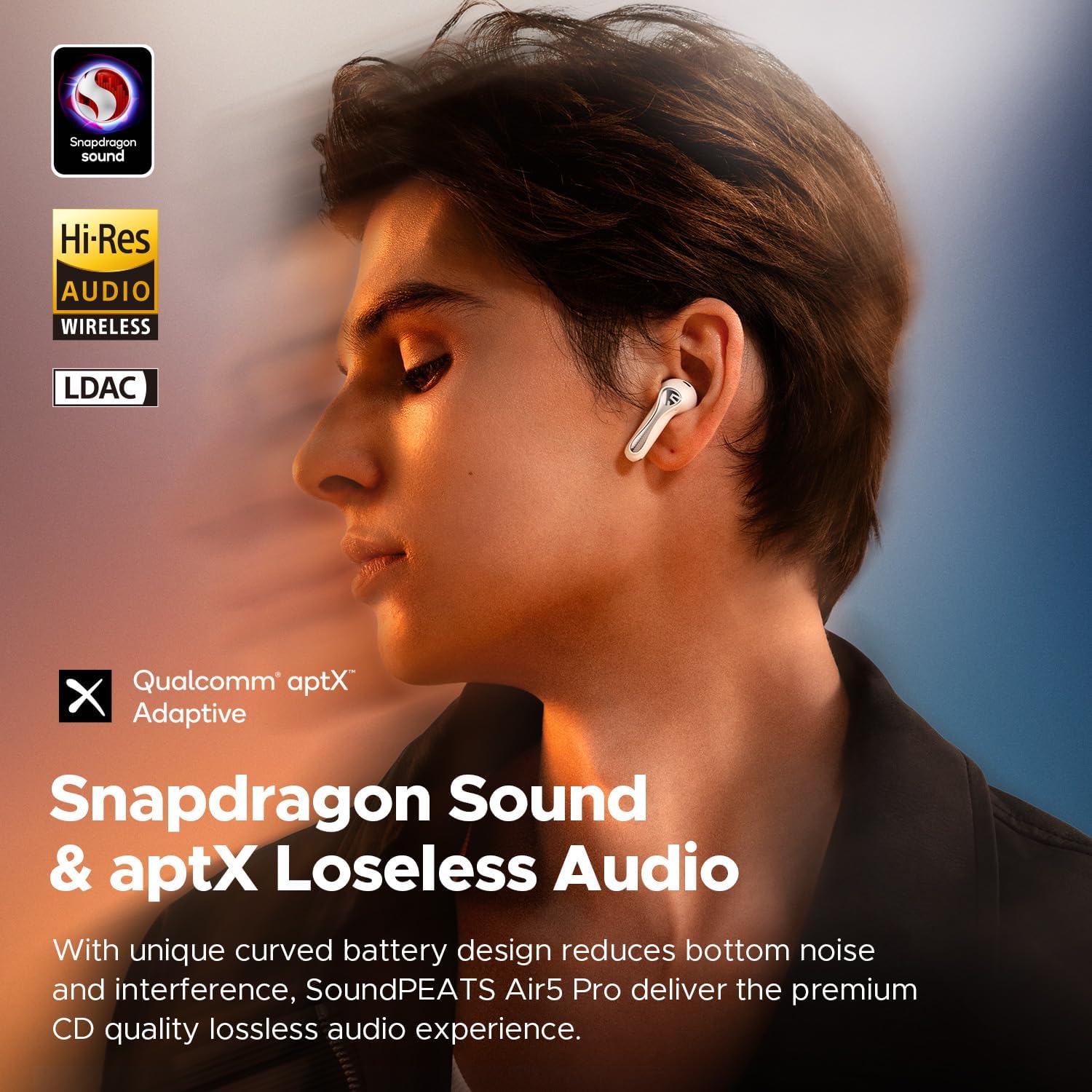
Image: Proper wearing of SoundPEATS Air5 Pro earbuds.
Video: Visual guide on how to wear the earbuds correctly.
3.2. インテリジェントタッチコントロール
イヤホンには直感的なタッチコントロールが搭載されています。
- Single-tap left earbud: 音量を下げます。
- Single-tap right earbud: 音量を上げます。
- Double-tap left/right earbud: Play/pause music or answer/end a call.
- Triple-tap left/right earbud: 音声アシスタントをアクティブにします。
- Long press left/right earbud for 1.5 seconds: 着信を拒否します。
- Long press left earbud for 1.5 seconds: Switch between normal, noise-canceling, and transparent modes.
- Long press right earbud for 1.5 seconds: 次の曲を再生します。
Video: Demonstration of intelligent touch controls.
3.3. アクティブノイズキャンセリング(ANC)と透過モード
The Air5 Pro features advanced 55dB Hybrid ANC and AI Wind Noise Reduction for an immersive listening experience. Transparency mode allows you to hear your surroundings.
- スイッチングモード: Long press the left earbud for 1.5 seconds to cycle through Normal, Noise-Canceling, and Transparent modes.
- AI Adaptive Noise Canceling: Intelligently adjusts to your environment and ear fit.
- AI Wind Noise Cancellation: Reduces wind interference by up to 90%.

Image: Illustration of 55dB Hybrid ANC.
Video: Demonstration of Adaptive Noise Cancellation and WindGuard AI Anti-Wind Noise.
3.4. App Functions & Customization
The PeatsAudio APP offers extensive customization:
- すべてのタッチコントロールを無効にする: Turn off touch controls to prevent accidental activation.
- ゲームモード: Experience a low-latency gaming mode for synchronized audio and visuals.
- マルチポイント接続: Connect two devices simultaneously for seamless switching.
- Customized Touch Control: Personalize your touch control experience by reassigning functions.
- サウンドプリセット: Choose from 9 different sound styles or create your own.
- カスタマイズ可能なEQ: Adjust your own equalizer settings for a personalized sound profile.
- LE Audio Features: Enable LE Audio for high-quality audio transmission, low power consumption, and Audio Sharing (Note: Enable in App for best compatibility).
- LDACコーデック: Enable LDAC for high-resolution audio experience.
- Tone Volume Setting: Customize the volume of the earbud tones.
- Earbuds Find: When connected, tap L/R Earbuds Finder to make the Earbuds emit a sound, assisting you in locating them.
- Wearing Fit Test: Test the earbuds wearing fit to ensure it meets the standard. Adjust the earbuds or replace the ear cap if needed.

Image: Multipoint Connection & Bluetooth 5.4.

Image: PeatsAudio App customization options.
ビデオ: 終了view of various app functions and customization options.
3.5.マルチポイント接続
The SoundPEATS Air5 Pro supports connecting to two devices simultaneously:
- Turn on the earbuds and make them enter the pairing state.
- デバイスAをイヤホンに接続します。
- Disconnect Device A, and the earbuds will enter pairing mode again.
- デバイス B をイヤホンに接続します。
- Manually operate Device A to connect the earbuds again.
- Now you can enjoy the new experience of seamless switching between two devices.
Video: Instructions for connecting to two devices simultaneously.
4. メンテナンス
4.1. イヤホンのクリーニング
定期的な清掃はパフォーマンスと衛生を維持するのに役立ちます。
- Clean and sterilize the earbuds as well as the charging contacts regularly with alcohol and clean cotton swabs.
- Avoid long-term non-cleaning to prevent situations where earbuds can't be charged or turned on.
Video: Guide on how to clean the earbuds and charging contacts.
4.2. ケースとイヤホンの充電
To charge the SoundPEATS Air5 Pro:
- Connect the Type-C charging adapter to charge the case. The charging current should not exceed 1A.
- If not in use for a long time, charge the case at least once every three months.
- バッテリー表示:
- When the charging case is closed, the status indicator shows the power level of the charging case.
- When the charging case is open and earbuds are inside, the indicator light shows the power level of the earbuds.
- When the left/right earbuds are removed, the indicator shows the power level of the left/right earbuds (always on for 1s).
- 電源インジケータの色:
- 緑:100%-70%
- 黄色:69%-20%
- 赤:<20%
- Charging Process Indicator:
- 赤:<20%
- 黄色:69%-20%
- 緑:99%-70%
- 緑色に点灯: 100%
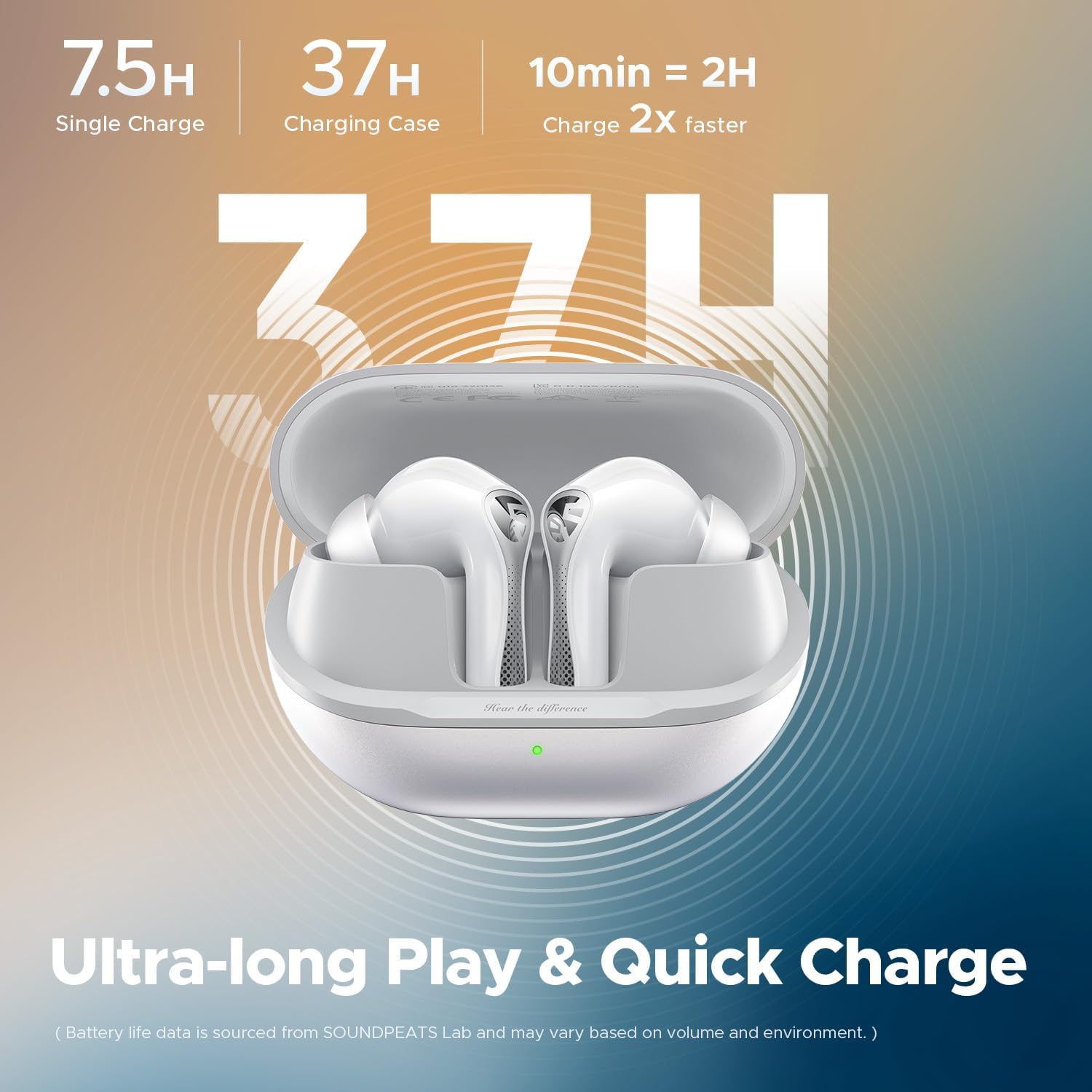
画像: バッテリー寿命と充電情報。
Video: How to connect the charging case and understand battery indications.
5。 トラブルシューティング
5.1.工場出荷時の設定に戻す
If you encounter pairing issues or other malfunctions, you can restore the earbuds to factory settings:
- Delete the pairing information of the earbuds from your device's Bluetooth settings.
- Place both earbuds in their positions in the charging case to ensure they are securely seated.
- With the charging case open, press and hold the charging case button for 10 seconds until the charging case indicator light blinks red 3 times. The reset is complete.
- After restoring the factory settings, the earbuds will automatically enter the pairing state, and the white light on the status indicator on the charging case will keep flashing.
Video: Steps to restore factory settings.
5.2. Forcing into Pairing State
If the earbuds do not enter pairing mode automatically:
- Place the two earbuds into the correct position in the charging case, making sure they are successfully put into the case.
- Keep the charging case open, press and hold the charging case button for 2 seconds. When the white light of the charging case indicator light continues to flash, the earbuds will enter the pairing state.
Video: How to manually force earbuds into pairing state.
6. 仕様
| 特徴 | 詳細 |
|---|---|
| モデル名 | サウンドピーツ エア5 プロ |
| 騒音制御 | Adaptive Noise Cancellation (55dB Hybrid ANC, AI Wind Noise Reduction) |
| 接続技術 | ワイヤレス(Bluetooth 5.4) |
| オーディオコーデック | LDAC, aptX Lossless, LC3 |
| オーディオドライバータイプ | 10mm Composite Bio-Diaphragm Dynamic Driver |
| バッテリー寿命(1回の充電) | 最大7.5時間(ANCオフ) |
| 合計再生時間(充電ケース付き) | 最大37時間 |
| 耐水性レベル | IPX5防水 |
| 制御方法 | アプリ、タッチ |
| 商品重量(イヤホン) | ~4.9g per earbud |
| 製品寸法 | 2.6 x 1.06 x 1.89インチ |
| メーカー | サウンドピーツ |
7.保証とサポート
SoundPEATS products come with a warranty. For detailed warranty information and support, please visit the official SoundPEATS webサイトにアクセスするか、カスタマーサービスにお問い合わせください。
- 正式 Webサイト: www.soundpeats.com
- メールサポート: support@soundpeats.com