
導入
Welcome to the user manual for your new Oilsky M1 128GB Bluetooth 5.4 MP3 Player. This guide provides essential information on how to set up, operate, and maintain your device, ensuring you get the best experience from its advanced features. Please read this manual thoroughly before using the product.
製品の特徴
- Bluetooth 5.4接続: Enjoy a more stable connection and extended range with Bluetooth 5.4. The device features a Bluetooth memory function for automatic reconnection upon startup, optimizing power consumption and battery life.
- ハイファイオーディオ: Equipped with a professional digital noise reduction chip, this MP3 player delivers high-quality audio. It supports various common audio formats including MP3, WMA, APE, FLAC, WAV, and AAC. Organize your music by title, folder, artist, or album.
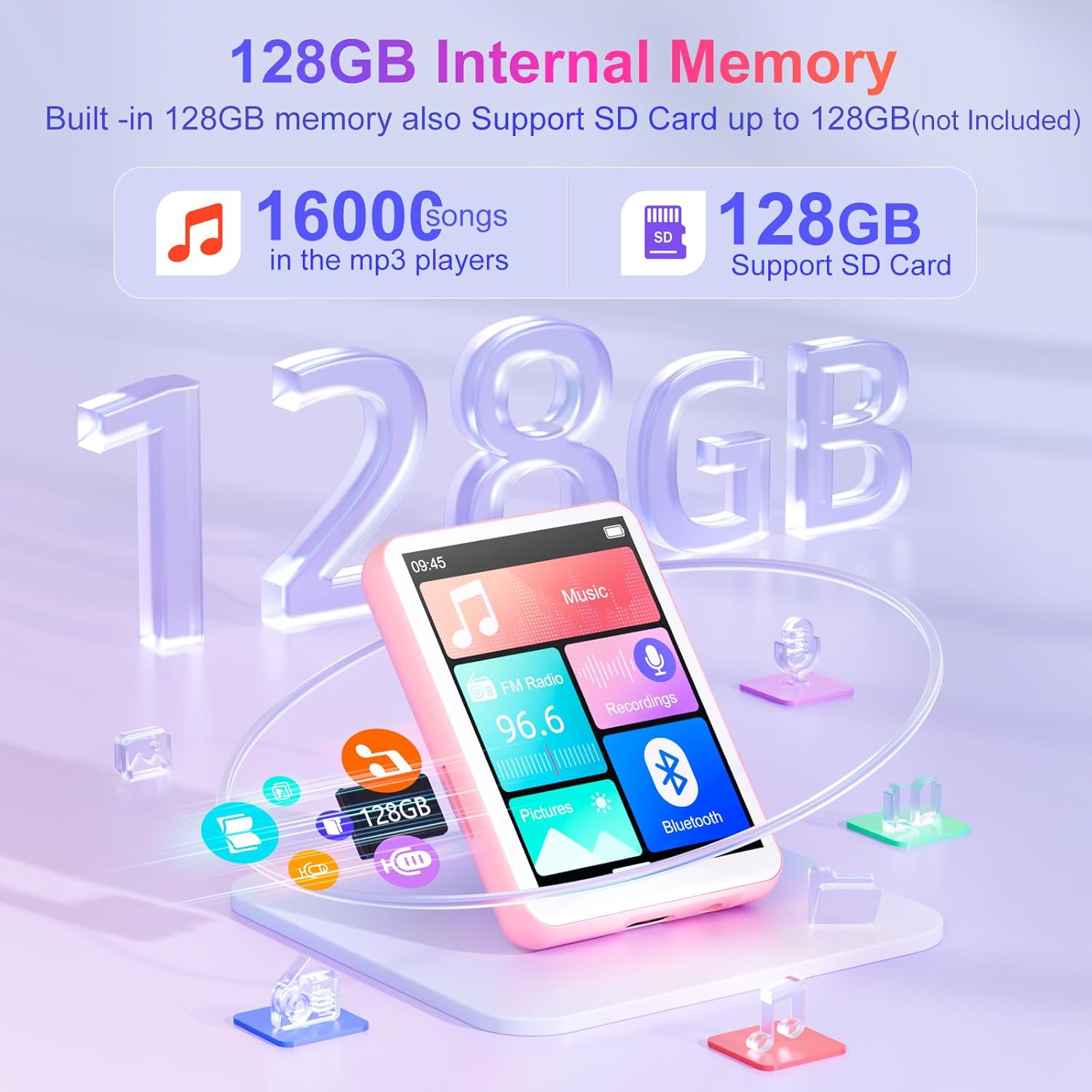
- Generous 128GB Internal Memory: The Oilsky M1 comes with 128GB of built-in memory, capable of storing approximately 16,000 lossless quality songs. It also includes a Micro-SD card slot, supporting expansion up to an additional 128GB (Micro-SD card not included).
- 多機能デバイス: Featuring a 2.4-inch touch screen for quick function selection, this MP3 player offers a range of features including music playback, FM radio, voice recorder, e-book reader, photo viewer, alarm clock, folder management, and calendar. It supports 29 languages, including English, German, French, Italian, and Spanish.
- Long-lasting 300mAh Battery: Enjoy up to 50 hours of lossless music playback on a single charge. The device fully recharges in approximately 2 hours, making it an ideal companion for travel or sports enthusiasts.
- 重要な注意: This device cannot connect to mobile phones or car audio systems via Bluetooth.
箱の中身
パッケージにすべてのアイテムが揃っていることを確認します。
- Oilsky M1 MP3プレーヤー x 1
- 1x USB充電ケーブル
- 1xイヤホン
- ユーザーマニュアル x 1
- 保護ケース x 1
- ストラップ x 1

設定
1. デバイスの充電
Before first use, fully charge your MP3 player. Connect the provided USB cable to the device's charging port and the other end to a USB power adapter (not included) or a computer's USB port. The battery indicator on the screen will show charging status.
2. 電源のオン/オフ
- 電源を入れるには: 画面が点灯するまで電源ボタンを押し続けます。
- 電源を切るには: Press and hold the power button until the power-off options appear, then select 'Power Off'.
3. 初期言語の選択
Upon first startup, you may be prompted to select your preferred language. Follow the on-screen instructions to choose from the available languages.
操作手順
基本的なナビゲーション
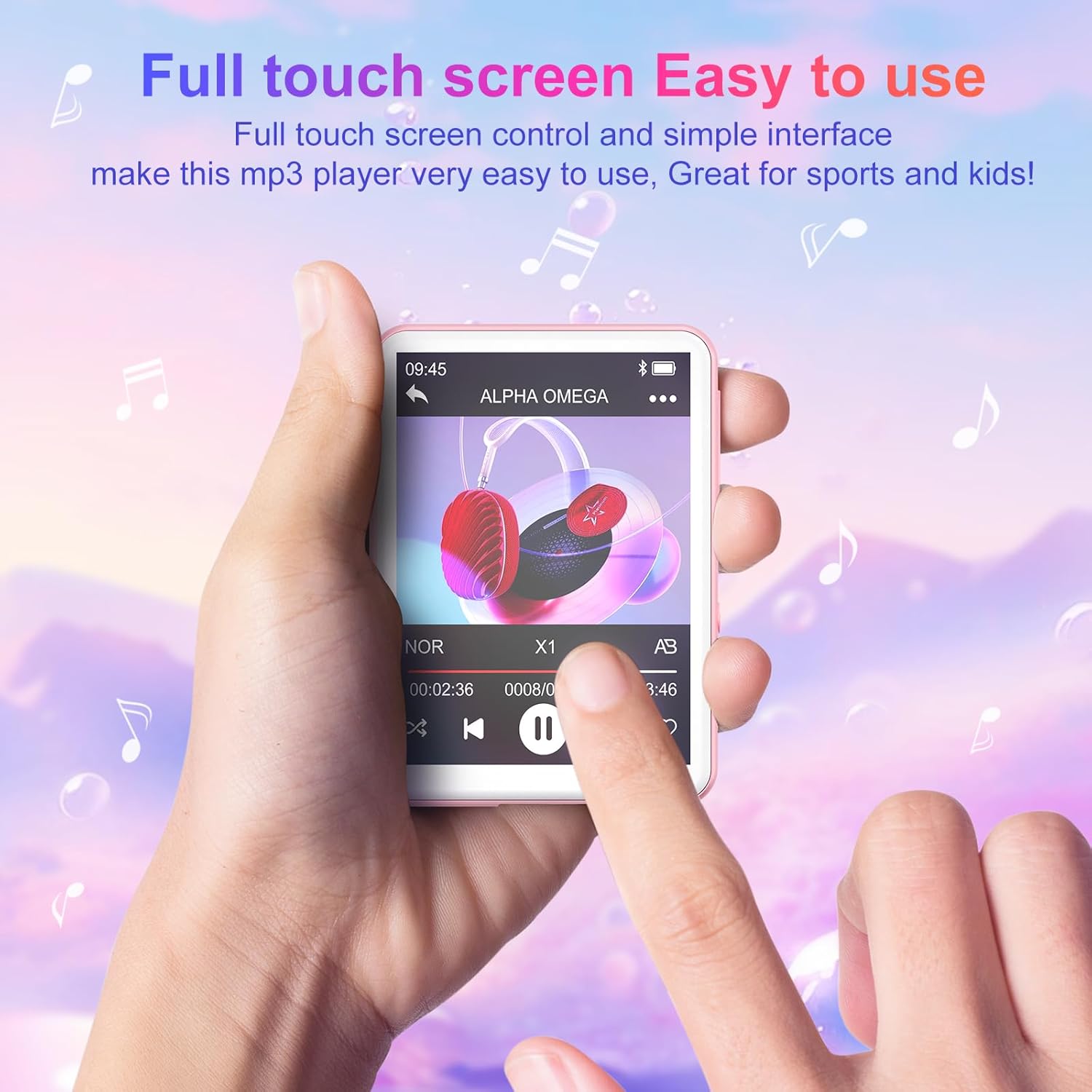
The Oilsky M1 features a 2.4-inch full touch screen for intuitive navigation. Swipe left/right or up/down to browse menus and tap icons to select functions. Use the back arrow icon to return to the previous screen.
音楽再生に
- 音楽の転送: Connect the MP3 player to your computer using the USB cable. The device will appear as a removable disk. Drag and drop your music files (MP3, WMA, APE, FLAC, WAV, AAC) into the 'Music' folder on the device.
- 音楽を再生する: From the main menu, tap the 'Music' icon. You can browse your songs by title, artist, album, or folder. Tap a song to begin playback.
- コントロール: Use the on-screen controls for play/pause, next/previous track, volume adjustment, and repeat modes.

Bluetooth接続
Bluetoothヘッドフォンまたはスピーカーに接続するには:
- Bluetooth ヘッドフォン/スピーカーがペアリング モードになっていることを確認します。
- On the MP3 player, go to the main menu and tap the 'Bluetooth' icon.
- Turn Bluetooth 'On'. The device will scan for available devices.
- Select your desired device from the list to pair. Once paired, the device will automatically reconnect when turned on, if the paired device is within range.

FMラジオ
To use the FM Radio function, connect the wired earphones (included) as they act as the antenna. From the main menu, tap the 'FM Radio' icon. You can auto-scan for stations or manually tune.
ボイスレコーダー
Tap the 'Recordings' icon from the main menu. Use the on-screen controls to start, pause, and save recordings. The built-in microphone captures clear audio.
電子書籍リーダー
Transfer TXT format e-books to the device. Tap the 'E-book' icon to access your library and read on the 2.4-inch screen.
写真 Viewer
Transfer JPEG or BMP image files to the device. Tap the 'Pictures' icon to view あなたの写真。
目覚まし時計
Set alarms by tapping the 'Alarm' icon. You can customize alarm times and sounds.

ストレージ管理
The Oilsky M1 comes with 128GB of internal storage. If you require more space, you can insert a Micro-SD card (up to 128GB, not included) into the designated slot. The device will automatically detect the external storage, allowing you to manage files across both internal and external memory.
仕様
| モデル番号 | M1 |
| ブランド | オイルスキー |
| 画面サイズ | 2.4インチ |
| ディスプレイ技術 | タッチスクリーン |
| 接続技術 | 補助、Bluetooth 5.4、USB |
| 内部ストレージ容量 | 128ギガバイト |
| 拡張可能なメモリ | マイクロSD(最大128GB) |
| サポートされているオーディオ規格 | MP3、WMA、APE、FLAC、WAV、AAC |
| 電池のタイプ | リチウムポリマー電池1個(付属) |
| 平均バッテリー寿命 | 最大50時間(音楽再生) |
| 充電時間 | 約2時間 |
| アイテム重量 | 63.5グラム |
| 商品の寸法 (長さ x 幅 x 高さ) | 7 x 5 x 1センチメートル(約2.75 x 1.98 x 0.4インチ) |
| 特集 | 内蔵スピーカー |
| 対応デバイス | Personal Computer, Headphones, Smartphone (for file 移行) |
トラブルシューティング
- デバイスの電源が入らない: デバイスが完全に充電されていることを確認してください。バッテリーが消耗している場合は、電源に接続し、少なくとも10分間充電してから再度電源を入れてください。
- Cannot connect to Bluetooth devices: Ensure both the MP3 player's Bluetooth and the target device's Bluetooth are enabled and in pairing mode. Remember, this MP3 player cannot connect to mobile phones or car audio systems via Bluetooth.
- 音が出ない: Check the volume level. Ensure earphones are properly connected if not using Bluetooth. If using Bluetooth, ensure the device is correctly paired and connected to your audio output.
- File表示されない: 音楽を確実に files are in supported formats (MP3, WMA, APE, FLAC, WAV, AAC) and transferred to the correct folders. For e-books, ensure they are in TXT format.
- デバイスがフリーズまたは応答しない: 電源ボタンを約10〜15秒間押し続け、強制的に再起動します。
安全情報
- デバイスを極端な温度、直射日光、高湿度にさらさないでください。
- 落としたり、強い衝撃を与えないでください。
- デバイスを水やその他の液体から遠ざけてください。
- 充電には付属の USB ケーブルのみを使用してください。
- 自分でデバイスを分解したり修理したりしないでください。 サポートが必要な場合は、カスタマー サポートにお問い合わせください。
- Listening to audio at high volumes for extended periods can cause hearing damage.
保証とサポート
For any questions or concerns regarding your Oilsky M1 MP3 Player, please do not hesitate to contact our customer support. We are committed to providing excellent service and will be happy to assist you.
Manufacturer's warranty information is available upon request or from the point of purchase.
製品終了view ビデオ
ビデオ: オーバーview ショーasing the Oilsky M1 MP3 Player's features, including Bluetooth connectivity, 128GB storage, touch screen interface, and multi-functional capabilities.