
導入
Thank you for choosing the aosu 4MP Indoor Security Camera. This camera is designed to provide comprehensive indoor surveillance with advanced features such as high-resolution video, dual-band Wi-Fi connectivity, one-touch call functionality, and intelligent motion detection. This manual will guide you through the setup, operation, and maintenance of your device to ensure optimal performance and security.
パッケージ内容
以下の項目のボックスにチェックを入れてください。
- aosu Indoor Security Camera Unit
- 取り付けプレート
- 取り付けネジ
- タイプCケーブル
- USB充電器
- ユーザーマニュアル(日本語) - This document serves as the English version.
製品終了view
カメラのコンポーネントについて理解しましょう。
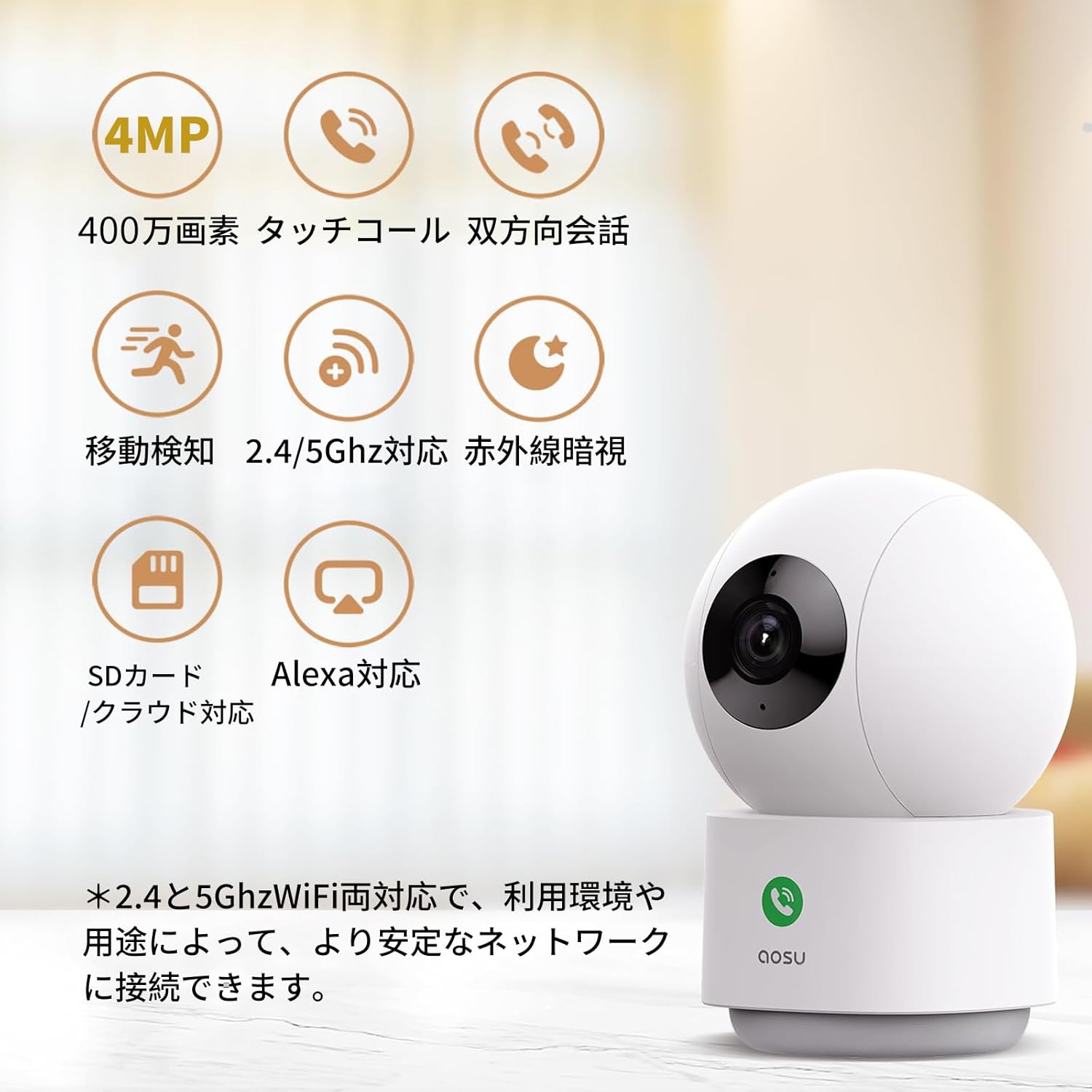
Image: aosu Indoor Security Camera with icons indicating 4MP, touch call, two-way talk, motion detection, 2.4/5GHz WiFi, infrared night vision, SD card/cloud support, and Alexa compatibility.
The camera features a spherical top housing the lens, status indicator light, and microphone, mounted on a cylindrical base containing the speaker and one-touch call button. The power port and MicroSD card slot are typically located at the rear or bottom of the base.
設定
1. 電源接続
Connect the provided Type-C cable to the camera's power port and the USB charger to a power outlet. The camera will power on and the status indicator light will activate.
2. アプリのダウンロードとアカウント作成
Download the "aosu" app from your smartphone's app store (iOS or Android). Follow the in-app instructions to create an account and log in.
3。 Wi-Fi接続
The camera supports both 2.4GHz and 5GHz Wi-Fi networks for stable connectivity. In the aosu app, select "Add Device" and follow the prompts to connect your camera to your home Wi-Fi network. Ensure your smartphone is connected to the same Wi-Fi network during the setup process.

Image: The camera supports both 2.4GHz and 5GHz Wi-Fi for faster and more stable signal transmission.
4. 取り付けオプション
The camera can be placed on a flat surface (tabletop), mounted on a wall, or ceiling-mounted. Use the provided mounting plate and screws for wall or ceiling installation. Ensure the camera is securely fastened and positioned to cover the desired area.
操作手順
1.ライブ View PTZコントロール
Open the aosu app and select your camera to access the live view. You can remotely control the camera's horizontal (360°) and vertical (155°) movement using the pan-tilt-zoom (PTZ) controls within the app. This allows you to monitor different areas of the room.

Image: The camera's PTZ function allows for 360° horizontal and 155° vertical rotation, controllable via the app.
2. High-Resolution Video
The camera features a 4-megapixel (2560*1440) CMOS sensor, providing significantly higher resolution than traditional 1080P indoor cameras. The 6x digital zoom allows for detailed inspection of live and recorded footage.

Image: A side-by-side comparison demonstrating the superior clarity of 4MP resolution compared to 1080P.
3. 双方向オーディオとワンタッチ通話
Engage in real-time two-way conversations through the camera using the app. The camera also features a dedicated one-touch call button on its base. When pressed, it initiates a call to your smartphone, allowing for quick communication with family members or pets at home.

Image: A user pressing the one-touch call button on the camera, which then initiates a call to a smartphone.
4. Motion Detection, Auto-Tracking, and Instant Notifications
The camera is equipped with motion and human body detection systems. Enable "Tracking" in the app, and the camera will automatically pan and tilt to follow detected movement. When unusual activity is detected, the app will send instant notifications to your smartphone.
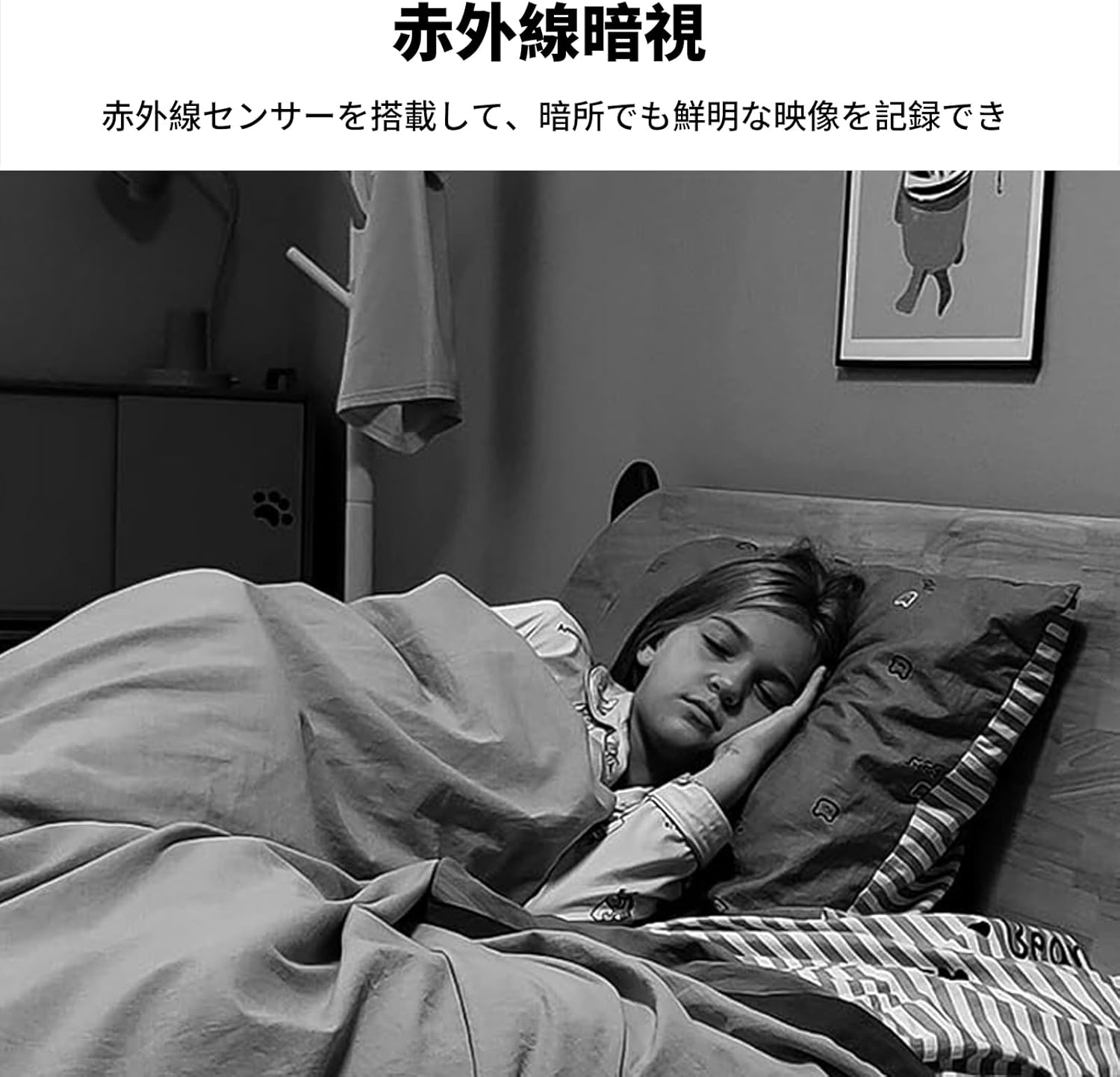
Image: The camera detecting and tracking a child and a dog, with a smartphone displaying an alert notification.
5. 記録と保存
録音は次の 2 つの方法で保存できます。
- MicroSDカード: Supports up to 128GB (sold separately). When a MicroSD card is inserted, the camera supports continuous 24-hour recording and automatically overwrites older fileカードがいっぱいになったとき。
- クラウドストレージ: A cloud service option is available for storing event recordings.
The camera can record motion events (approximately 10 seconds) for the past 24 hours even without a MicroSD card or cloud subscription. Recorded videos can be played back directly from the app or downloaded to your smartphone.

Image: Icons representing MicroSD card and cloud storage options for video recording.
6. 赤外線暗視
Equipped with an infrared sensor, the camera provides clear video recording even in dark environments, ensuring continuous monitoring day and night.
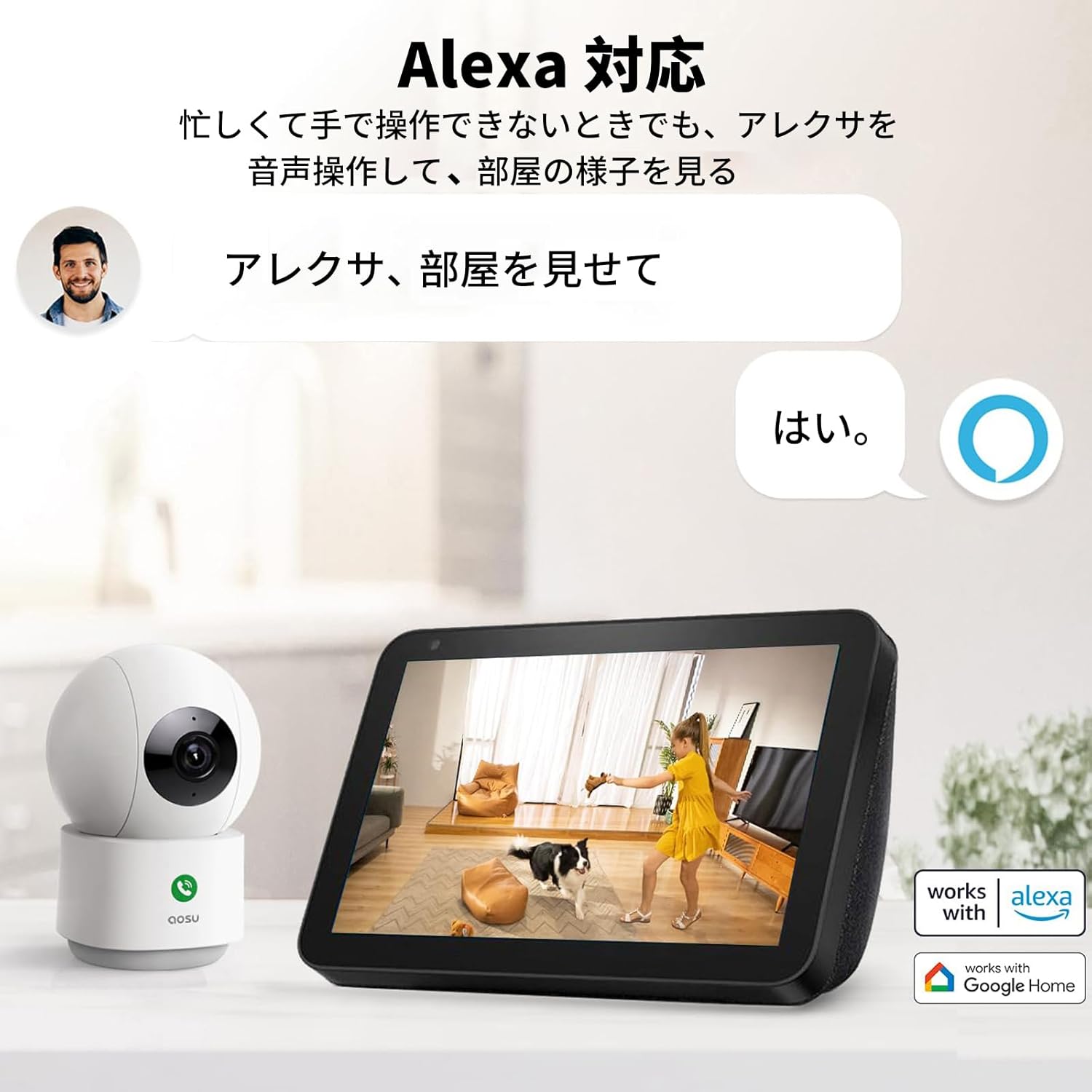
Image: A black and white image demonstrating the camera's infrared night vision capability, showing a child sleeping in a dark room.
7.プライバシーモード
For enhanced privacy, you can manually adjust the camera lens to point downwards, effectively turning off video recording and live view. This feature provides peace of mind when you do not require active surveillance.
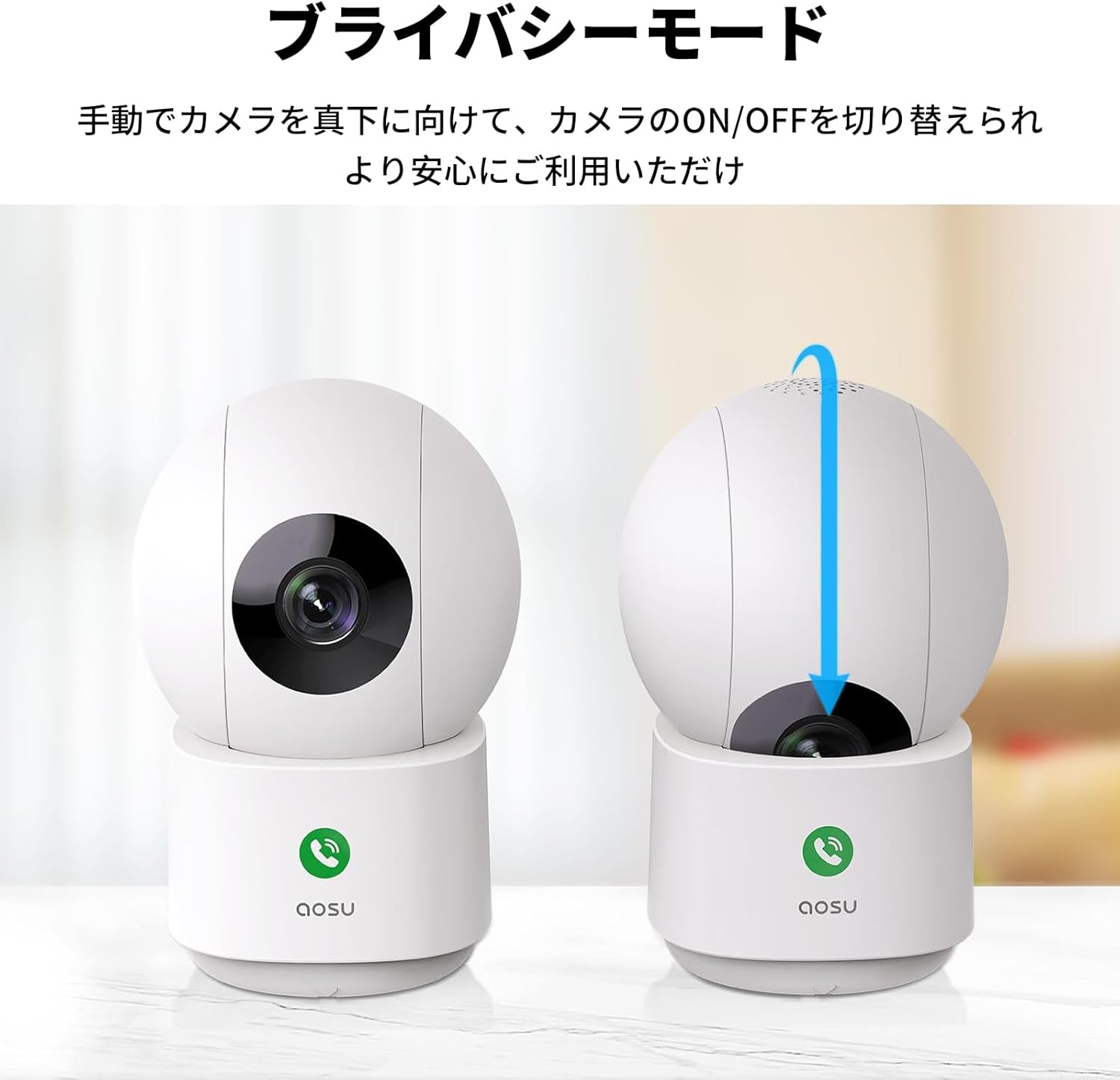
Image: The camera in its normal operating position and then with its lens manually tilted downwards to activate privacy mode.
8. Multi-Device Connection and Family Sharing
Connect multiple aosu cameras to your account and share access with family members through the app. This allows everyone to monitor the live feed and receive notifications simultaneously, whether at home or away.
9. Alexaとの統合
カメラはAlexaに対応しています。音声コマンドを使って view the camera's live feed on compatible Alexa-enabled devices, such as smart displays.
Image: A person interacting with an Alexa-enabled smart display to view the camera feed, demonstrating voice control.
メンテナンス
- クリーニング: カメラのレンズと本体のお手入れには、柔らかく乾いた布をご使用ください。刺激の強い化学薬品や研磨剤入りの洗剤の使用は避けてください。
- ファームウェアの更新: Regularly check the aosu app for firmware updates to ensure your camera has the latest features and security enhancements.
- 配置: カメラは Wi-Fi 信号強度が良好で、直射日光や熱源から離れた場所に設置してください。
トラブルシューティング
| 問題 | 解決 |
|---|---|
| カメラがWi-Fiに接続できない |
|
| ライブはありません view アプリ内 |
|
| モーション検出が機能しない |
|
| One-touch call not working |
|
仕様
| 特徴 | 詳細 |
|---|---|
| モデル名 | C2P2BH11 |
| ビデオキャプチャ解像度 | 4メガピクセル(2560×1440) |
| 無線通信技術 | Wi-Fi (2.4G and 5Ghz compatible) |
| フォームファクター | ドーム |
| 分野 View | 105度 |
| 暗視範囲 | 7メートル |
| 光学ズーム | 6倍デジタルズーム |
| 取り付けタイプ | Freestanding, Wall Mount, Tabletop Mount |
| 電源 | コード式電気 |
| 屋内/屋外での使用 | 屋内 |
| 対応デバイス | スマートフォン |
| コントローラータイプ | アマゾンアレクサ |
| 製品寸法(長さx幅x高さ) | 6.9 x 7.2 x 11 cm |
| アイテム重量 | 370グラム |
保証とサポート
aosu products are designed for reliability and security. This camera has obtained technical standards compliance for radio waves (Mark Number: 210-190103).
For any questions or support during purchase or use, please contact aosu customer service through Amazon:
- Amazonの「注文履歴」へ進みます。
- 購入を選択してください。
- Click "Ask a Question".
Customer service is available on weekdays from 10:30 AM to 7:30 PM (Japan Standard Time). Responses are typically provided within one business day.
Before use, please watch the Wi-Fi connection video available on the product page for detailed instructions.
ビデオオーバーview
簡単に概要を知るにはこの公式ビデオを見てくださいview of the aosu Indoor Security Camera's features and functionality.
ビデオ: 短い事前view video demonstrating the camera's features, including motion detection, two-way audio, and remote viewアプリ経由で。