
ジャイロコプター Zeil
Gyrocopters Zeil Mountain Electric Bike User Manual
モデル: Zeil
1. はじめに
Welcome to the Gyrocopters Zeil Mountain Electric Bike user manual. This guide provides essential information for the safe operation, maintenance, and optimal performance of your new e-bike. The Gyrocopters Zeil is designed for both daily commutes and adventurous off-road experiences, featuring a powerful motor, long-range battery, and advanced safety features.

2. 安全情報
Your safety is paramount. Please read and understand all safety warnings and instructions before operating the e-bike.
2.1 UL 2849認証
The Gyrocopters Zeil e-bike is UL 2849 Certified, ensuring it has passed stringent safety tests for electrical, battery, and mechanical components, adhering to high Canadian Safety Standards. This certification reduces the risk of malfunction or hazard during use.
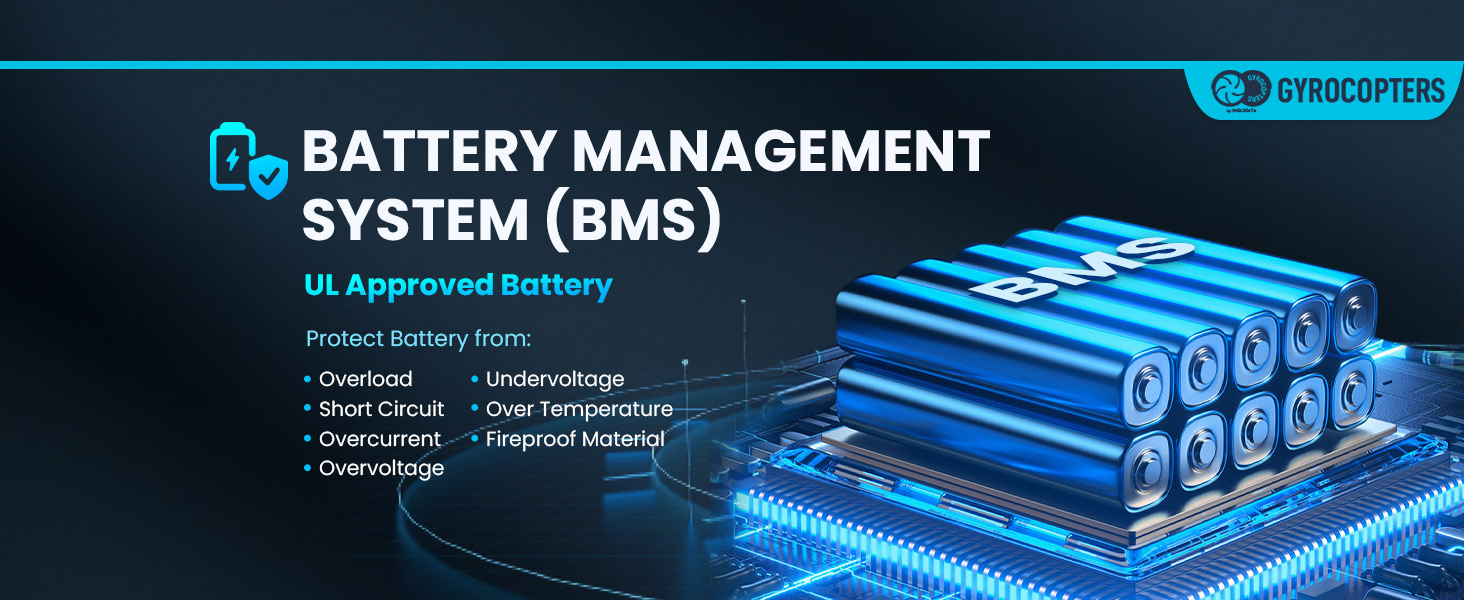
2.2バッテリー管理システム(BMS)
The integrated Battery Management System (BMS) protects the battery from:
- オーバーロード
- 短絡
- 過電流
- オーバーボルtage
- アンダーボルtage
- 過熱
- キャッチング・ファイア
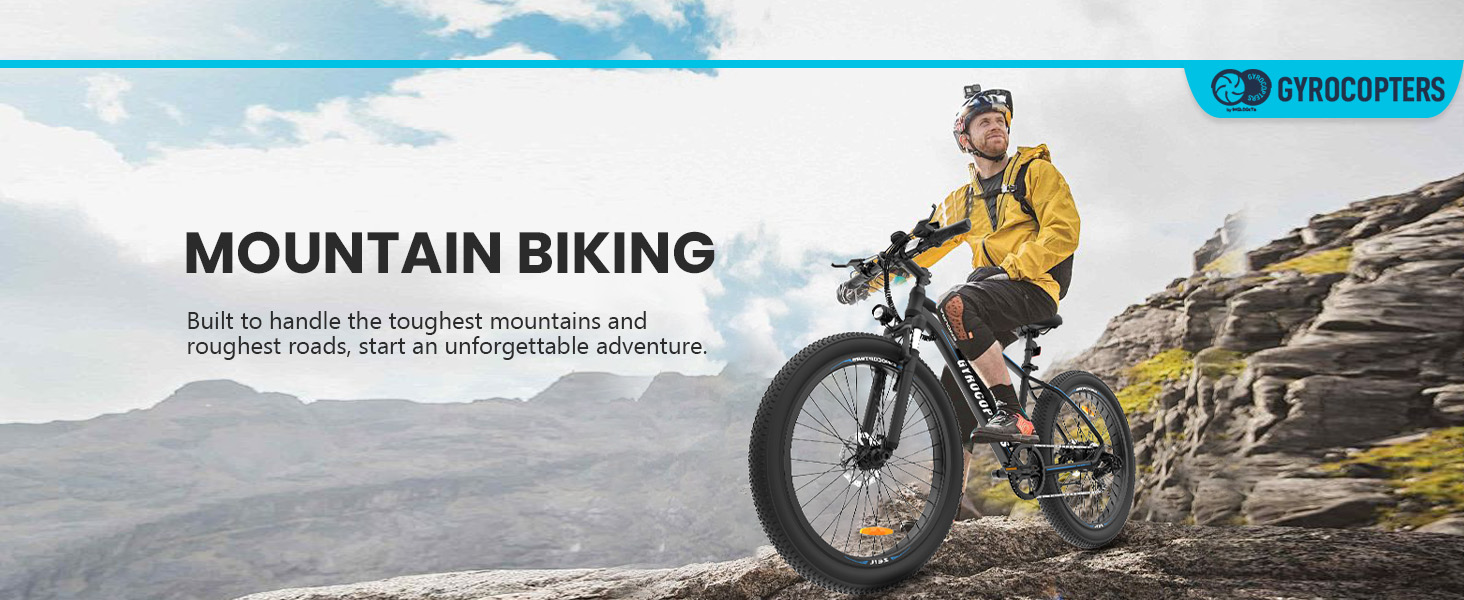
2.3 ブレーキとサスペンション
The e-bike is equipped with EABS and front and rear mechanical disc brakes for reliable stopping power in various conditions. Front fork suspensions ensure a smoother and safer riding experience on rough terrain.
3. コンポーネントと機能
Familiarize yourself with the key components and features of your Gyrocopters Zeil e-bike.
- モーター: 826 W Peak Brushless DC Motor for powerful assistance.
- バッテリー: 48V, 480 Wh Removable Lithium-Ion Battery.
- タイヤ: 27.5"x3" Fat Tires for comfortable riding and shock absorption.
- ギア: Shimano 7-Speed Gear system for terrain adaptability.
- 画面: LCD screen displaying odometer, speedometer, battery level, and assistance level.
- ブレーキ: EABS + Dual-Disk Brakes (front and rear mechanical disc brakes).
- サスペンション: High-strength front suspension.
- GPSトラッカー: スマート盗難防止GPSトラッカー(ワールド Tag) compatible with 'Find My' App (iOS only).
- 点灯: Headlight for visibility.
- 充電: スピードスイッチの下にあるUSB充電ポート。
- ケイデンスセンサー: Aids rider by activating motor when pedaling begins.


4. セットアップと組み立て
The Gyrocopters Zeil e-bike comes partially assembled. Follow these general steps for final setup. For detailed visual instructions, refer to the official installation video (not provided in this manual).
4.1 開梱
すべての部品をパッケージから慎重に取り出してください。輸送中に損傷がないか確認してください。
4.2 ハンドルとシートの取り付け
- Attach the handlebars securely, ensuring all cables are free from kinks.
- Insert the seat post into the frame and adjust the seat height for comfortable riding. The adjustable seat height ranges from 33.3" to 39.4" (845mm to 1000mm).

4.3 ペダルの取り付け
Attach the pedals, ensuring they are tightened correctly (left and right pedals are typically marked).
4.4 バッテリーの取り付け
The 48V, 480 Wh battery is removable. Insert the battery into its compartment and secure it using the provided key. For a visual guide on battery removal and installation, refer to the official installation video (not provided in this manual).

5. 操作手順
5.1 電源オン/オフ
Press and hold the Power On/Off button on the handlebars to turn the e-bike system on or off. The LCD display will illuminate.
5.2 LCDディスプレイ
LCD ディスプレイにはリアルタイムの情報が表示されます。
- 速度(現在、最大、平均)
- Mileage (trip, total odometer)
- バッテリーレベル
- 支援レベル(PAS)
- 障害アラート
5.3 Accelerating and Shifting Gears
- 加速度: Use the throttle or pedal assistance to accelerate.
- ギアシフト: Utilize the 7-Speed thumb shifter to change gears according to terrain and desired speed.
6. バッテリー管理と充電
6.1 バッテリーの充電
Connect the e-bike charger to the charging port on the battery. The battery can be charged while installed on the bike or removed. Ensure the charger is connected to a suitable power outlet. The BMS optimizes performance and extends battery life by maintaining cell balance.
6.2 バッテリー範囲
The 48V, 480 Wh battery provides a range of up to 91km (57 miles) in pedal assistance mode. Actual range may vary based on terrain, rider weight, and riding style.
7. Riding Modes and Speed Control
The Gyrocopters Zeil offers three distinct riding modes and adjustable speed settings.

7.1 Three Riding Modes
- 通常ライディングモード: ペダルの力のみを使用して、従来の自転車のように乗ります。
- 純電気モード: Utilize the motor for effortless acceleration without pedaling.
- ペダルアシストモード: The motor provides assistance as you pedal, maximizing range and reducing effort.
7.2速度設定
The e-bike provides three default speed settings:
- 15 km/h (9.3 miles)
- 25 km/h (15 miles)
- 32 km/h (19 miles)
The e-bike can reach a speed of up to 40 km/h (25 mph) after unlocking the e-bike speed. Refer to the official video "Unlock for 40kmph - Gyrocopters Zeil Mountain Electric Bike" for instructions (not provided in this manual).
7.3 Cadence Sensor
The integrated cadence sensor detects when you begin pedaling and activates the motor, providing assistance seamlessly. It deactivates when pedaling ceases.
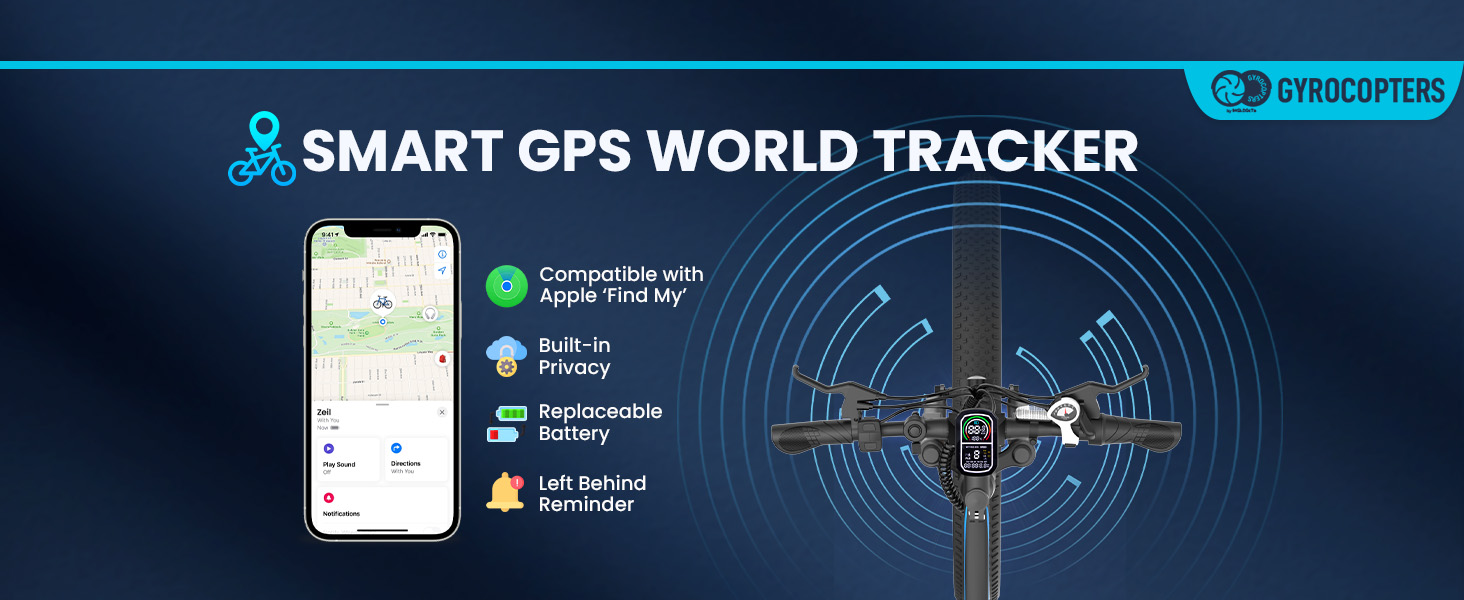
8. Anti-Theft GPS Tracker
Gyrocopters Zeil e-bikeには、スマート盗難防止GPSトラッカー(世界 Tag) for enhanced security.
- 互換性: Seamlessly works with the 'Find My' App (Compatible ONLY on iOS devices).
- 特徴: Offers real-time location tracking, helps locate the bike if lost or stolen, and provides a 'Left Behind Reminder'.
9. メンテナンス
定期的なメンテナンスにより、電動自転車の寿命が長くなり、安全に操作できるようになります。
- タイヤ空気圧: Check tire pressure regularly. The 27.5"x3" fat tires provide comfort and shock absorption.
- ブレーキ: Inspect brake pads and discs periodically for wear. Ensure proper brake function.
- 鎖: チェーンを清潔に保ち、潤滑油を差してください。
- バッテリーのケア: Store the battery in a cool, dry place. Avoid fully discharging the battery for extended periods. Charge regularly, even if not in use.
- 一般的な清掃: dでバイクを掃除してくださいamp 布で拭いてください。電気部品に直接高圧洗浄をかけないでください。
10。 トラブルシューティング
このセクションでは、発生する可能性のある一般的な問題について説明します。
| 問題 | 考えられる原因 | 解決 |
|---|---|---|
| 電動自転車の電源が入らない | バッテリー残量が少ない、または切れている バッテリーが正しく取り付けられていない 電気接続の緩み | バッテリーを充電する バッテリーが完全に装着されロックされていることを確認してください 目に見えるすべてのケーブル接続を確認してください |
| モーターがアシストしない | Pedal assist level too low Cadence sensor issue Brake lever engaged | Increase pedal assist level on display Check cadence sensor for obstructions Ensure brake levers are fully released |
| バッテリーの航続距離が短い | 空気圧不足のタイヤ Frequent use of pure electric mode 頻繁に上り坂を走る バッテリーの劣化 | タイヤを推奨圧力まで膨らませます Utilize pedal assist mode more often Shift to lower gears for climbs Contact support if battery life significantly reduced |
| ブレーキが弱いように感じる | 摩耗したブレーキパッド ブレーキケーブルの緩み Contaminated brake discs | ブレーキパッドの点検と交換 ブレーキケーブルの張力を調整する Clean discs with appropriate cleaner |
11. 仕様
Detailed technical specifications for the Gyrocopters Zeil Mountain Electric Bike.
| 仕様 | 価値 |
|---|---|
| 製品寸法 | 191.01 x 60.96 x 111.51 cm |
| アイテム重量 | 24.2キロ |
| 商品型番 | ツァイル |
| 年齢範囲 | アダルト |
| バイクの種類 | Electric Bike, Mountain Bike, City Bike, Commuting Bike, Road Bike, Triathlon Bike |
| ブレーキタイプ | Disc, EABS |
| 色 | 青 |
| サイズ | 27.5インチ |
| フレーム素材 | プレミアムアルミニウム合金 |
| 速度の数 | 7 |
| 電源 | 電気 |
| ワットtage | 826ワット(ピーク) |
| サスペンション | Hydraulic Suspension (Front Fork) |
| バッテリー | 48V, 480 Wh Lithium Ion (Removable) |
| 最大範囲(ペダルアシスト) | 最大 91 km (57 マイル) |
| Max Unlocked Speed | 最大40km / h(25 mph) |
| 登坂能力 | 15度 |
| 耐水性 | IP54 |
| 含まれるコンポーネント | 盗難防止GPSトラッカー(ワールド Tag)、電動自転車充電器、ユーザーマニュアル |
12. 保証とサポート
For warranty information and customer support, please contact Gyrocopters directly.
- メーカー: ジャイロコプター
- Place of Business (IMGadgets):
電話: +1 647-797-3804
メールアドレス: customercare@imgadgets.com
チャット: www.imgadgets.com
関連文書 - ツァイル
 |
ジャイロコプター Zeil 電動自転車 取扱説明書 Gyrocopters Zeil電動自転車の取り付け、操作、メンテナンス、安全性に関する包括的な説明書です。仕様、注意事項、保証情報も記載されています。 |
 |
ジャイロコプター Zeil 電動自転車 取扱説明書 Gyrocopters Zeil 電動自転車の包括的な取扱説明書。取り付け、安全性、仕様、メンテナンス、操作ガイドラインを網羅しています。 |
 |
ジャイロコプター Zeil 電動自転車 取扱説明書 Gyrocopters Zeil電動自転車の包括的な取扱説明書。取り付け、安全性、仕様、準備、メンテナンス、保証情報などを網羅しています。安全な操作とお手入れに関する詳細なガイドも含まれています。 |
 |
Manuel d'instructions du Vélo Électrique Gyrocopters Zeil - ガイド完全版 ジャイロコプターの説明書が完成しました。設置の詳細、仕様技術、準備、作業、安全性、保証、保証。 Obtenez は、電動自転車に必要な情報を宣伝しています。 |
 |
HITWAY BK11M 電動自転車 取扱説明書 HITWAY BK11M 電動自転車の包括的な操作マニュアル。充電、運転時の安全性、製品のパラメータ、制御機器の説明を網羅しています。 |
 |
Kingbull Hunter 2.0S Electric Bike User Manual and Safety Guide Comprehensive user and assembly manual for the Kingbull Hunter 2.0S electric mountain bike. Covers specifications, safe operation, battery care, maintenance, and warranty for this 1300W Peak, 26x4 Fat Tire Ebike. |
Ask a question about this manual
Ask about setup, troubleshooting, compatibility, parts, safety, or missing instructions. Manuals+ will review the question and use this page’s manual context to help answer it.