
導入
This manual provides instructions for the VTech VG232-2 Cordless Phone with Digital Answering System. It covers setup, operation, maintenance, and troubleshooting to ensure optimal performance of your device. Please read these instructions carefully before using your phone.
設定
1. 開梱と部品の確認
始める前に、パッケージにすべてのコンポーネントが揃っていることを確認してください。
- 1 ベースユニット
- コードレスハンドセット 2 台
- ACアダプター2個
- 2充電式バッテリー
- 携帯電話充電器1個
2. バッテリーの取り付け
Install the rechargeable battery into each cordless handset. Open the battery compartment cover on the back of the handset, connect the battery connector, and place the battery inside. Close the cover securely.

画像の説明: A VTech cordless phone handset is shown next to its base unit. The image highlights that the unit can be placed on a tabletop or mounted on a wall, demonstrating its versatile placement options. This image also shows the general form factor of the handset and base, relevant for battery installation.
3. ベースユニットの接続
Connect the AC adapter to the base unit and plug it into a standard electrical outlet. Connect the telephone line cord to the base unit and then to your telephone wall jack.
4. 端末の初期充電
Place each handset in its respective charger or the base unit. Allow the handsets to charge for at least 16 hours before initial use to ensure full battery capacity.
5。 日時の設定
After the initial charge, follow the on-screen prompts or refer to the handset menu to set the correct date and time. This is crucial for accurate caller ID and answering system timestamps.
操作手順
1. 電話をかけたり受けたりする
- 電話をかけるには: プレス トーク/フラッシュ、電話番号をダイヤルします。
- 電話を受けるには: 電話が鳴ったら、を押します トーク/フラッシュ or any dial pad key (0-9, #, *).
- 通話を終了するには: プレス オフ/キャンセル または、ハンドセットを充電器に戻します。
2. Full-Duplex Speakerphone
The phone features a full-duplex speakerphone, allowing both parties to speak and be heard simultaneously for more natural conversations.
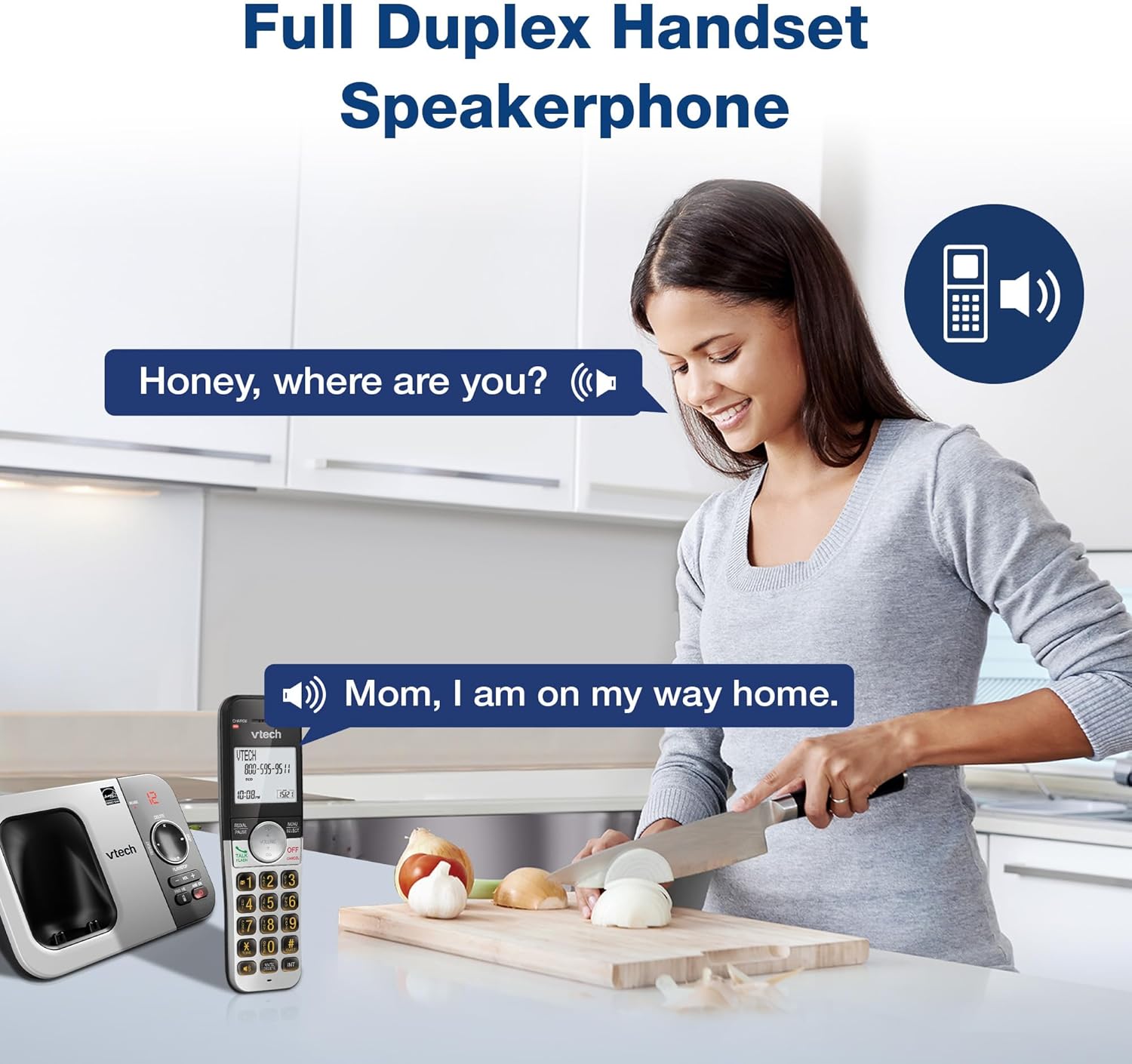
画像の説明: A woman is shown in a kitchen, talking on the VTech cordless phone which is placed on the counter. A speech bubble indicates a conversation, highlighting the full-duplex speakerphone feature that allows hands-free communication.
3. 発信者番号通知と通話中着信
The handset displays the name, number, time, and date of incoming calls. The system stores up to 50 caller ID entries.

画像の説明: The VTech cordless phone handset and base unit are displayed. The handset screen shows a list of phone numbers, demonstrating the Caller ID feature which stores up to 50 calls.
4. デジタル応答システム
The integrated digital answering system records messages for up to 14 minutes.

画像の説明: A man in a suit points to the VTech phone base unit, which has a digital display showing '12' (likely message count). A graphic bubble indicates 'Record 14 Mins', highlighting the answering system's recording capacity.
Message Counter
The base unit features a message counter that displays the number of new or saved messages.

画像の説明: A close-up of the VTech phone base unit's digital display, showing the number '12'. A text overlay explains that this displays the number of recorded messages.
リモートアクセス
You can access your answering system messages remotely by calling your phone number from an external line and entering your remote access code.

画像の説明: A woman is shown smiling while on a phone call, with arrows pointing between her and the VTech cordless phone. A speech bubble states 'You have 3 new messages...', illustrating the remote access feature for checking messages.
5.電話帳
電話帳に最大 50 件の名前と番号を保存して、すばやくダイヤルできます。

画像の説明: The VTech cordless phone handset is shown with a graphic illustrating a phonebook icon and the text '50 Name and Number Phonebook Contacts', indicating the capacity of the phone's contact list.
6. Last 10 Number Redial
Quickly redial any of the last 10 numbers called using the redial feature.

画像の説明: A hand is shown pressing the 'REDIAL/PAUSE' button on the VTech cordless phone handset. A graphic icon depicts two arrows circling, symbolizing the redial function for the last 10 numbers.
7. ハンドセット間のインターコム
Use the intercom feature to communicate between two handsets within the system.

画像の説明: Two VTech cordless phone handsets are displayed, with blue arrows pointing between them, symbolizing the intercom functionality that allows communication between handsets.
8. 静音モード
Activate Quiet Mode to silence the ringer on the handset and base unit for a specified period.

画像の説明: The VTech cordless phone handset is shown with the '# QUIET' button highlighted. The background shows a person sleeping, illustrating the benefit of the Quiet Mode feature.
9.ECOモード
The phone utilizes ECO Mode power-conserving technology to optimize battery life and reduce power consumption.

画像の説明: The VTech cordless phone handset and base unit are shown. A green leaf icon with a recycling symbol represents 'ECO Mode Power-Conserving Technology', indicating the phone's energy efficiency.
10. バックライト付きキーパッドとディスプレイ
The entire keypad and the 2-inch LCD screen are backlit for easier view暗い場所での撮影。
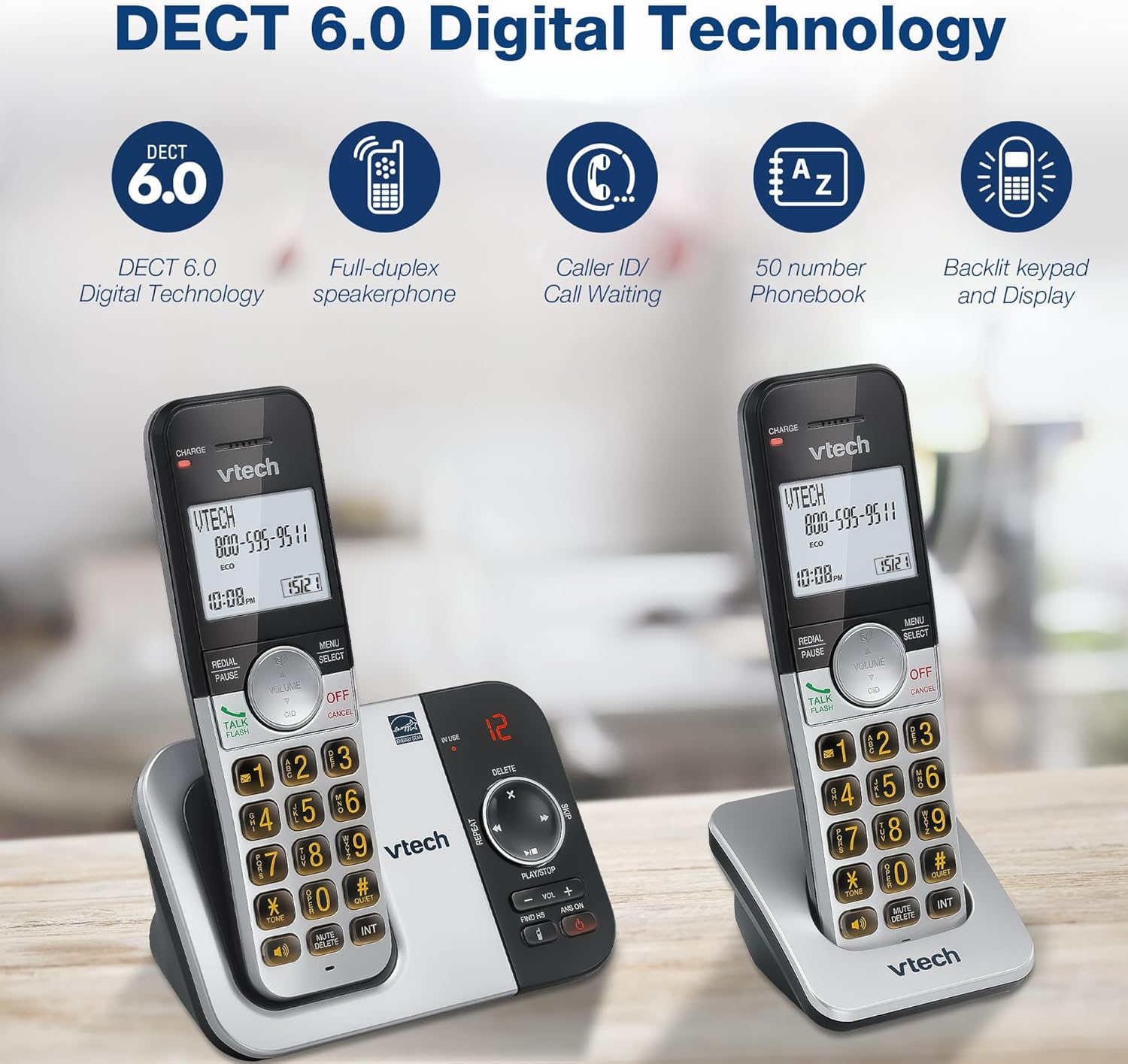
画像の説明: A close-up of the VTech cordless phone handset's keypad, showing the illuminated buttons, highlighting the 'Lighted Keypad' feature for visibility in the dark.
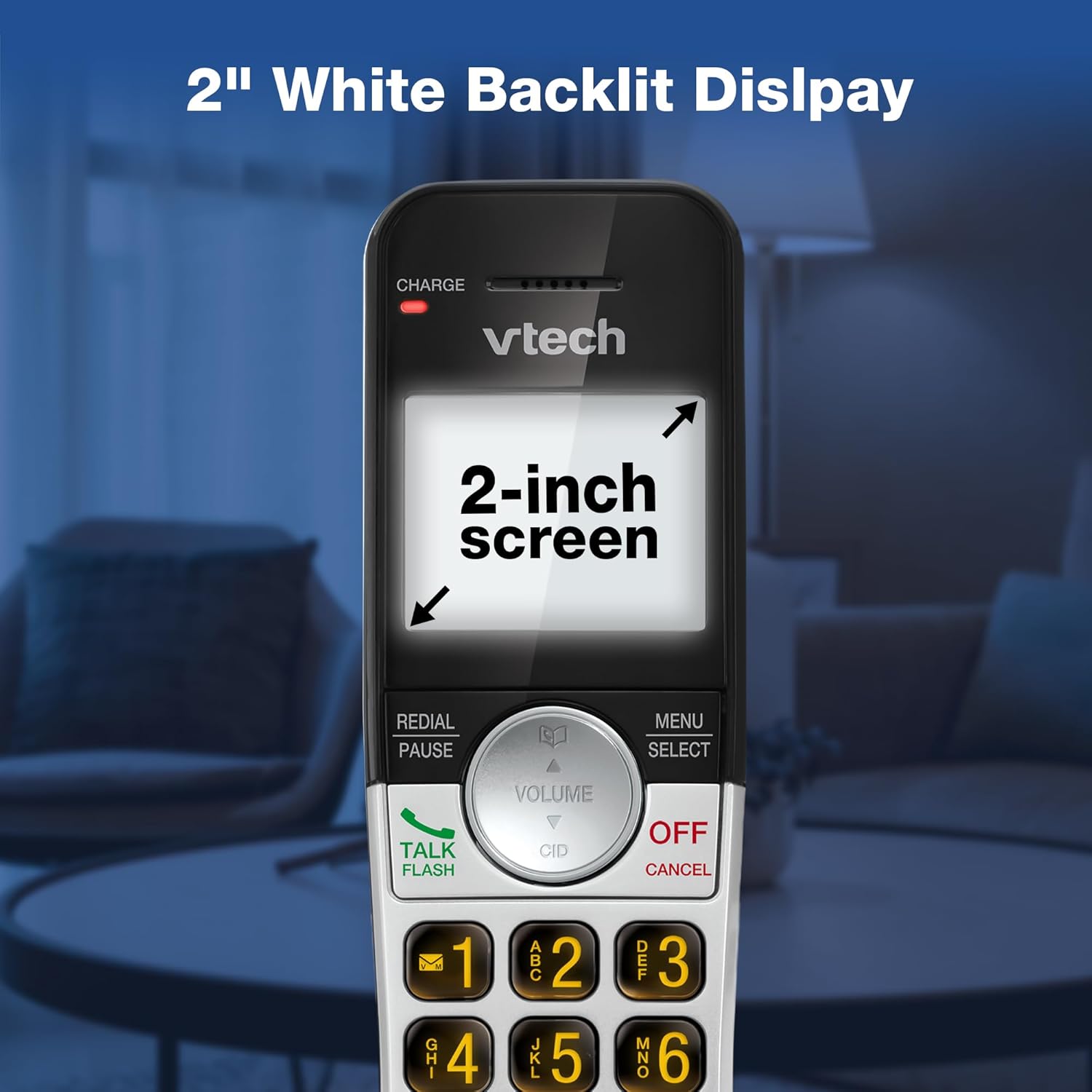
画像の説明: A close-up of the VTech cordless phone handset's screen, which is illuminated with a white backlight. Text on the screen indicates '2-inch screen', emphasizing the display size and backlighting.
メンテナンス
To maintain your VTech VG232-2 phone, follow these guidelines:
- クリーニング: 電話機とベースユニットを柔らかくて乾いた布で拭いてください。amp 布で拭いてください。洗浄スプレーや刺激の強い化学薬品は使用しないでください。
- バッテリーのケア: 充電が切れたバッテリーは交換してください。VTech認定の交換用バッテリーのみを使用してください。
- 配置: 携帯電話を直射日光の当たる場所、熱源の近く、湿気の多い場所に置かないでください。
トラブルシューティング
| 問題 | 解決 |
|---|---|
| 発信音なし | 電話回線コードがベースユニットと壁のジャックの両方にしっかりと接続されていることを確認してください。ACアダプタが正しく接続されていることを確認してください。 |
| 端末が充電されない | Ensure the handset is correctly seated in the charger. Clean the charging contacts on both the handset and charger with a dry cloth. Verify the charger is plugged into a working power outlet. |
| 音質が悪い | Move the handset closer to the base unit. Avoid placing the phone near other electronic devices that may cause interference. Check for any obstructions between the handset and base. |
| 留守番電話が録音されない | 留守番電話がオンになっていることを確認してください。メモリがいっぱいになっていないか確認し、必要に応じて古いメッセージを削除してください。 |
| Date/Time incorrect | Manually reset the date and time through the handset menu. Ensure the phone has a stable power connection. |
仕様
| 特徴 | 詳細 |
|---|---|
| ブランド | VTech |
| モデル番号 | VG232-2 |
| 電話タイプ | コードレス |
| 色 | シルバー/ブラック |
| 材料 | プラスチック |
| 電源 | コード式電気 |
| ハンドセットの数 | 2 |
| 電池のタイプ | Product-specific (2 included) |
| 留守番電話システムの種類 | デジタル |
| 記録容量 | 14分 |
| 発信者ID | Yes (stores 50 calls) |
| スピーカーフォン | 全二重 |
| 電話帳の容量 | 50 Name and Number Contacts |
| 電話会議機能 | 3ウェイ |
| 電話通話時間 | 7時間 |
| 電話の待機時間 | 5日間 |
| 商品の寸法 (長さ x 幅 x 高さ) | 14.1 x 8.5 x 18.4 cm |
| 欧州連合 | 735078053824 |
| 含まれるコンポーネント | 1 handset charger, 2 AC adapters, 2 cordless handsets, 2 batteries, Base unit |
製品終了view ビデオ
ビデオの説明: このビデオでは、view of the VTech VG232-2 cordless phone, showcasing its features and design. It offers a visual guide to the product's main functionalities.
保証情報
VTech products are manufactured with high-quality components and are subject to rigorous testing. This product is covered by a limited warranty against defects in material and workmanship. For specific warranty terms and conditions, please refer to the warranty card included in your product packaging or visit the official VTech webサイト。
サポート
If you require further assistance or have questions not covered in this manual, please visit the VTech support website or contact customer service. Contact details can typically be found on the VTech official webサイトまたは製品のパッケージ内。