
導入
The JUSTPRO 15W Mini Guitar Amp (Model GA-ONE) is a portable and versatile amplifier designed for both acoustic and electric guitars. Featuring a built-in rechargeable battery, wireless Bluetooth connectivity, and multiple effects like Reverb, Chorus, and Delay, it provides a comprehensive solution for practice, recording, and small performances. Its compact size and robust sound make it an ideal companion for musicians on the go or for desktop use.
箱の中身
- JUSTPRO 15W Mini Guitar Amp (Model GA-ONE)
- USB充電ケーブル
製品の特徴
The JUSTPRO Mini Guitar Amp offers a range of features designed for versatile practice and performance:
- 4 EFX Volume Adjustment: Includes Reverb (Room/Hall), Chorus, and Delay effects for sound customization.
- 充電式&ポータブル: 15-watt output with a built-in rechargeable battery providing approximately 4 hours of playtime on a full charge.
- 豊富なインターフェース: Supports AUX input, REC output, OTG live streaming, and headphone output for diverse connectivity.
- Wireless Audio Design: Bluetooth connectivity allows pairing with mobile devices for audio playback.
- コンパクトで軽量: Small footprint (7x4x6 inches) for easy transport and placement.
- 低音と高音のコントロール: Independent knobs for precise tone shaping.
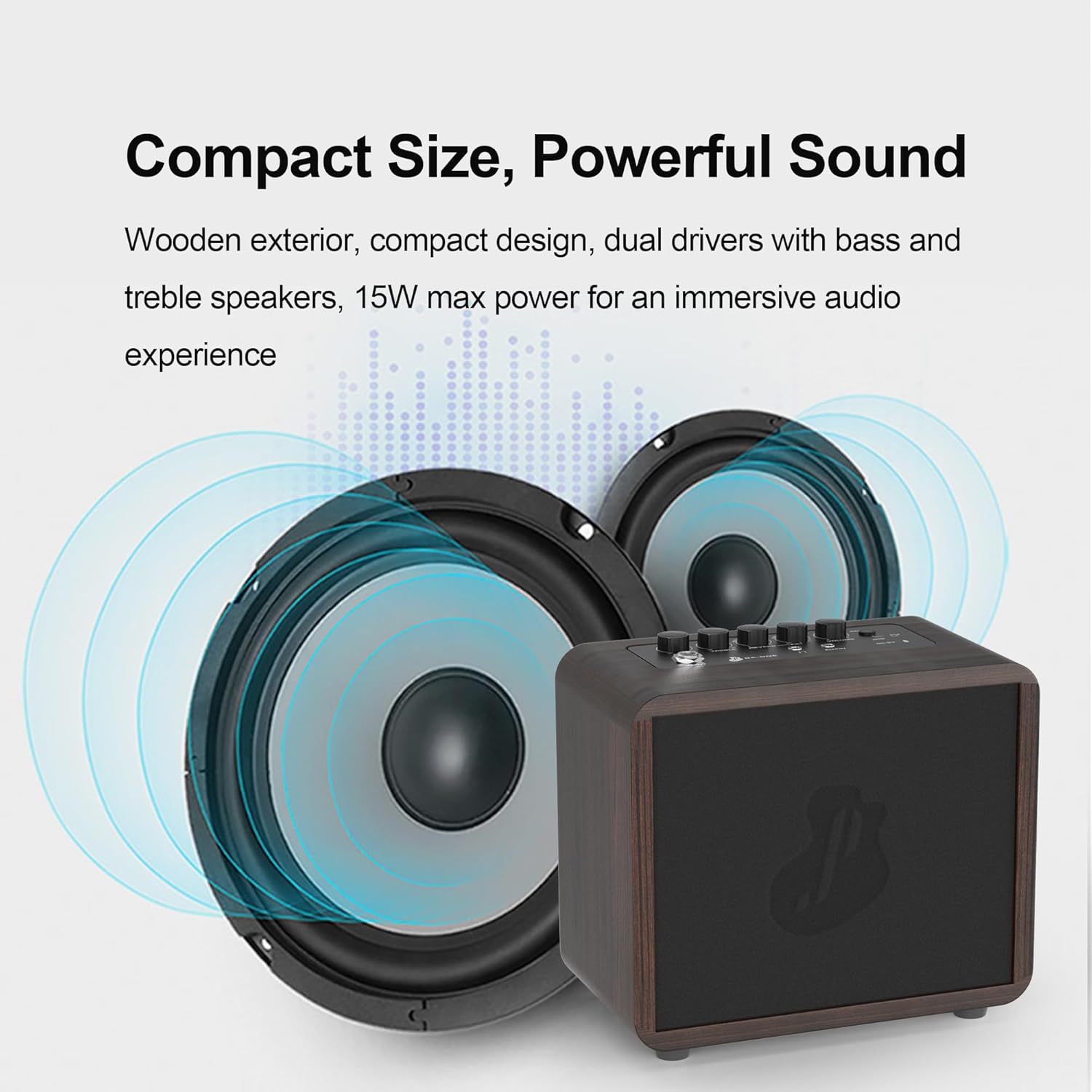
The compact design of the JUSTPRO Mini Guitar Amp delivers powerful sound, suitable for various practice environments.
Official product video demonstrating the features and sound capabilities of the JUSTPRO Mini Guitar Amp.
セットアップガイド
1. 充電する Ampリファイアー
初めて使用する前に、 amplifier. Connect the provided USB charging cable to the DC-5V/OTG port on the amplifier and the other end to a standard USB power adapter (not included) or a computer USB port. The charging indicator light will show the charging status.
2. 初回電源投入
Press and hold the POWER/BT button located on the top panel to turn the ampリファイアのオンまたはオフ。
3. Connecting to a Guitar
Insert your guitar's 6.35mm (1/4 inch) instrument cable into the INPUT jack on the amplifier's top panel.

の amplifier and its USB charging cable, essential for initial setup and power.
操作手順
コントロールオーバーview

詳細 view の amplifier's top panel controls and input/output ports.
- POWER / BT: Power On/Off button. Short press to switch between modes (Guitar/Bluetooth). Long press to power on/off.
- ボリューム: 全体の出力音量を調整します amplifier。
- CHORUS / DELAY (FX-): Controls the intensity of the Chorus and Delay effects.
- R-ROOM / R-HALL (REVERB): Selects and adjusts the Reverb effect (Room or Hall).
- 高音: Adjusts the high-frequency tone of your sound.
- ベース: Adjusts the low-frequency tone of your sound.
- DC-5V / OTG: USB-C port for charging and OTG (On-The-Go) live streaming/recording.
- AUX入力: 3.5mm input for connecting external audio sources like phones or MP3 players.
- ヘッドホン: 3.5mm output for private practice with headphones.
- 入力: 6.35mm (1/4 inch) input for connecting your guitar.
機器の接続
After plugging in your guitar to the INPUT jack, ensure the amplifier is powered on. Adjust the VOLUME knob to your desired listening level. Use the BASS and TREBLE knobs to shape your guitar's tone.
Bluetoothオーディオの使用
- 電源を入れる amplifier。
- Short press the POWER/BT button to switch to Bluetooth mode. The Bluetooth indicator light will blink, indicating it's ready for pairing.
- On your mobile device (smartphone, tablet, etc.), enable Bluetooth and search for "JUSTPRO GA-ONE".
- Select "JUSTPRO GA-ONE" to pair. Once paired, the Bluetooth indicator light will become solid.
- デバイスからオーディオを再生できるようになりました amplifier。
Applying Effects (Reverb, Chorus, Delay)
の amplifier includes built-in effects to enhance your sound:
- Reverb (R-ROOM / R-HALL): Turn the REVERB knob to select between Room and Hall reverb types and adjust their intensity.
- Chorus / Delay (FX-): Turn the FX- knob to apply and adjust the intensity of Chorus or Delay effects.

の amplifier's control knobs allow for free adjustment of tone and effects.
メンテナンス
- クリーニング: 柔らかく乾いた布で拭いてください。 amp洗浄剤の外装。研磨剤入りの洗剤や溶剤の使用は避けてください。
- ストレージ: 保存する amp直射日光や極端な温度を避け、涼しく乾燥した場所に保管してください。
- バッテリーのケア: バッテリーの寿命を延ばすには、バッテリーを頻繁に完全に放電させないでください。長期間保管する場合は、数ヶ月ごとにバッテリーを約50%まで充電してください。
- 取り扱い: 処理する amplifier with care to prevent damage to internal components or the wooden casing.
トラブルシューティング
| 問題 | 考えられる原因 | 解決 |
|---|---|---|
| ギターから音が出ません。 | Amplifier is off, volume is too low, guitar cable is faulty, or guitar volume is off. | 確保する amplifier is powered on and charged. Increase amplifier and guitar volume. Check guitar cable connection and try a different cable if necessary. |
| Bluetoothが接続されていません。 | Amplifier not in Bluetooth mode, device Bluetooth is off, or device is too far. | Short press POWER/BT button to enter Bluetooth mode. Ensure Bluetooth is enabled on your device. Move device closer to the amp(10メートル以内) |
| Effects (Reverb/Chorus/Delay) not working. | Effect knobs are set to minimum or not properly engaged. | Rotate the REVERB and FX- knobs clockwise to increase effect intensity. Ensure the correct effect type is selected if applicable. |
| Amp充電装置が充電されません。 | USB ケーブル、電源アダプタ、または充電ポートに障害があります。 | Try a different USB cable and power adapter. Ensure the USB-C cable is fully inserted into the DC-5V/OTG port. If the issue persists, contact customer support. |
仕様
| ブランド | ジャストプロ |
| モデル番号 | GAワン |
| 出力ワットtage | 15ワット |
| 製品寸法 | 4 x 7 x 6インチ |
| アイテム重量 | 3.45ポンド |
| 電源 | 電池式(リチウムイオン電池1個付属) |
| 材質タイプ | 木材 |
| 対応デバイス | アコースティック/エレキギター |
| コネクタタイプ | 3.5mmジャック、6.35mmジャック |
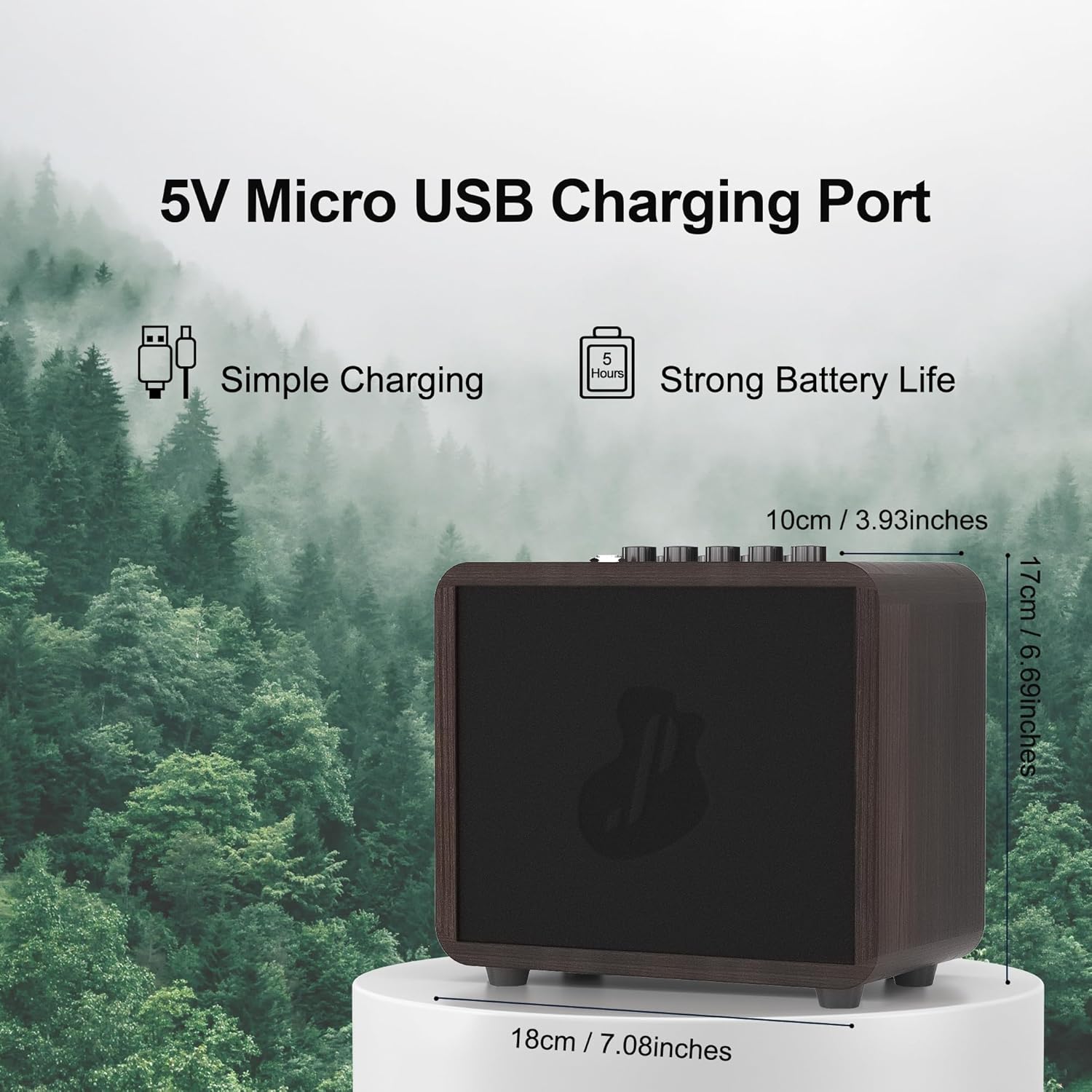
Dimensions of the JUSTPRO Mini Guitar Amp, highlighting its compact and portable design.
保証とサポート
For detailed warranty information and customer support, please refer to the documentation included with your purchase or visit the official JUSTPRO website. You can also contact the seller directly through the platform where you purchased the product for assistance.
追加のリソースと製品のアップデートについては、 JUSTPRO Store on Amazon.