
導入
This manual provides instructions for the Elprico 4G Portable WiFi Hotspot, a mobile MiFi device designed to provide high-speed 4G internet access for up to 10 users. It features a 300 Mbps network capability and 4G LTE transmission speeds of up to 150 Mbps. The device is compact, lightweight, and includes a 3000 mAh battery for extended use.
The Elprico 4G Portable WiFi Hotspot supports 4G LTE bands B1, 3, 7, 8, 20, 38, 40, 41 and 3G UMTS bands B1, 5, 8. It offers secure wireless connectivity with WPA and WPA2 encryption.
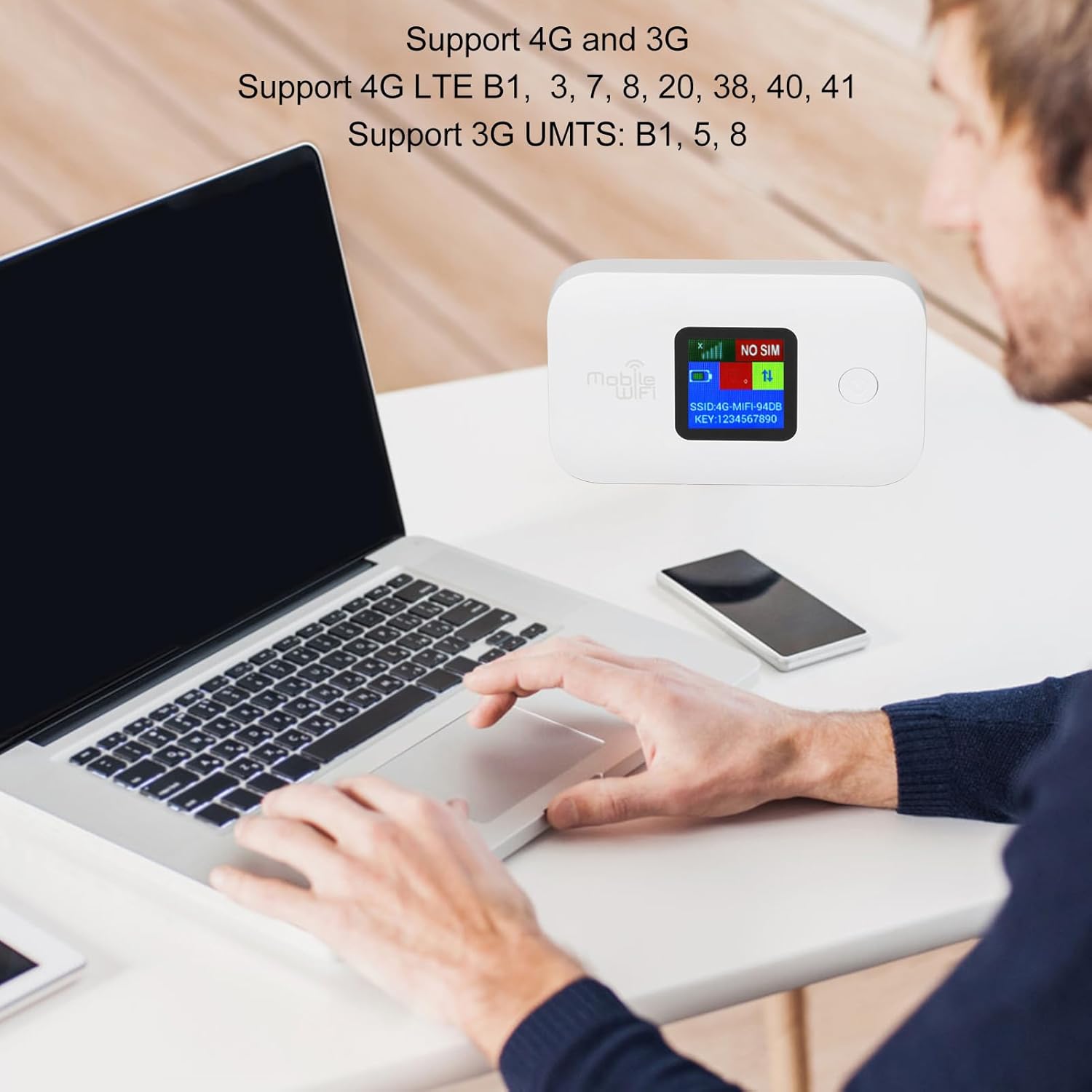
Image: The Elprico 4G Portable WiFi Hotspot connected to a laptop, illustrating its 4G and 3G support. The device screen shows network status and supported bands.
パッケージ内容
- 1 x Elprico 4G Portable WiFi Hotspot
- 充電ケーブル x 1
設定
- SIM カードの挿入: Locate the SIM card slot on the device. Carefully insert a standard SIM card (not included) into the designated slot. Ensure the SIM card is correctly oriented.

画像: トップダウン view of the Elprico 4G Portable WiFi Hotspot, highlighting the screen and the area where the SIM card is inserted.
- デバイスを充電します。 Connect the provided charging cable to the USB port on the hotspot and to a power source (e.g., USB wall adapter, computer USB port). The device has a built-in 3000 mAh lithium battery.

画像: クローズアップ view of the USB-C charging port on the Elprico 4G Portable WiFi Hotspot.
- 電源オン: Press and hold the power button until the screen illuminates. The device will automatically connect to the 4G network if a valid SIM card is inserted and network coverage is available.
操作手順
デバイスの接続
The hotspot supports up to 10 devices simultaneously, including mobile phones, laptops, computers, smart televisions, and other Wi-Fi enabled devices.
- ネットワーク名(SSID)を見つける: The Wi-Fi network name (SSID) and password (KEY) are displayed on the hotspot's screen. Look for "SSID: 4G-MIFI-XXXX" and "KEY: YYYYYYYYYY".

画像: クローズアップ view of the hotspot's screen, clearly showing the Wi-Fi network name (SSID) and password (KEY).
- デバイスを接続します。 On your mobile phone, laptop, or other Wi-Fi enabled device, search for available Wi-Fi networks. Select the SSID matching your hotspot.
- パスワードを入力してください: When prompted, enter the password (KEY) displayed on the hotspot's screen.
- インターネットにアクセス: Once connected, your device will have internet access via the 4G network.
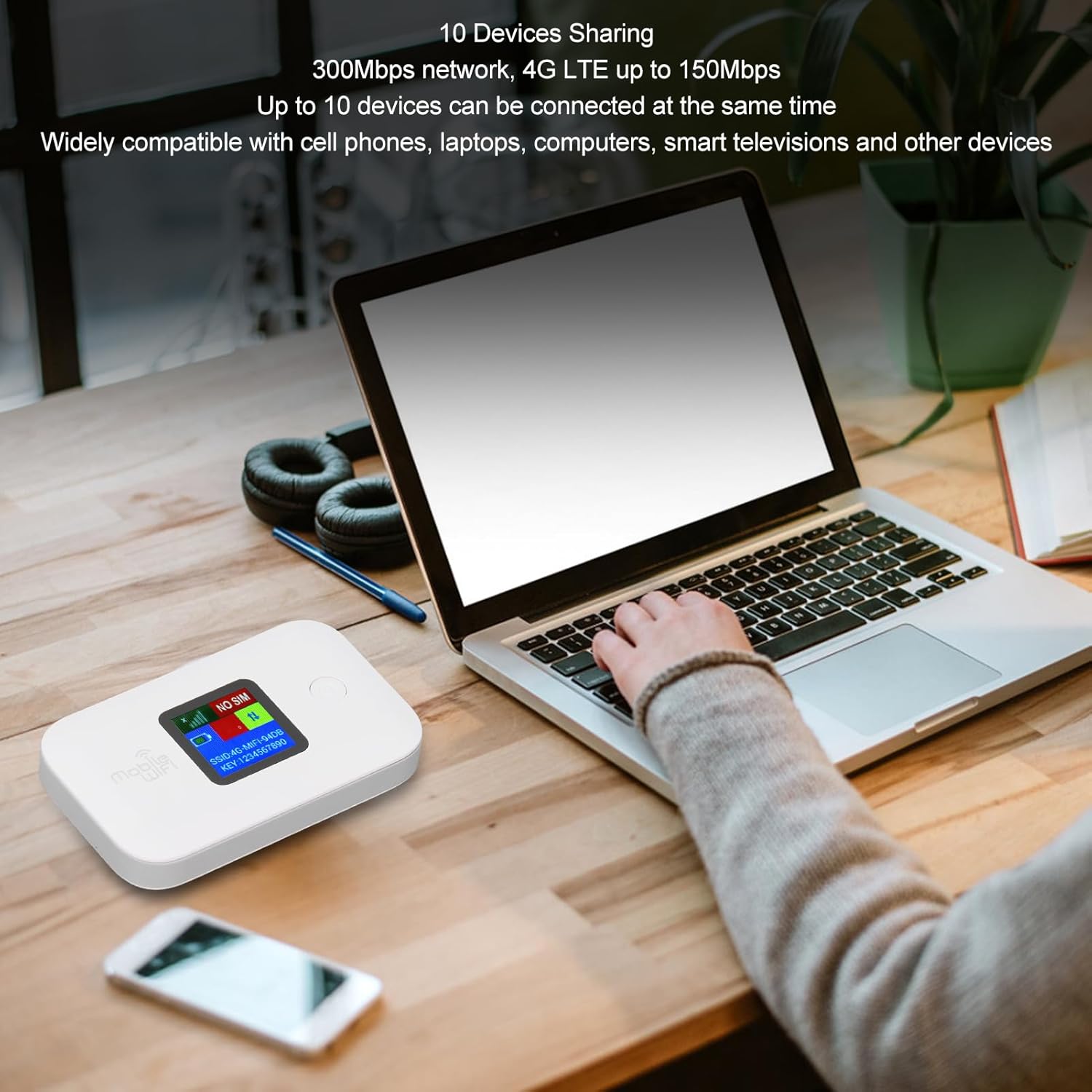
Image: The Elprico 4G Portable WiFi Hotspot actively sharing its internet connection with a laptop and a smartphone, demonstrating its multi-device sharing capability.
セキュリティ機能
The mobile WiFi router employs multiple security measures, including WPA and WPA2 WiFi encryption, to ensure advanced wireless security and prevent unauthorized network access.
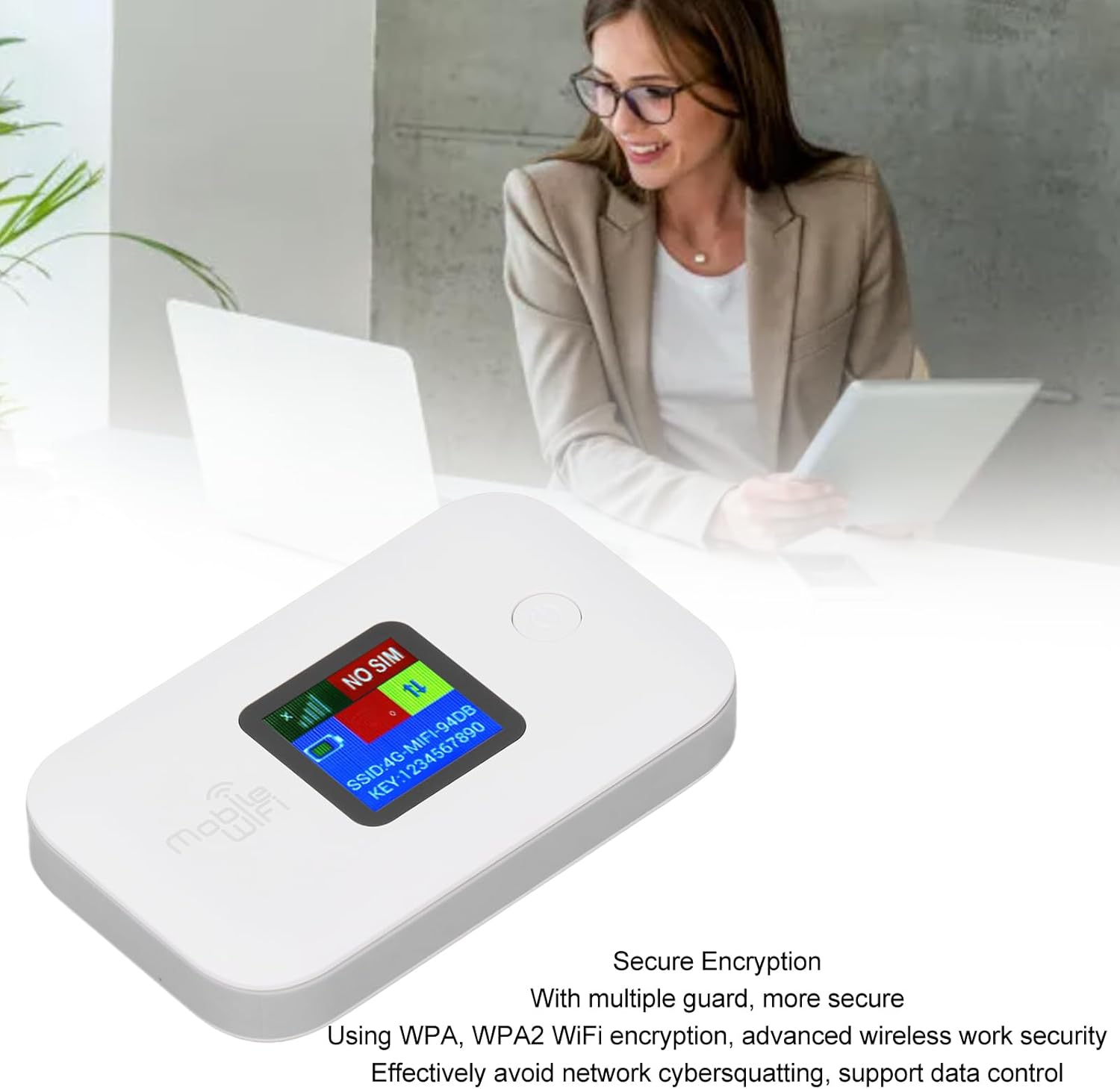
画像: 詳細な view of the Elprico 4G Portable WiFi Hotspot, highlighting its secure encryption capabilities.
メンテナンス
To ensure the longevity and optimal performance of your Elprico 4G Portable WiFi Hotspot, follow these maintenance guidelines:
- デバイスを乾燥した状態に保ち、湿気を避けてください。
- デバイスを極端な温度(高温または低温)にさらさないでください。
- 柔らかく乾いた布で優しく拭いてください。液体クリーナーやエアゾールは使用しないでください。
- 長期間使用しない場合は、デバイスを涼しく乾燥した場所に保管してください。
- Do not attempt to disassemble or repair the device yourself. Contact qualified service personnel if repairs are needed.
トラブルシューティング
If you encounter issues with your Elprico 4G Portable WiFi Hotspot, refer to the following common problems and solutions:
| 問題 | 考えられる原因 | 解決 |
|---|---|---|
| インターネット接続なし |
|
|
| インターネット速度が遅い |
|
|
| Wi-Fiに接続できません |
|
|
| バッテリー寿命が短い |
|
|
仕様
| 特徴 | 説明 |
|---|---|
| モデル名 | Elpricog962hospd8 |
| ブランド | エルプリコ |
| ネットワークサポート |
|
| ワイヤレス標準 | 802.11b/g/n 対応 |
| 無線伝送速度 | Up to 150 Mbps (4G LTE) |
| 共有能力 | 最大10ユーザー |
| バッテリー | 3000mAhリチウム電池内蔵 |
| SIMカードスロット | Standard SIM (not included) |
| 接続技術 | Bluetooth (as per specifications, though primarily Wi-Fi hotspot) |
| 特集 | Multi-device connectivity, WPA/WPA2 encryption |
| 推奨用途 | Travel, outdoor, small office |
| オペレーティング·システム | RouterOS (as per specifications, likely internal firmware) |
| 起源 | 中国 |
保証とサポート
Information regarding specific warranty terms, spare parts availability, and guaranteed software updates is not provided in the product details. For any support inquiries, please refer to the seller or your point of purchase.
- スペアパーツの入手可能性: 情報は入手できません。
- ソフトウェアアップデート: 情報は入手できません。