
1.製品オーバーview
The Docooler IPX7 Waterproof Bluetooth Portable Shower Speaker is designed for audio playback in various environments, including wet conditions. It features Bluetooth 5.0 connectivity, an LED display, FM radio, and a light show function. The speaker is equipped with a removable suction cup for versatile placement.

Image: Docooler IPX7 Waterproof Bluetooth Portable Shower Speaker, showcasinデザインと機能。
2. パッケージ内容
パッケージにすべてのアイテムが揃っていることを確認します。
- Docooler IPX7 Waterproof Bluetooth Portable Shower Speaker
- USB-C充電ケーブル
- 取り外し可能な吸盤
- ユーザーマニュアル
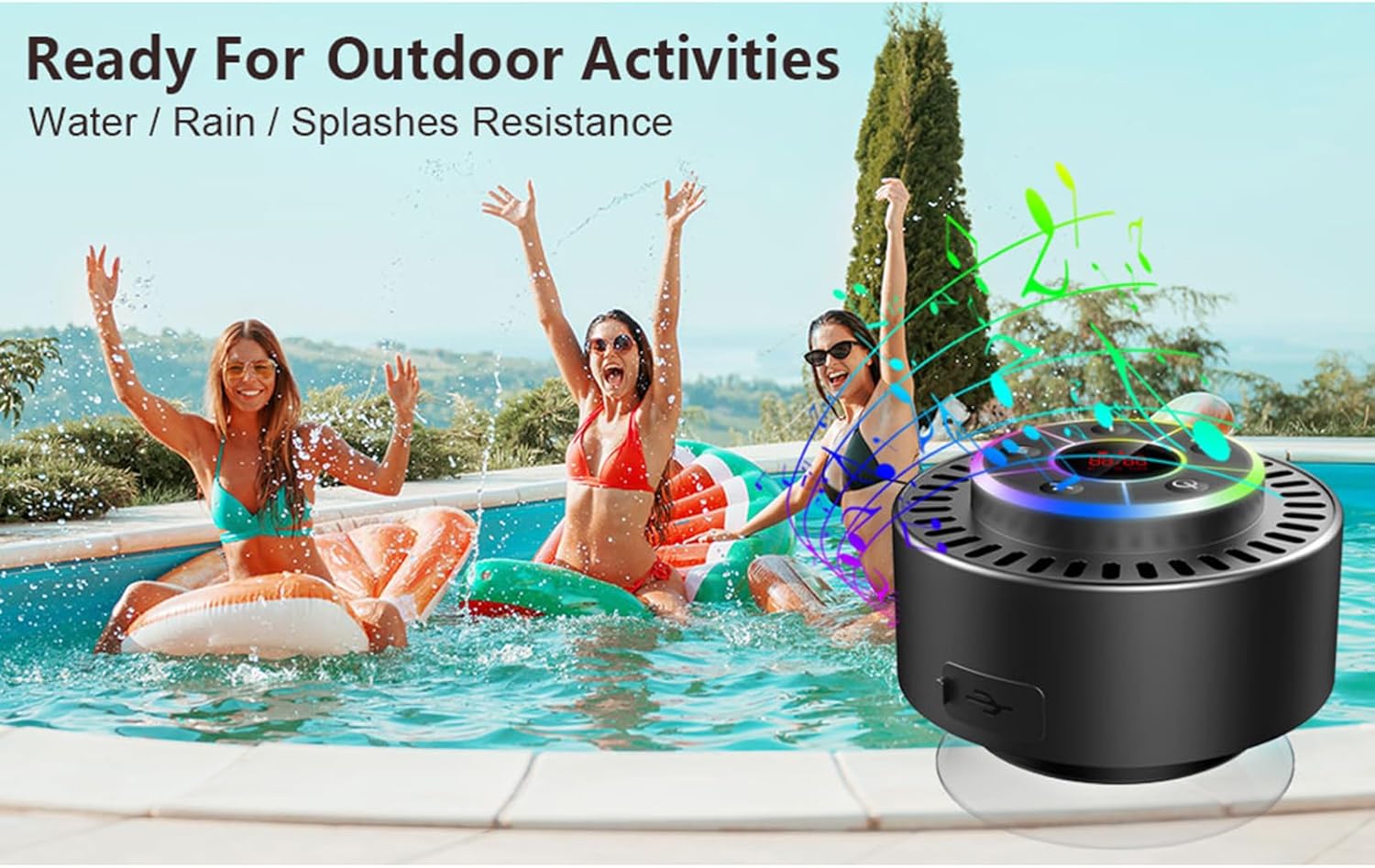
Image: The speaker, USB-C charging cable, and user manual as included in the package.
3. セットアップ
3.1 スピーカーの充電
Before initial use, fully charge the speaker. Connect the provided USB-C charging cable to the speaker's charging port and the other end to a USB power adapter (not included) or a computer's USB port. The LED display will indicate charging status.
3.2 吸盤の取り付け
To attach the suction cup, ensure both the speaker's back surface and the desired mounting surface are clean and dry. Press the suction cup firmly against the surface until it adheres securely. For best results, slightly moisten the suction cup before application.
3.3 電源のオン/オフ
- 電源を入れるには: を押し続けます 電源ボタン (
 ) for approximately 3 seconds until the LED display illuminates.
 - 電源を切るには: を押し続けます 電源ボタン for approximately 3 seconds until the LED display turns off.
4. 操作手順
4.1 ボタンの機能
画像: 詳細 view スピーカーのコントロールパネルの各ボタンの機能を示します。
| ボタン | 機能(短押し) | 機能(長押し) |
|---|---|---|
| 電源ボタン () | Toggle LED light show modes | 電源オン/オフ |
| Mボタン | Switch between Bluetooth and FM Radio modes | 該当なし |
| 再生/一時停止ボタン () | Play/Pause music; Answer/End calls; Auto-scan in FM mode | 着信を拒否する |
| Previous Song / Volume Down (-) | Previous song (Bluetooth); Previous station (FM) | 音量を下げる |
| Next Song / Volume Up (+) | Next song (Bluetooth); Next station (FM) | 音量を上げる |
4.2Bluetoothペアリング
When powered on, the speaker automatically enters Bluetooth pairing mode. The LED display will show 'BT'.
- デバイス(スマートフォン、タブレット、ラップトップ)で Bluetooth が有効になっていることを確認します。
- 検索する available Bluetooth devices and select "Docooler Speaker" from the list.
- Once connected, the speaker will emit an audible confirmation, and the 'BT' indicator on the LED display will stabilize.

Image: The speaker demonstrating connectivity with a phone, tablet, and computer via Bluetooth.
4.3 トゥルーワイヤレスステレオ(TWS)ペアリング
To achieve 3D stereo sound, two Docooler speakers can be paired together.
- 両方のスピーカーの電源がオンになっており、他の Bluetooth デバイスに接続されていないことを確認します。
- 片方のスピーカー(プライマリスピーカー)で、 再生/一時停止ボタン ペアリング音が聞こえるまで 2 ~ 3 秒間押し続けます。
- 2 つのスピーカーは自動的に相互に接続されます。
- Once paired, connect your device to the primary speaker via Bluetooth as described in section 4.2. Audio will now play through both speakers in stereo.

Image: Two Docooler speakers wirelessly connected to a computer, illustrating the True Wireless Stereo (TWS) feature.
4.4 FMラジオモード
To switch to FM Radio mode:
- を押す Mボタン to cycle through modes until 'FM' appears on the LED display.
- 自動スキャン: FMモードでは、 再生/一時停止ボタン to automatically scan and save available radio stations.
- チェンジステーション: 使用 Previous Song / Volume Down (-) そして Next Song / Volume Up (+) 保存されたステーション間を移動するためのボタン。
- 音量を調整: 長押し Previous Song / Volume Down (-) or Next Song / Volume Up (+) 音量を調整するためのボタン。
4.5 LEDライトショー
The speaker features a beat-driven LED light show with seven colors.
- ライトモードを変更する: を短く押す 電源ボタン to cycle through different light show patterns or to lock a single color.
- ライトを消す: 押し続けます 電源ボタン ライトが消えるまで。
4.6ハンズフリー通話
Bluetooth 経由で接続すると、内蔵マイクによりハンズフリー通話が可能になります。
- 通話に応答: を短く押す 再生/一時停止ボタン.
- 通話終了: を短く押す 再生/一時停止ボタン 通話中。
- 通話を拒否: 長押し 再生/一時停止ボタン.
4.7 LEDディスプレイ情報
The LED display shows the current time and battery level in Bluetooth mode. In FM radio mode, it displays the frequency.
5. メンテナンス
5.1 防水性能(IPX7)
The speaker is IPX7 waterproof, meaning it can be submerged in up to 1 meter (3 feet) of water for up to 30 minutes. Ensure the charging port cover is securely closed before exposing the speaker to water. After exposure to water, wipe the speaker dry with a soft cloth.
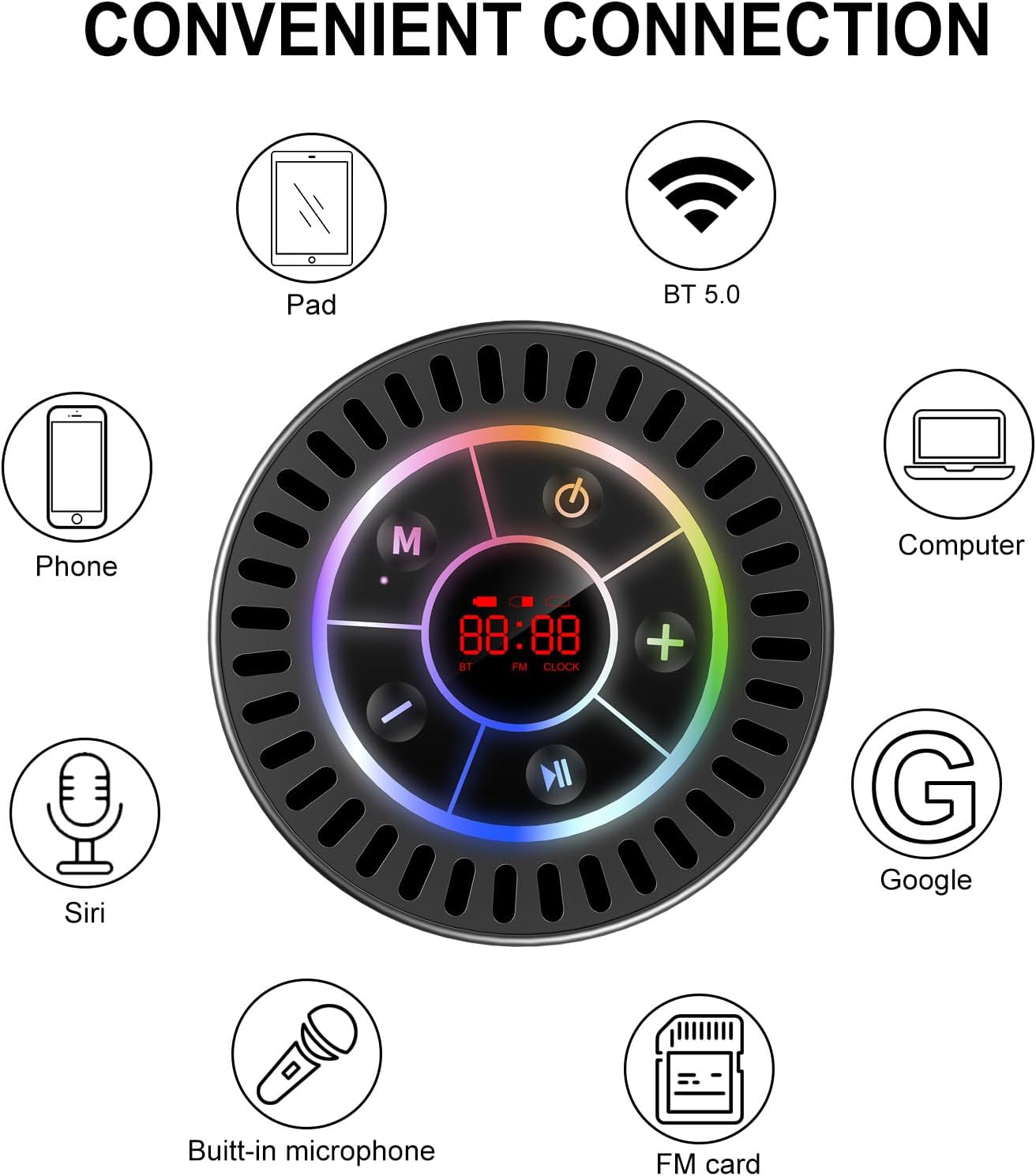
Image: The Docooler speaker attached to a shower wall, demonstrating its waterproof capability.
5.2 クリーニング
スピーカーを柔らかくて乾いた布で拭いてください。amp 布で拭いてください。研磨剤入りの洗剤、アルコール、化学溶剤は使用しないでください。表面や内部部品を損傷する恐れがあります。
5.3 ストレージ
スピーカーは直射日光や極端な温度を避け、涼しく乾燥した場所に保管してください。長期間保管する場合は、バッテリーの寿命を維持するために定期的に充電してください。
6。 トラブルシューティング
- スピーカーの電源が入らない: バッテリーが充電されていることを確認してください。USB-Cケーブルを使用してスピーカーを電源に接続し、もう一度お試しください。
- Bluetooth経由でペアリングできません:
- Ensure the speaker is in Bluetooth pairing mode ('BT' flashing on display).
- デバイスで Bluetooth が有効になっており、スピーカーから 15 メートル以内にあることを確認してください。
- 以前にペアリングしたことがある場合は、携帯電話でデバイスを削除して再度ペアリングしてみてください。
- スピーカーと Bluetooth デバイスの両方を再起動します。
- FMラジオの受信状態が悪い: FM radio reception can be affected by location and environmental factors. Try repositioning the speaker or using it in an open area. The charging cable can sometimes act as an antenna to enhance signal.
- 音が出ない、または音量が低い:
- スピーカーと接続されたデバイスの両方の音量レベルを確認してください。
- Ensure the speaker is properly paired and not connected to another device.
- TWS を使用する場合は、両方のスピーカーが互いに正しくペアリングされ、デバイスにも正しくペアリングされていることを確認してください。
- Speaker starts at full volume: Some units may default to a high volume upon power-on. Immediately adjust the volume using the '-' button to a comfortable level after turning the speaker on.
- Suction cup does not hold: Ensure the mounting surface is clean, smooth, and dry. Slightly moisten the suction cup before pressing it firmly onto the surface. Avoid porous or textured surfaces.
7. 仕様

画像: 爆発した view showing the internal components of the Docooler speaker, highlighting its sound technology.
| 特徴 | 詳細 |
|---|---|
| ブランド | ドクーラー |
| モデル番号 | SMT4782513347516YX |
| 接続技術 | ブルートゥース5.0 |
| Bluetooth範囲 | 最大15メートル |
| 耐水性レベル | IPX7(防水) |
| スピーカー最大出力 | 5ワット |
| 周波数応答 | 100Hz |
| オーディオ出力モード | ステレオ、サラウンド(TWS付き) |
| 信号対ノイズ比 | 95デシベル |
| マイクの数 | 1(内蔵) |
| 電源 | 電池駆動 |
| 制御方法 | ボタン |
| アイテム重量 | 300グラム |
| 対応デバイス | ノートパソコン、MP3プレーヤー、スマートフォン、タブレット、テレビ |
8. 保証とサポート
8.1 保証情報
This Docooler speaker comes with a limited warranty. For specific terms and conditions, please refer to the warranty card included in your package or contact Docooler customer support.
8.2 カスタマーサポート
For further assistance, technical support, or warranty claims, please visit the official Docooler web販売店のウェブサイトをご覧いただくか、カスタマーサービス部門にお問い合わせください。連絡先は通常、製品のパッケージまたはブランドのオンラインストアに記載されています。